
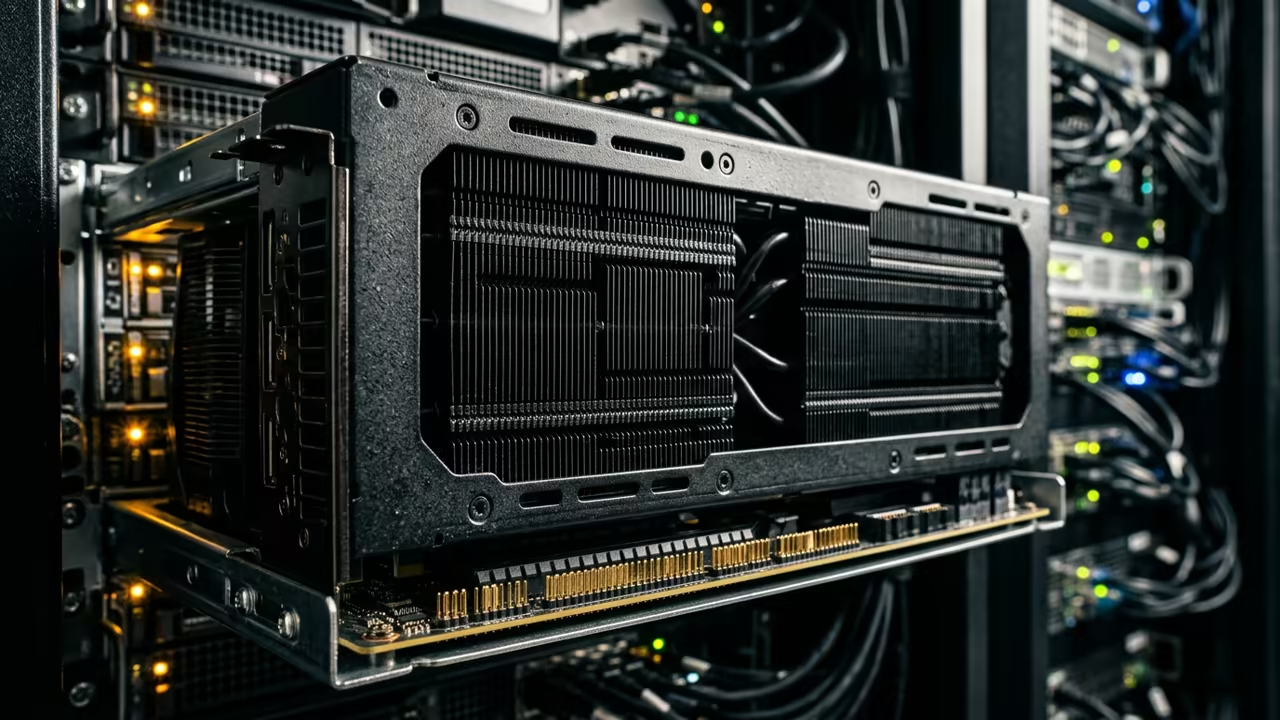
Bypassing Consumer Hardware Bottlenecks
Most tech enthusiasts chase the latest consumer releases without a second thought. They overlook the raw power of enterprise grade silicon from a few years ago.
The AMD Instinct Mi60 is a beast that challenges modern flagship GPUs today. This hardware provides a massive advantage for AI tasks.
Disclaimer: I may earn a commission from purchases made through these links at no extra cost to you.


The VRAM Struggle
The industry pushes a cycle of constant upgrades to keep users spending money. Many people buy an RTX 5090 but struggle with the small VRAM limits.
This creates a massive bottleneck when loading large scale AI models. Memory capacity is the real limit for professional work.
Experience The Power Of 32GB
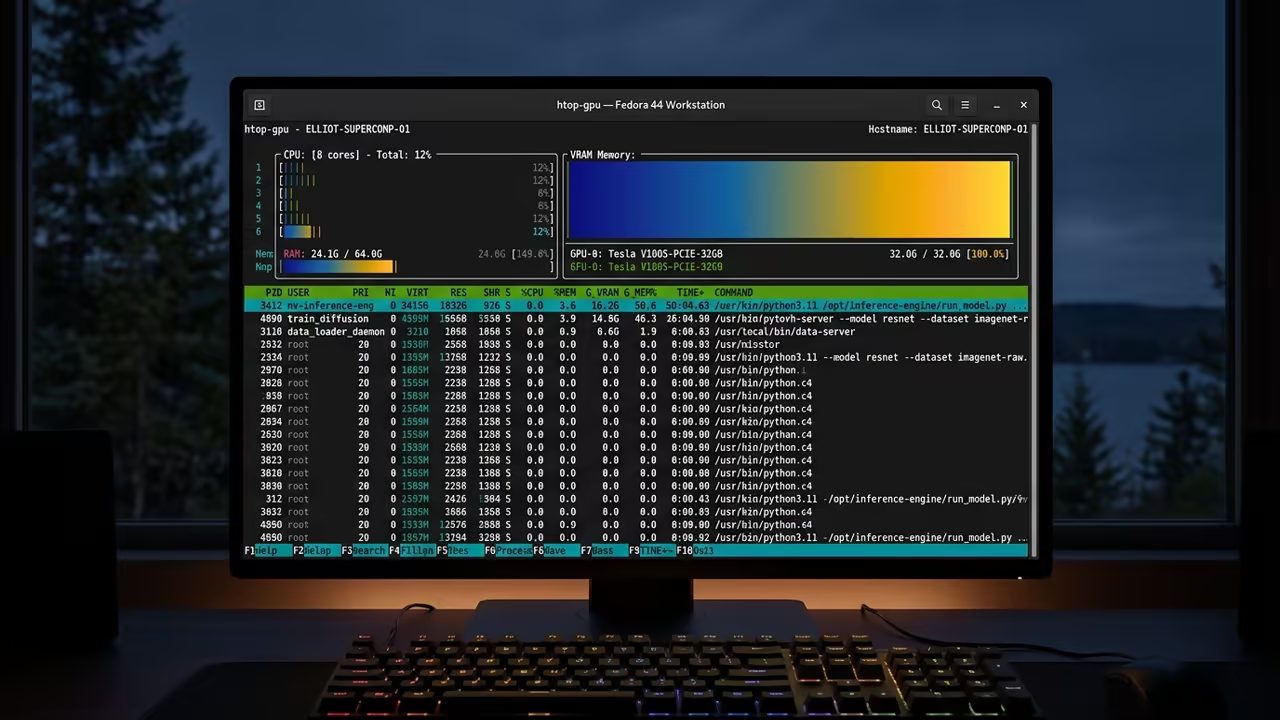
Running a huge model on 32GB of VRAM feels like a superpower. The system loads massive tensors without the dreaded out of memory error.
It is a liberating feeling to bypass the strict limits of consumer cards. You can now run models that were previously impossible.
Professional Results On A Budget
You can achieve professional results without spending a fortune on new hardware. The Mi60 provides the memory bandwidth needed for high throughput AI tasks.
It turns a standard workstation into a powerful inference server overnight. This approach maximizes value without sacrificing performance.
Enterprise vs Consumer Memory
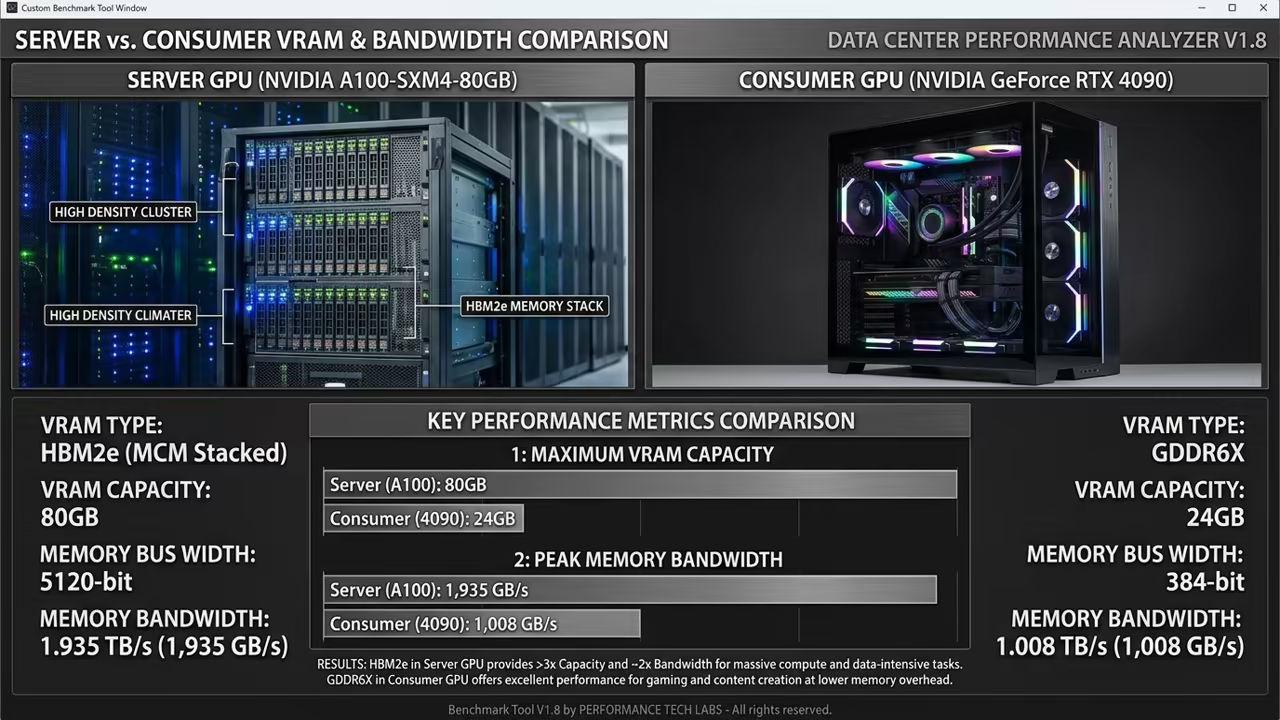
The difference between consumer and enterprise cards comes down to the memory. Consumer cards use GDDR memory which is fast but limited in total capacity.
Enterprise cards use HBM2 memory to move data at incredible speeds. This allows for much larger batches in AI inference.
| Parameter | Description | Value |
|---|---|---|
| VRAM | Memory Capacity | 32GB HBM2 |
| Bandwidth | Data Transfer Speed | 1 TB/s |
| Compute | Floating Point Performance | 31.8 TFLOPS |
| Cost | Market Value | Very Low |
| Parameter | Description | Value |
Optimizing Model Performance
Modern GPUs have more raw compute power for small and medium models. They excel at fast bursts of calculation for gaming and simple rendering.
The Mi60 wins when the model size exceeds the consumer VRAM limit. This makes it superior for large scale deployment.
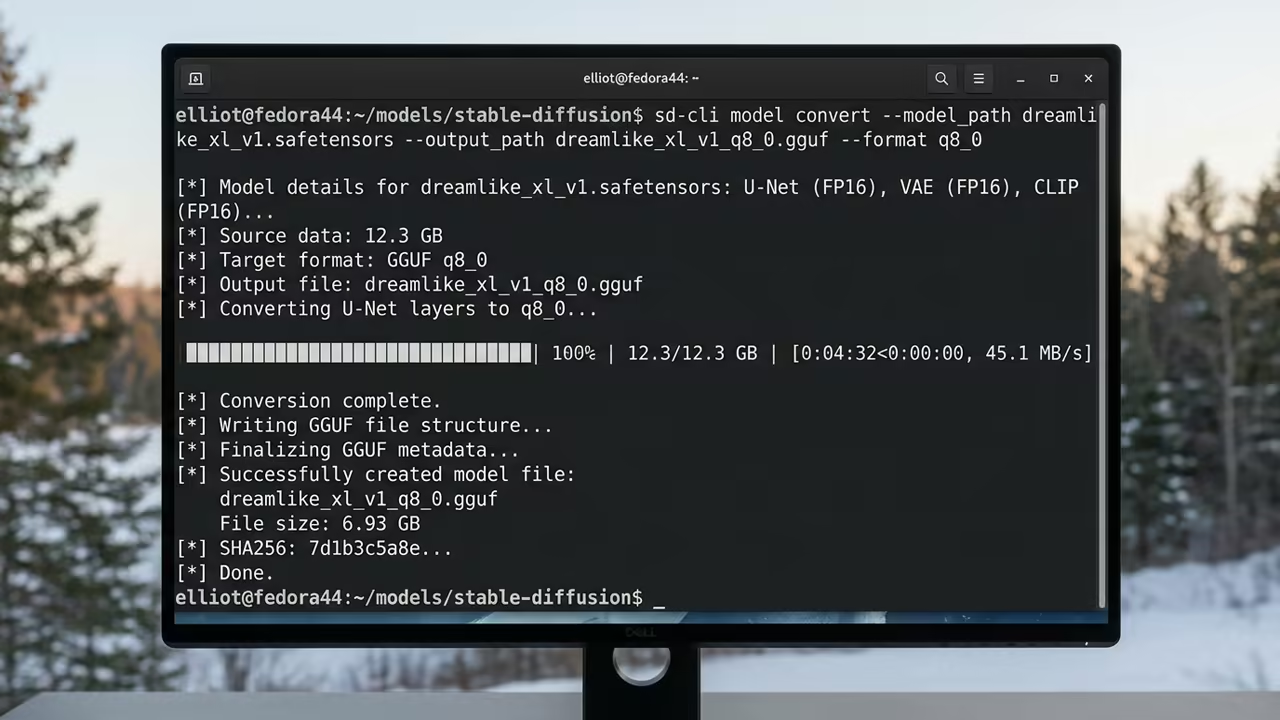
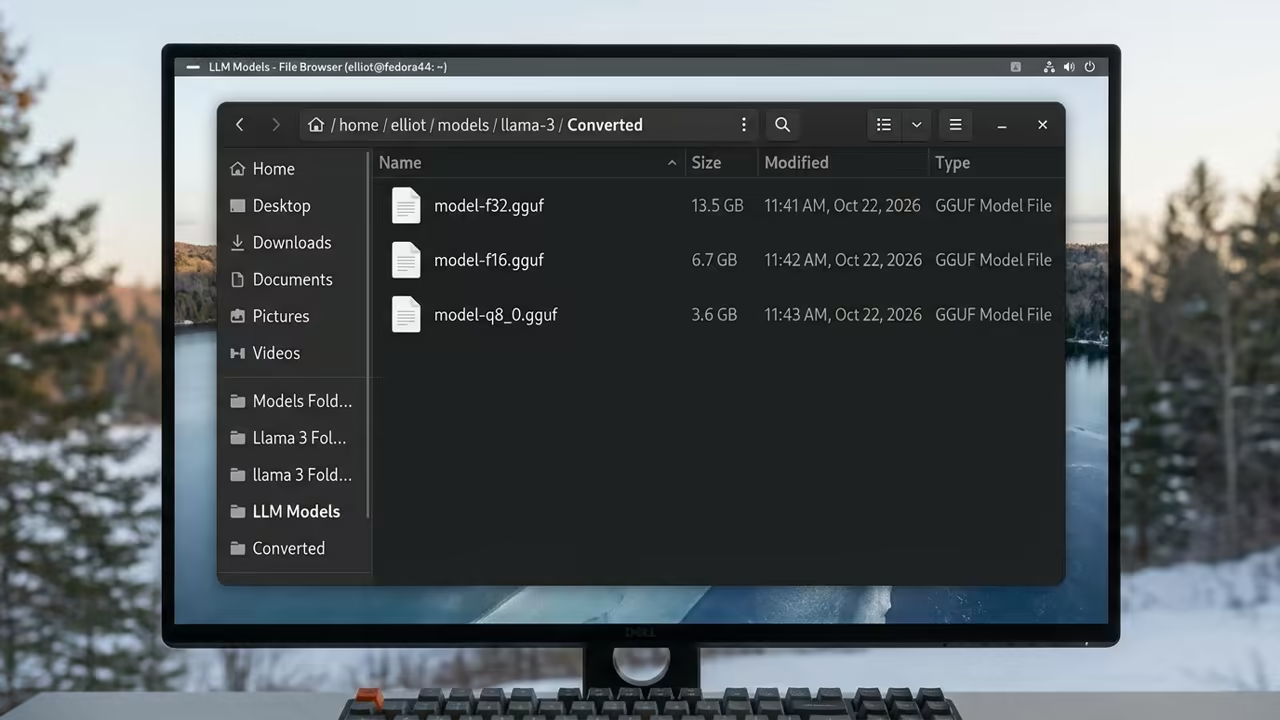
To optimize the LIM Iris 3B model you must use the sd cli tool. First you should convert the model to full precision FP32 for quality.
./bin/sd-cli -M convert -m model.safetensors -o model-f32.gguf --type f32
Next you can reduce the size to F16 for better inference speeds. This maintains high accuracy while cutting the memory footprint in half.
./bin/sd-cli -M convert -m model.safetensors -o model-f16.gguf --type f16
Finally you can quantize to Q8 for the best balance of speed. This is the ideal format for older enterprise cards like the Mi60.
./bin/sd-cli -M convert -m model.safetensors -o model-q8_0.gguf --type q8_0
Insider Configuration Secret
A key insider detail involves the ROCm environment variable for these cards. Set the HSA override to GFX 900 to ensure full driver compatibility.
This simple tweak unlocks the full potential of the card on Linux. It resolves common stability issues during heavy inference.
Scaling Your AI Workflow
The setup allows you to run models that would crash a consumer GPU. You can experiment with higher resolutions and larger batch sizes easily.
This hardware path is the secret to professional AI work on a budget. It provides stability and scale for every project.
Learning and Support
Reach out for personalized technical help with your specific GPU setup. Explore our online tutorials to master these advanced hardware configurations.
Online Tutorials and Technical Help: https://ojambo.com/contact
🚀 Recommended Resources
Disclosure: Some of the links above are referral links. I may earn a commission if you make a purchase at no extra cost to you.
Leave a Reply