
The Bloat Problem in Modern Computing
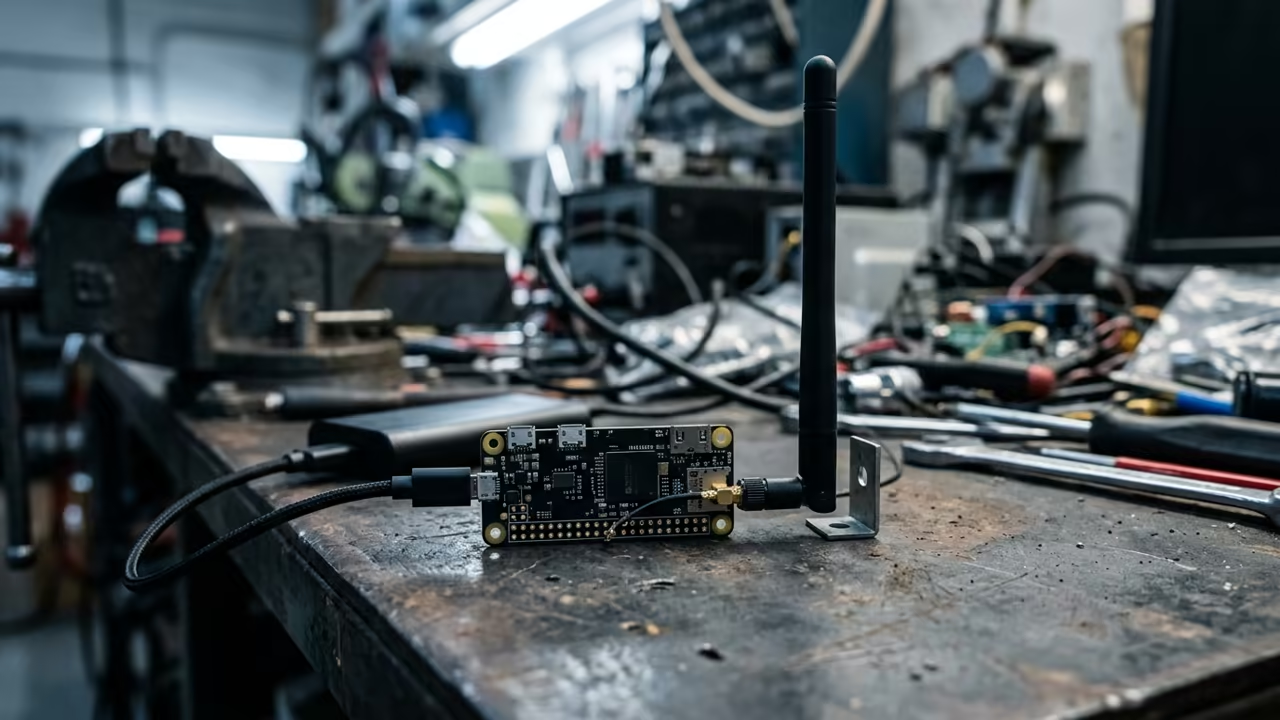
The modern web has become a bloated monster that eats RAM for breakfast. Most tech enthusiasts accept that the Raspberry Pi Zero W is too weak for browsing.
The dreaded out of memory killer usually terminates Chromium in seconds. This frustration keeps the Zero W relegated to simple sensor tasks or basic SSH scripts.
This cycle of hardware limitation creates a massive gap for those wanting lightweight portals. You need a solution that bypasses the heavy requirements of modern browser engines.
Disclaimer: I may earn a commission from purchases made through these links at no extra cost to you.


The Secret of Headless Browsing
Implementing this setup feels like discovering a secret cheat code for hardware. The first time a page loads instantly on a Zero W it feels magical.
You no longer wait minutes for a single tab to respond to a click. The interface is snappy and the response is immediate.
It is a lean experience that rewards technical precision over raw hardware power. This shift in perspective turns a cheap board into a powerful tool.
Installing the Core Stack
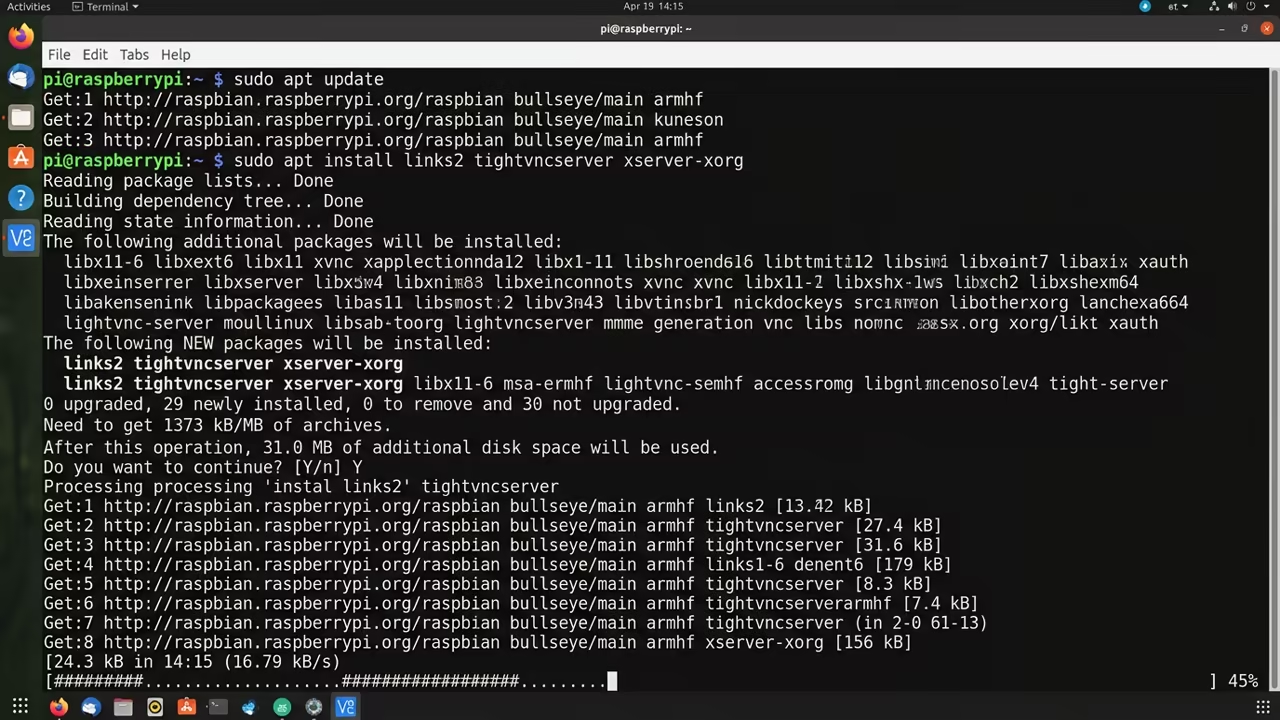
To start this process you must first install the core requirements via the terminal. Use a sequence of commands to update the system and fetch the necessary tools.
This avoids the heavy PIXEL desktop environment and saves critical memory space. You only need the bare essentials to project the browser window.
Run the following commands to install the browser and the server software.
sudo apt update
sudo apt install links2 tightvncserver xserver-xorg -y
Optimization and Memory Management
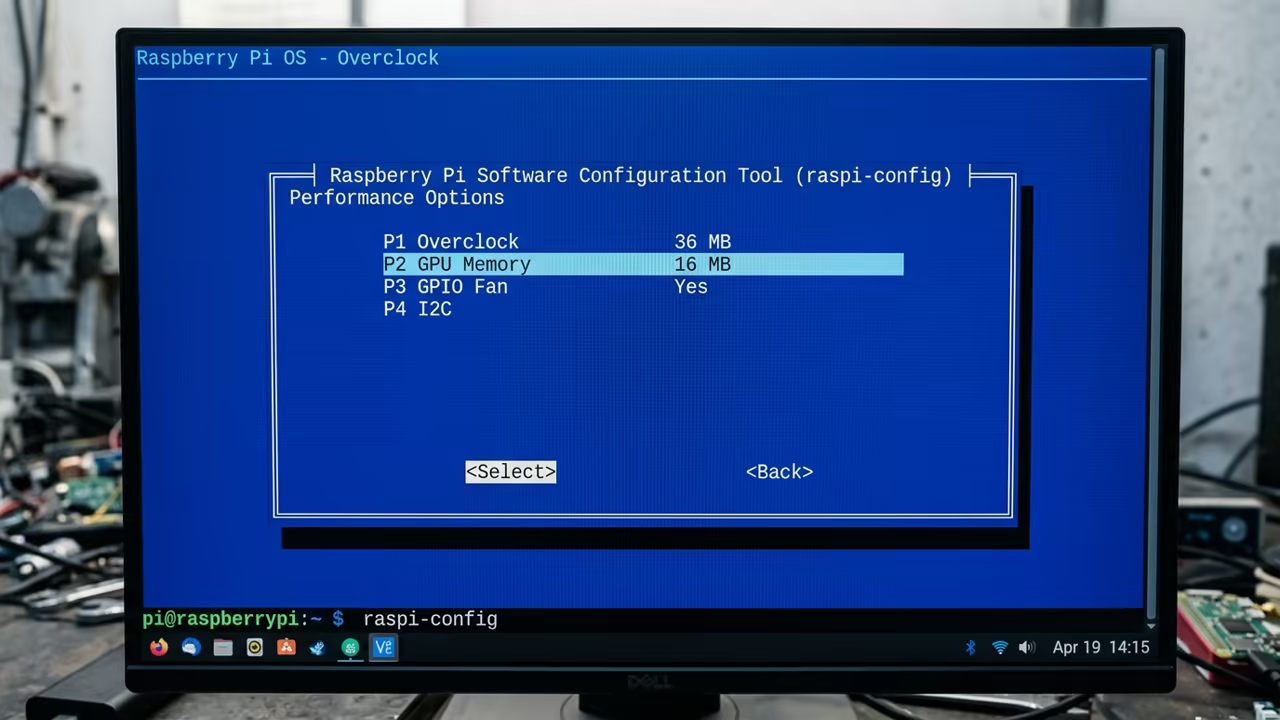
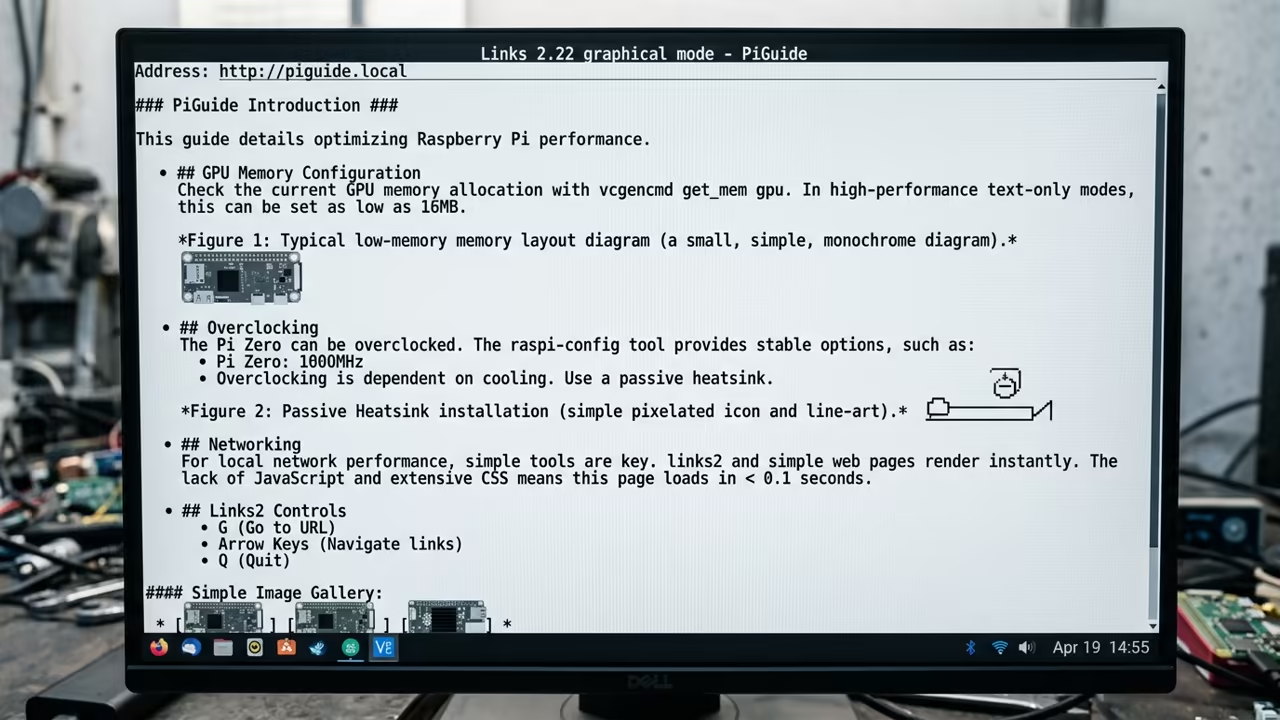
The real secret lies in the VNC configuration and memory allocation. Set your GPU memory to exactly sixteen megabytes in the raspi-config tool.
This ensures the CPU has maximum available RAM for the browsing process. It removes the waste associated with unused graphical hardware acceleration.
Then increase your swap file to one gigabyte to handle occasional page spikes. This prevents the system from freezing when loading complex CSS elements in Links2.
It provides a critical safety net for the limited onboard memory. Without a proper swap file the system will crash during heavy page loads.
Run the VNC server with a low resolution like eight hundred by six hundred. This reduces the frame buffer size and speeds up the remote response time.
Low resolution is the key to maintaining a high frame rate. It ensures that the VNC stream remains fluid across your local network.
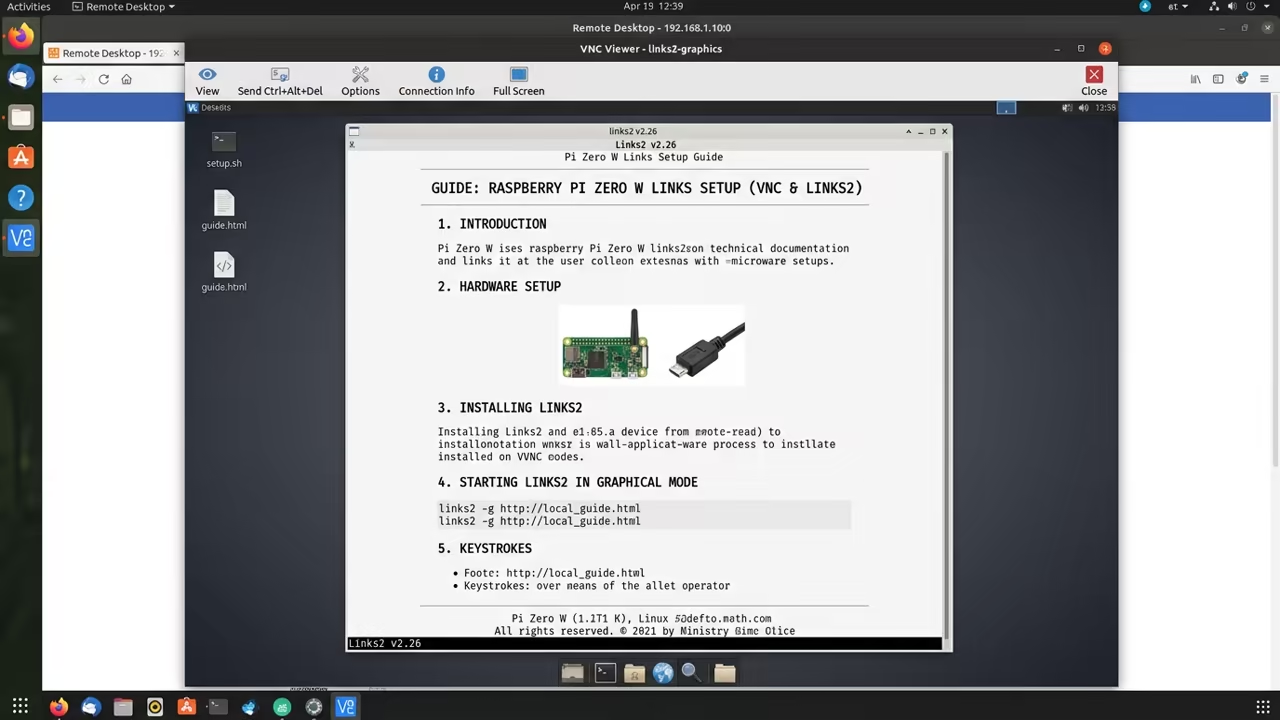
Launch the browser using the command links2 -g to enter graphical mode. The result is a focused browsing environment that runs entirely in the background.
You can now access the web from any device on your network. This setup eliminates the need for a dedicated monitor or keyboard.
Performance Benchmarks
| Parameter | Description | Value |
|---|---|---|
| Links2 | RAM Usage | Very Low |
| Links2 | Load Speed | Fast |
| Links2 | Stability | High |
| Midori | RAM Usage | Medium |
| Midori | Load Speed | Slow |
| Midori | Stability | Medium |
| Chromium | RAM Usage | Very High |
| Chromium | Load Speed | Very Slow |
| Chromium | Stability | Low |
| Parameter | Description | Value |
Stealth Monitoring and Industrial Use
This headless approach creates a stealthy monitoring station for your home network. You can run this browser on a Pi hidden behind a wall or under a desk.
It allows for a dedicated web portal that never interrupts your main workstation. This is ideal for tracking stock prices or system logs in real time.
The use of Links2 means you are not fighting against JavaScript bloat. Most modern pages are stripped down to their essential content for faster delivery.
This provides a focused reading experience without distracting ads or popups. It forces the web to behave according to your hardware limits.
You can further optimize the experience by disabling unused services on the Pi. Turn off Bluetooth and HDMI output to save a few more megabytes.
Integrating this setup allows you to create a powerful low power node. It connects perfectly to previous deep dives into headless server orchestration and architectural breakthroughs.
Learning and Support
Reach out for personalized technical help to optimize your hardware. Dive deeper into our online tutorials to master the professional stack.
Online Tutorials and Technical Help: https://ojambo.com/contact
🚀 Recommended Resources
Disclosure: Some of the links above are referral links. I may earn a commission if you make a purchase at no extra cost to you.
Leave a Reply