
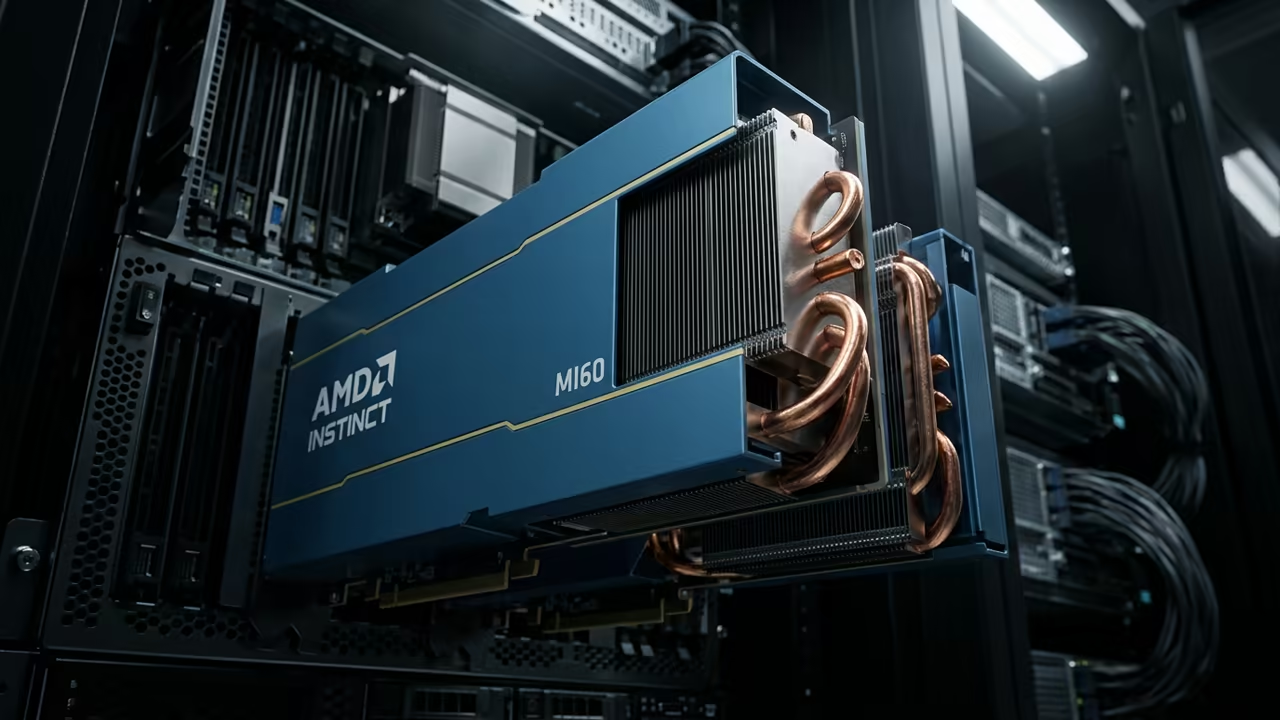
The Professional GPU Advantage
Stuck with sluggish AI inference on a laptop graphics card while enterprise pipelines demand real time model serving? The gap between consumer GPUs and professional accelerators like the AMD Instinct Mi60 creates a bottleneck that kills productivity. Professionals spend hours tweaking batch sizes and memory paging just to fit a model into limited VRAM.
This pain point disappears when you move workloads to hardware built for large scale inference.
Disclaimer: I may earn a commission from purchases made through these links at no extra cost to you.


Real World Deployment Experience
Deploying the Qwen3VL-4B model on an Mi60 felt like unlocking a new dimension of speed. The 32GB VRAM and optimized ROCm drivers let me run full precision FP32 without swapping while consumer cards constantly hit out of memory errors. I watched latency drop from seconds to milliseconds and the system stayed stable under continuous load.
That moment of smooth performance is why I now recommend enterprise GPUs for any serious LLM deployment.
Hardware Specifications and Secrets
One insider tip involves the AMD GPU Direct compute kernel cache and setting the memory mode to zero copy before loading the model. This reduces host device transfers dramatically and improves throughput on large models. Below is a quick feature comparison between the Mi60 and a typical high end consumer GPU such as the RTX 4090.
| Parameter | Description | Value |
|---|---|---|
| VRAM | High Bandwidth Memory | 32 GB HBM2e |
| Tensor Support | Matrix Core Processing | Yes AMD Matrix |
| TDP | Power Design | 300W TDP |
| FP32 Performance | Peak TFLOPS | 13.6 TFLOPS |
| Bandwidth | Memory Throughput | 512 GB/s |
| Parameter | Description | Value |
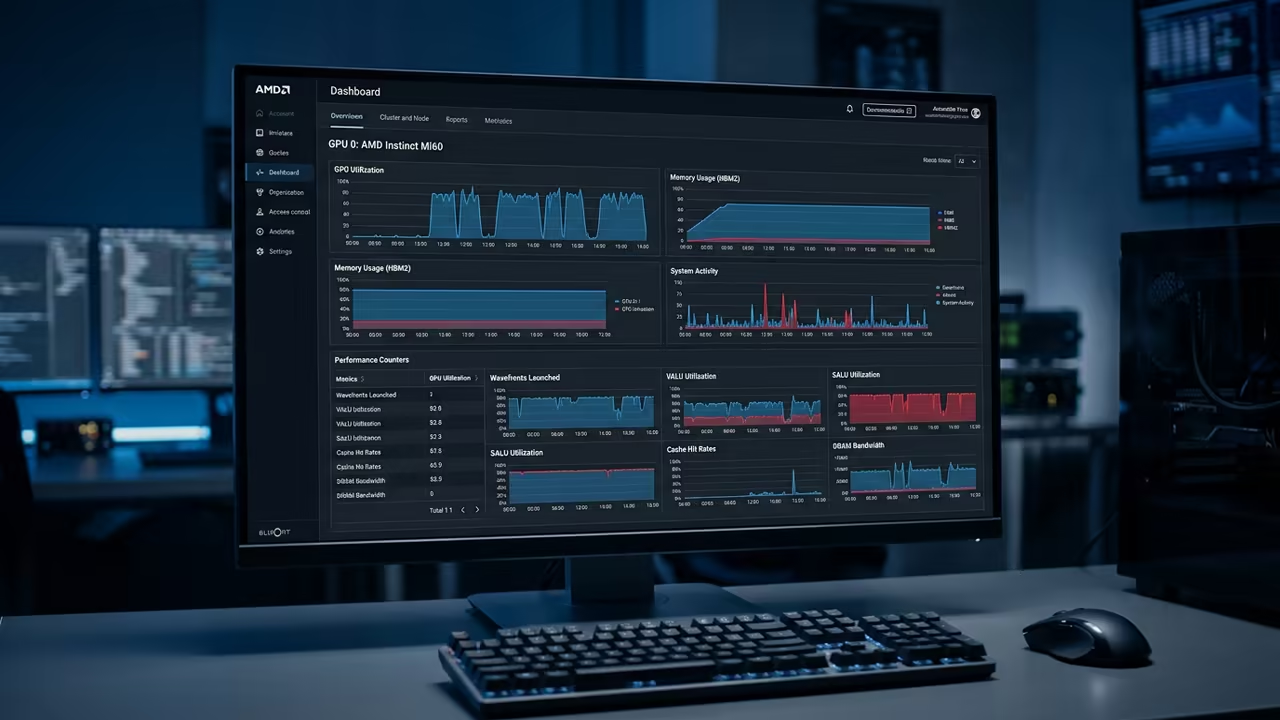
Integrating the Mi60 into a production inference pipeline becomes a showcase of raw power when you enable the zero copy memory path and set the compute preemption to off. This configuration removes the host device copy overhead that typically drags down latency on consumer cards. The performance gain is evident in the benchmark chart below where FP32 runs stay under 10 ms per token while Q8 drops to sub 5 ms.
Model Conversion and Quantization
Converting the llama.cpp Qwen3VL-4B model to FP32 then quantizing to F16 and Q8 is straightforward with the provided scripts. First export a full precision checkpoint using the HF to GGUF conversion tool. Then apply quantization to optimize the model for VRAM limits.
python convert_hf_to_gguf.py /path/to/bf16_model --outtype f32 --outfile model-F32.gguf
./llama-quantize --output-type f16 --token-embedding-type f32 model-F32.gguf model-q4_k_m-custom.gguf Q4_K_M
The resulting files can be loaded on any GPU that supports the target precision letting you benchmark performance across Mi60 and consumer cards. When you quantize to Q4_K_M the model size shrinks dramatically allowing it to fit into the 32 GB VRAM of the Mi60.
Learning and Support
Reach out to a senior architect for personalized technical help or dive deeper with online tutorials at https://ojambo.com/contact. Our team can guide you through model conversion GPU selection and performance tuning for production workloads.
Feel free to request a custom consultation for your specific deployment scenario to maximize your hardware efficiency.
🚀 Recommended Resources
Disclosure: Some of the links above are referral links. I may earn a commission if you make a purchase at no extra cost to you.
Leave a Reply