
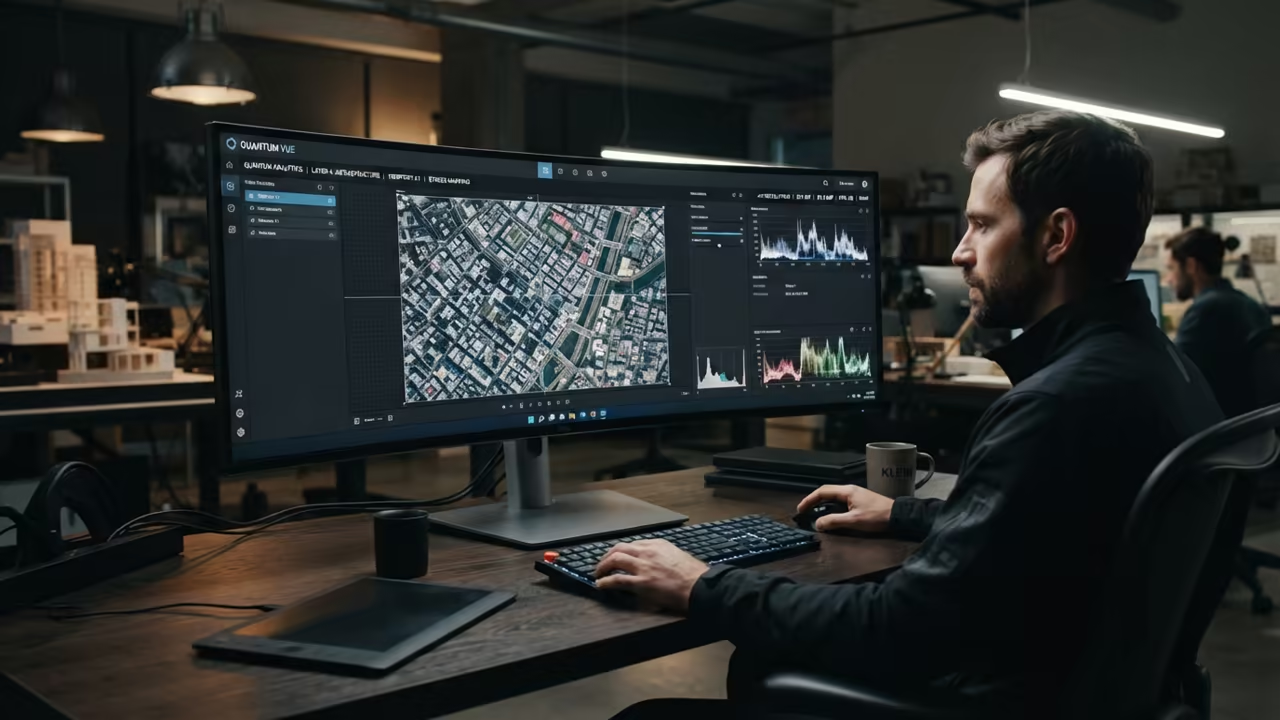
The End of Bloated Image Viewers
Modern image viewers are now bloated monsters that consume too much RAM. This resource drain kills productivity when managing thousands of high resolution screenshots.
Ristretto solves this by stripping away every single unnecessary feature. It transforms the simple act of viewing a photo into an instant event.
You no longer have to wait for a heavy splash screen to load. This is the ultimate tool for the focused technical professional.
Disclaimer: I may earn a commission from purchases made through these links at no extra cost to you.


Instantaneous Visual Response
The moment you launch Ristretto, the interface vanishes instantly. Your images take center stage without any distracting menus or sidebars.
It feels like the software finally keeps up with your mental pace. You can fly through hundreds of images without a single lag spike.
The response time is nearly zero on any modern Linux kernel. This creates a frictionless workflow for those analyzing complex visual data.
Engineering Speed for XFCE
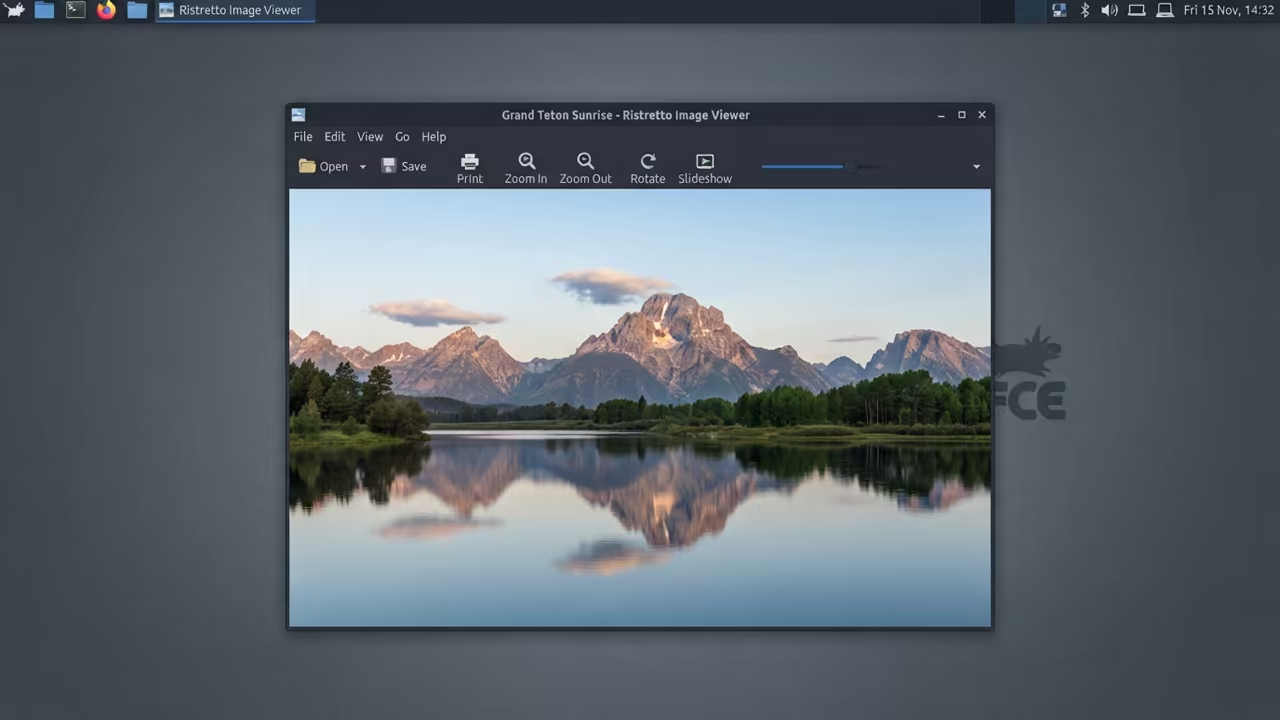
Ristretto is designed specifically for the XFCE environment to ensure peak efficiency. It leverages the GTK library to provide a seamless and fast experience.
This makes it the ideal choice for professionals who value speed. The application remains humble by focusing only on its primary core purpose.
It does not attempt to be a full photo editor or manager. This specialization is exactly why it outperforms more complex alternatives.
The Technical Performance Secret
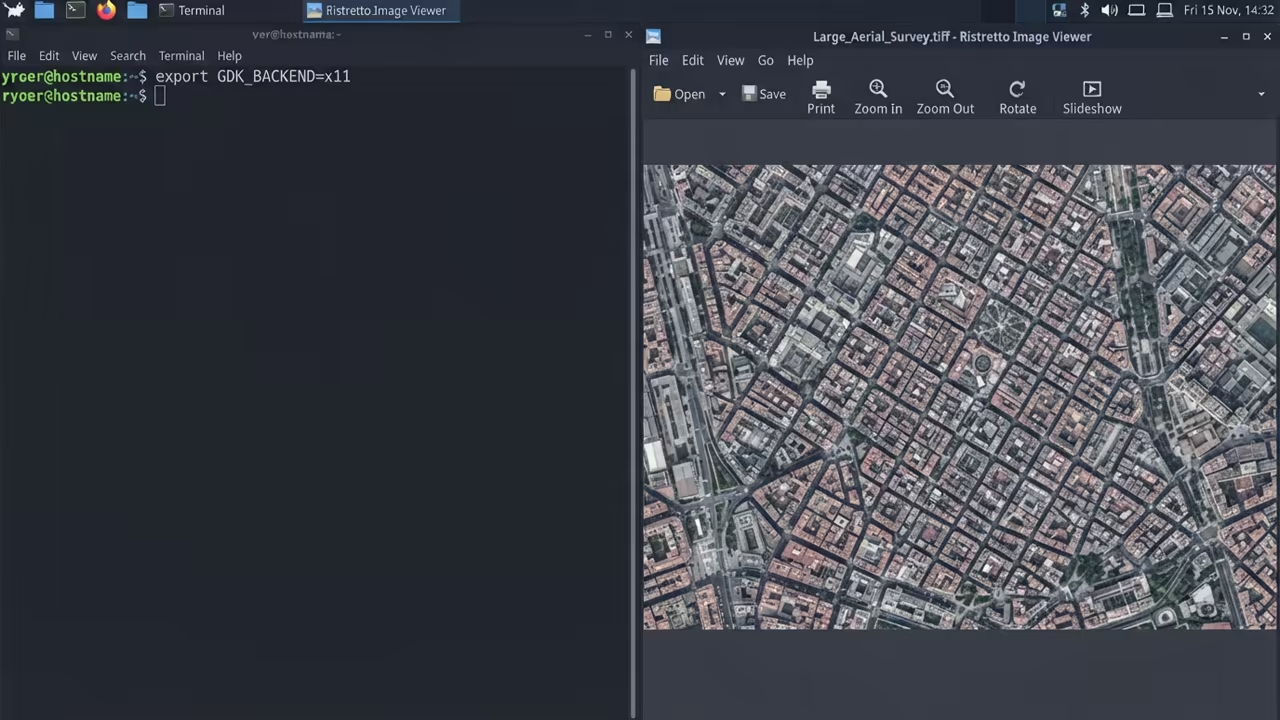
You can unlock hidden performance by forcing the X11 backend on your system. This prevents micro stuttering when loading massive TIFF files on hybrid GPU stacks.
Run the following command in your terminal to apply this change.
export GDK_BACKEND=x11
This small tweak ensures that your image transitions remain fluid and responsive. It is a critical optimization for those using older ROCm or Vulkan hardware.
The change reduces the communication overhead between the software and the display. You will notice an immediate difference in how large files snap into place.
This is a secret used by high end systems architects.
Comparing Visual Efficiency
| Parameter | Description | Value |
|---|---|---|
| Resource Usage | System memory consumption | Ultra Low |
| Boot Speed | Time to first image | Instant |
| Feature Set | Scope of available tools | Minimal |
| XFCE Native | Integration level | Yes |
| Parameter | Description | Value |
This lean approach connects perfectly with our previous deep dives into system minimalism. By reducing the overhead of every single app, you free up critical VRAM.
This is essential for those running heavy AI workloads in the background. The efficiency of Ristretto allows you to maintain a clean desktop state.
You can focus on your core project without worrying about memory leaks. This is how you build a truly professional workstation.
Achieving Total System Mastery
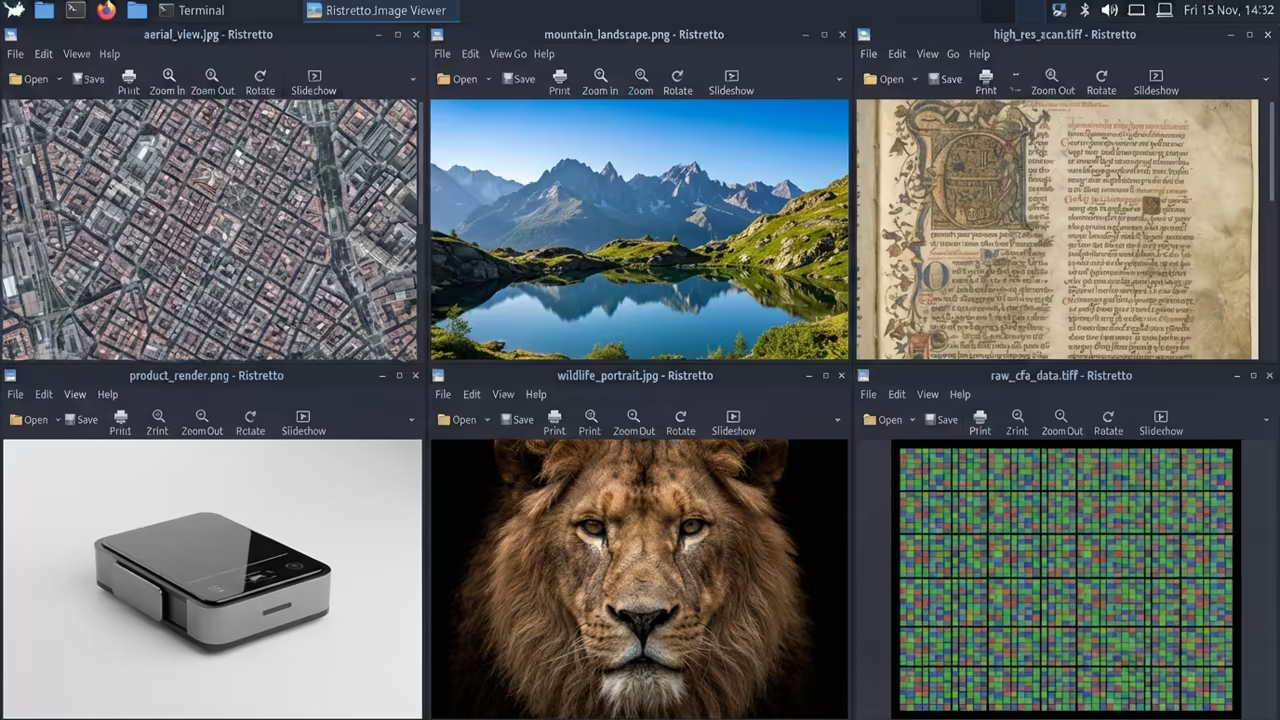
Optimizing your image pipeline is just one step toward total system mastery. Every millisecond saved during a workflow adds up to hours of recovered time.
Stop letting mediocre software slow down your creative momentum.
Reach out for personalized technical help to optimize your entire Linux workstation. Dive deeper into our professional tutorials to master the art of system efficiency.
Online Tutorials & Technical Help: https://ojambo.com/contact
🚀 Recommended Resources
Disclosure: Some of the links above are referral links. I may earn a commission if you make a purchase at no extra cost to you.
Leave a Reply