
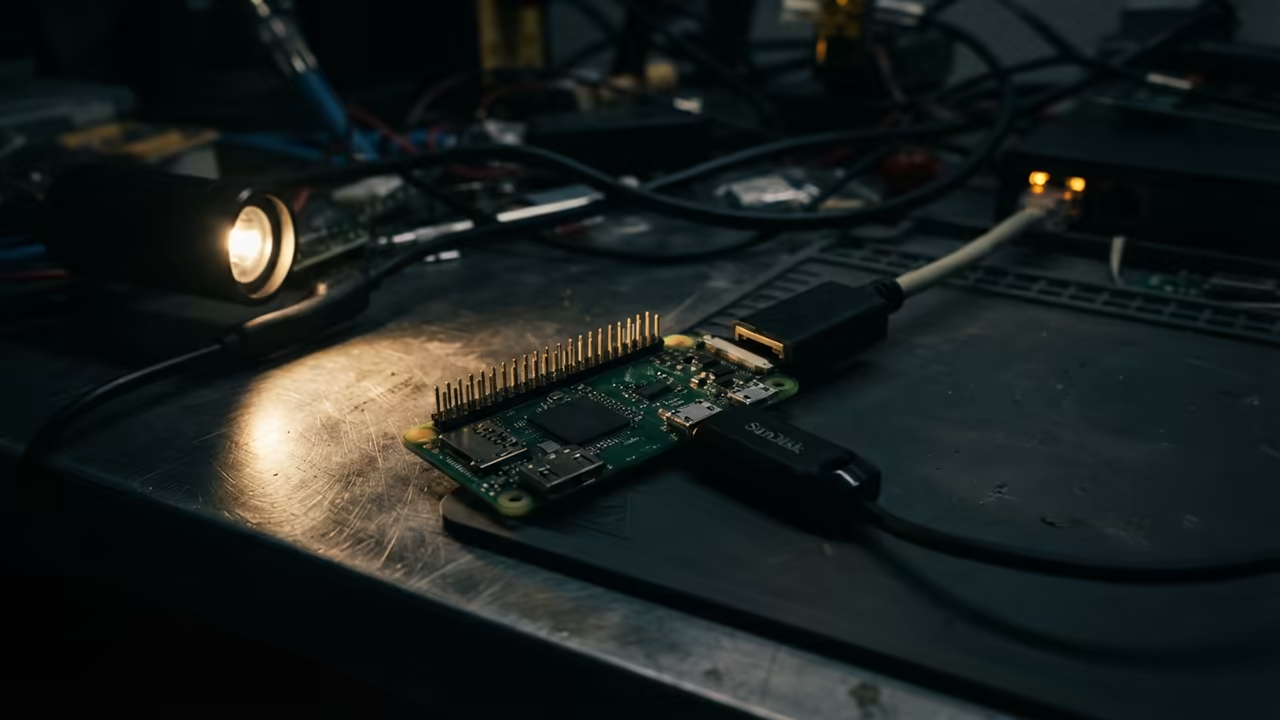
Stealth Seedbox Secret For Tiny Hardware with qBittorrent
Most people waste energy running heavy PCs for simple downloads. They leave high power machines awake just to seed a few files. This approach kills electricity bills and creates unnecessary noise in the home.
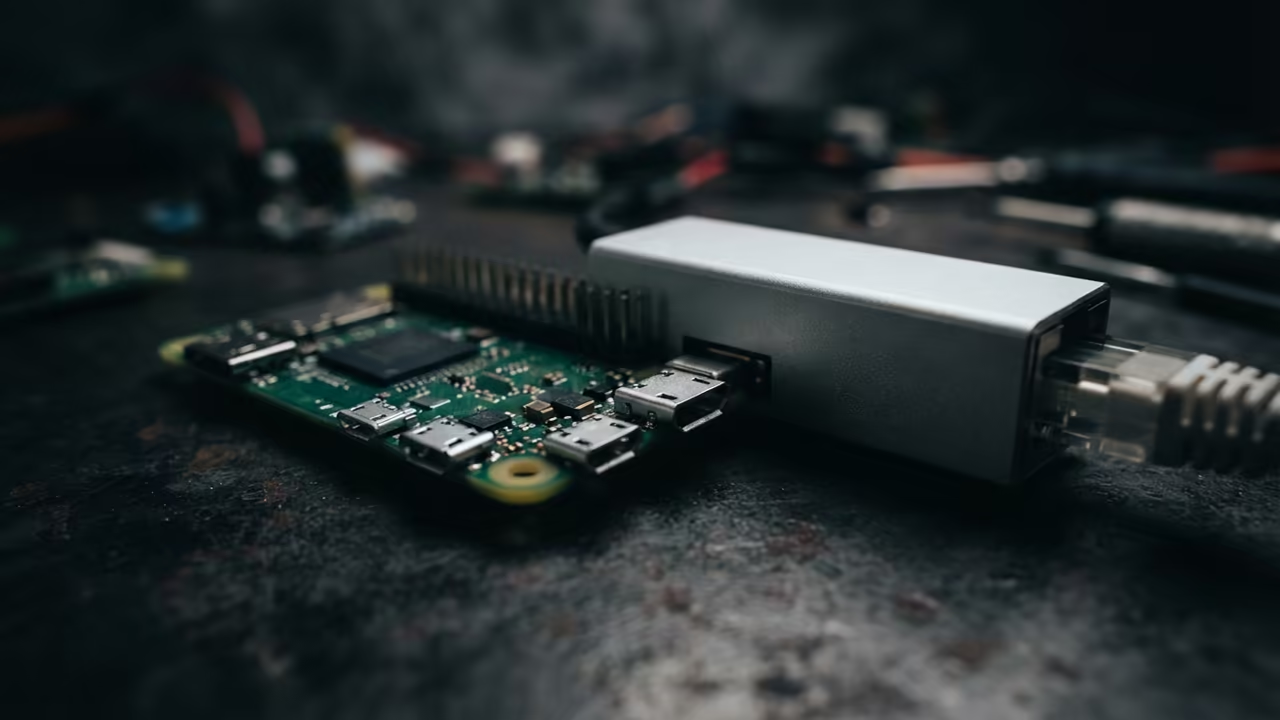
The Raspberry Pi Zero W is the ultimate stealth weapon for this task. By installing qBittorrent in headless mode you create a professional seedbox. It consumes almost zero power while handling constant data streams.
There is a unique satisfaction in seeing a tiny board handle gigabytes of data. You realize your main workstation is finally free from background download tasks. The system runs silent and invisible in a corner of the room.
Disclaimer: I may earn a commission from purchases made through these links at no extra cost to you.


Deployment of the Headless Client
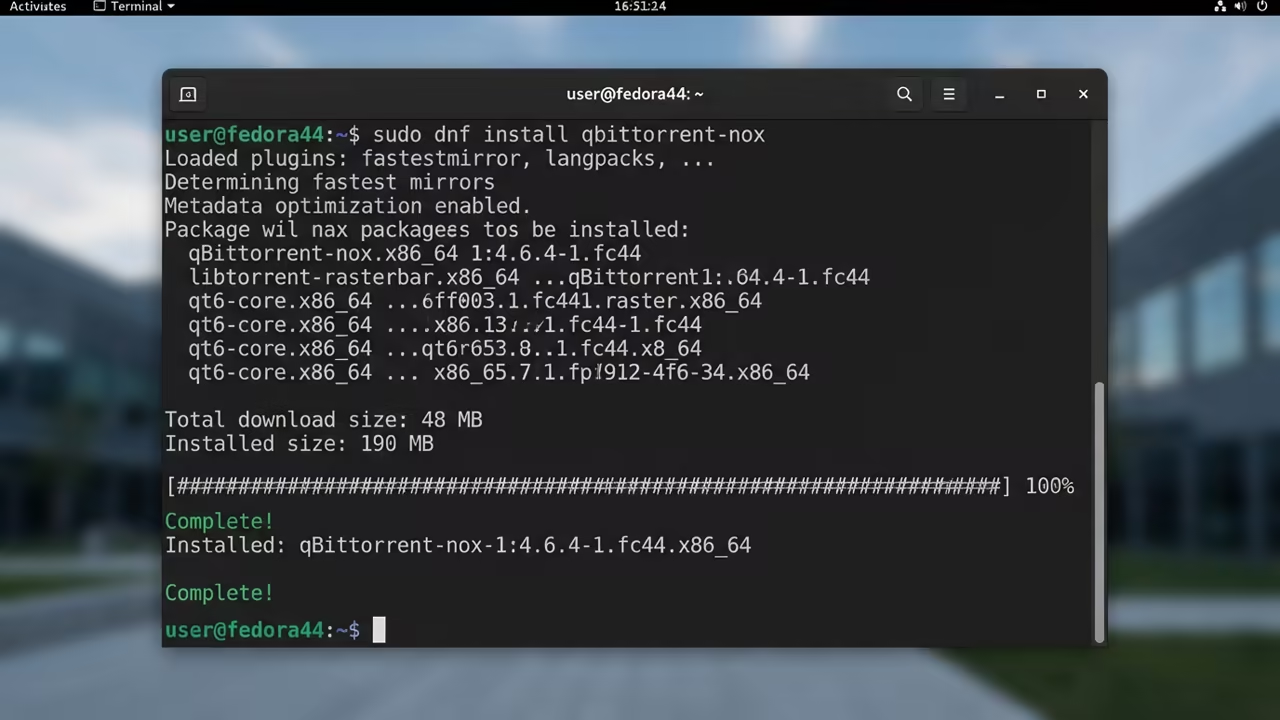
Start by updating your package list using the standard apt update command. Install the nox version of qBittorrent to avoid the heavy desktop environment. This version provides a lightweight Web UI accessible from any browser on your network.
sudo apt update
sudo apt install qbittorrent-nox -y
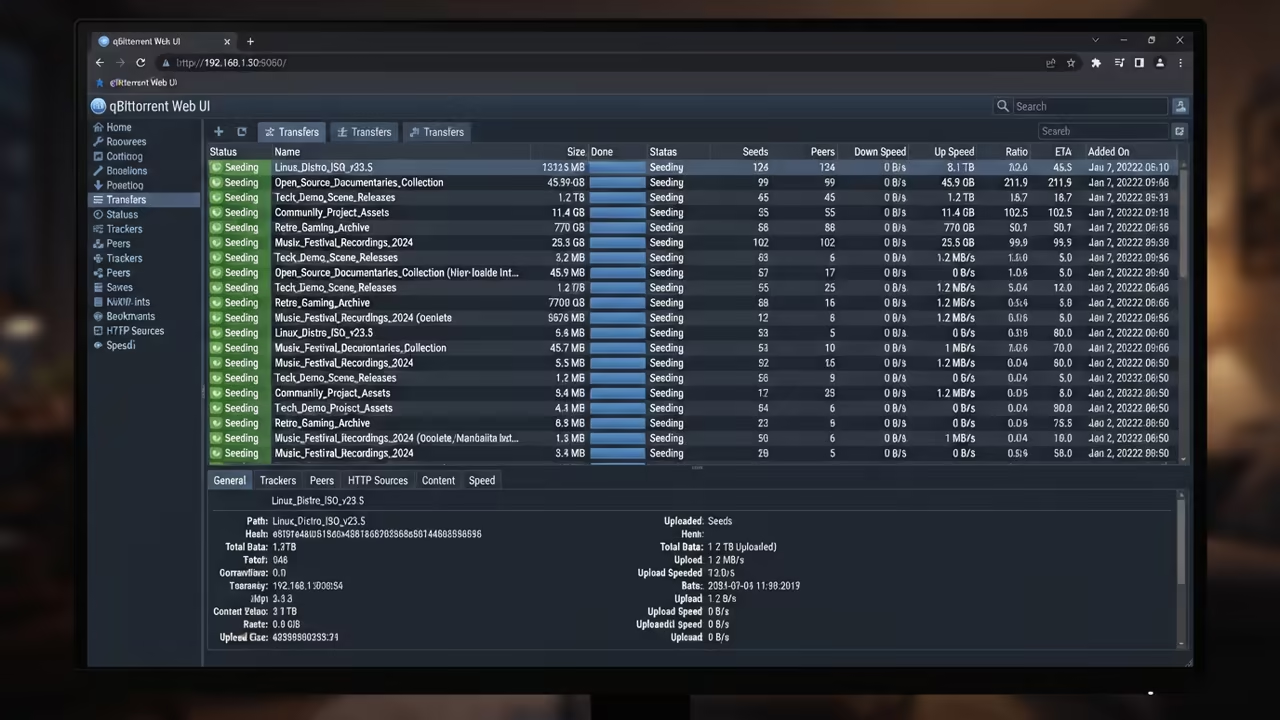
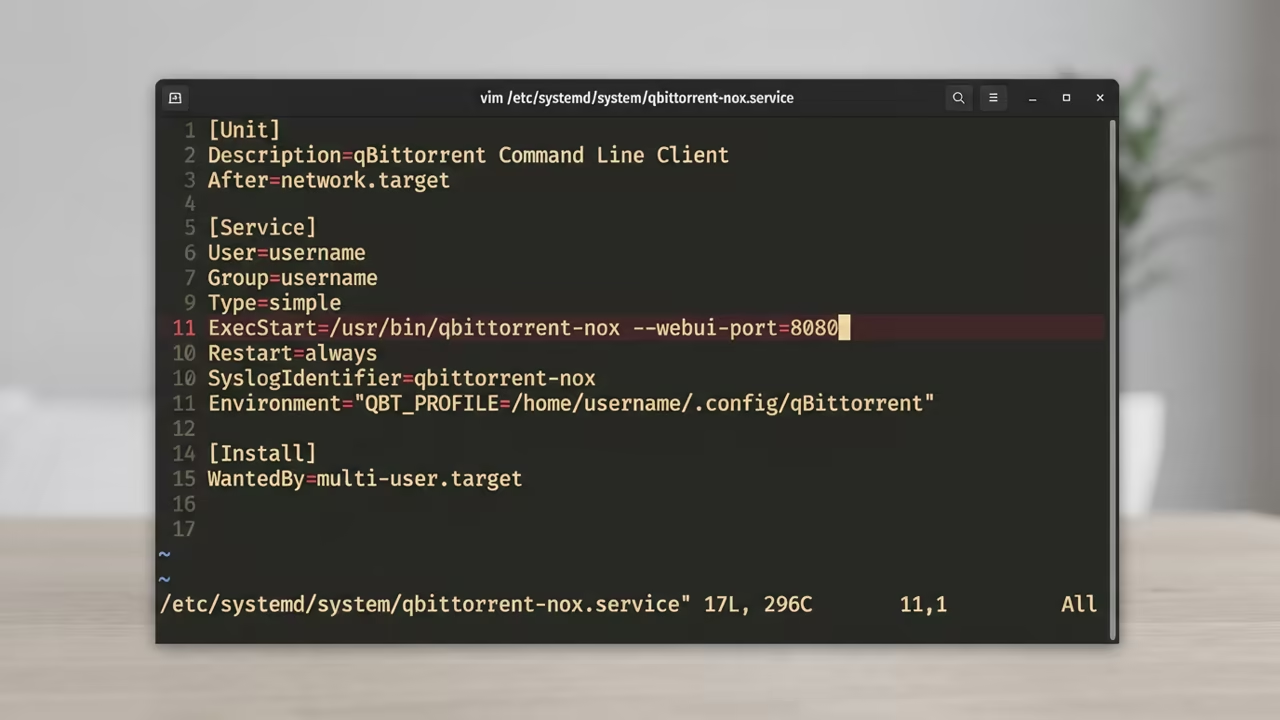
The setup requires a systemd service to ensure the client starts on boot. Create a service file that runs qbittorrent nox under a dedicated user account. This prevents permission issues when writing to external USB drives or network shares.
[Unit]
Description=qBittorrent Command Line Client
After=syslog.target network.target
[Service]
Type=forking
User=pi
Group=pi
ExecStart=/usr/bin/qbittorrent-nox -d
Restart=on-failure
[Install]
WantedBy=multi-user.target
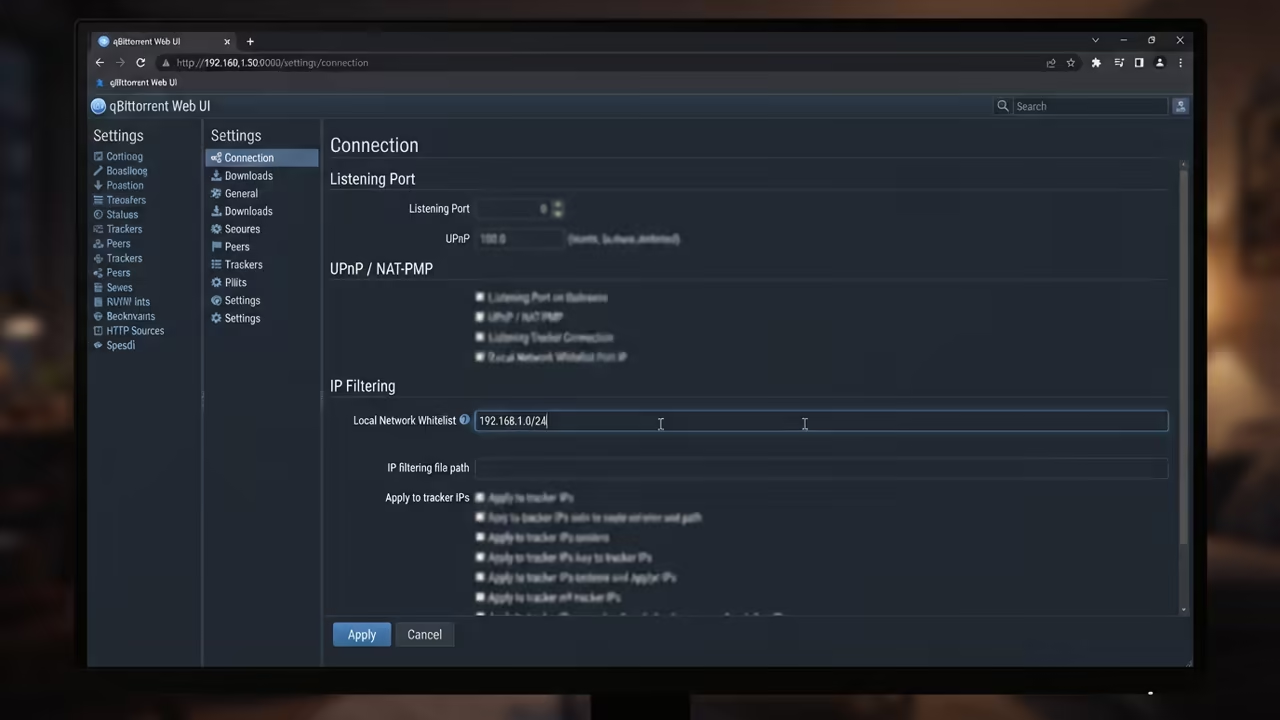
You should configure the Web UI to whitelist your specific local subnet. This prevents unauthorized access from other devices on your home network. Set a strong password immediately to secure your remote management interface.
Resource Optimization for the Pi Zero
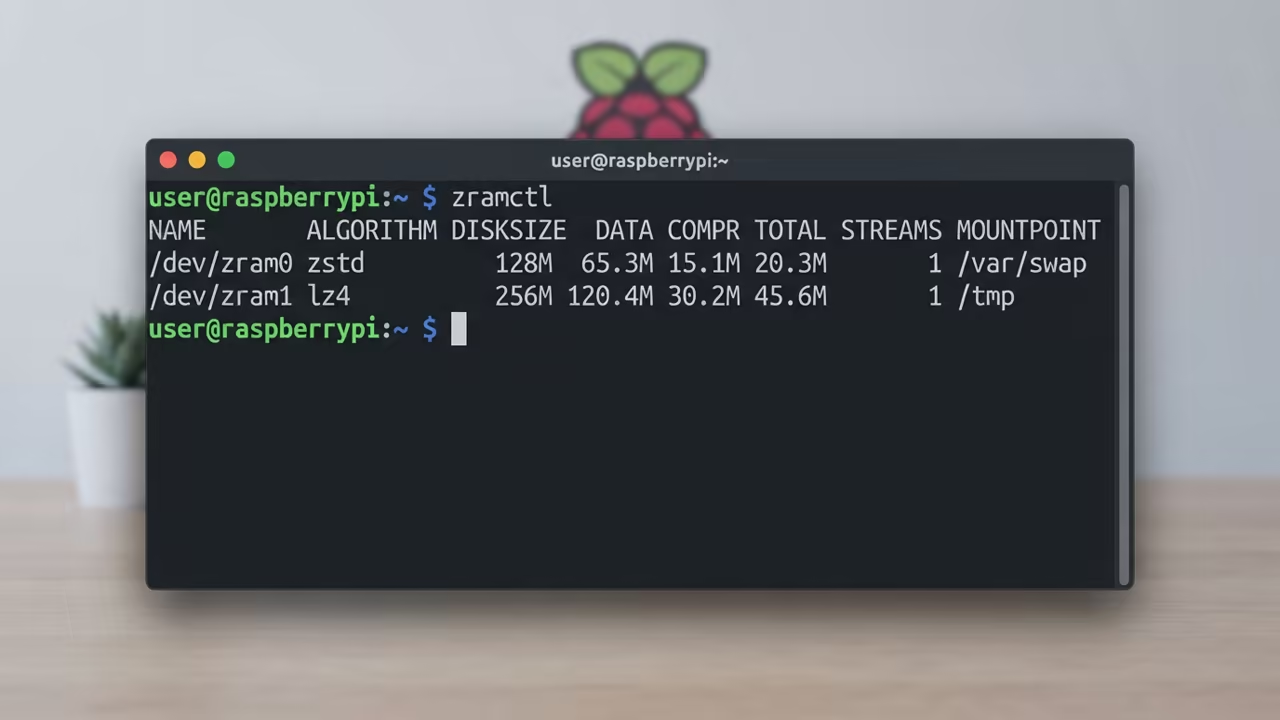
The Pi Zero W only has 512MB of RAM which is very tight. To prevent crashes you must limit the maximum active downloads to two. Additionally install zram to compress memory and prevent the system from swapping to the slow SD card.
sudo apt install zram-tools -y
sudo sed -i 's/ENABLED=false/ENABLED=true/' /etc/default/zram-tools
sudo systemctl restart zram-tools
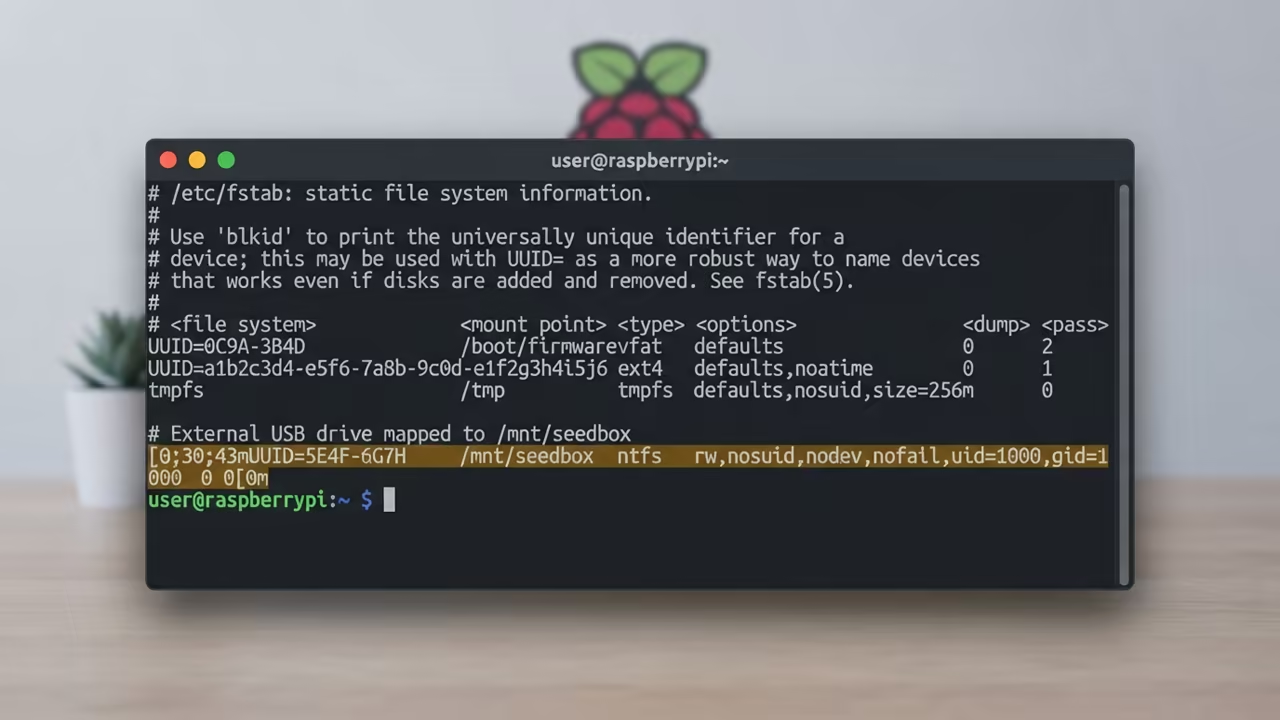
Map your external storage using the fstab file for consistent mounting. Using a high speed USB drive prevents the SD card from wearing out. This is critical for long term stability and data integrity.
UUID=your-uuid-here /mnt/seedbox ext4 defaults,noatime 0 2
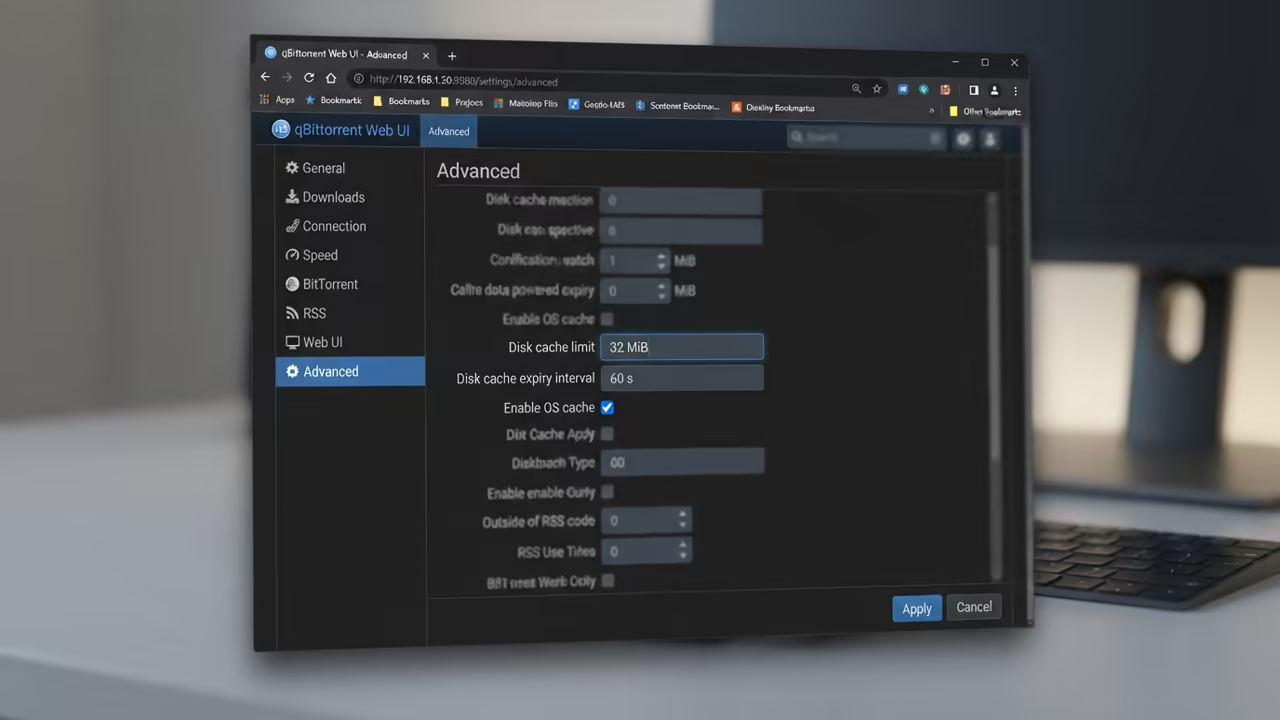
Limit the disk cache in the qBittorrent settings to avoid memory exhaustion. A cache size of 32MB is usually sufficient for the Zero W. This ensures the OS has enough breathing room for network interrupts.
The network performance on the Zero W is limited to 2.4GHz WiFi. For better stability consider using a micro USB to Ethernet adapter. This removes the wireless bottleneck and reduces packet loss during heavy transfers.
| Parameter | Description | Value |
|---|---|---|
| Pi Zero W | RAM | 512MB |
| Pi 4 | RAM | 4GB |
| Pi 5 | RAM | 8GB |
| Pi Zero W | Power Draw | Very Low |
| Pi 4 | Power Draw | Medium |
| Pi 5 | Power Draw | High |
| Pi Zero W | Ideal Use | Stealth Seedbox |
| Pi 4 | Ideal Use | Media Server |
| Pi 5 | Ideal Use | Full Home Lab |
| Parameter | Description | Value |
The physical footprint of the Pi Zero W is incredibly small. You can hide the entire setup inside a plastic project box. This makes it an invisible part of your home infrastructure.
The power consumption is so low that a basic phone charger suffices. You can even run this setup on a small battery backup. This ensures your seedbox stays online during brief power fluctuations.
This setup transforms how you think about background data management. You no longer rely on expensive cloud storage or loud servers. You own the hardware and the data completely.
This approach is the gold standard for minimalists. It proves that high utility does not require high power consumption. The result is a lean and mean data machine.
The Professional Stack
Achieving this level of efficiency requires a deep understanding of Linux systems. Professionals often study the Sovereign Business for advanced containerization and Podman strategies. Mastering the Blender Python API helps in automating other creative hardware workflows.
The Layoff Proof Tech Worker provides the mindset needed for these skills. Silicon Shaman offers a humorous look at how we reached this tech era. These resources build the foundation for true technical independence.
Reach out for personalized technical help to optimize your hardware. Dive deeper into these systems with the online tutorials available now.
Online Tutorials & Technical Help: https://ojambo.com/contact
🚀 Recommended Resources
Disclosure: Some of the links above are referral links. I may earn a commission if you make a purchase at no extra cost to you.
Leave a Reply