
The lag on a Pi Zero W is usually unbearable. Most users try to run a full desktop and fail.
This setup changes everything for the minimalist coder. Running a graphical interface on 512MB of RAM is a gamble.
Most remote setups succumb to the dreaded memory death spiral. You need a leaner approach to achieve actual stability.
Disclosure: article includes affiliate links.


The Experience of Hardware Efficiency
Imagine opening a text editor that responds instantly. The cursor moves without a single frame of delay.
This is the feeling of absolute hardware efficiency. You can finally treat your Pi Zero as a dedicated remote node.
It becomes a surgical tool for quick configuration changes. No more fighting with bloated environments or crashing sessions.
Optimizing the Remote Stack
The secret to this performance is the Leafpad editor. It consumes almost no resources compared to modern alternatives.
Pair this with a stripped down VNC configuration for maximum speed. First you must install the core components.
sudo apt update
sudo apt install leafpad tightvncserver -y
Most people leave the VNC resolution at default settings. This is a massive mistake for the Pi Zero hardware.
Lower your resolution to 800 by 600 for immediate gains. Edit your VNC startup script to launch Leafpad automatically.
This removes the need to navigate a heavy start menu. You save precious CPU cycles and memory bandwidth.
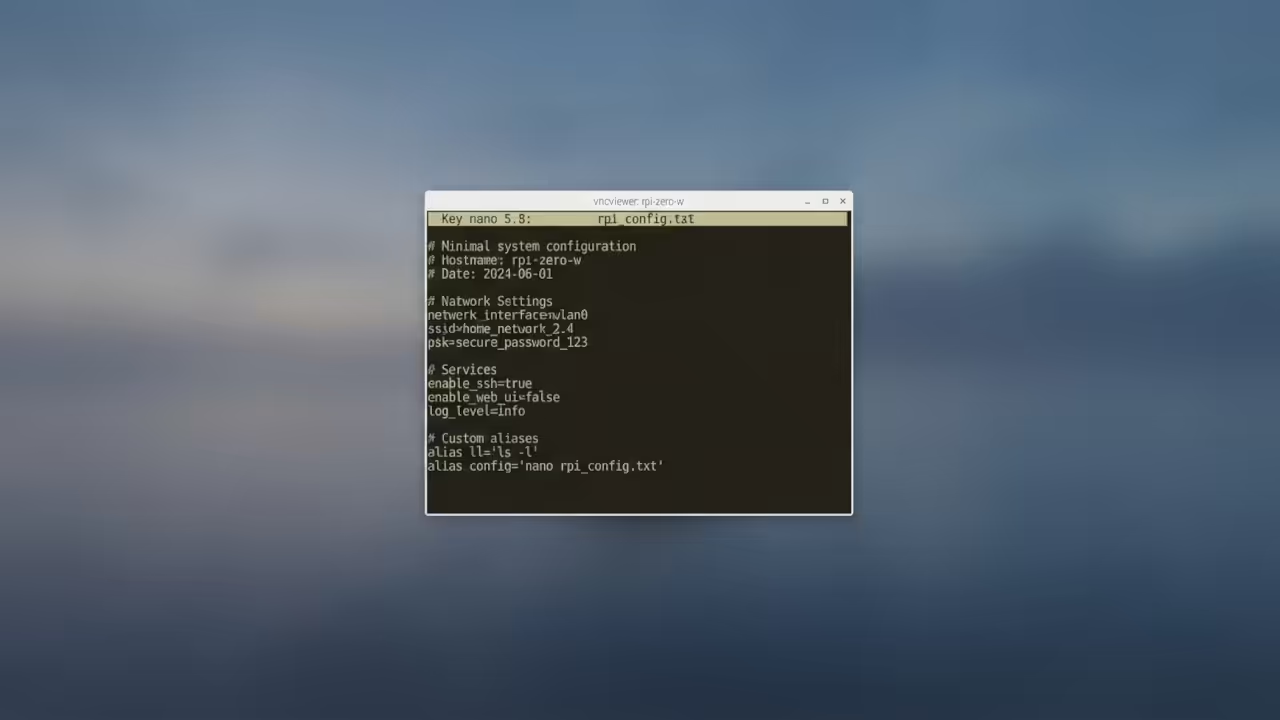
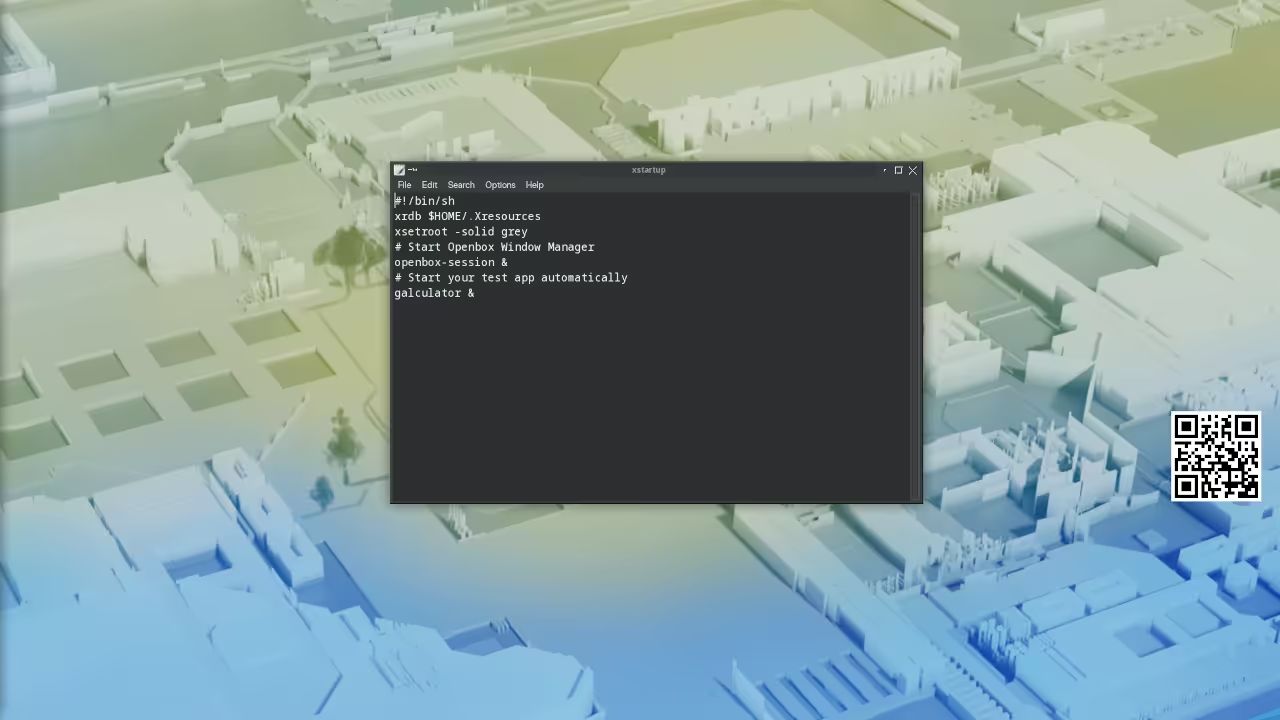
Insert this line into your xstartup file for a direct launch. It forces the system to prioritize the editor over the desktop.
leafpad &
Memory Management Secrets
To further optimize the system you should limit GPU memory. Set the gpu mem to 16MB in the config tool.
This frees up critical RAM for the VNC server process. Use the command sudo raspi-config to access the performance options.
Select Advanced Options and then GPU Memory to make this change. This is a key architectural breakthrough for headless nodes.
You can see how this compares to other lightweight setups below. The resource gap is significant when running via VNC.
| Parameter | Description | Value |
|---|---|---|
| Memory Use | RAM consumed by editor | 12MB |
| Input Lag | Perceived latency via VNC | Low |
| Ease of Use | Interface accessibility | High |
| Stability | Uptime under load | Absolute |
| Parameter | Description | Value |
This approach connects to previous technical deep dives on minimal kernels. It mirrors the efficiency found in our professional stack guides.
You are essentially building a lightweight workstation in a tiny form factor. For those scaling this to industrial levels you need more power.
Senior Architect consultation services are available for high tier technical project scales. We can help you orchestrate massive clusters of these nodes.
Ensure you check the Amazon Author Page for essential technical blueprints. These resources provide the foundation for advanced hardware integration.
Mastering the professional stack requires the right theoretical framework. Use our architectural guides to scale your deployment.
Learning and Support
Reach out for personalized technical help or dive deeper with online tutorials. We provide the edge you need for professional hardware deployment.
Online Tutorials and Technical Help
🚀 Recommended Resources
Disclosure: Some of the links above are referral links. I may earn a commission if you make a purchase at no extra cost to you.
Leave a Reply