
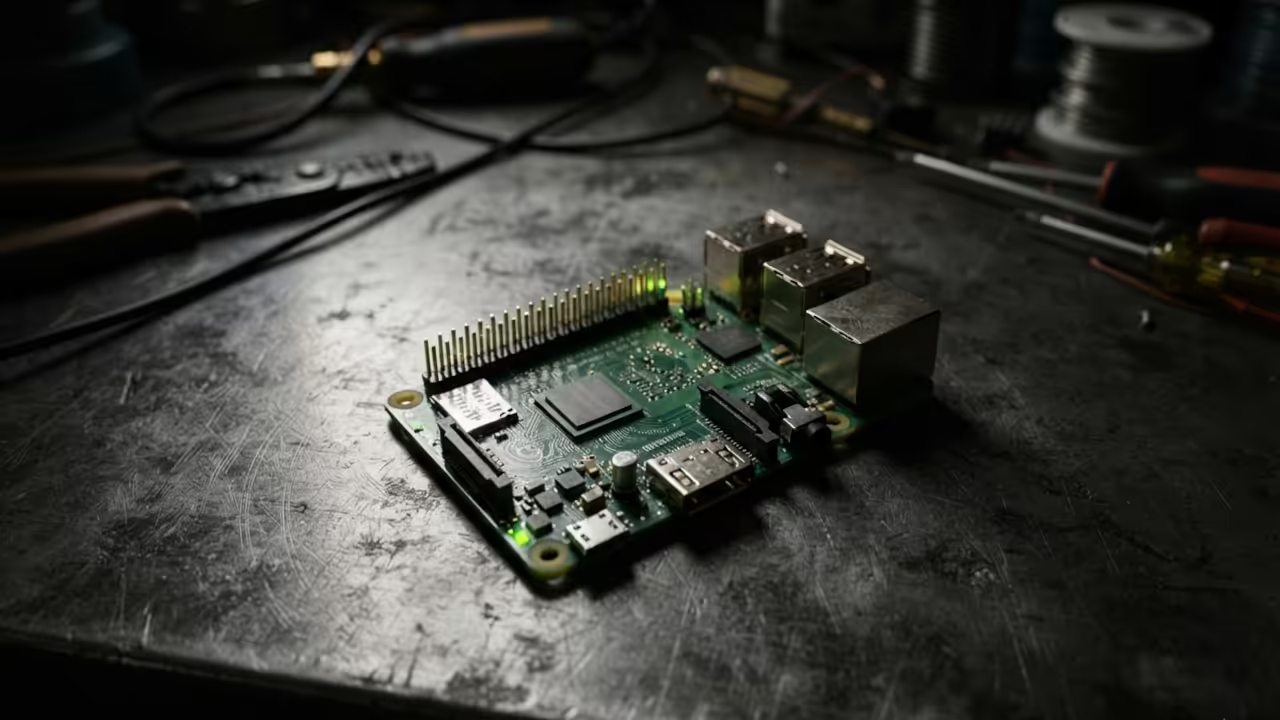
Stop fighting the crushing lag of bloated software on your low power hardware
The Raspberry Pi Zero W often feels like a toy when running modern IDEs. You are fighting the hardware instead of writing your code.
This bottleneck kills productivity and frustrates the most experienced engineers. It is time to stop settling for subpar performance on your mini computers.
You can actually achieve a professional coding environment on a tiny board.
Disclosure: article includes affiliate links.


The Experience of a Streamlined Workflow
Setting up a streamlined remote environment changes everything about your technical workflow. You feel the instant response as the cursor glides across the screen.
There is a certain satisfaction in squeezing maximum utility from a tiny board. The latency vanishes when you choose the right tool for the job.
You no longer have to wait seconds for a file to open. This efficiency allows you to focus on the logic and the architecture.
The Secret Synergy of VNC and Mousepad
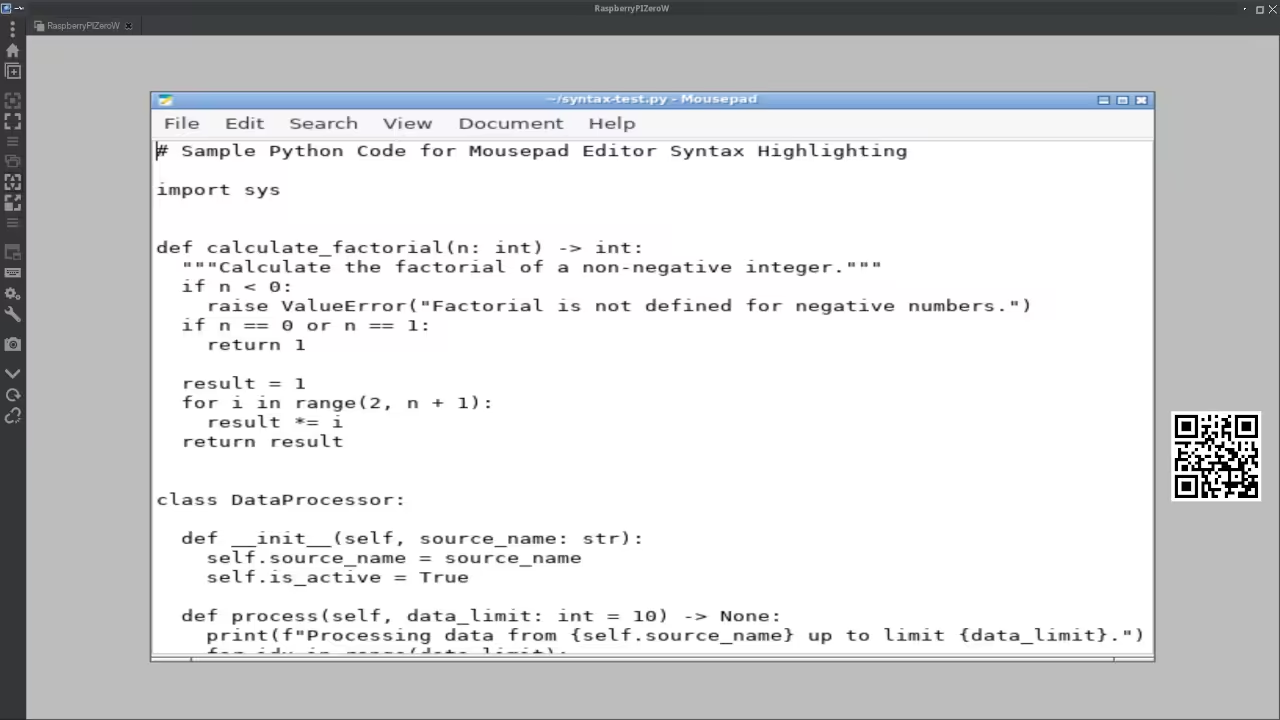
The secret lies in the synergy between VNC and the Mousepad text editor. Mousepad is designed for Xfce and consumes negligible system resources.
This allows the Pi Zero W to dedicate its limited RAM to your logic. You can manage scripts and configuration files without the system freezing.
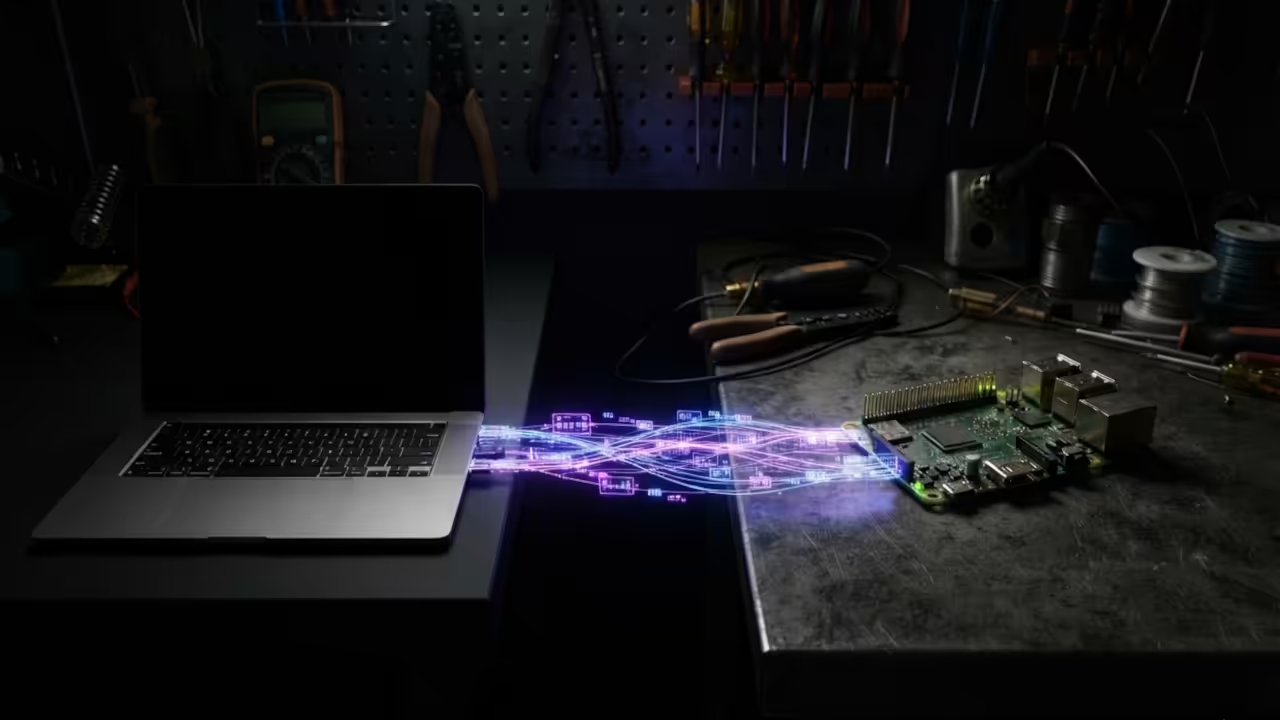
This combination transforms the Pi Zero into a powerful remote editing station. It is the ultimate setup for those who value speed and minimalism.
Avoiding the Heavy Desktop Trap
Most users make the mistake of installing heavy desktop environments on the Pi Zero. This mistake leads to frequent crashes and unbearable system slowdowns.
You only need a lightweight window manager and a fast editor. Mousepad provides the perfect balance of features and performance for this hardware.
It handles syntax highlighting without draining the battery or overheating the CPU. This is where true technical mastery begins for the hardware enthusiast.
Insider Detail: To eliminate VNC lag, set your virtual resolution to 1024×768 in the config.txt file. This reduction in pixel processing prevents the single core CPU from choking during refreshes.
This small change makes the interface feel ten times more responsive.
Rapid Deployment via Terminal
Installing the editor is a simple process through the Linux terminal. Run these commands to get your environment ready for action.
sudo apt update
sudo apt install mousepad -y
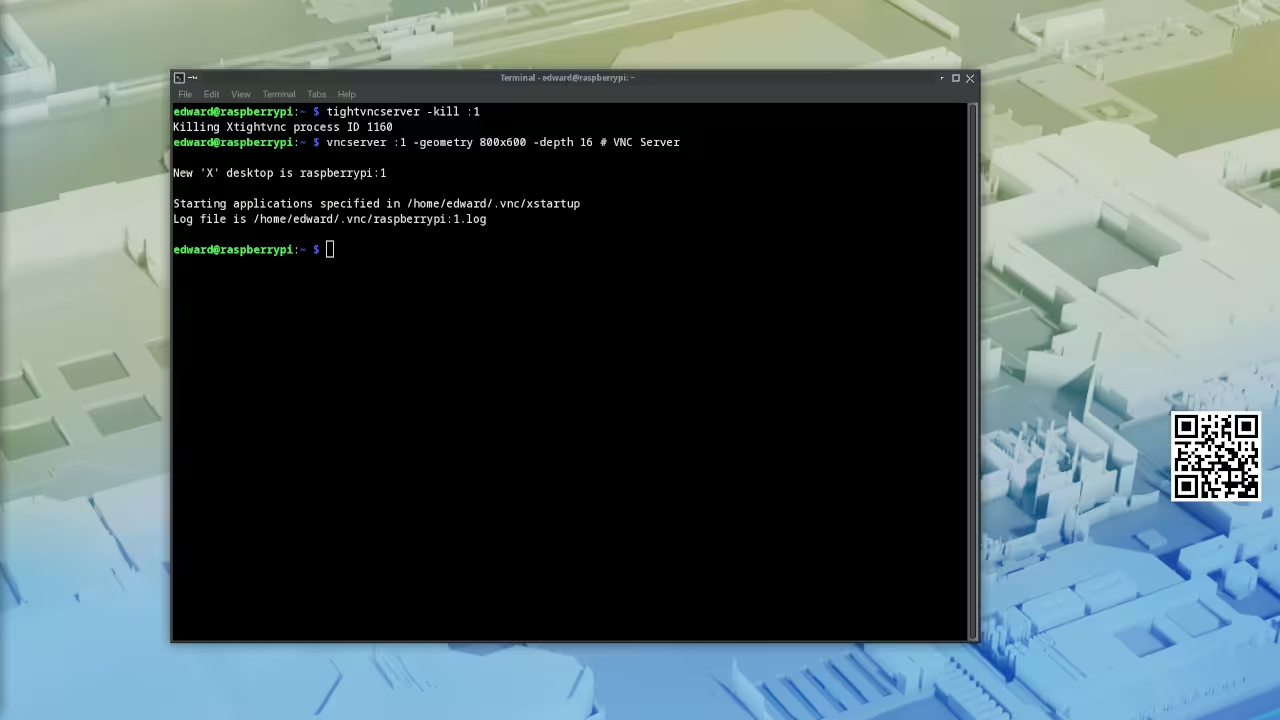
After the installation, you must configure the VNC server for remote access. Navigate to the raspi config utility using the command line interface.
Select the Interface Options and enable the VNC server immediately.
Optimizing the Remote Connection
Now you can use a VNC viewer on your primary workstation. Enter the IP address of your Pi to establish the connection.
You will see the lightweight Xfce environment load almost instantly. Open the Mousepad editor and begin coding your automation scripts.
You will notice that the text entry is fluid and without delay. This is the result of choosing a resource aware tool for the job.
| Parameter | Description | Value |
|---|---|---|
| VS Code | RAM Usage | Extremely High |
| Nano | RAM Usage | Very Low |
| Mousepad | RAM Usage | Low |
| VS Code | Startup Speed | Very Slow |
| Nano | Startup Speed | Instant |
| Mousepad | Startup Speed | Fast |
| VS Code | Resource Impact | Critical |
| Nano | Resource Impact | Negligible |
| Mousepad | Resource Impact | Minimal |
| Parameter | Description | Value |
Bridging the Gap to Professionalism
Integrating this setup allows you to bridge the gap between CLI and GUI. It connects perfectly with previous architectural breakthroughs in headless server management.
You can now iterate on your projects with professional speed. This approach ensures your Pi Zero W remains stable under load.
You avoid the common pitfalls of memory exhaustion and system hangs. It is a lean and mean machine for the modern developer.
Master the Professional Stack
For those scaling up, consider our professional guidance for complex systems. Our Senior Architect consultation services help you design high tier technical project scales.
We turn complex hardware limitations into strategic advantages for your business. You can also find deeper insights on the Amazon Author Page.
This is the best place for essential technical blueprints and guides. Start mastering the professional stack with these industry leading resources.
Consultations: https://ojamboservices.com/contact
Blueprints: https://ojamboshop.com
Author Page: https://www.amazon.com/stores/Edward-Ojambo/author/B0D94QM76N
Learning & Support
Reach out for personalized technical help to optimize your hardware stack today. Dive deeper into these secrets with our comprehensive online tutorials.
Online Tutorials & Technical Help: https://ojambo.com/contact
🚀 Recommended Resources
Disclosure: Some of the links above are referral links. I may earn a commission if you make a purchase at no extra cost to you.