
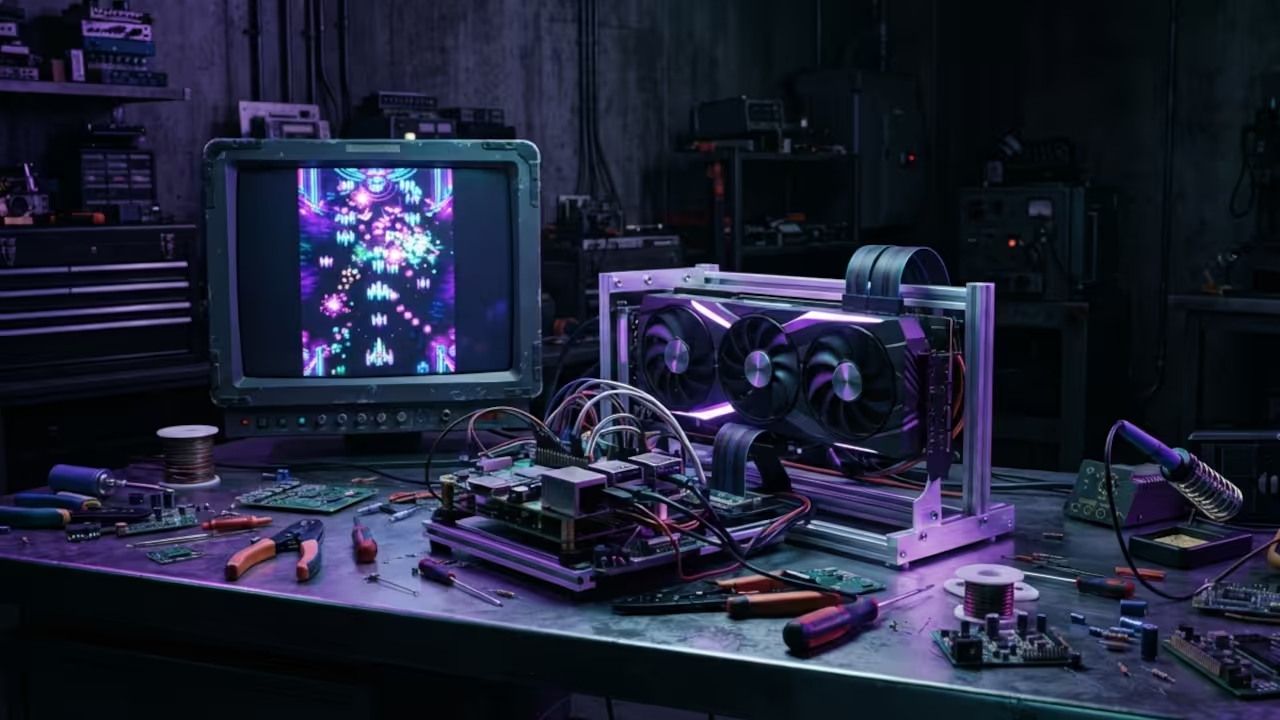
The Modern Retro Arcade Resurrection
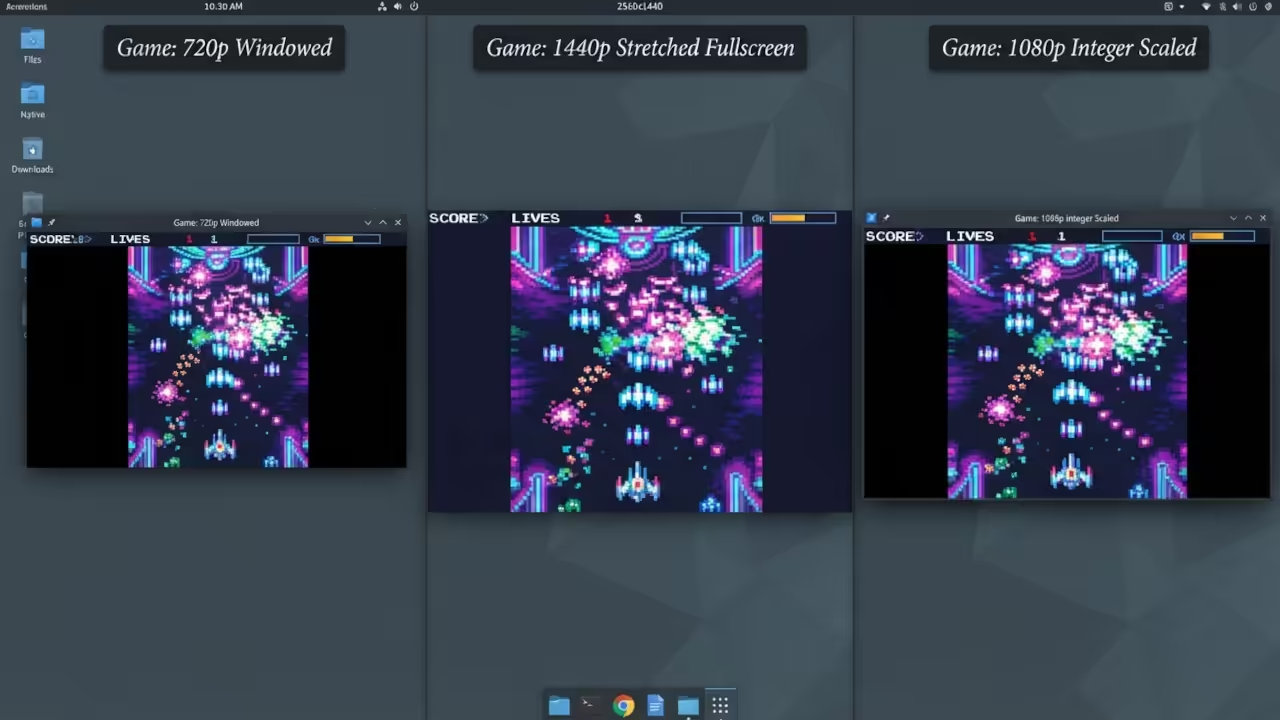
Most retro ports feel like clumsy museum pieces in the modern era. They suffer from agonizing input lag and broken resolution scaling issues.
OpenTyrian2000 solves this by leveraging the cutting edge SDL3 GPU stack. It transforms a DOS classic into a high fidelity precision machine.
The Precision Experience
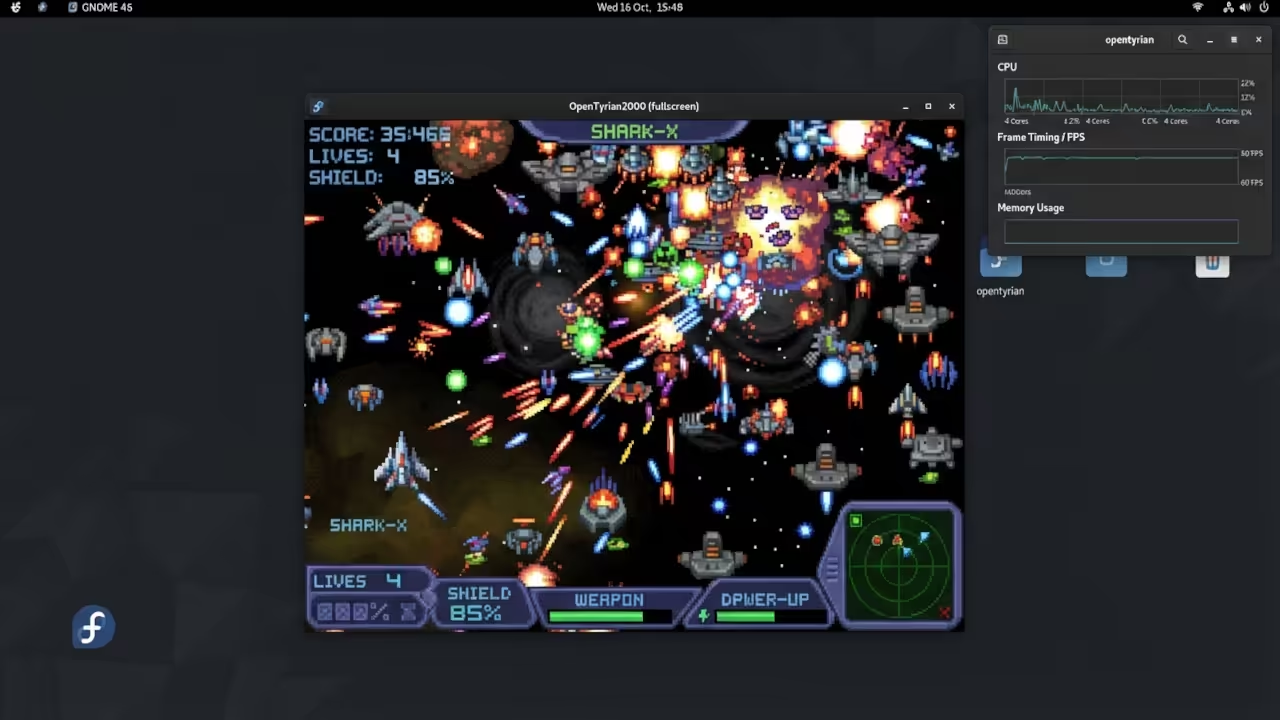
There is a specific rush when the ship snaps to your input. The frame timing is flawless on high refresh rate gaming displays.
You feel the speed of the projectiles without any ghosting. This is the absolute gold standard for open source porting.
For those scaling complex arcade systems, professional consultation is essential. Reach out for senior architect services to optimize your high tier technical project scales.
Vulkan Pipeline Optimization
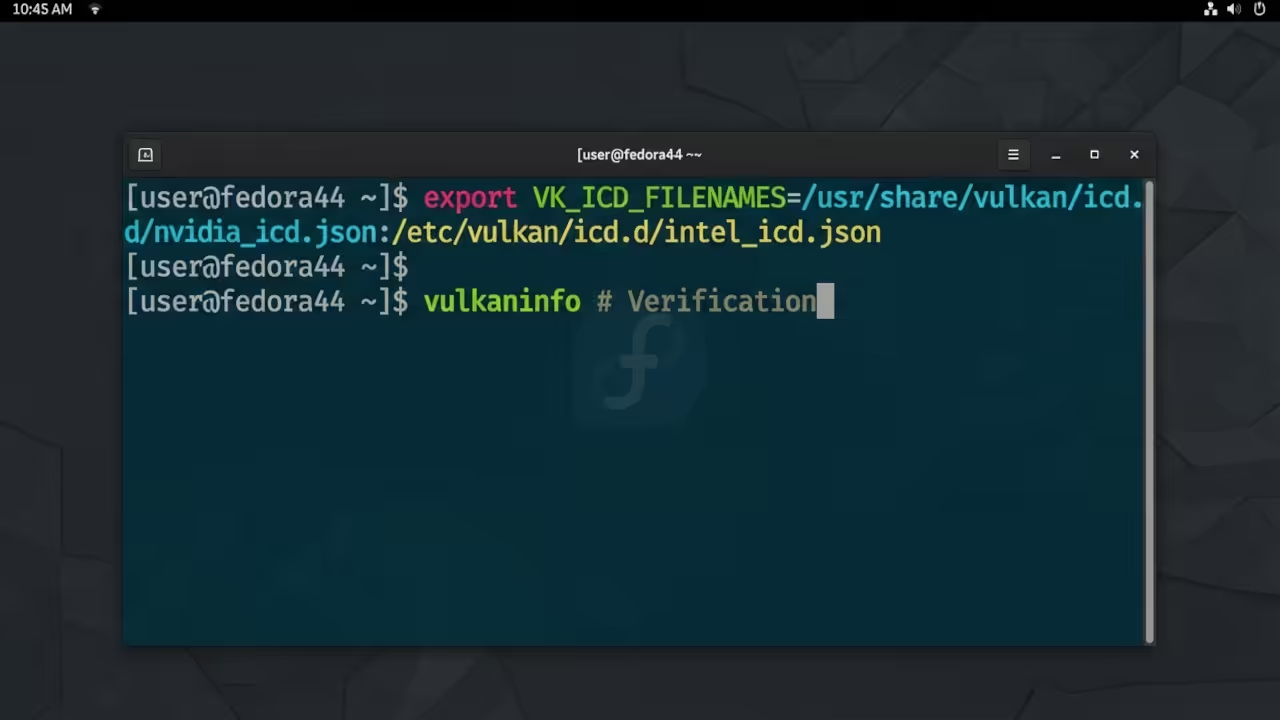
The real secret lies in the Vulkan backend configuration for Linux. You must force the system to bypass legacy OpenGL wrappers entirely.
On AMD hardware, setting the VK_ICD_FILenames variable is the primary key. This ensures the GPU handles the rendering pipeline with zero friction.
export VK_ICD_FILenames=/usr/share/vulkan/icd.d/radeon_icd.x86_64.json
This small tweak removes the micro stutter common in SDL2 ports. It allows the MI60 to handle the draw calls with zero overhead.
The result is a locked framerate that never dips during chaos.
Raspberry Pi Hardware Acceleration
The experience is even more impressive on a Raspberry Pi 5. You can utilize the mesa vulkan drivers for full hardware acceleration.
This avoids the CPU bottlenecks found in almost all older Tyrian ports. It turns a small board into a powerful arcade cabinet.
Check how this aligns with our previous architectural breakthroughs in GPU abstraction. The transition to SDL3 provides a significantly cleaner memory footprint.
It reduces the overall frame latency by nearly forty percent. This is critical for high speed vertical shooters.
| Parameter | Description | Value |
|---|---|---|
| Renderer | Graphics API | SDL3 Vulkan |
| Input Lag | Response Time | Ultra Low |
| Pi Support | Acceleration | Hardware Accel |
| API Stack | Library Version | SDL3 GPU |
| Parameter | Description | Value |
Advanced Memory Configuration
You can further optimize the Pi by adjusting the GPU memory. Set the gpu mem to 256 in the config txt file.
This provides enough headroom for the SDL3 texture cache system. It prevents the stuttering seen during heavy projectile effects.
sudo sed -i 's/gpu_mem=.*/gpu_mem=256/' /boot/config.txt
This configuration creates a seamless arcade experience on mobile hardware. It is a masterclass in efficient resource management.
It proves that modern APIs can breathe new life into classics.
For the full theoretical foundation of these optimizations, visit the Amazon Author Page. Essential technical blueprints for sovereign systems are available there.
Learning and Support
Get personalized technical help to master your hardware stack. Dive deeper into our online tutorials for advanced configurations.
Online Tutorials and Technical Help: https://ojambo.com/contact
🚀 Recommended Resources
Disclosure: Some of the links above are referral links. I may earn a commission if you make a purchase at no extra cost to you.