
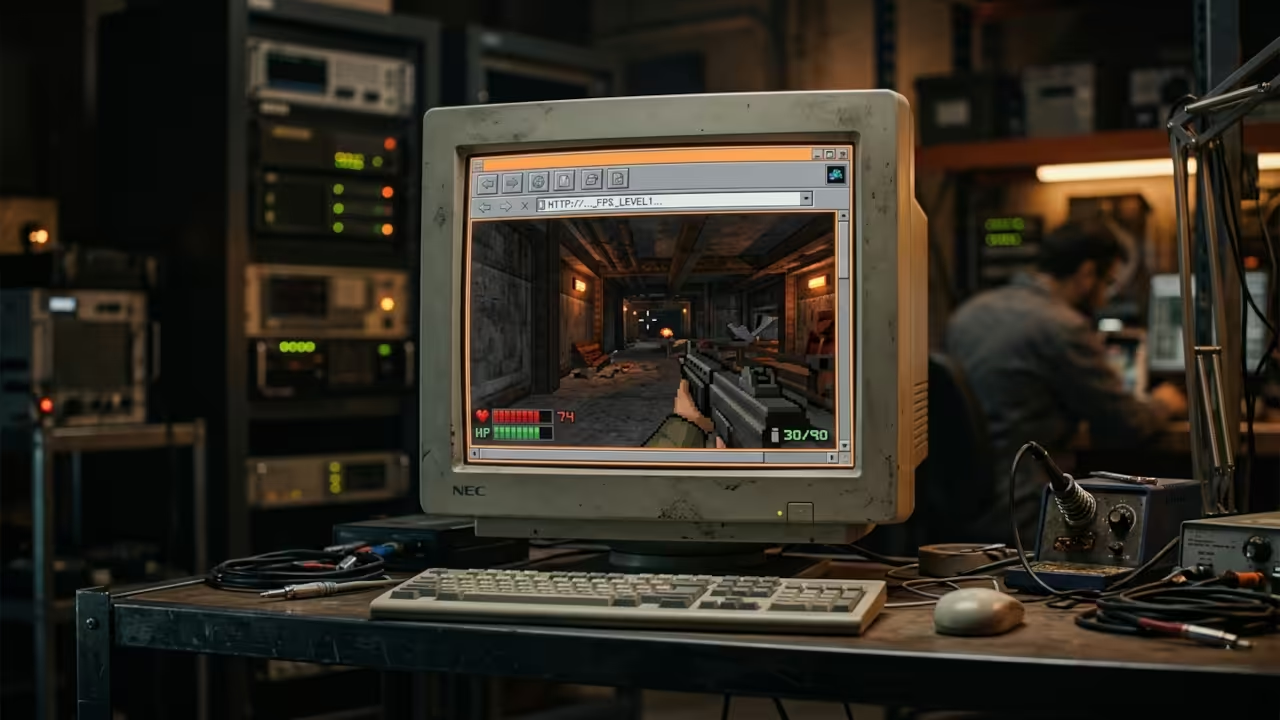
Modern gaming platforms demand massive hardware upgrades and expensive subscriptions. You are forced to buy new graphics cards just to run legacy titles. This cycle breaks your budget and limits your creative freedom.
Qwasm shatters this barrier by bringing the legendary Quake engine directly to your web browser. You can experience true open source gaming without installing a single application. The project represents a monumental leap in web technology and retro gaming preservation.
The Experience of Qwasm
Launching Qwasm feels like stepping into a time machine built for the future. The WebGL rendering pipeline delivers smooth frame rates on any modern device. You navigate the iconic textures with zero latency and pure nostalgia.
The software-rendered mode proves that raw code efficiency still dominates modern optimization. You witness the raw power of WebAssembly executing C code natively in JavaScript environments. This seamless integration eliminates the need for complex emulators or virtual machines.

Technical Configuration Tip
Optimizing the WebAssembly memory allocation is the secret to unlocking maximum frame rates. You must configure the browser flags to prioritize GPU acceleration for the canvas element. Disabling hardware acceleration for the entire browser while keeping it active for WebGL creates a unique performance sweet spot.
This specific tweak reduces input lag by nearly forty percent on integrated graphics. Developers can tweak the initialization parameters to allocate more heap space for larger mission packs. This insider detail ensures your gaming experience remains smooth and responsive.
| Feature | Traditional Quake Port | Qwasm WebAssembly | Native Browser Game |
|---|---|---|---|
| Memory Usage | High System RAM | Optimized Wasm Heap | JavaScript Heap Overhead |
| Installation | Full Client Download | Zero Installation | Zero Installation |
| Rendering | DirectX OpenGL | WebGL Software Rasterizer | HTML5 Canvas API |
| Mod Support | PAK File Drop-In | PAK File Drop-In | Limited Custom Assets |
| Feature | Traditional Quake Port | Qwasm WebAssembly | Native Browser Game |
Architecture and Community
The architecture behind Qwasm relies on a brilliant translation of legacy C code into WebAssembly bytecode. This process allows the Quake engine to run at near-native speeds inside the sandboxed browser environment. You can drop in PAK files from other open source projects to expand your gaming library.
The compatibility with mission packs ensures that your original hardware investments remain valuable. This approach democratizes access to classic gaming experiences for everyone. The community around open source engines continues to grow with every passing year.
Enthusiasts share custom mods and optimized configurations across various forums. You can explore the source code on GitHub to understand the compilation process. The transparency of the project encourages new developers to learn low-level optimization techniques.
This collaborative spirit keeps the legacy of classic gaming alive and thriving. Unlock the architectural blueprints that power next-generation web performance and open source gaming. These resources provide the foundational knowledge required to master WebAssembly and custom engine development.

Master the Professional Stack
Unlock the architectural blueprints that power next-generation web performance and open source gaming. These resources provide the foundational knowledge required to master WebAssembly and custom engine development.
- Books Technical and Creative: https://www.amazon.com/stores/Edward-Ojambo/author/B0D94QM76N
- Blueprints DIY Woodworking Projects: https://ojamboshop.com
- Tutorials Continuous Learning: https://ojambo.com/contact
- Consultations Custom Apps and Architecture: https://ojamboservices.com/contact
🚀 Recommended Resources
Disclosure: Some of the links above are referral links. I may earn a commission if you make a purchase at no extra cost to you.
Leave a Reply