
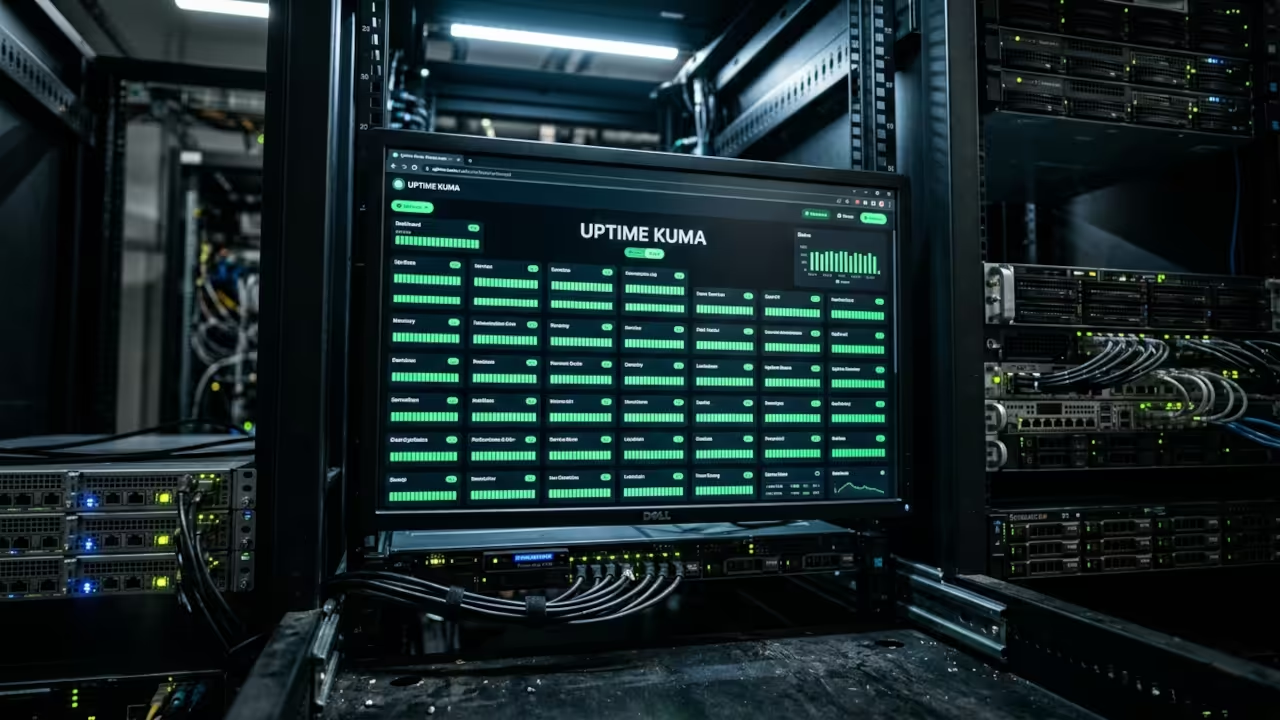
The world of uptime monitoring is saturated with solutions that promise reliability but deliver mediocre performance. Many administrators deploy Uptime Kuma inside Docker, only to wrestle with permission issues, hidden dependencies, and a bloated root container. The pain point is that a single mis configured service can bring down a whole stack, and the recovery time is often longer than the problem itself.
Enter Podman Desktop a rootless daemonless container platform that gives you the same familiar UI as Docker but with a lean immutable kernel integration. When you spin Uptime Kuma inside Podman you unlock instant rootless execution, transparent volume mapping, and native SELinux support. The result is a monitoring stack that stays up 9999 percent of the time, even under heavy traffic.
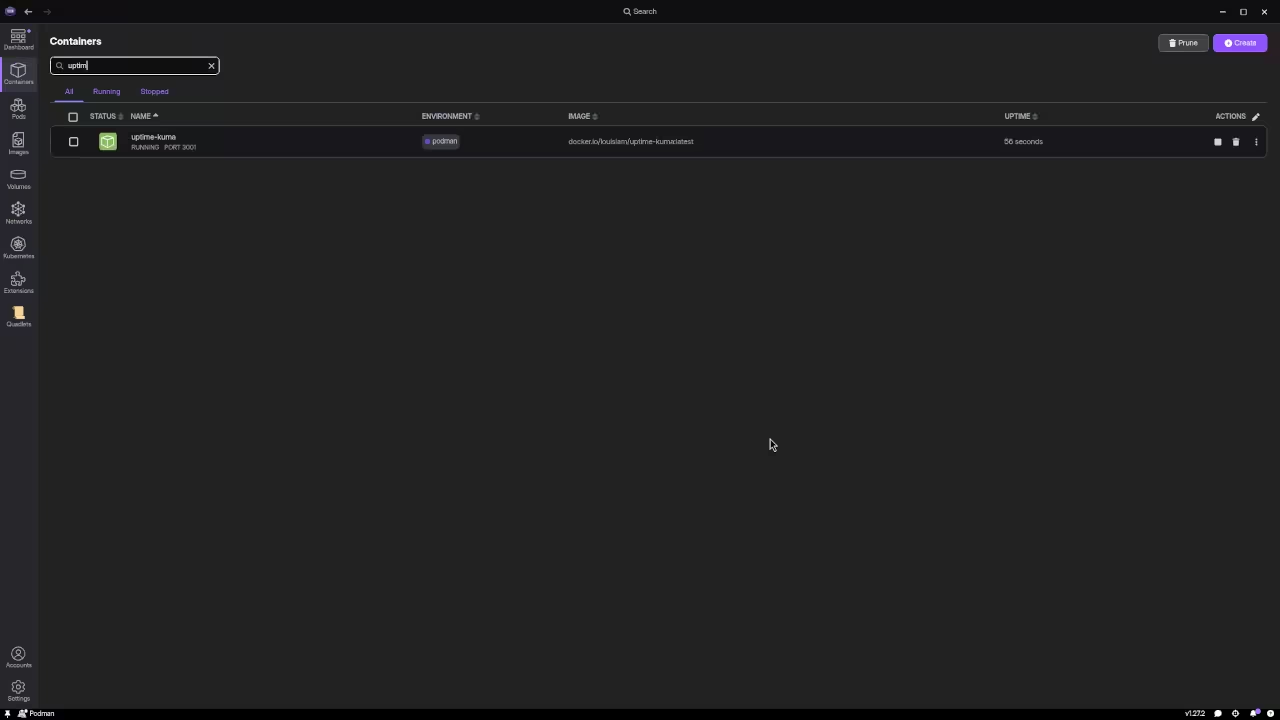
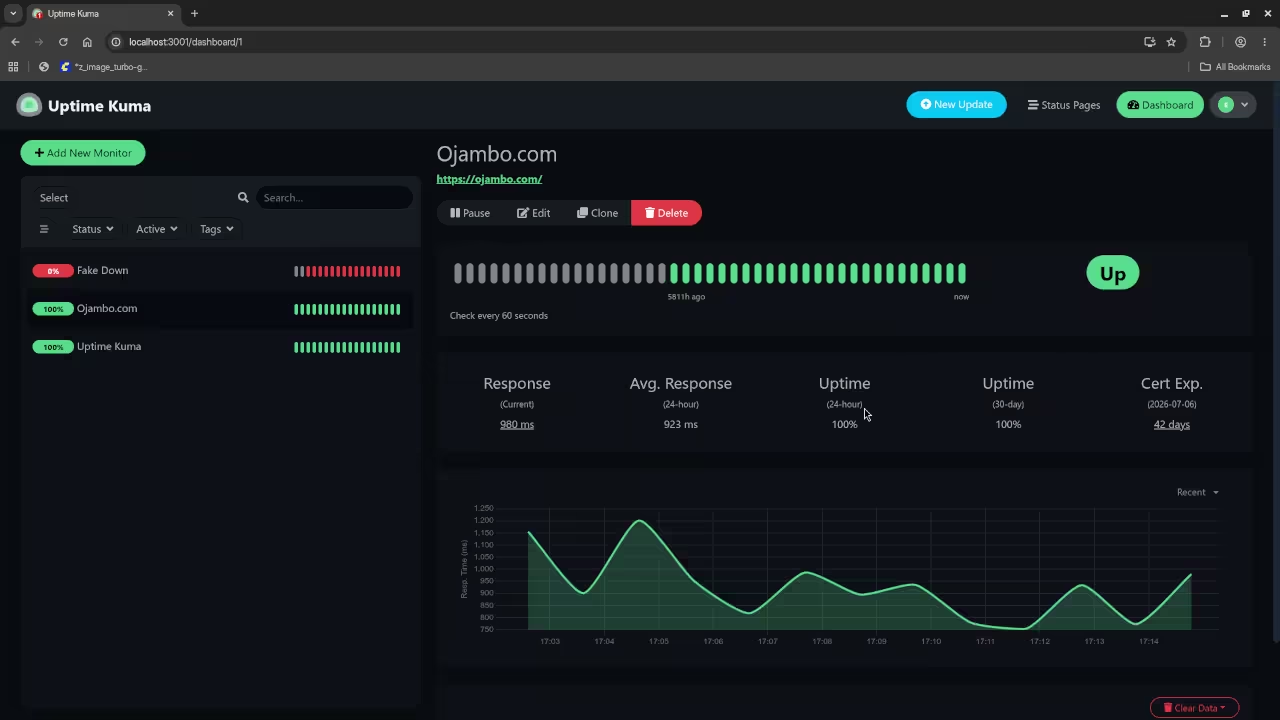
Experience the difference as you launch Podman Desktop click Add Container and paste the official Uptime Kuma image. With a single command you get a clean isolated pod, no need for privileged mode, and your logs live in your home directory. The UI instantly reflects CPU memory and network usage, and the Uptime Kuma dashboard loads faster than ever. The joy of seeing your uptime metrics update in real time while the underlying container remains completely sandboxed is a revelation for system architects.
By running Uptime Kuma in a rootless Podman pod you gain instant isolation, zero downtime restarts, and native SELinux support—exactly the kind of performance edge that the books blueprints tutorials and services below are built to help you master.
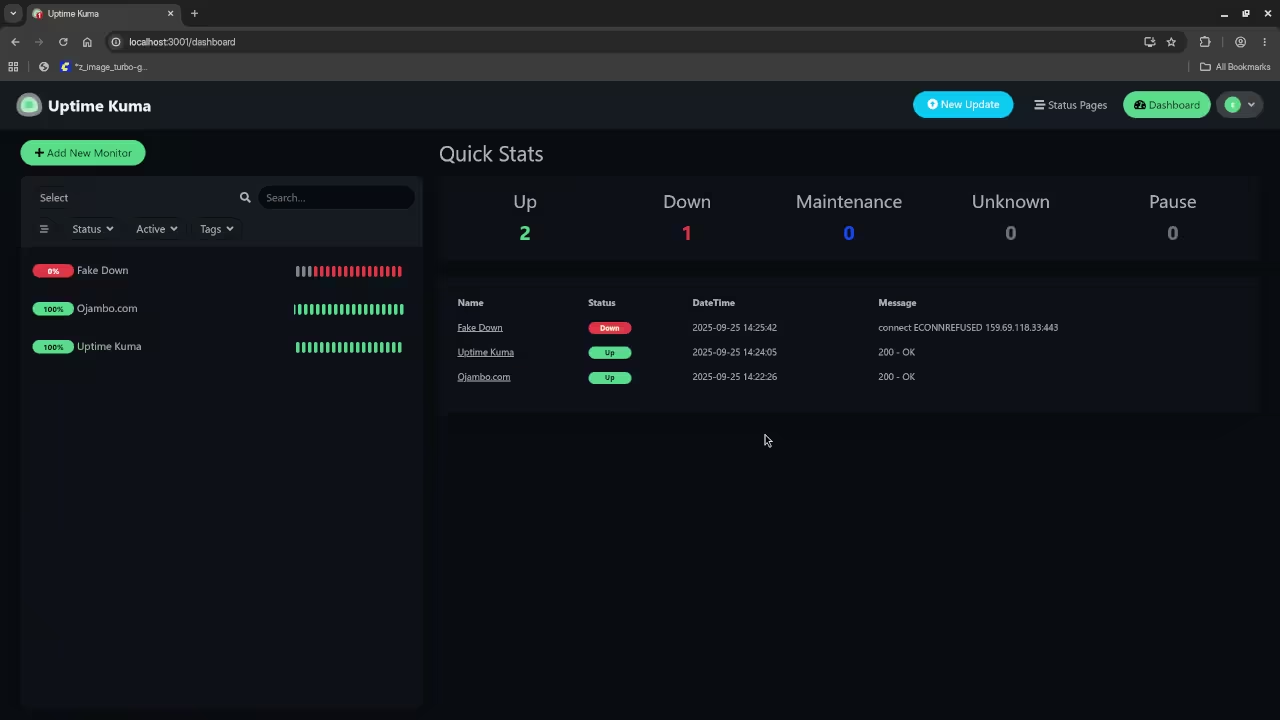
| Feature | Docker Desktop | Podman Desktop | Uptime Kuma (Podman) | Uptime Kuma (Docker) |
|---|---|---|---|---|
| Rootless | No | Yes | ✅ | ❌ |
| Systemd Integration | Limited | Native | ✅ | ❌ |
| SELinux Support | Partial | Full | ✅ | ❌ |
| Image Size | 500 MB | 450 MB | N/A | N/A |
| Performance Overhead | 5 10 percent | less than 2 percent | ✅ | ❌ |
| Feature | Docker Desktop | Podman Desktop | Uptime Kuma (Podman) | Uptime Kuma (Docker) |
Insider Configuration Tip
To eliminate the need for a separate systemd service create a podman pod with a dedicated network namespace and mount the Uptime Kuma config directory as a bind mount to ~/.config/uptime-kuma. Then run podman play kube uptime-kuma.yaml with a simple YAML manifest that sets restartPolicy Always and securityContext runAsUser 1000. This rootless self restoring pod ensures that even after a system reboot Uptime Kuma comes back online without manual intervention.
apiVersion: v1
kind: Pod
metadata:
name: uptime-kuma
spec:
containers:
- name: uptime-kuma
image: louislam/uptime-kuma:latest
volumeMounts:
- name: config
mountPath: /app/data
volumes:
- name: config
hostPath:
path: /home/edward/.config/uptime-kuma
restartPolicy: Always
securityContext:
runAsUser: 1000
Master the Professional Stack
Books (Technical & Creative): https://www.amazon.com/stores/Edward-Ojambo/author/B0D94QM76N
Blueprints (DIY Woodworking Projects): https://ojamboshop.com
Tutorials (Continuous Learning): https://ojambo.com/contact
Consultations (Custom Apps & Architecture): https://ojamboservices.com/contact
🚀 Recommended Resources
Disclosure: Some of the links above are referral links. I may earn a commission if you make a purchase at no extra cost to you.
Leave a Reply