
The Frustration of Bloated Video Editors
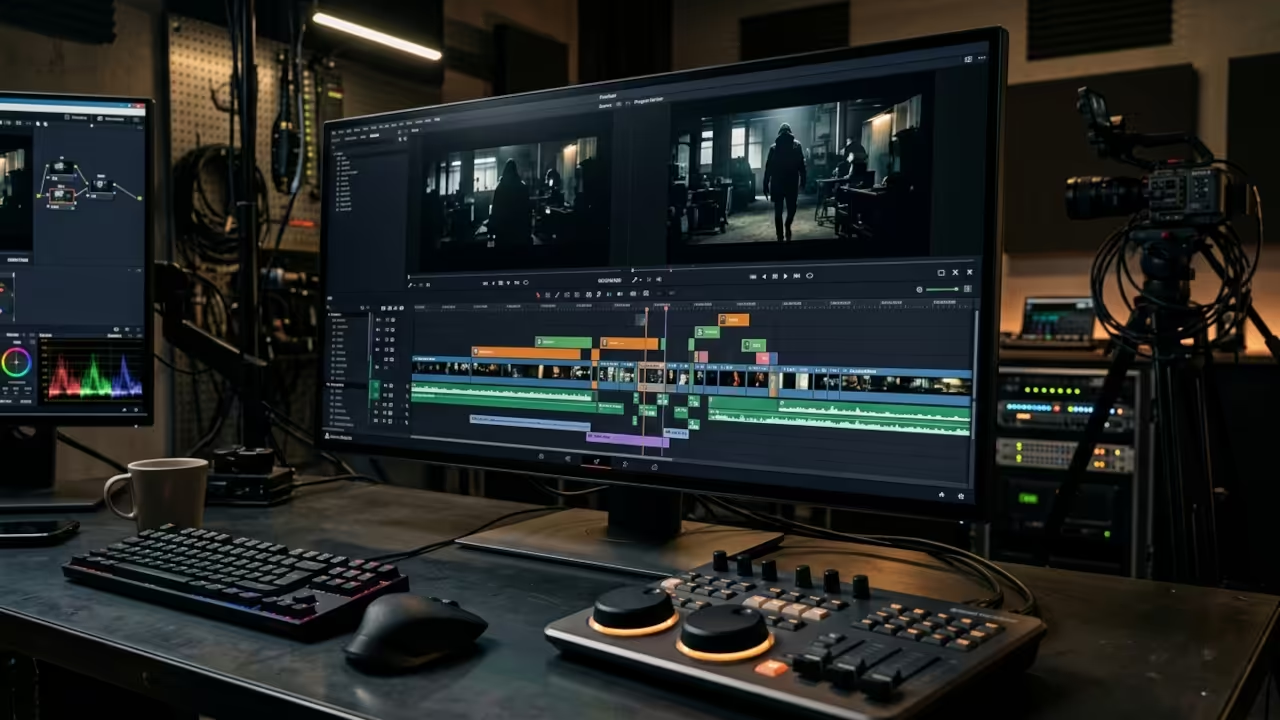
You are wasting hours in bloated video editors when a lean surgical tool sits right there on your desktop. The Linux video editing landscape has a hidden champion that professionals ignore at their own peril.
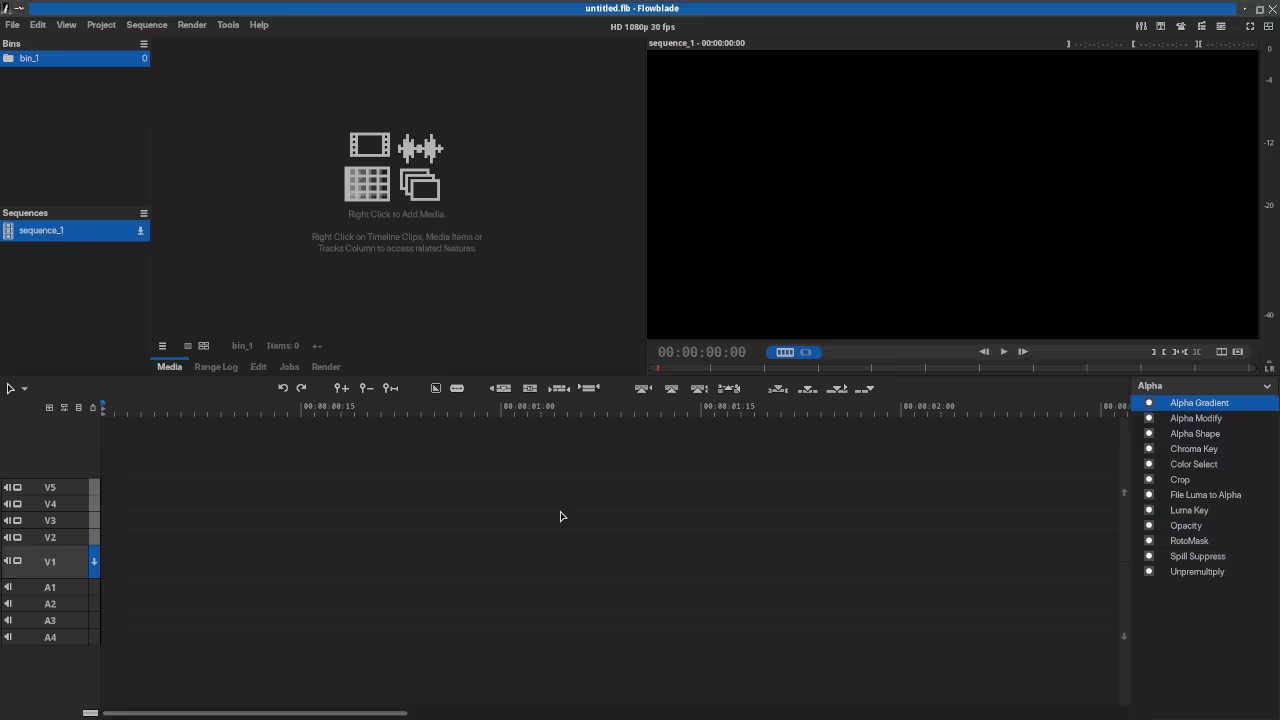
Flowblade delivers precision multitrack editing without the bloat that cripples your workflow. This is not your typical beginner tool.
This is a Python powered beast that respects your computing resources and delivers professional results. The multitrack timeline responds instantly to your commands.
Every cut every transition and every filter application happens with surgical precision. This is the kind of responsiveness that separates amateur editors from professional storytellers.
Experience the Flowblade Revolution
Installing Flowblade on your Linux system transforms your entire editing workflow overnight. The Flatpak package delivers a seamless installation that respects your system integrity.
You can have the editor running in minutes without wrestling with dependency conflicts. The interface greets you with a clean professional workspace that puts every tool within immediate reach.
Your timeline becomes your canvas and Flowblade gives you every brush you need. The compositor system in Flowblade deserves special attention from serious editors.
You can layer multiple video tracks with precise control over blending modes and opacity. The Position Scale Rotate filter provides intuitive GUI controls for complex transformations.
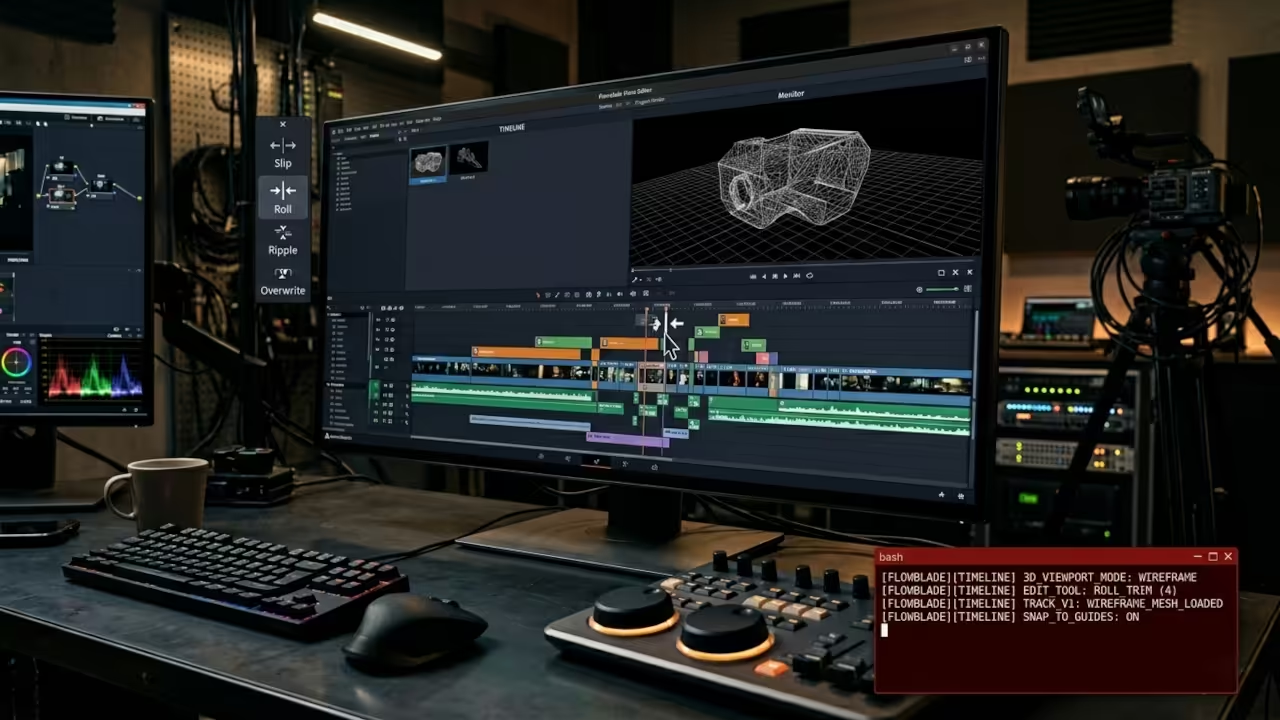
Elastic distort filters add creative possibilities that would require plugins in other editors. This is professional grade functionality without the enterprise price tag.
Technical Configuration Secrets
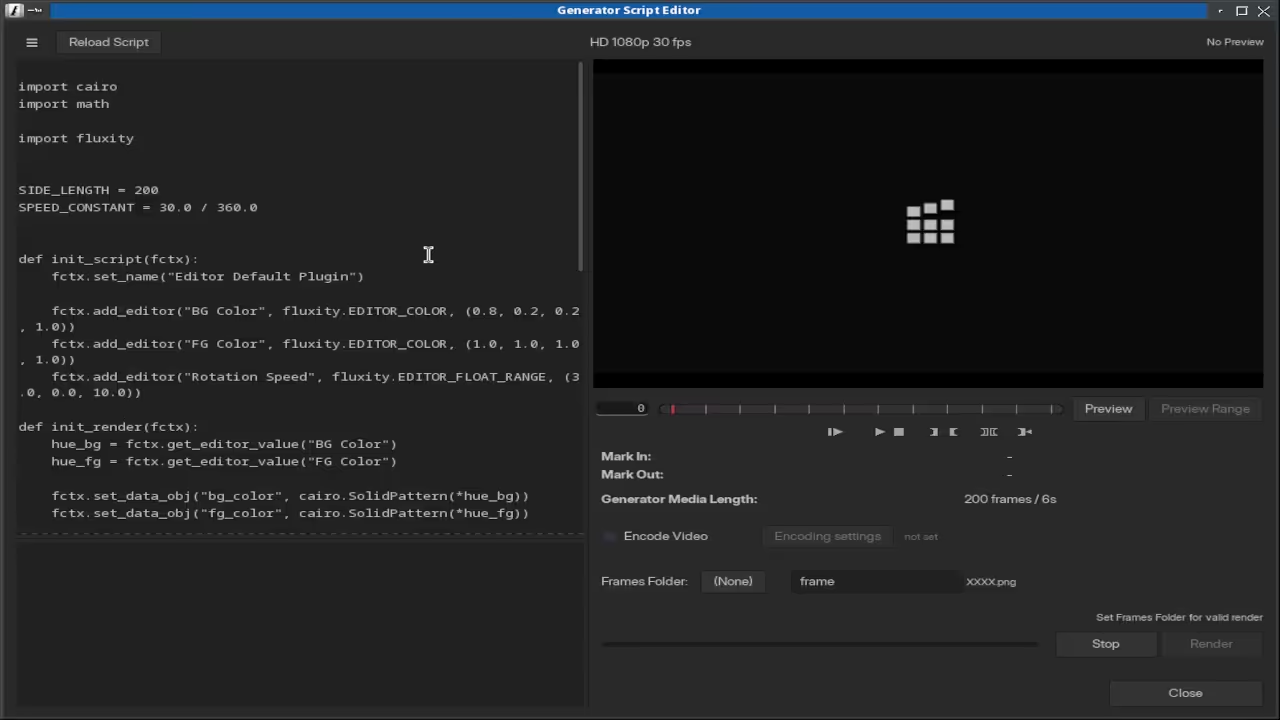
Here is where most editors miss the optimization that changes everything. Flowblade leverages FFmpeg for its core processing pipeline but you can configure hardware acceleration through environment variables.
Set the VA API driver for AMD GPUs by exporting the environment variable before launching Flowblade. This simple configuration step unlocks hardware accelerated decoding for smoother playback.
export LIBVA_DRIVER_NAME=radeonsi
export VDPAU_DRIVER=radeonsi
flowblade
Your AMD Instinct MI60 or even your integrated graphics can handle the heavy lifting. The container clip types in version 2.14 represent a massive workflow improvement.
You can group complex sequences into single editable units without losing individual control. Dual sync trim functionality ensures your audio and video stay perfectly aligned.
This is the kind of refinement that comes from developers who actually edit video professionally. Advanced Workflow Optimization
Advanced Workflow Optimization
The JKL playback system in Flowblade follows industry standard keyboard shortcuts that professionals already know. Slow motion and fast forward playback help you fine tune edit points with frame level precision.
Named markers provide instant navigation through long sequences without losing your place. The clone and copy paste functionality for clips and filters saves hours of repetitive work.
Graphics clips can now be dragged to arbitrary lengths in the latest version. This flexibility allows creative compositing without artificial constraints.
The mute functionality for track video or audio gives you precise control over final output. Every feature in Flowblade serves a specific professional purpose.
Flowblade Feature Comparison
| Feature | Flowblade | DaVinci Resolve | Kdenlive |
|---|---|---|---|
| Timeline Tracks | 9 combined | 100 plus | Unlimited |
| Interface Style | Minimalist | Complex | Modular |
| Hardware Acceleration | VA API | Native | Limited |
| Filter System | Built in | Fusion required | Plugin based |
| Learning Curve | Moderate | Steep | Moderate |
| Resource Usage | Low | High | Medium |
| Export Formats | FFmpeg based | Custom | FFmpeg based |
| Compositor Objects | Native | Fusion | Limited |
| Feature | Flowblade | DaVinci Resolve | Kdenlive |
The comparison reveals why Flowblade deserves serious consideration for Linux editors. You get professional features without the resource demands of enterprise software.
The FFmpeg based export system guarantees compatibility with every major format. Your AMD hardware acceleration through VA API ensures smooth playback even with complex timelines.
Master the Professional Stack
The same precision engineering that powers professional video editing translates directly to custom system builds and computational architecture.
- Books Technical and Creative: https://www.amazon.com/stores/Edward-Ojambo/author/B0D94QM76N
- Blueprints DIY Woodworking Projects: https://ojamboshop.com
- Tutorials Continuous Learning: https://ojambo.com/contact
- Consultations Custom Apps and Architecture: https://ojamboservices.com/contact
Flowblade represents the intersection of professional capability and system efficiency. Your Linux desktop deserves software that respects both your creative vision and your hardware resources.
The Python based architecture ensures continuous improvement through community development. Install Flowblade today and discover why Linux professionals trust it with their most demanding projects.
🚀 Recommended Resources
Disclosure: Some of the links above are referral links. I may earn a commission if you make a purchase at no extra cost to you.