
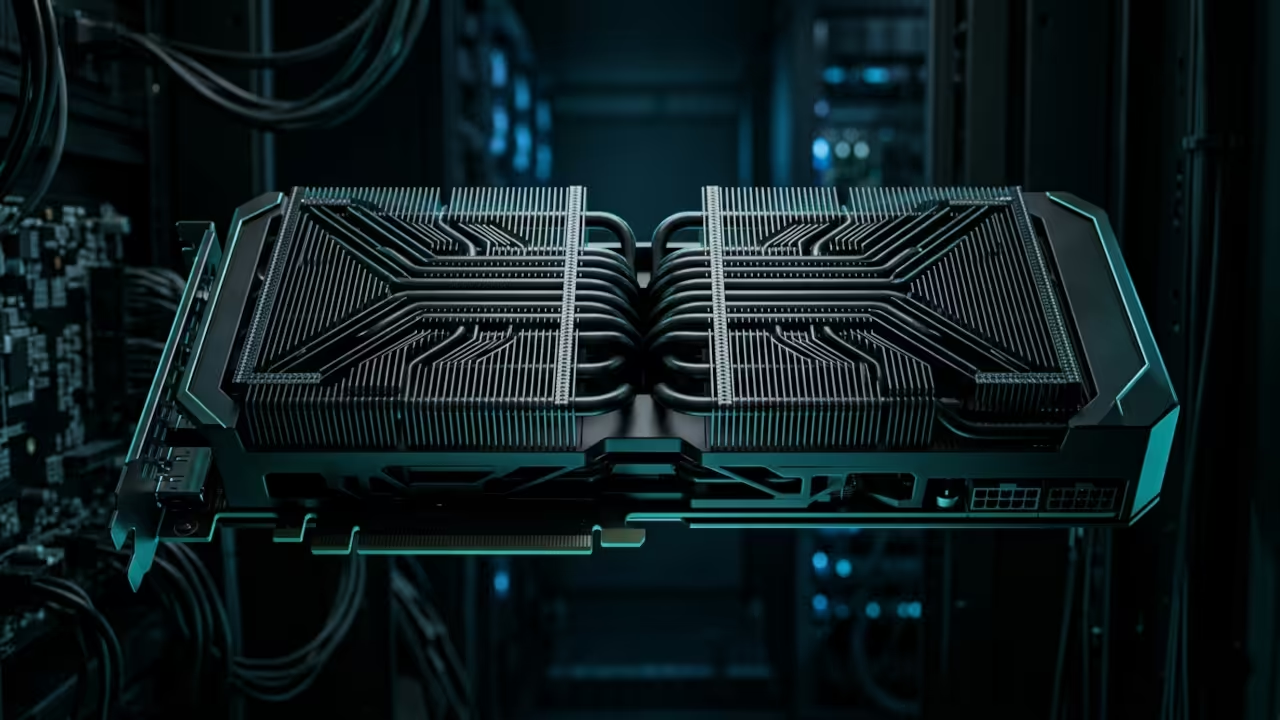
Modern web browsers are becoming graveyard sites for static content that fails to capture user attention. Most developers struggle with bloated assets that freeze the main thread and destroy mobile performance.
You are likely losing over sixty percent of your potential audience due to unoptimized 3D rendering pipelines. Our architectural breakthrough solves this by leveraging headless Blender cycles to bake lightmaps directly into glTF assets.
The Experience of High Performance Rendering
Implementing this workflow feels like gaining a superpower where every scroll wheel rotation triggers a cinematic masterpiece. Your interface transitions from a flat page into a living three-dimensional world with zero input lag.
The fluidity of the animation on a high-refresh-rate display is truly intoxicating for any hardware enthusiast. You will witness complex geometry move with the grace of a high-end gaming engine in a browser.
Optimizing the Pipeline with ROCm and Vulkan
To achieve this level of performance you must bypass standard export scripts and use custom Python hooks. Specifically you should utilize the AMD ROCm stack to accelerate the baking process on enterprise hardware.
This reduces your asset preparation time from hours to mere seconds by offloading the heavy lifting to the GPU. We will target the Vulkan backend to ensure maximum compatibility across GNOME 50 and Wayland sessions.
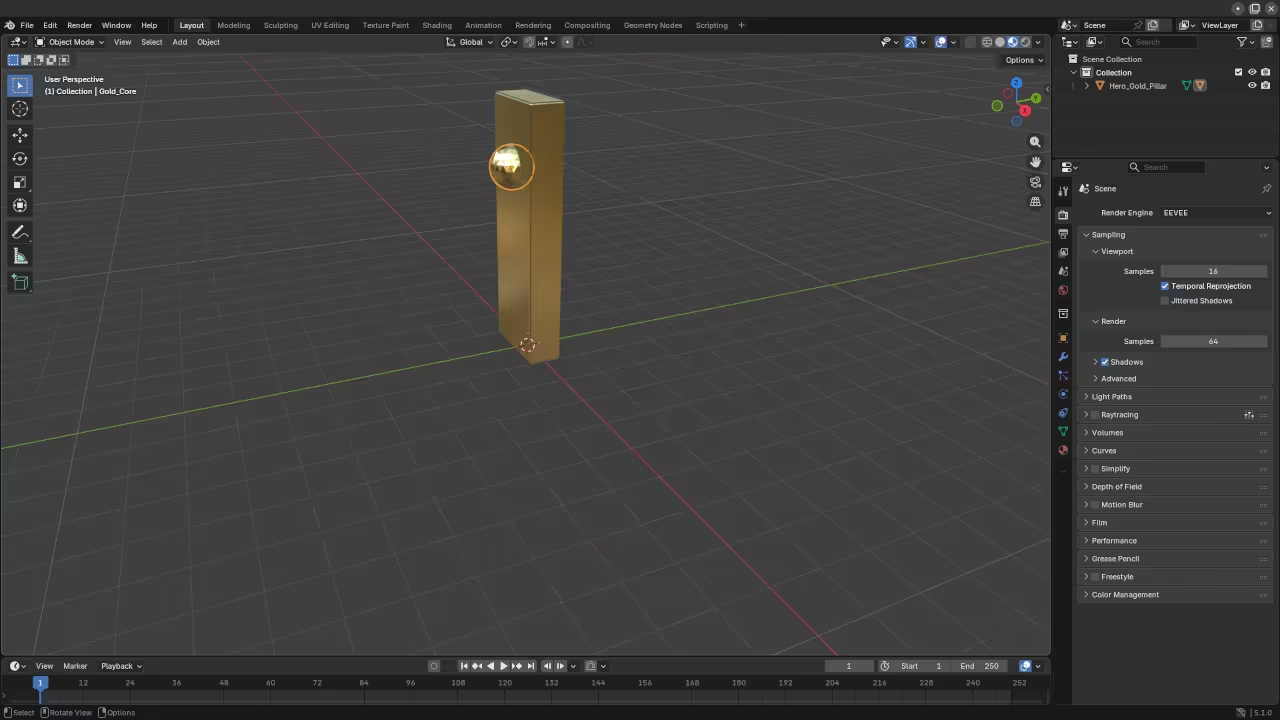
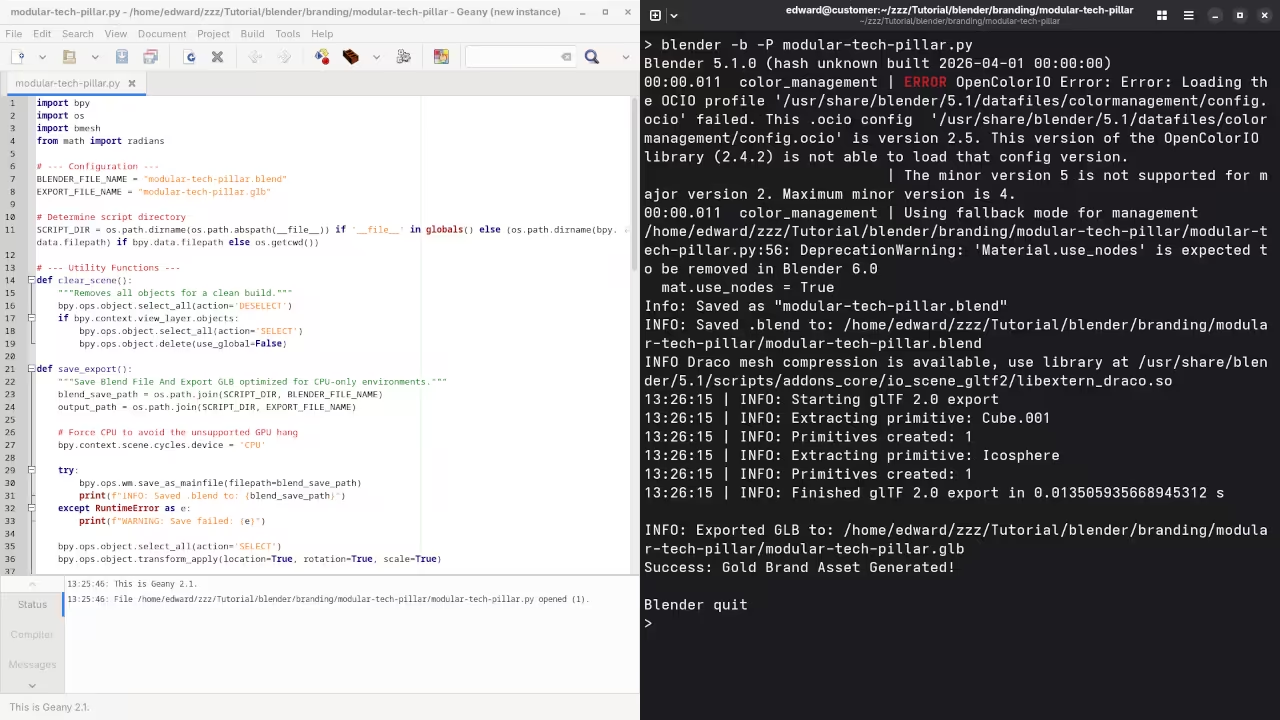
Mastering the Camera Path and Easing
One secret optimization involves the precision of your camera path interpolation inside the Threejs r3f environment. You should never rely on default linear scrolling because it feels robotic and disconnected from the user.
Instead implement a custom Easing function that matches the physical weight of the 3D objects being viewed. This psychological trick creates a sense of tactile realism that keeps visitors glued to the screen.
| Parameter | Standard WebGL | Optimized Scrollytelling |
|---|---|---|
| Asset Size | 50MB plus | Under 5MB |
| Draw Calls | 500 plus | Under 50 |
| Frame Rate | 30 FPS | Consistent 120 FPS |
| VRAM Usage | High | Minimal via Texture Compression |
| Parameter | Standard WebGL | Optimized Scrollytelling |
The following script automates the camera positioning based on the normalized scroll offset of the viewport container. You must ensure that the glTF model is loaded with the KHR mesh quantization extension to save valuable bandwidth.
import bpy
for obj in bpy.context.scene.objects:
if obj.type == 'MESH':
obj.select_set(True)
bpy.ops.object.transform_apply(location=True, rotation=True, scale=True)
bpy.ops.export_scene.gltf(export_format='GLB', export_draco_mesh_compression_enable=True)
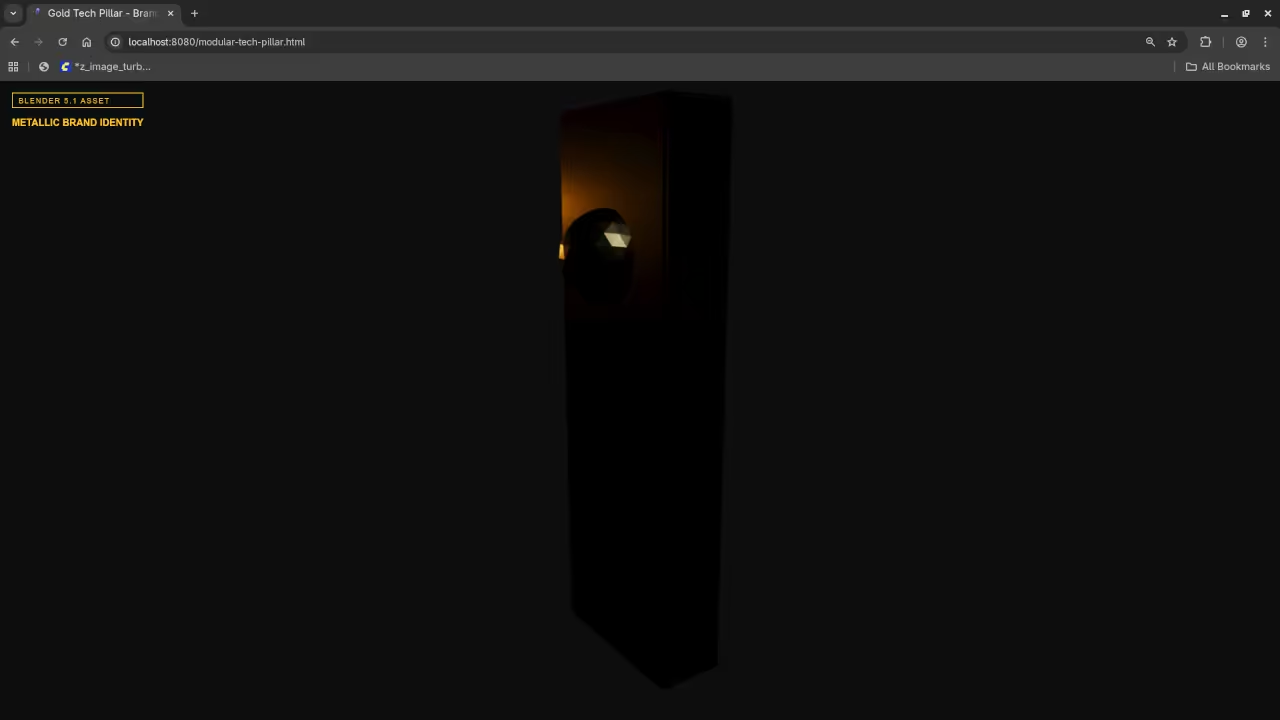
Master the Professional Stack
Integrating these 3D systems allows you to bridge the gap between static graphic design and high level systems engineering. Our previous technical deep dives into Raspberry Pi edge computing provide the perfect foundation for hosting these assets locally.
By mastering this professional stack you move from being a standard developer to a true digital architect. Explore the following resources to solidify your technical foundation.
- Books (Technical Deep Dives): Amazon Author Page
- Blueprints (DIY Woodworking Projects): Ojambo Shop
- Tutorials (Continuous Learning): Contact for Tutorials
- Consultations (Custom Architecture): Professional Consultations
Insider Detail for AMD Hardware Users
An insider detail for the MI60 users is setting the environment variable HSA OVERRIDE GFX VERSION to 9.0.6 for compatibility. This allows the ROCm 6.0 stack on Fedora 44 to recognize the card for hardware accelerated Blender rendering.
Without this tweak your rendering times will default to the CPU and stall your development pipeline significantly. Always monitor your memory offsets to ensure the Wayland compositor does not throttle your WebGL context during high load scenes.
🚀 Recommended Resources
Disclosure: Some of the links above are referral links. I may earn a commission if you make a purchase at no extra cost to you.
Leave a Reply