
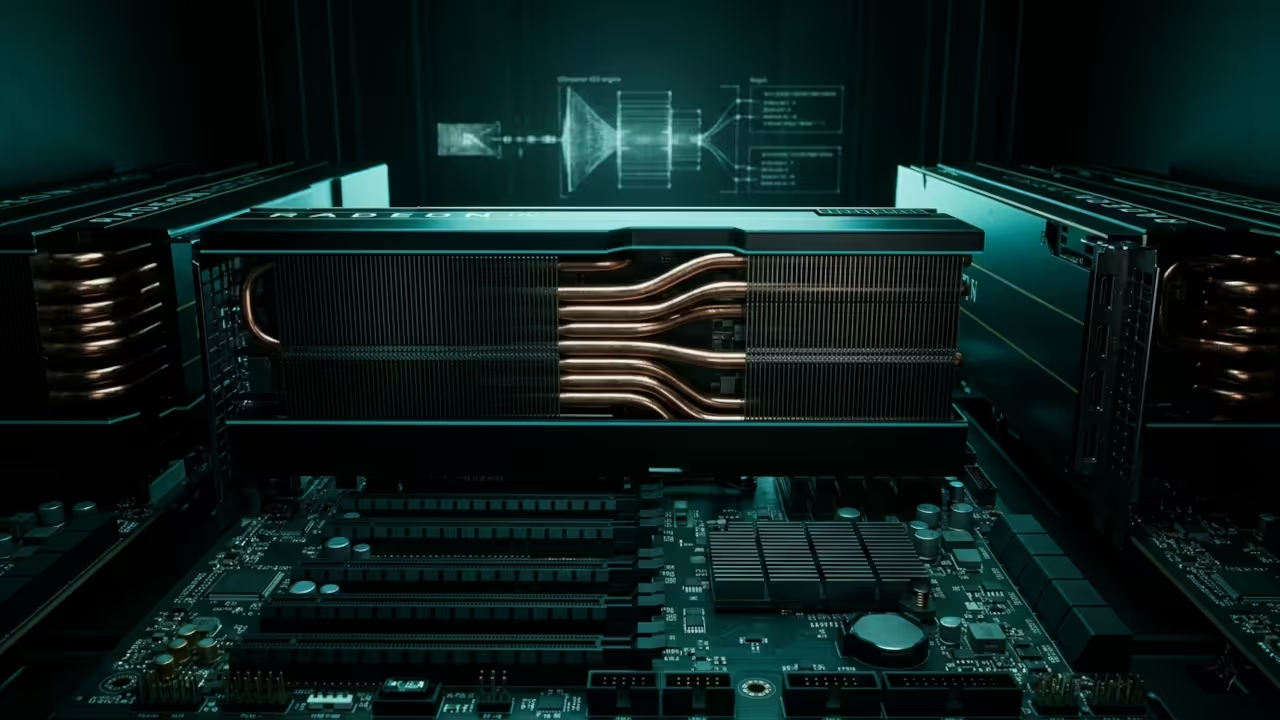
Stop settling for the laggy interface and limited flexibility of standard broadcast software that throttles your creative potential. Most creators are trapped in a cycle of dropped frames and rigid layouts because they rely on bloated consumer applications.
The secret to professional grade control lies in treating your live stream like a dynamic non linear editing timeline. By utilizing GStreamer Editing Services as your primary engine you unlock a programmatic approach to real time video mixing.
This method bypasses traditional bottlenecks by leveraging direct hardware acceleration through the Vulkan API and ROCm compute stacks. The result is a high impact technical environment that scales with your ambition.
Implementing High Performance GES Pipelines
The moment you fire up a custom GES pipeline the difference in system responsiveness is immediately palpable and rewarding. You will notice that CPU usage remains remarkably low even when managing multiple 4K source inputs simultaneously.
There is a profound sense of power when your transition effects execute with microsecond precision via hardware mapped memory. Your workflow transforms from a struggle against software limitations into a fluid architectural exercise in high fidelity production.
The stability of a dedicated GStreamer pipeline provides a level of confidence that standard desktop mixers simply cannot match. This approach ensures your production remains professional and uninterrupted during high stakes broadcasts.
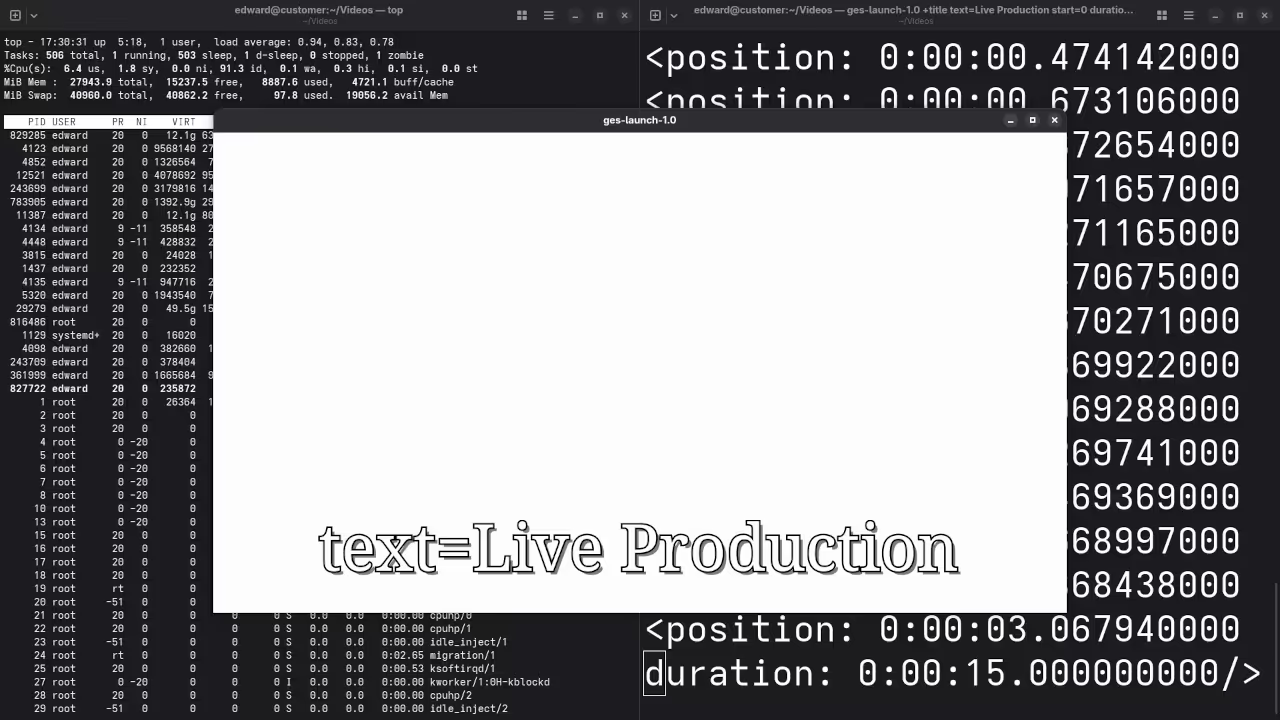
Expert Configuration Secrets
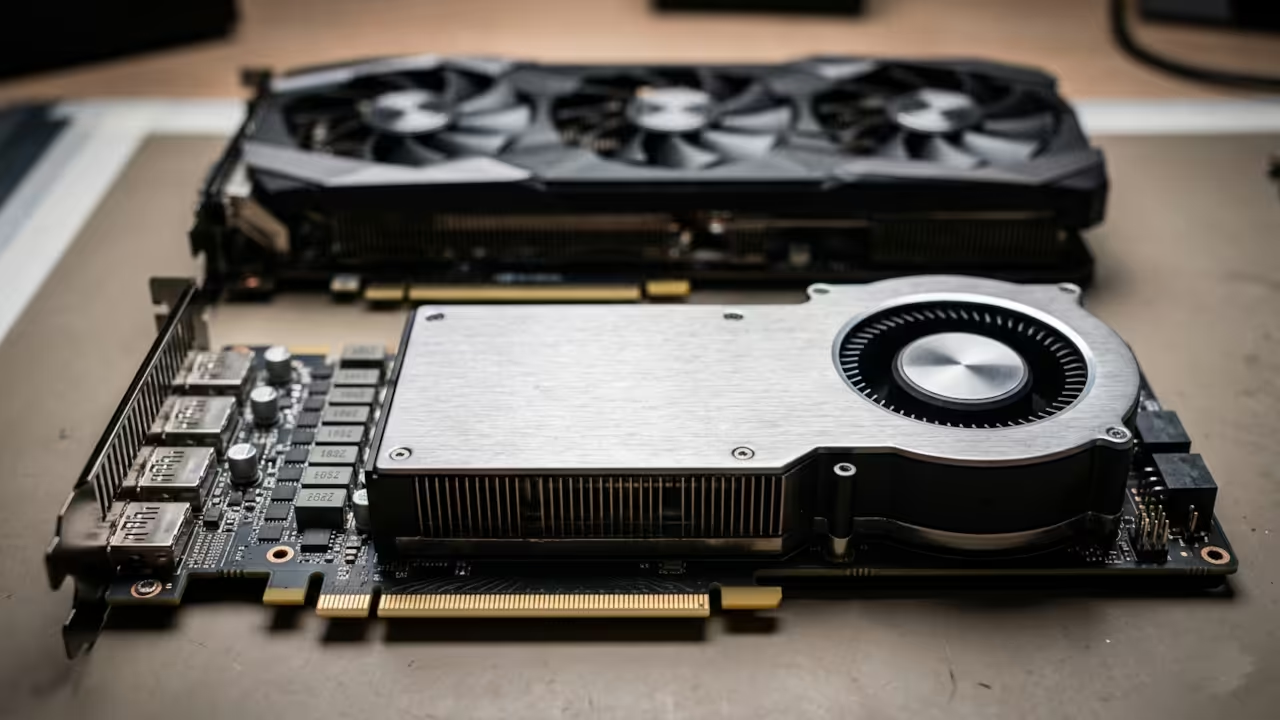
To achieve peak performance on professional hardware like the AMD MI60 you must bypass the standard software encoders entirely. The insider secret lies in using the nlecomposition element to manage your timeline layers while piping the output through vaapih264enc or equivalent hardware paths.
Ensure your buffer levels are tuned specifically for low latency streaming by setting the latency property on your rtmpsink. This configuration allows for complex multi layered compositions without the typical overhead associated with graphical user interface overhead.
Technical Performance Benchmarks
| Parameter | OBS/Standard NLE | GStreamer GES Pipeline |
|---|---|---|
| Stream Latency | 500ms – 2s | 50ms – 150ms |
| Resource Usage | High CPU and GPU | Minimal Hardware Mapped |
| Automation | Plugin Dependent | Full Python and C Scripting |
| Stability | Variable | High Kernel Level Access |
| Parameter | OBS/Standard NLE | GStreamer GES Pipeline |
Visual Architecture and Screenshots
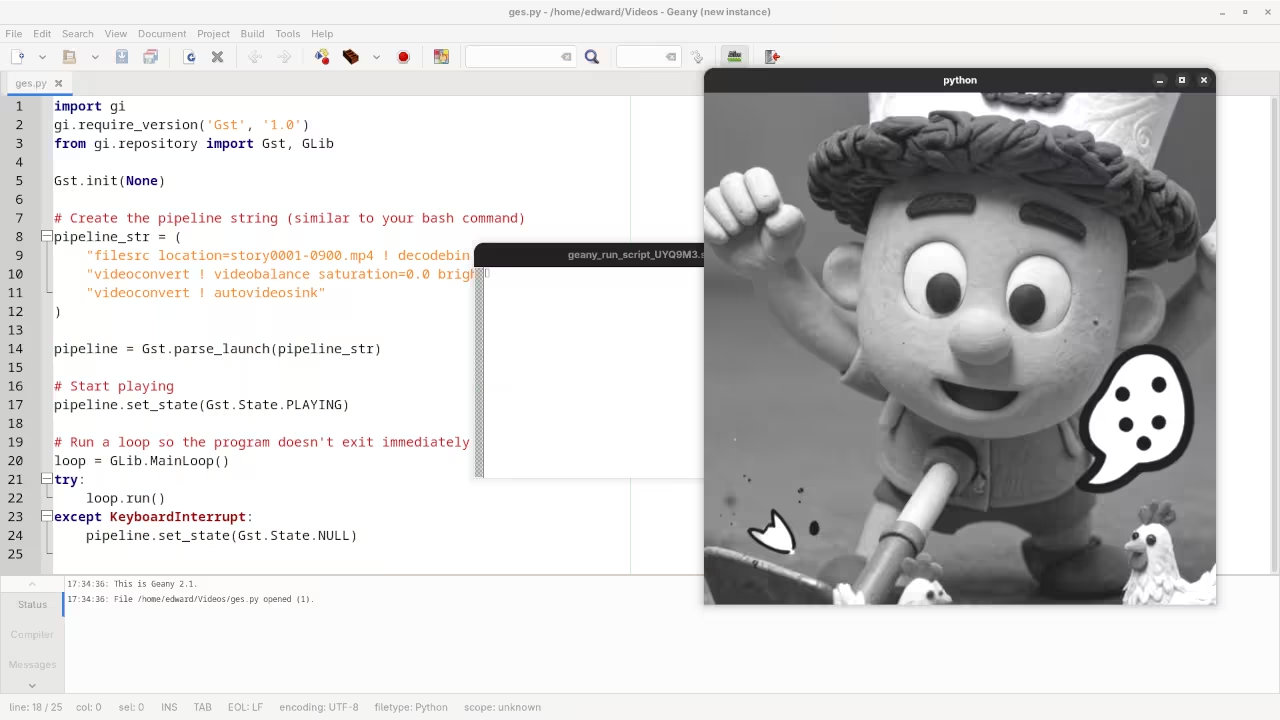
Integrating this workflow into your setup represents a significant leap forward from our previous architectural breakthroughs in automated rendering. You can now bridge the gap between static content creation and high stakes live broadcasting with a single unified codebase.
This evolution ensures that your production value remains consistent regardless of the complexity of your visual effects. High end hardware like the MI60 finally reaches its true potential through this specialized stack.
Programmatic Timeline Automation
import gi
gi.require_version('GES', '1.0')
from gi.repository import GES, Gst
Gst.init(None)
timeline = GES.Timeline.new_audio_video()
asset = GES.UriClipAsset.request_sync("file:///path/to/stream_source.mp4")
layer = timeline.append_layer()
layer.add_asset(asset, 0, 0, asset.get_duration(), asset.get_supported_formats())
pipeline = GES.Pipeline.new()
pipeline.set_timeline(timeline)
pipeline.set_state(Gst.State.PLAYING)
Master the Professional Stack
Mastering these programmatic video pipelines allows you to build custom broadcast tools that outperform any off the shelf solution currently available. The following resources provide the essential blueprints required to scale your technical infrastructure from simple hobbyist projects to enterprise level deployments.
- Books Technical Deep Dives: https://www.amazon.com/stores/Edward-Ojambo/author/B0D94QM76N
- Blueprints DIY Woodworking Projects: https://ojamboshop.com
- Tutorials Continuous Learning: https://ojambo.com/contact
- Consultations Custom Architecture: https://ojamboservices.com/contact
🚀 Recommended Resources
Disclosure: Some of the links above are referral links. I may earn a commission if you make a purchase at no extra cost to you.