
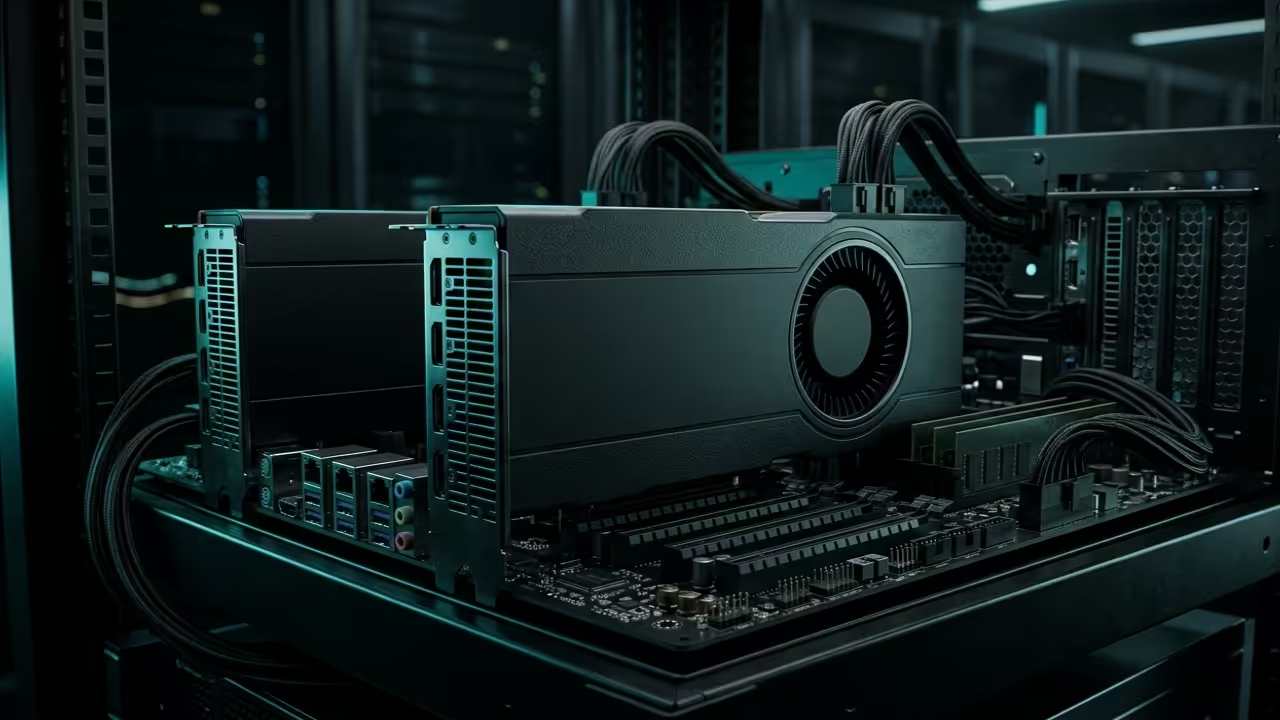
The current hardware market forces creators to pay a massive premium for proprietary AI silicon. You are likely staring at inflated price tags for mid range cards that throttle your creative output.
Most enthusiasts believe they need a five thousand dollar setup to run high parameter local models efficiently. This guide shatters that myth by leveraging overlooked enterprise hardware for a fraction of the cost.
You can now build a workstation that rivals professional server farms without breaking your budget. This approach utilizes the high bandwidth memory of parallel AMD units to achieve superior results.
The Professional Experience of High Performance Computing
Imagine the rush of watching a complex Blender animation render in seconds rather than hours. There is a specific satisfaction when your local LLM responds instantly because of massive VRAM overhead.
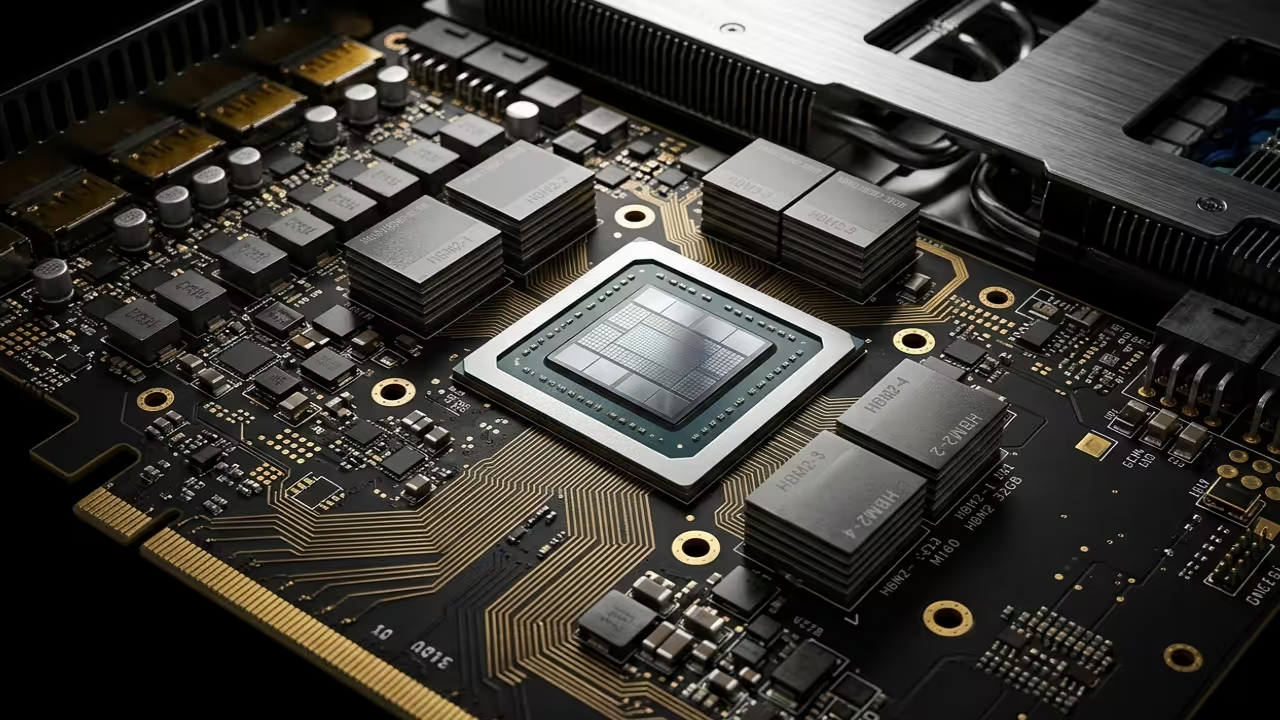
You feel the raw power of thirty two gigabytes of HBM2 memory handling tasks that crash standard consumer cards. The system remains stable under heavy load while the fans hum with efficient purpose.
Implementing this architecture changes your relationship with technology from a consumer to a master builder. It empowers you to run enterprise grade workloads on a hobbyist budget effectively.
Secret ROCm Optimizations and Hardware Tweaks
To achieve maximum performance on the MI60 under the latest ROCm stack you must modify the firmware power limits. Standard enterprise profiles often cap clock speeds to maintain specific thermal envelopes in dense server racks.
By using the rocm smi tool with the setperflevel high flag you force the hardware into its peak state. Furthermore ensuring your kernel boot parameters include amdgpu noretry=1 prevents unnecessary cycles during memory intensive training sessions.
This specific tweak drastically improves stability when spanning workloads across multiple parallel GPUs in a cluster. It ensures that the peer to peer communication fabric operates at the lowest possible latency levels.
| GPU Model | Memory Type | Price Point |
|---|---|---|
| AMD MI60 | 32GB HBM2 | 150 USD |
| RTX 4090 | 24GB GDDR6X | 1700 USD |
| RTX 3060 | 12GB GDDR6 | 285 USD |
| GPU Model | Memory Type | Price Point |
Mastering the Software Stack Deployment
Deploying this cluster requires a precise software handshake between the drivers and the application layer. You must install the ROCm meta packages specifically designed for the RDNA and CDNA shared architecture.
Running the following command ensures your environment recognizes every node in the parallel array. This setup is crucial for Fedora 44 systems utilizing the latest GNOME 50 desktop environment features.
sudo dnf install rocm-hip-runtime-devel rocm-cl-runtime
Once the runtime is active you can verify the peer to peer memory access between your MI60 cards. Peer to peer communication is essential for reducing latency when the GPUs share data during large model inference.
Use the basic topology check to confirm that your PCIe fabric is operating at maximum throughput. This verification step confirms that the hardware is communicating without bottlenecks across the system bus.
rocm-smi --showtoponuma
Next Steps for Architectural Breakthroughs
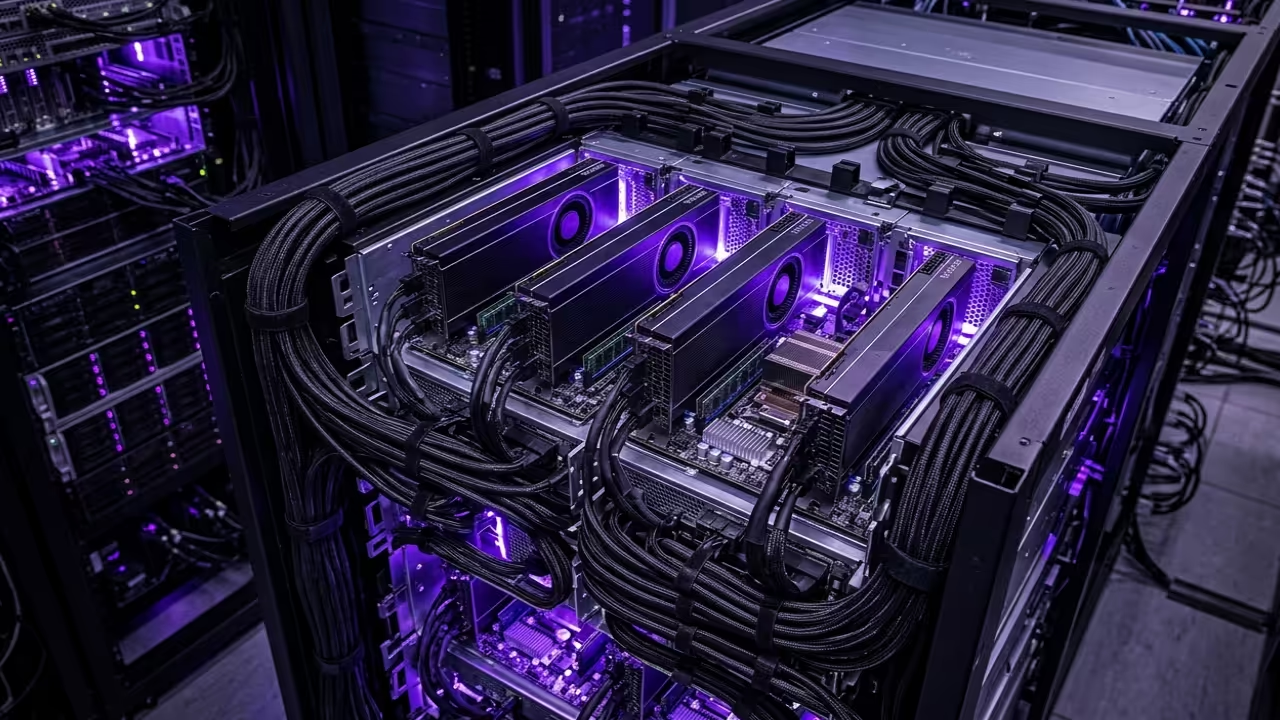
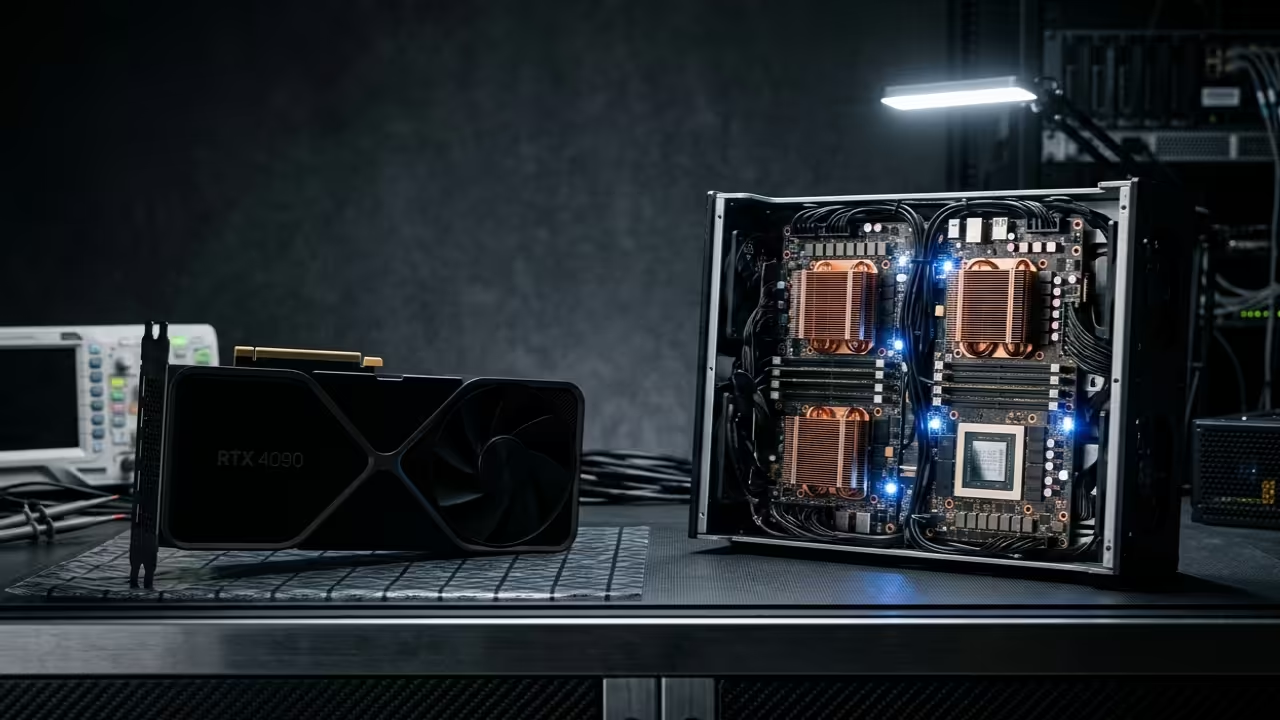
This project builds directly upon our previous breakthroughs in high density server design and local AI execution. Integrating these secret optimizations ensures your infrastructure remains relevant as model requirements continue to scale upward.
These specific hardware optimizations are the foundation for building enterprise grade local infrastructure. Use the professional blueprints below to scale your architectural vision into a production ready reality.
- Books Technical Deep Dives: Amazon Author Page
- Blueprints DIY Woodworking Projects: Ojambo Shop
- Tutorials Continuous Learning: Contact for Tutorials
- Consultations Custom Architecture: Professional Consultations
🚀 Recommended Resources
Disclosure: Some of the links above are referral links. I may earn a commission if you make a purchase at no extra cost to you.
Leave a Reply