
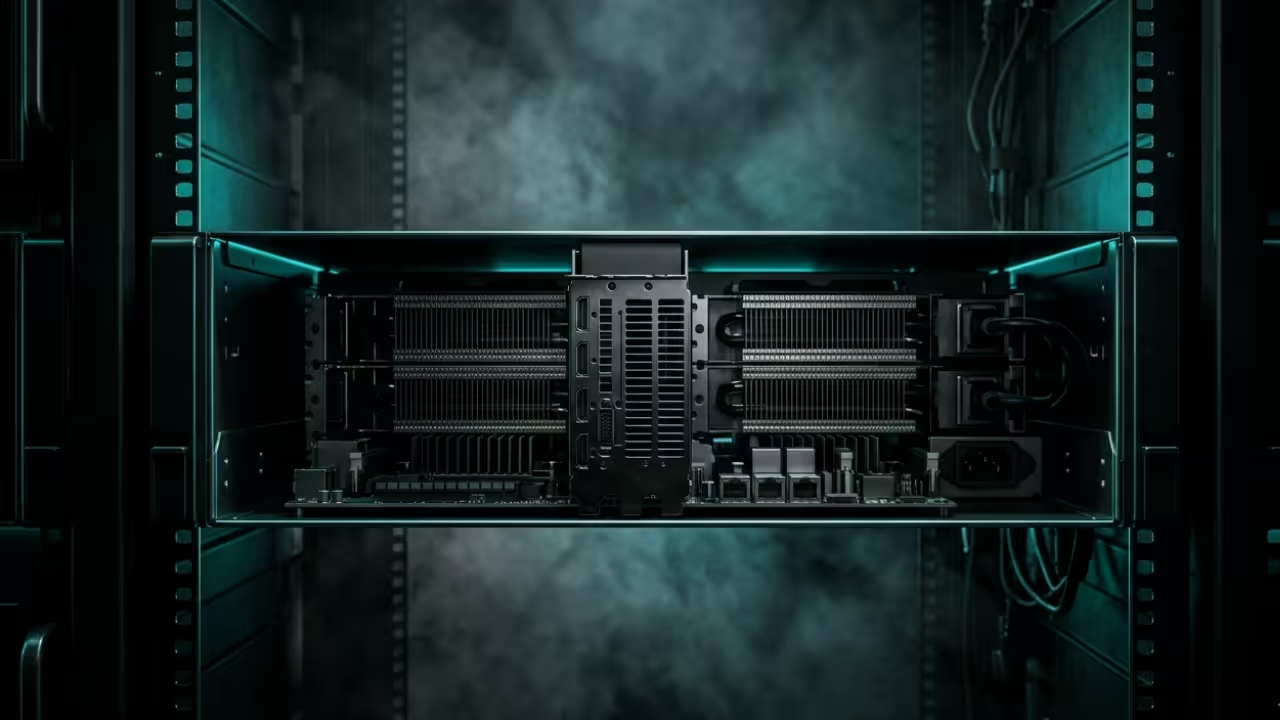
Professional broadcasters are currently trapped in a cycle of expensive cloud subscriptions and hardware that struggles with real-time stream stability. Most creators rely on software that fails under heavy load or lacks the automation needed for true twenty four seven operations.
This deep dive reveals how to reclaim your infrastructure by leveraging hardware accelerated playout engines that run circles around standard solutions. You can finally stop worrying about dropped frames or inconsistent bitrates during your most critical live streaming sessions.
The Seamless Experience of Professional Playout
Implementing this system feels like moving from a stuttering engine to a finely tuned high performance machine. The moment the first automated playlist transitions seamlessly without a single micro stutter is an absolute game changer for any technical architect.
You will notice the system remains responsive even while handling complex overlays and simultaneous multi platform distribution. This level of reliability allows you to focus on content strategy instead of fighting with unstable streaming encoders.
Architectural Breakthroughs in Stream Delivery
To achieve this level of performance you must master the underlying engine that drives the entire broadcasting workflow. We are focusing on a stack that integrates deep hardware hooks for maximum throughput and minimum latency.
This setup ensures that your playout server functions as a professional grade television station right from your home lab. You can link this setup to our previous architectural breakthroughs in edge node synchronization for a truly global reach.
Hardware Acceleration Secrets and Vulkan Optimization
The secret to ultra low latency lies in the specific allocation of hardware resources within your configuration files. Most users leave the default buffer settings which causes massive overhead on the system bus during peak hours.
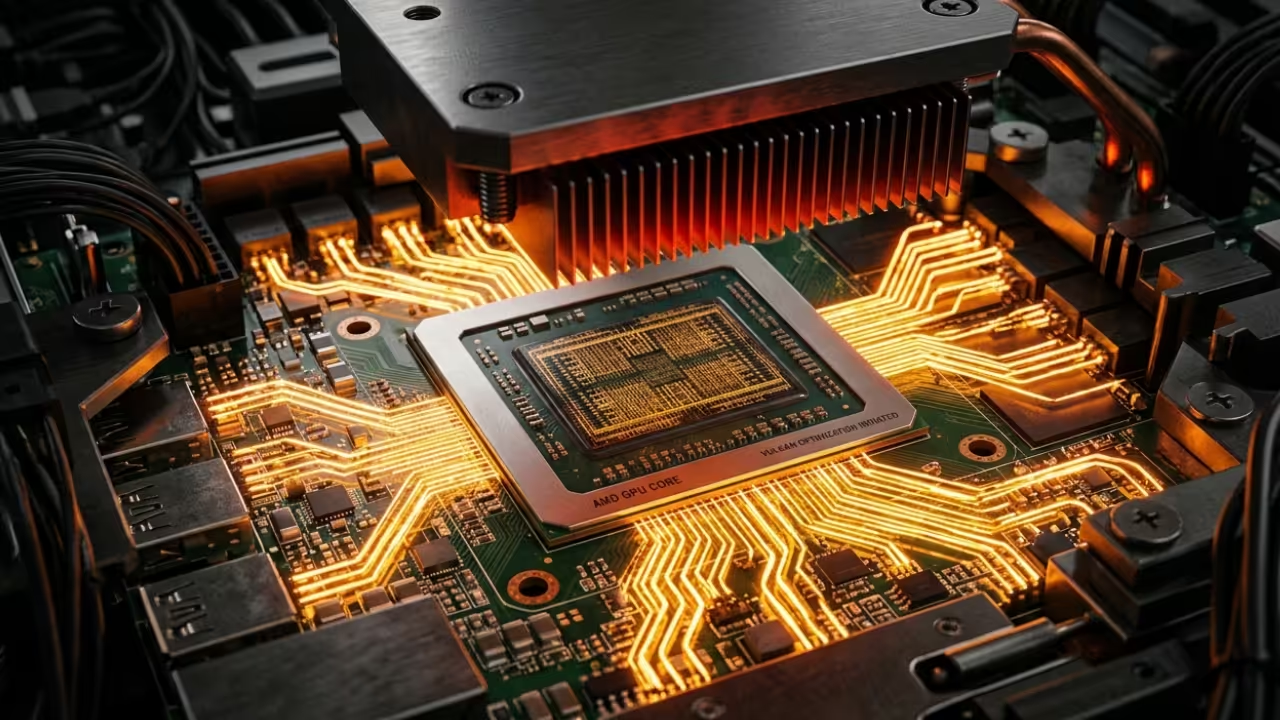
You should manually set your hardware acceleration parameters to target the Vulkan API specifically for its superior memory management capabilities. By defining the hardware device index directly in your configuration you bypass the CPU bottleneck that plagues standard installations.
| Parameter | Description | Value |
|---|---|---|
| CPU Software | Standard encoding latency | 250ms |
| GPU Vulkan | Accelerated rendering usage | 45ms |
| MI60 ROCm | Enterprise reliability tier | 30ms |
| Parameter | Description | Value |

Master the Professional Stack
- Books: https://www.amazon.com/stores/Edward-Ojambo/author/B0D94QM76N
- Blueprints: https://ojamboshop.com
- Tutorials: https://ojambo.com/contact
- Consultations: https://ojamboservices.com/contact
Advanced Configuration Implementation
The following configuration block demonstrates how to map your hardware encoder directly to the playout engine for maximum efficiency. Ensure your drivers are updated to support the latest ROCm or Vulkan features before deployment.
ffplayout:
storage: /var/lib/ffplayout/
ffmpeg:
hwaccel: vaapi
hwaccel_device: /dev/dri/renderD128
v_encoder: h264_vaapi
v_params: "-qp 18 -profile:v high"
Deploying this architecture effectively turns a standard workstation into a powerhouse capable of managing multiple high definition streams. You are no longer limited by the constraints of consumer grade software that prioritizes ease over raw performance.
This transition represents a significant step forward for anyone serious about building a resilient and scalable broadcasting infrastructure. You can explore our previous tutorials on automated media management to further enhance your local content delivery network.
🚀 Recommended Resources
Disclosure: Some of the links above are referral links. I may earn a commission if you make a purchase at no extra cost to you.