
Introduction
Building game servers is fun for many developers. You can host your games on small hardware.
Small Scale Hosting Benefits
The Raspberry Pi Zero W is very affordable. It is a great choice for local hosting.
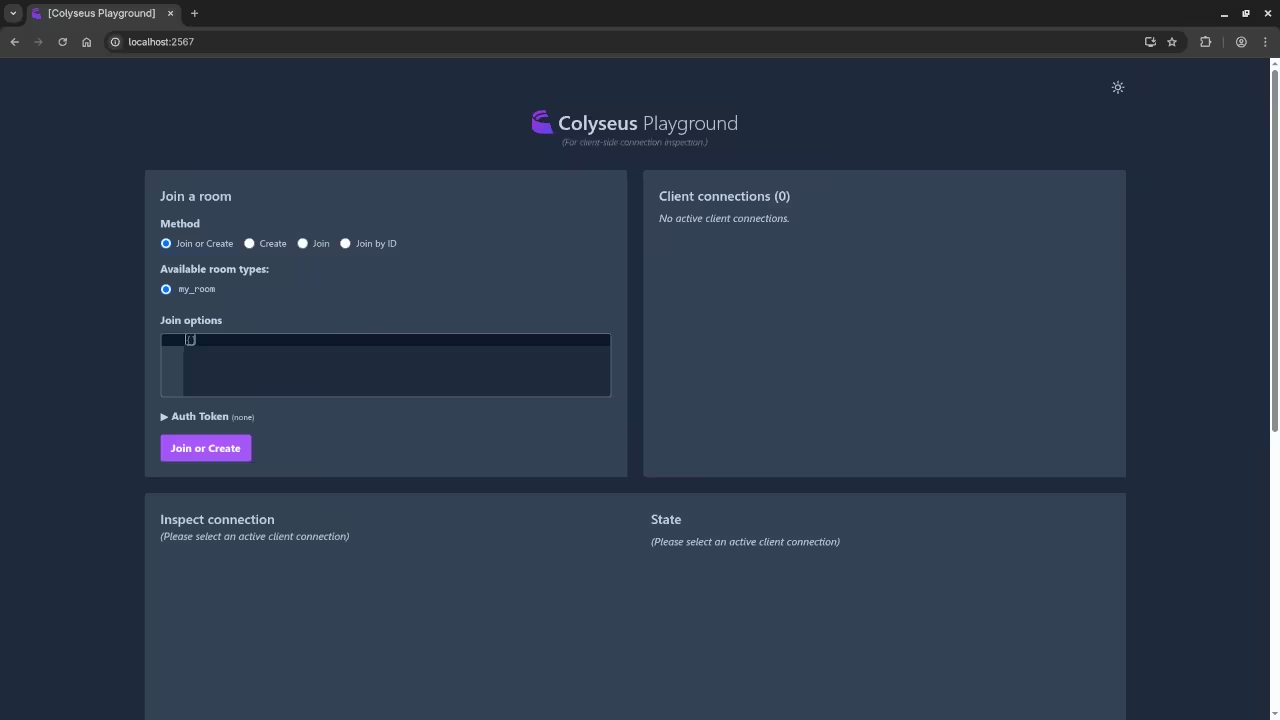
Colyseus is a powerful server engine for games. It uses Node.js to manage multiple players.
Open Source Freedom and Licensing
The engine uses the highly permissive MIT license. This open source license matters for your freedom.
You can modify the code for any project. There are no fees to use this software.
Open source tools help you learn very quickly. You can read the source code to understand logic.
Development Environment Setup
Fedora Linux provides a stable base for development. You can manage your Pi server from Fedora.
Fedora includes modern tools to handle remote servers. You use SSH to connect to the Raspberry Pi.
Installing Node.js and Software
Start by installing Node.js 22 on your Pi. Use the terminal to update your system software.
Node.js allows the server to handle many connections. It uses an event loop to stay fast.
The Pi Zero W has limited memory resources. Colyseus runs efficiently on this small device.
Resource Management and Memory
You only have 512MB of RAM available here. This forces you to write very clean code.
Networking is handled through the WebSocket protocol. This allows for fast real-time player updates.
WebSockets keep a constant connection between players. This reduces the lag during your game play.
Data Storage and Persistence
You should use SQLite 3 for your database. It is lightweight and perfect for player stats.
SQLite saves data into a single local file. This is much faster than running heavy databases.
Server Logic and Authority
The server handles game logic for all players. This prevents cheating in your multiplayer WebGL games.
An authoritative server makes all the final decisions. It calculates the movements and scores for everyone.
Process Management and Stability
PM2 helps keep your server running constantly. It will restart the service if errors occur.
This process manager ensures high availability for players. Your server stays online even after a crash.
Connect your Fedora machine to the same network. You can test your game server using browsers.
Testing on a local network is very fast. It helps you find bugs before going live.
Conclusion and Skill Building
The setup is perfect for small indie games. It teaches you about backend logic and networking.
You learn how to handle data synchronization today. These skills are valuable for any software job.
Always monitor the CPU usage on your Pi. Keep your code clean to save system power.
Small optimizations make a big difference on Pi. Your players will enjoy a much smoother experience.
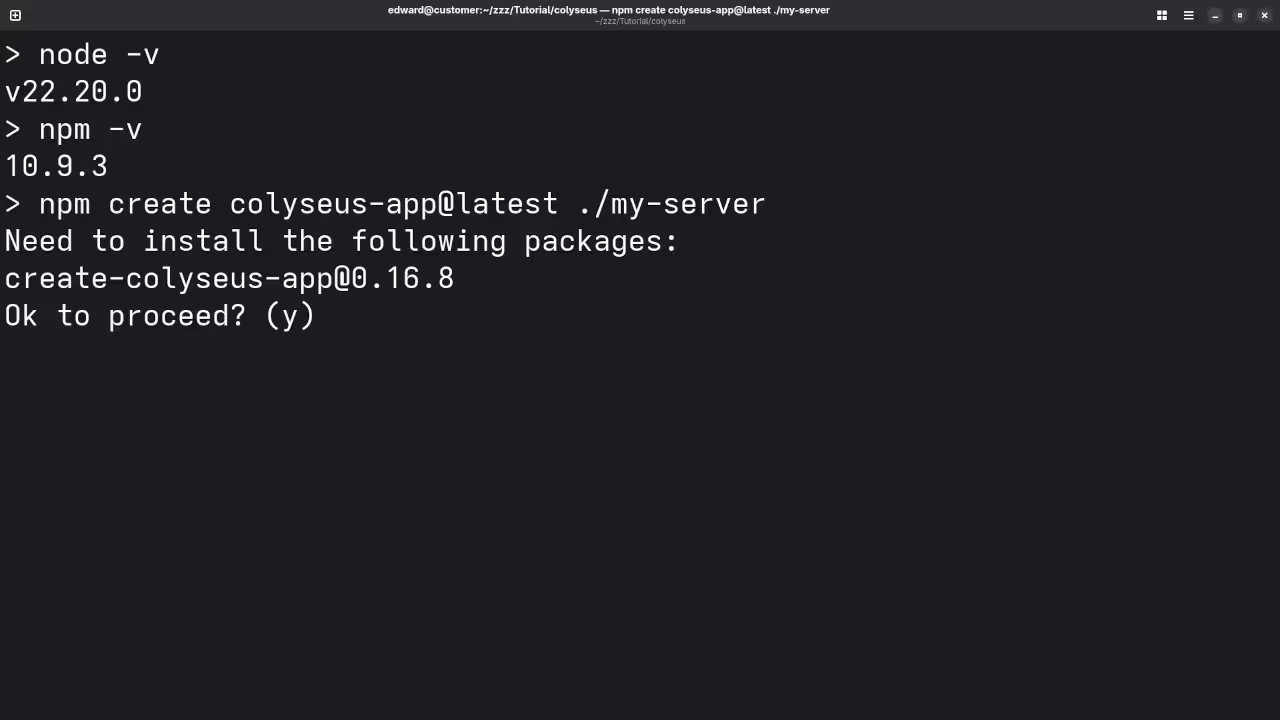
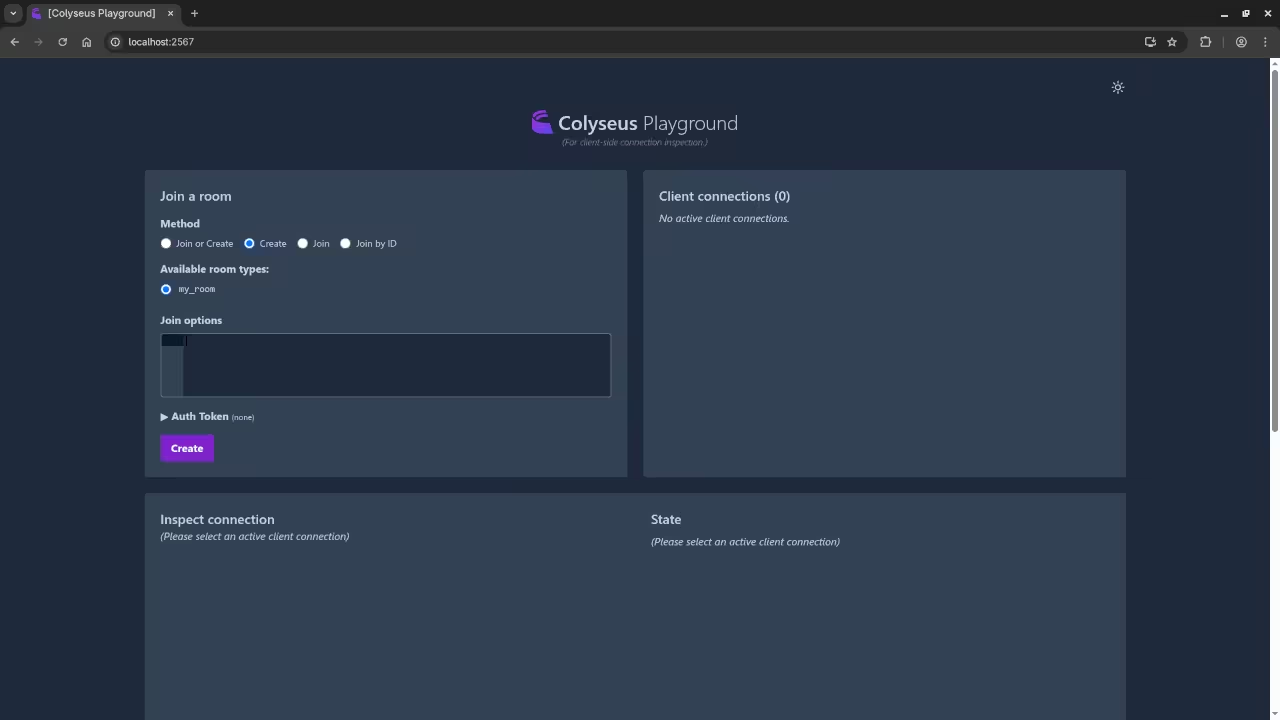
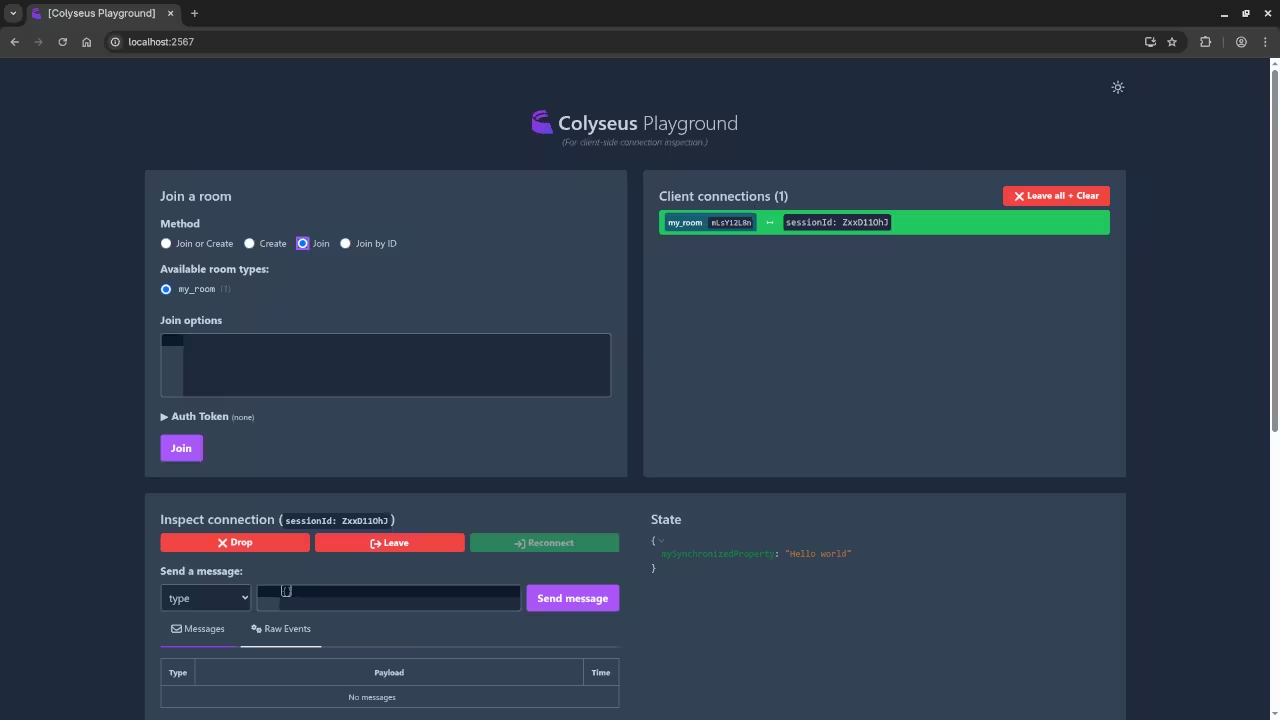
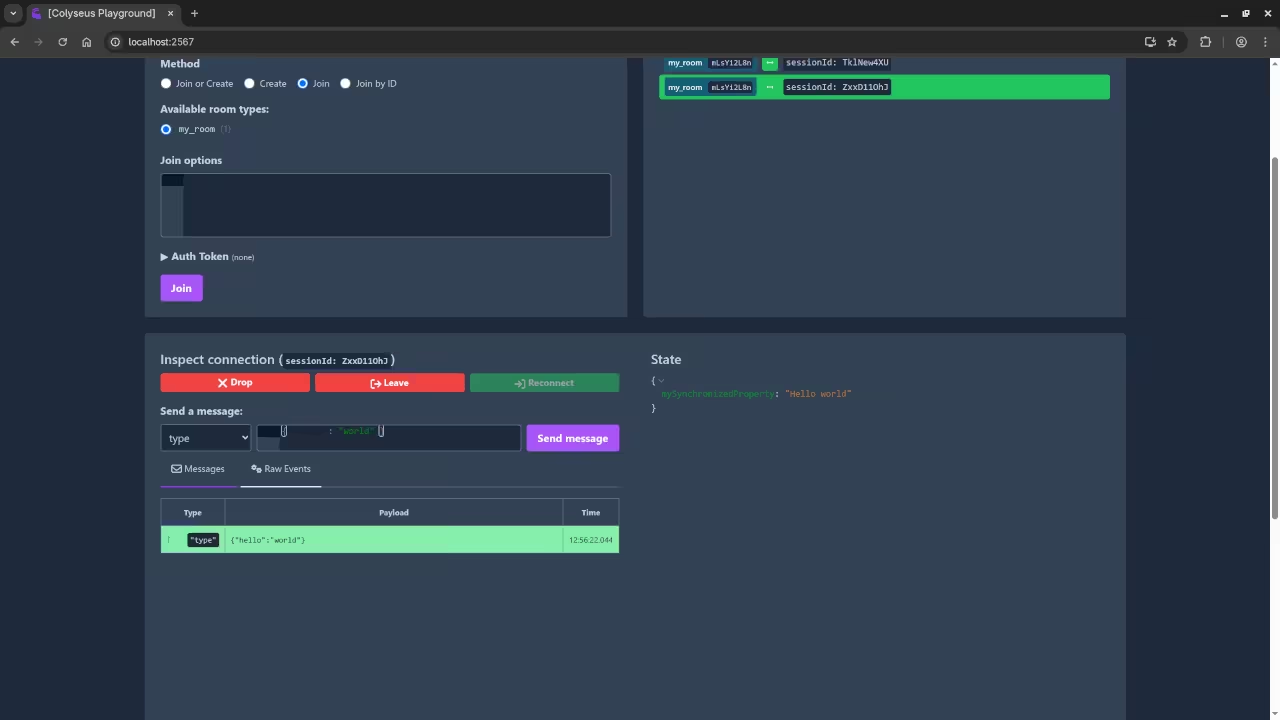
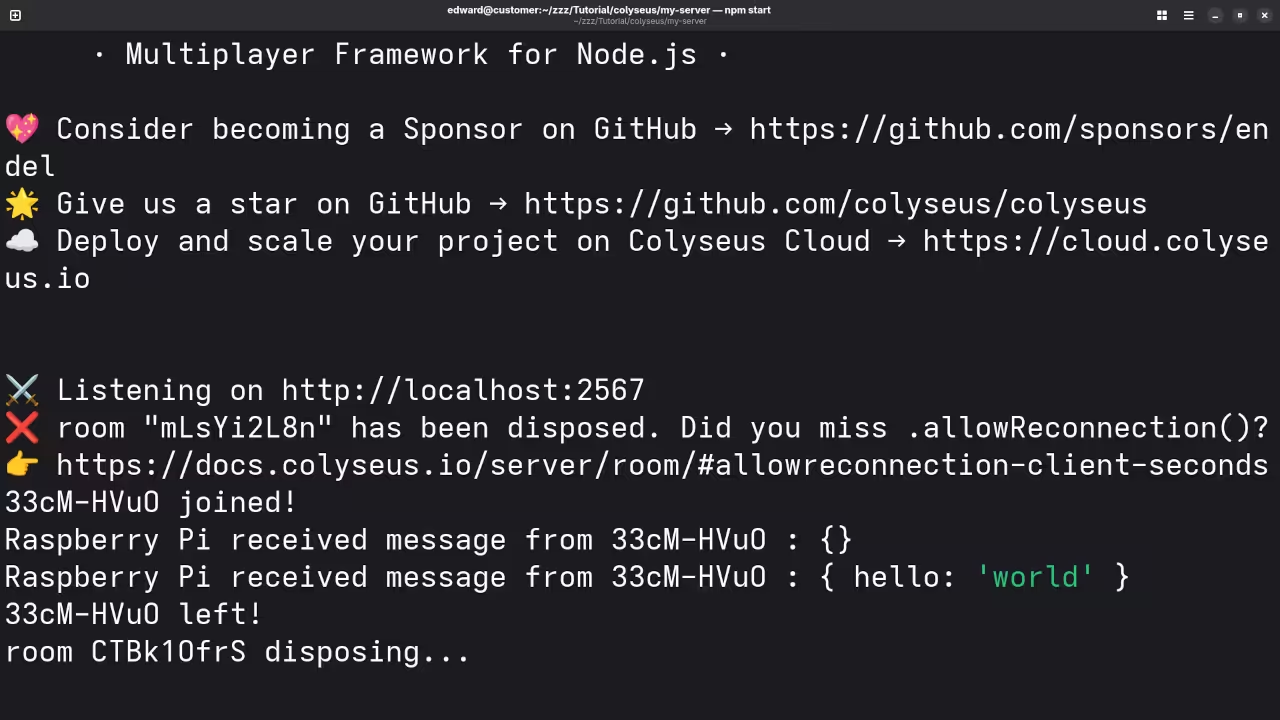
📷 Screenshots
🎬 Live YouTube Screencast
Take Your Skills Further
- Books: https://www.amazon.com/stores/Edward-Ojambo/author/B0D94QM76N
- Courses: https://ojamboshop.com/product-category/course
- Tutorials: https://ojambo.com/contact
- Consultations: https://ojamboservices.com/contact
🚀 Recommended Resources
Disclosure: Some of the links above are referral links. I may earn a commission if you make a purchase at no extra cost to you.