
Introduction
Vim is a legendary text editor for Fedora Linux. It began in 1988 as a clone of Vi.
Bram Moolenaar created it for the Amiga computer system. The name originally meant Vi IMitation during early development.
It changed to Vi IMproved after many new features. Moolenaar released the first public version in late 1991.
Why Vim is Popular for Developers
Vim is popular because it is fast and lightweight. It runs on almost every server in the world.
Developers love it for its powerful modal editing style. This allows you to edit text without using mice.
You should learn Vim to boost your daily productivity. It works perfectly over slow remote SSH server connections.
Learning these five essential commands will start your journey. Practice them daily to build strong muscle memory quickly.
Five Essential Vim Commands
Insert Mode
First press the i key for insert mode. This allows you to type text normally now.
Normal Mode
Second press the Esc key to exit mode. This returns you to the standard command mode.
Save Changes
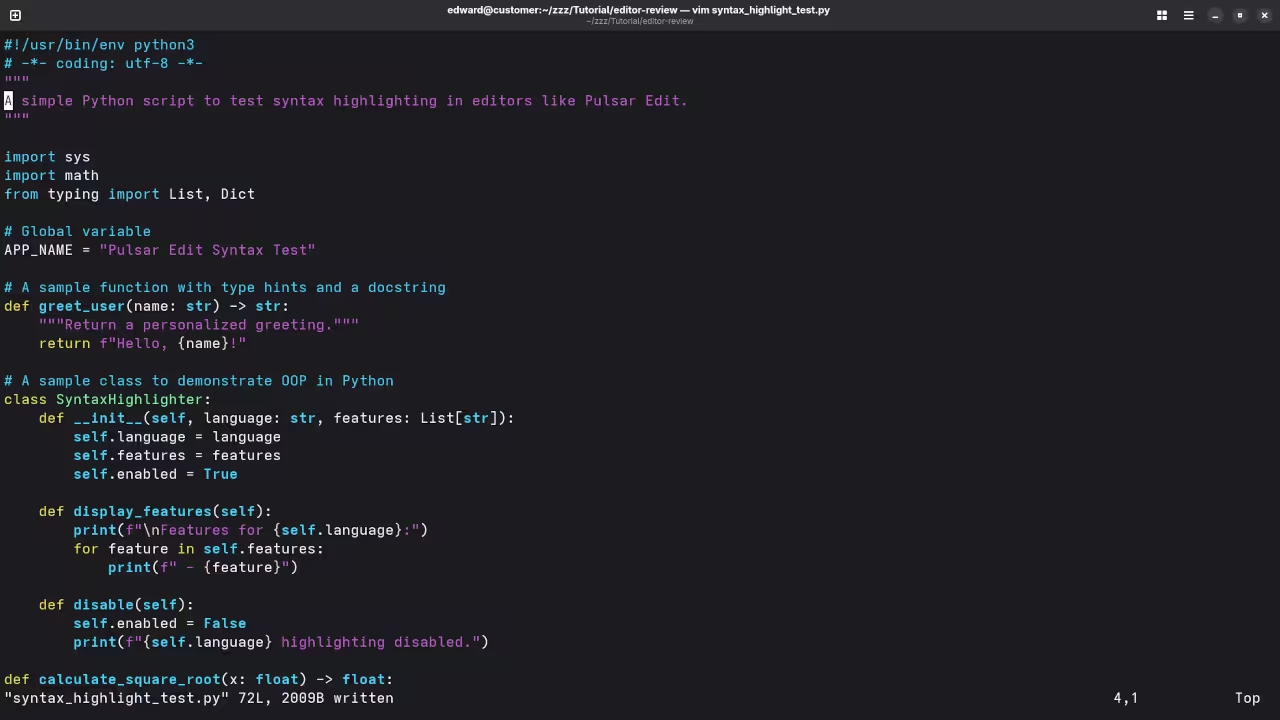
Third type :w to save your current file. Writing changes ensures your progress is kept safe.
Quit Editor
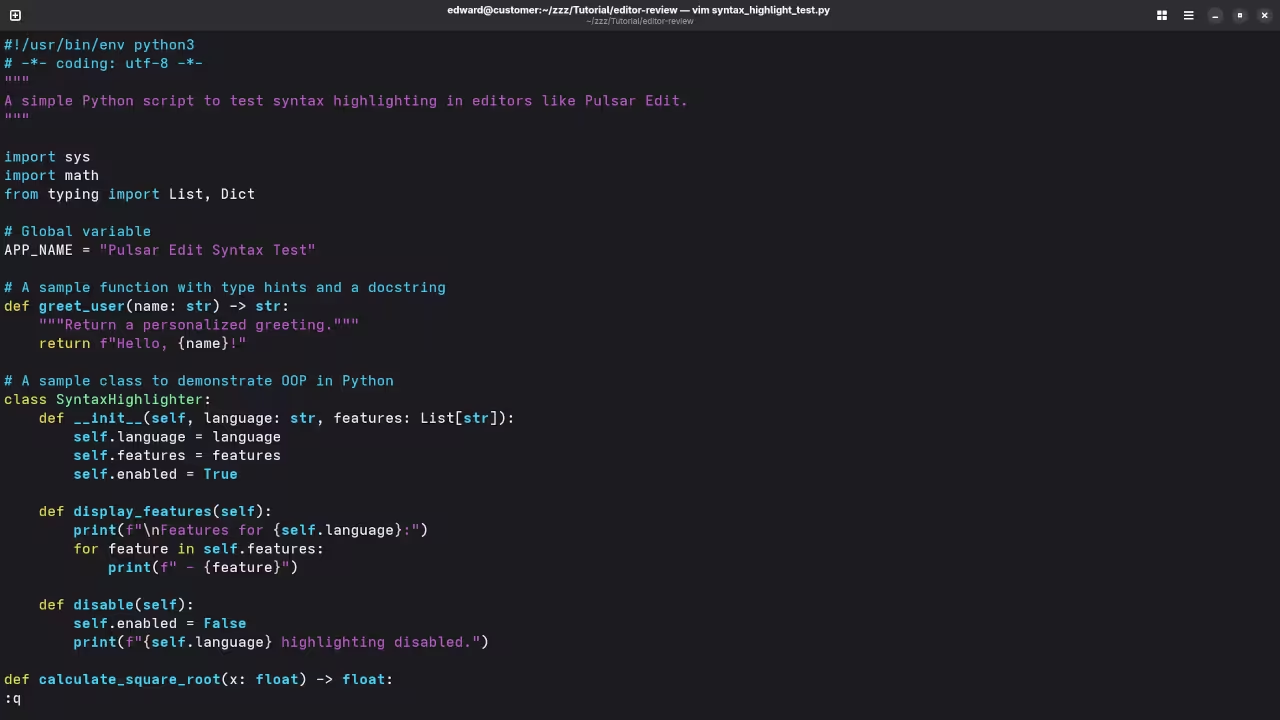
Fourth type :q to quit the Vim editor. You can combine these by typing :wq instead.
Undo Actions
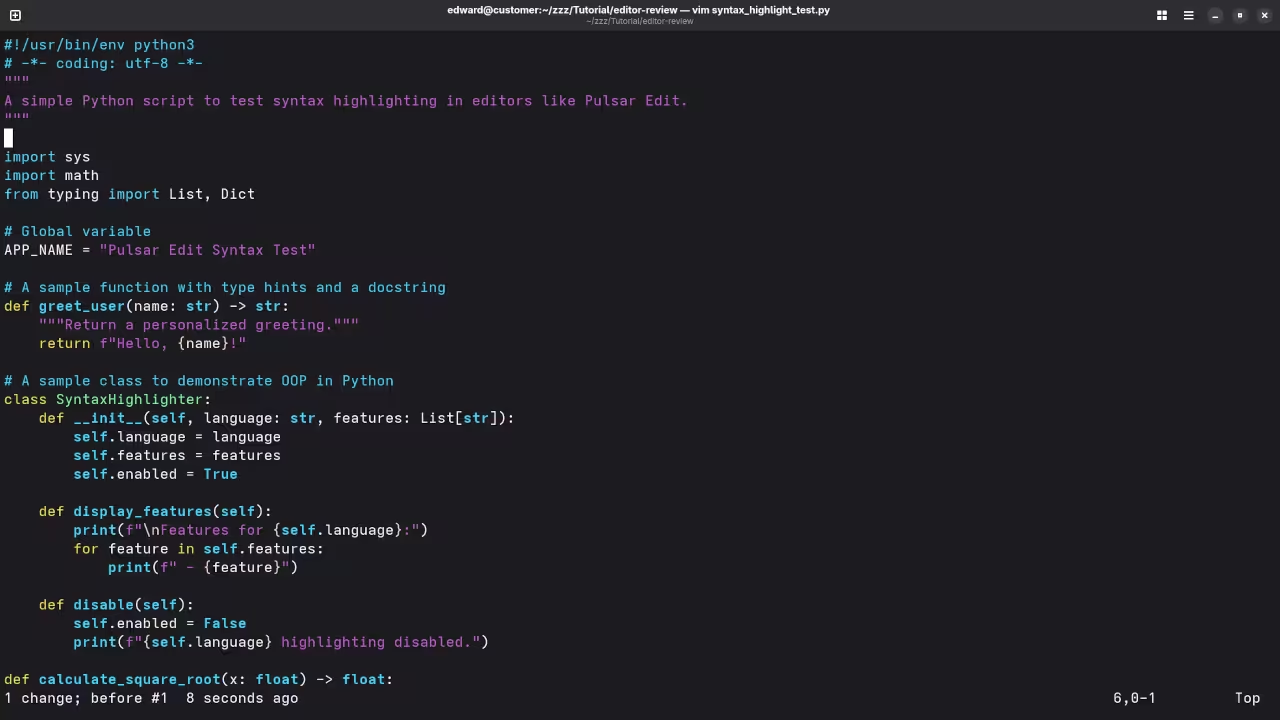
Fifth use the u key to undo mistakes. Fixing errors is very fast with this command.
Screenshot
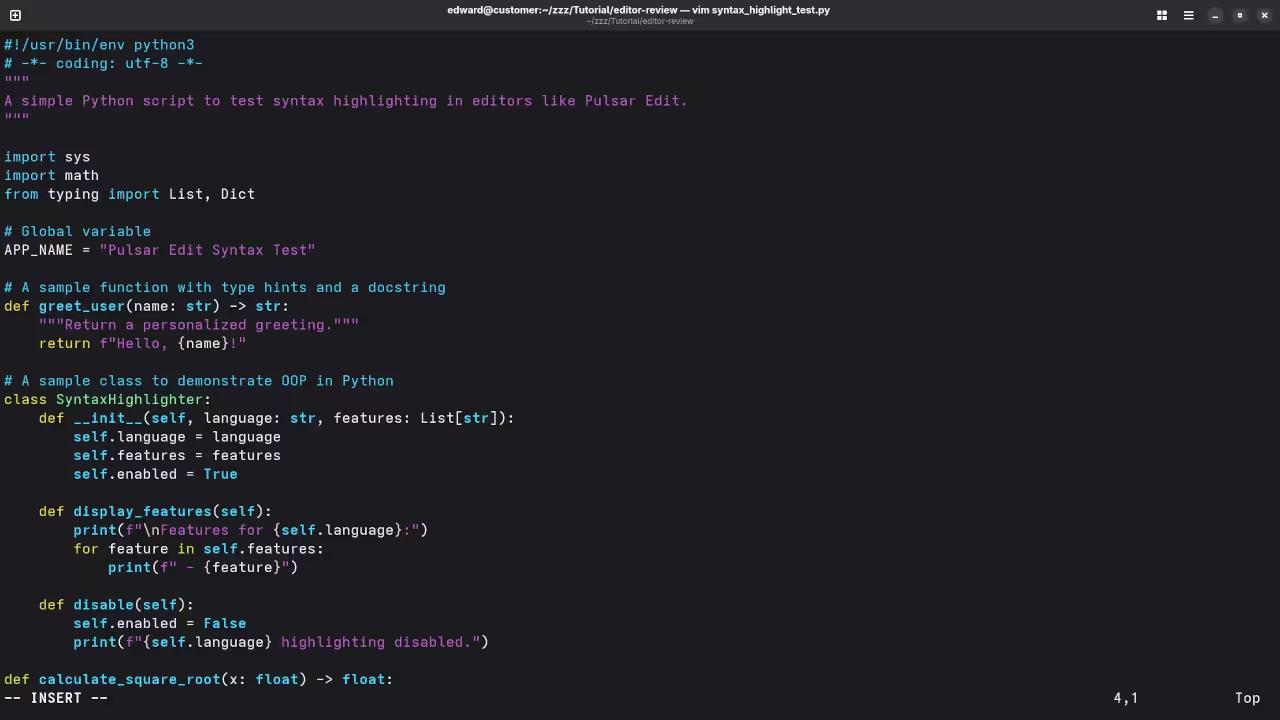
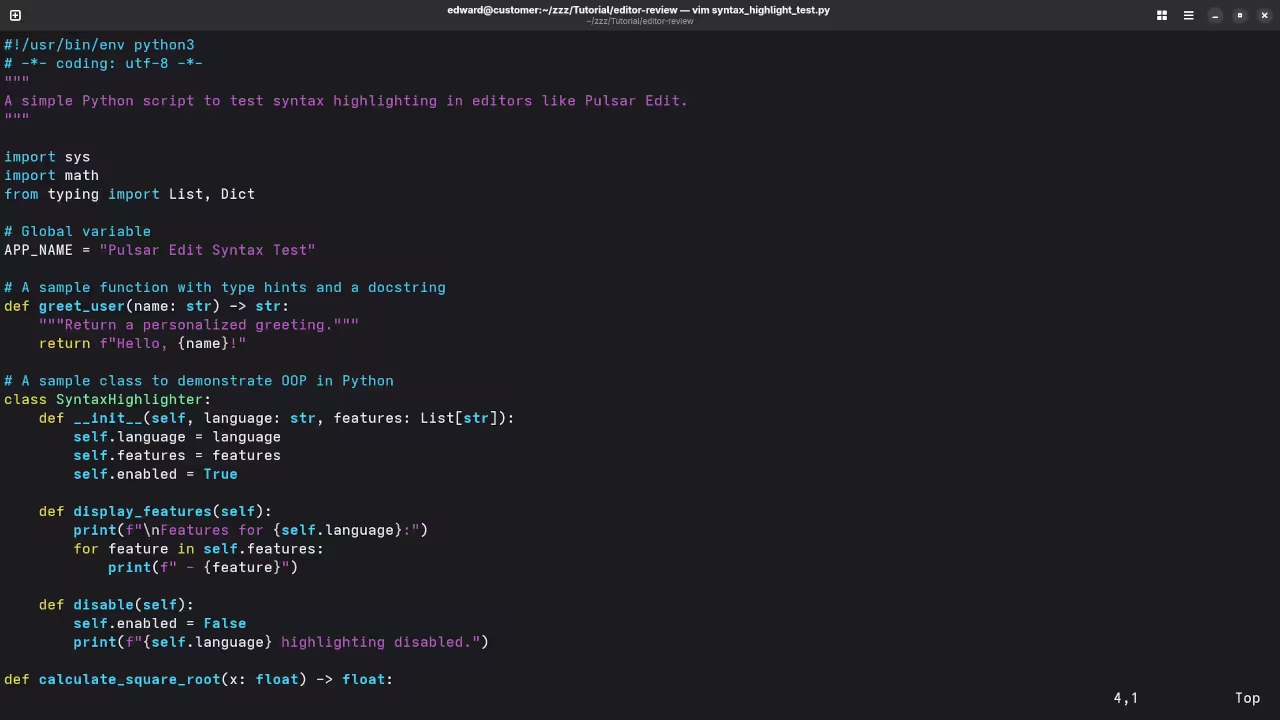
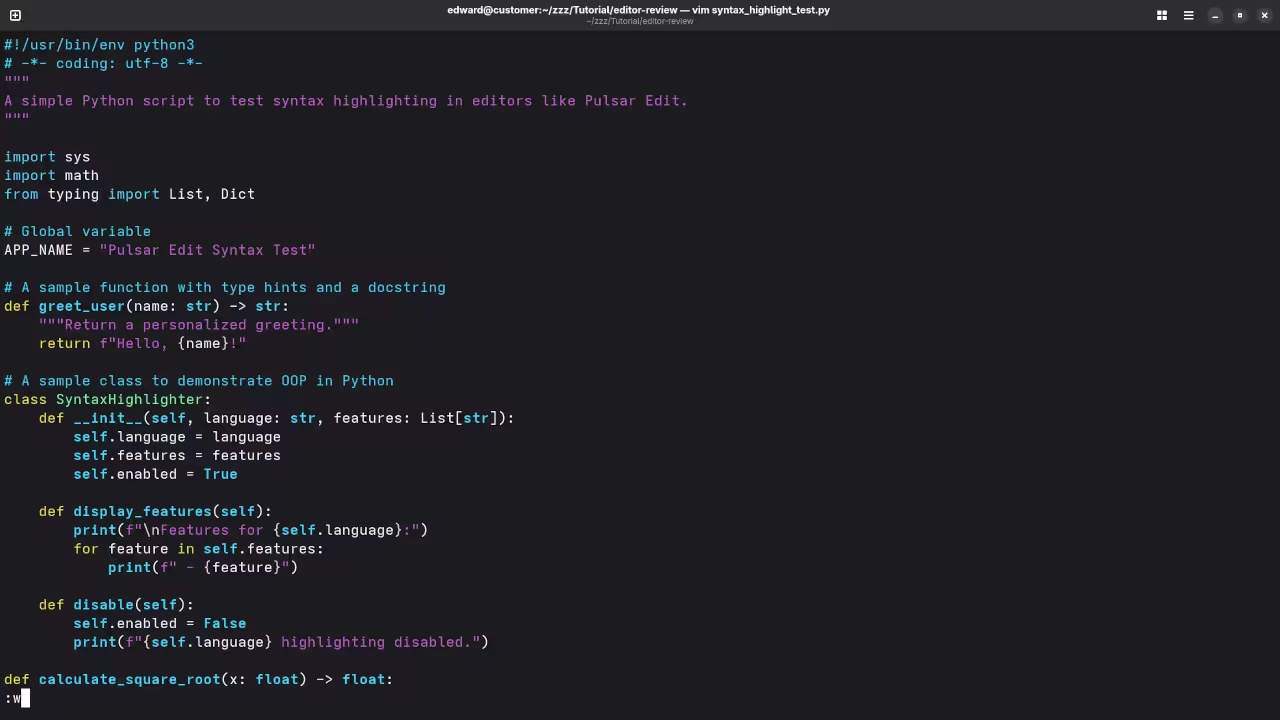
Live Screencast
Take Your Skills Further
Books: https://www.amazon.com/stores/Edward-Ojambo/author/B0D94QM76N
Courses: https://ojamboshop.com/product-category/course
Tutorials: https://ojambo.com/contact
Consultations: https://ojamboservices.com/contact
🚀 Recommended Resources
Disclosure: Some of the links above are referral links. I may earn a commission if you make a purchase at no extra cost to you.