
Creating Interactive HTML5 Elastic Spring Animations Using JavaScript
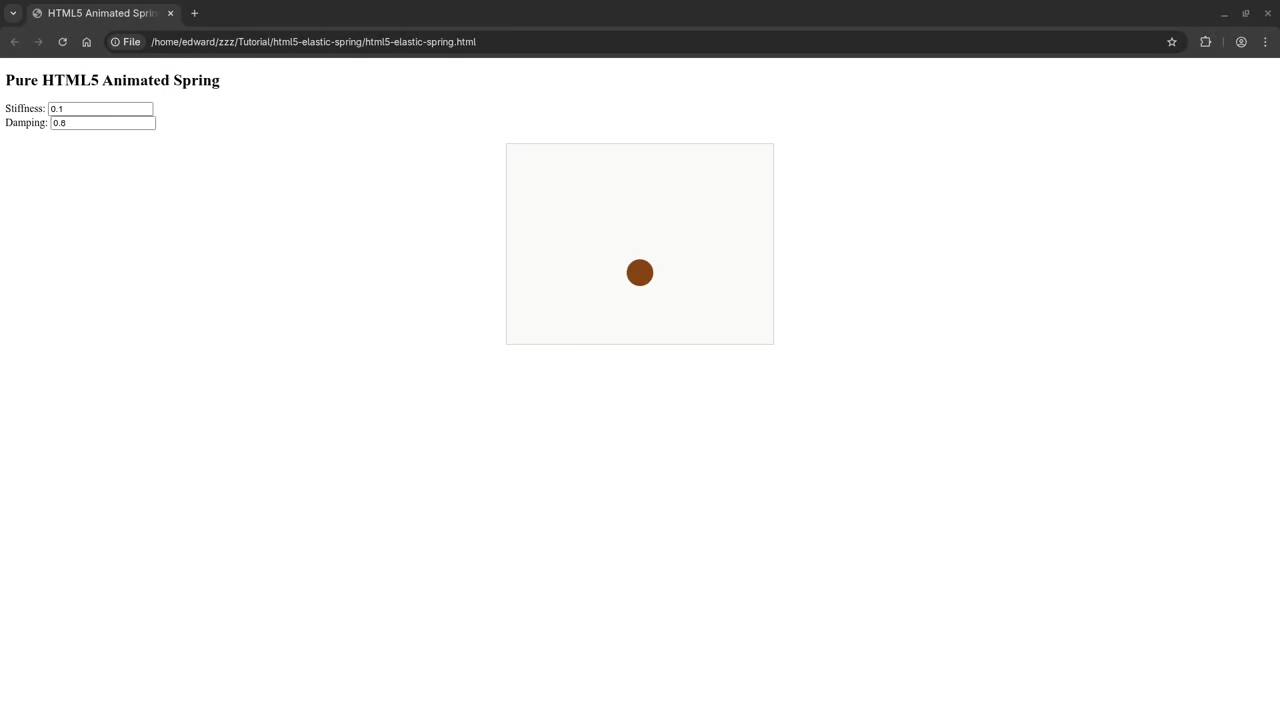
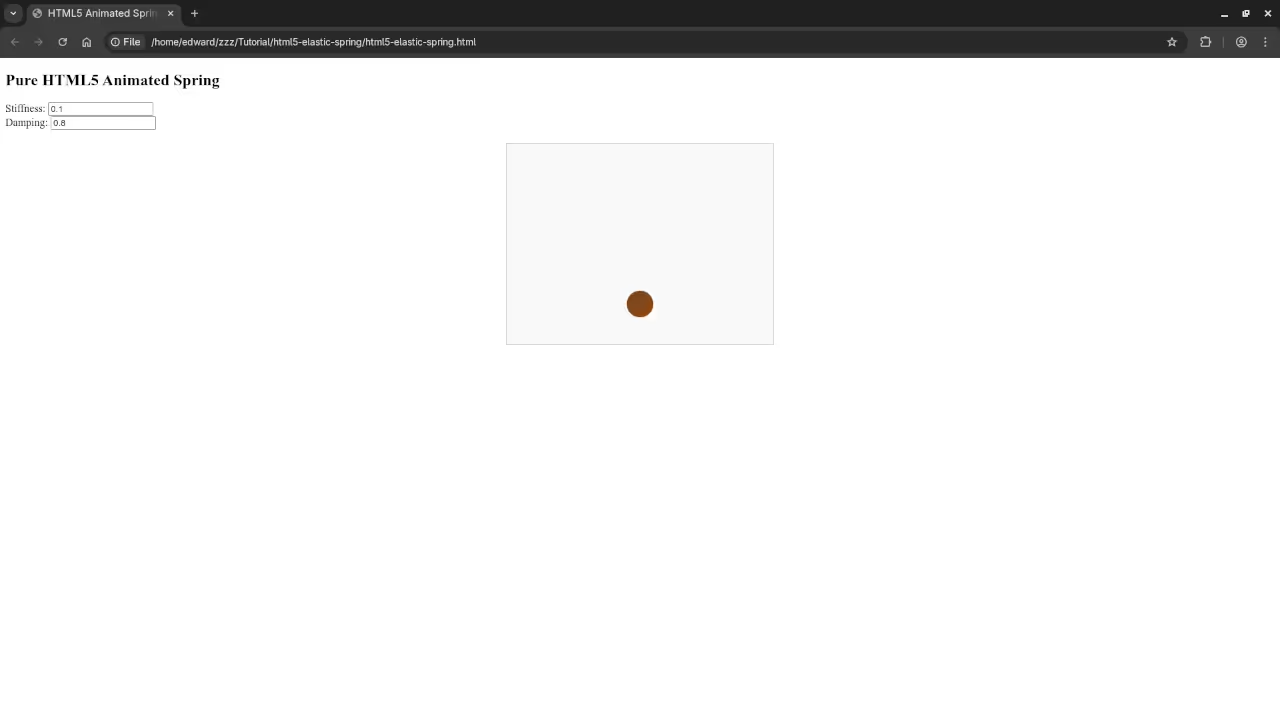
In this beginner tutorial we will create a simple HTML5 elastic spring animation using JavaScript. Some motion values are inspired by the GNOME Elastic application. Users can interactively change the spring stiffness and damping using input boxes to see how the motion changes in real time.
HTML Structure
<div>
<label for="stiffness">Stiffness:</label>
<input type="number" id="stiffness" value="0.1" step="0.01">
</div>
<div>
<label for="damping">Damping:</label>
<input type="number" id="damping" value="0.8" step="0.01">
</div>
<canvas id="springCanvas" width="400" height="300"></canvas>
CSS3 Animation
#springCanvas {
border: 1px solid #ccc;
background-color: #f9f9f9;
display: block;
margin: 20px auto;
}
/* Optional: Add rotation animation to a container element if desired */
.rotating {
animation: rotate 5s linear infinite;
}
@keyframes rotate {
0% { transform: rotate(0deg); }
100% { transform: rotate(360deg); }
}
JavaScript for Elastic Motion
const canvas = document.getElementById('springCanvas');
const ctx = canvas.getContext(2d);
let position = 150;
let velocity = 0;
let target = 150;
const stiffnessInput = document.getElementById('stiffness');
const dampingInput = document.getElementById('damping');
function animate() {
ctx.clearRect(0, 0, canvas.width, canvas.height);
let stiffness = parseFloat(stiffnessInput.value);
let damping = parseFloat(dampingInput.value);
let force = (target - position) * stiffness;
velocity += force;
velocity *= damping;
position += velocity;
ctx.save();
ctx.translate(canvas.width / 2, position);
let scale = 1 + Math.abs(velocity) * 0.05;
ctx.scale(scale, scale);
ctx.rotate(velocity * 0.1);
ctx.beginPath();
ctx.arc(0, 0, 20, 0, Math.PI * 2);
ctx.fillStyle = #8B4513;
ctx.fill();
ctx.closePath();
ctx.restore();
requestAnimationFrame(animate);
}
canvas.addEventListener('click', function(e) {
target = e.offsetY;
});
animate();
Customizing the Spring
- Try different stiffness and damping values from the GNOME Elastic app
- Add multiple springs or elements for complex animations
- Enhance visuals with colors gradients or shadows
Consolidated Demo
Screenshot
Live Screencast
Learning Resources
My JavaScript Book
https://www.amazon.com/Learning-JavaScript-Programming-Beginner-Guide/dp/B0DRDB2P2P
My JavaScript Course
https://ojamboshop.com/product/learning-javascript
One-on-One JavaScript Tutorials
https://ojambo.com/contact
🚀 Recommended Resources
Disclosure: Some of the links above are referral links. I may earn a commission if you make a purchase at no extra cost to you.