
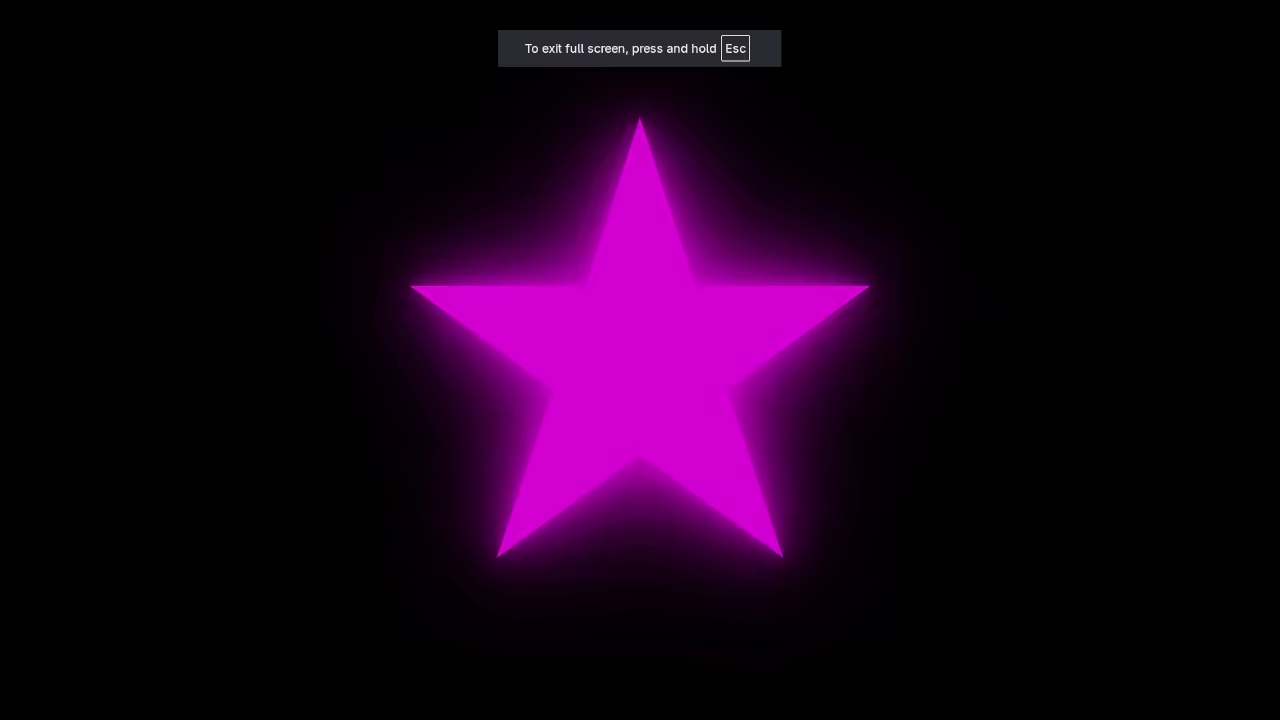
Bring the Bling: Create a Flashing Neon Star with HTML5 and CSS3 (No JavaScript Needed)
Hello Web Designers
Welcome to a fun beginner friendly tutorial that will show you how to add some serious bling to your website. We are going to create a dazzling flashing neon star using just two simple web languages: HTML5 for the structure and CSS3 for the style and animation.
The best part? No complicated JavaScript is required! We will rely entirely on the power of CSS animations to make our star flicker and glow.
Step 1: The HTML5 Foundation
First let us set up the structure of our page. We will use a single character star inside a div to represent our star. You can save this as index.html.
<style></style>
<div class="star-container">
<div class="neon-star">★</div>
</div>
Step 2: The CSS3 Magic (The Neon Glow)
Now for the fun part! Create a file named styles.css. This code applies a dark background and centers the star. The real magic happens with the text-shadow property which creates the vibrant neon effect.
body {
background-color: #000;
display: flex;
justify-content: center;
align-items: center;
min-height: 100vh;
margin: 0;
}
.star-container {
font-size: 10em; /* Makes the star huge! */
}
/* The core neon styling */
.neon-star {
color: #ff00ff; /* The stars color */
text-shadow:
0 0 5px #ff00ff,
0 0 15px #ff00ff,
0 0 30px #ff00ff,
0 0 50px #ff00ff; /* Stacked shadows create the glow */
}
Step 3: The CSS3 Animation (The Flash/Flicker)
To make the star flash like a faulty neon sign we use @keyframes. This rule defines how the style changes over time. We will make the star dim and lose its glow momentarily.
Add this animation code to the bottom of your styles.css file:
/* Apply the flashing animation to the star */
.neon-star {
/* ... (Existing styling goes here) ... */
animation: flash 1.5s infinite alternate ease-in-out;
}
/* Define the flashing effect */
@keyframes flash {
0% {
opacity: 1;
text-shadow: 0 0 5px #ff00ff, 0 0 15px #ff00ff, 0 0 30px #ff00ff, 0 0 50px #ff00ff;
}
50% {
opacity: 0.2; /* Dims the star */
text-shadow: none; /* Turns off the glow */
}
100% {
opacity: 1;
text-shadow: 0 0 5px #ff00ff, 0 0 15px #ff00ff, 0 0 30px #ff00ff, 0 0 50px #ff00ff;
}
}
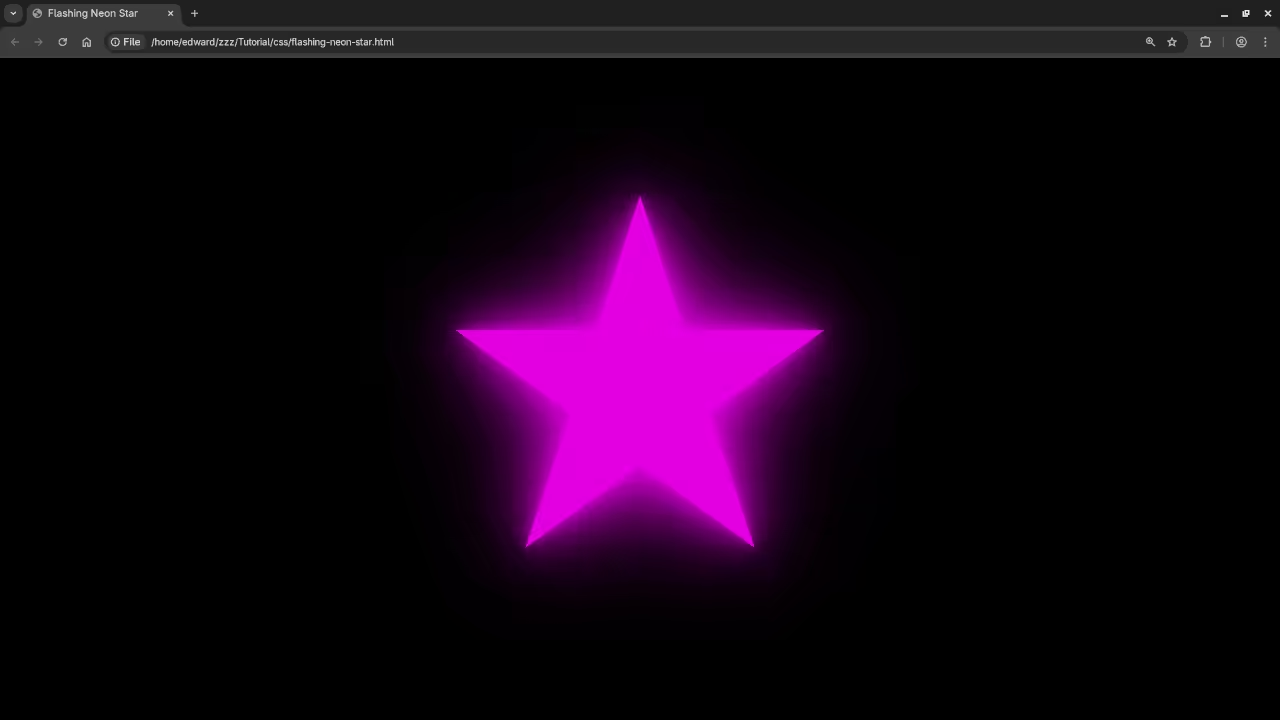
Consolidated Demo
Screenshot
Live Screencast
Level Up Your Coding Skills!
While this cool effect only uses HTML and CSS the next step in web development is mastering JavaScript!
If you are ready to dive into client side interactivity data manipulation and building complex applications I have the perfect resources for you:
-
My Book: Learning JavaScript
You can grab a copy of my book Learning JavaScript: Programming for the Beginner Guide on Amazon:
https://www.amazon.com/Learning-JavaScript-Programming-Beginner-Guide/dp/B0DRDB2P2P -
My Course: Learning JavaScript
Prefer a structured video course? Enroll in the Learning JavaScript course for a comprehensive journey from basic concepts to advanced techniques:
https://ojamboshop.com/product/learning-javascript -
One on One Tutoring
Sometimes personalized guidance is the fastest way to learn. I am available for one on one programming tutorials including in depth sessions on JavaScript. If you need dedicated help solving coding problems or mastering a new topic please reach out!
Contact Me Here:
https://ojambo.com/contact
Happy coding and may your websites always be dazzling!
🚀 Recommended Resources
Disclosure: Some of the links above are referral links. I may earn a commission if you make a purchase at no extra cost to you.