
Build a Fast PHP App with Phalcon and MariaDB Using Podman
Looking for a modern, lightning-fast PHP framework that's open source and easy to get started with? Let me introduce you to Phalcon, a powerful framework known for its speed — and today, I'll show you how to get it working with MariaDB inside Podman containers.
Whether you're brand new to PHP or want a modern setup for local development, this guide is for you.
What is Phalcon?
Phalcon is an open-source PHP framework that runs as a compiled C extension. This gives it a huge performance edge over traditional PHP frameworks written entirely in PHP.
Key Features:
- Lightning-fast execution
- Full-stack MVC framework
- Built-in ORM, router, templates, and more
- Easy integration with MariaDB and other databases
Installing Phalcon with MariaDB Using Podman
Let's walk through how to run Phalcon and MariaDB using podman-compose.
Step 1: Create the Project Structure
mkdir -p phalcon-db-demo/app
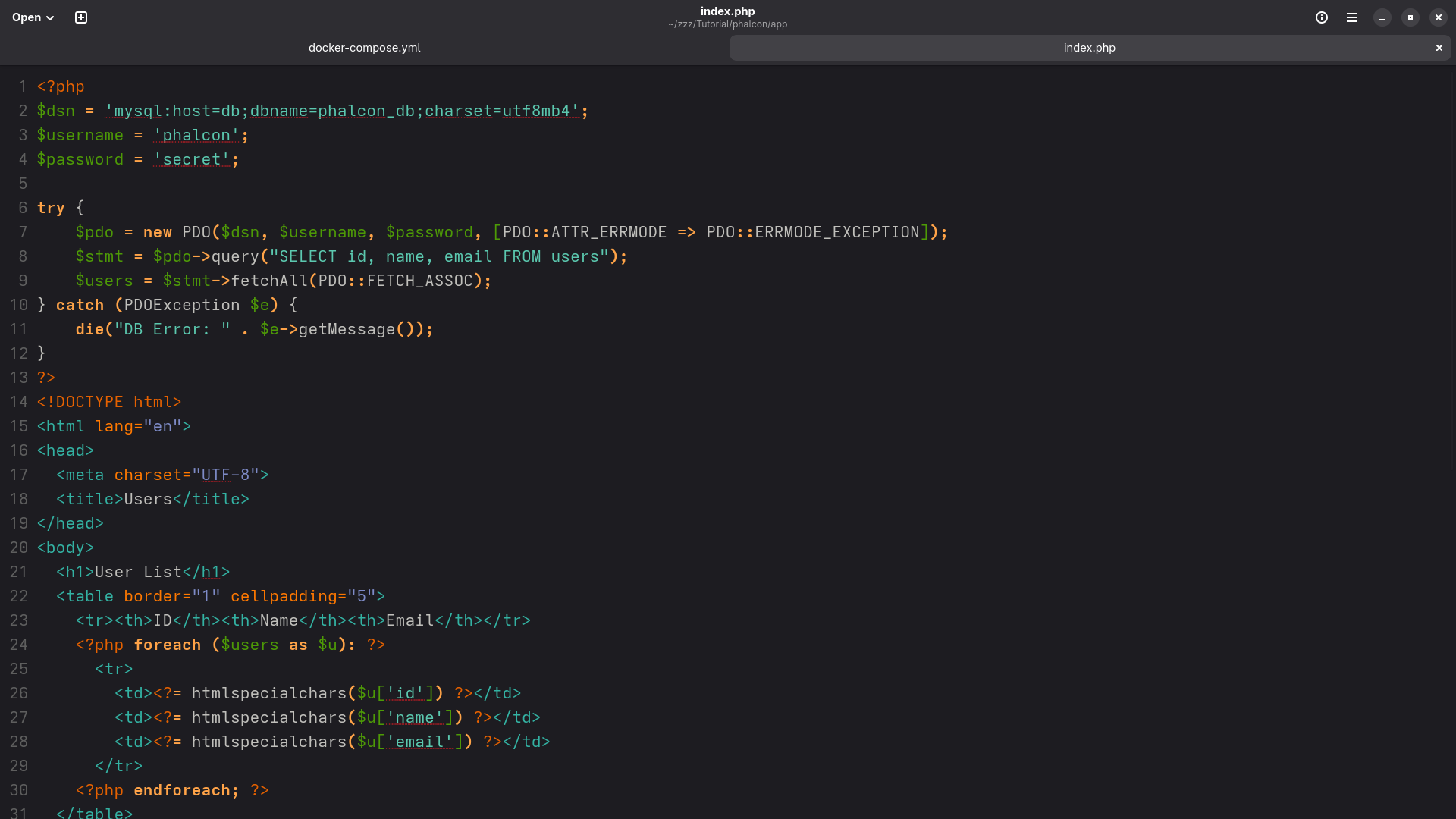
cd phalcon-db-demo Inside app/, create a simple index.php file:
<?php
$pdo = new PDO('mysql:host=db;dbname=phalcon_db', 'phalcon', 'secret');
$stmt = $pdo->query("SELECT 'Hello from Phalcon + MariaDB!' AS message");
$row = $stmt->fetch(PDO::FETCH_ASSOC);
echo "<h1>" . htmlspecialchars($row['message']) . "</h1>";
?>
This script connects to MariaDB and outputs a message from the database.
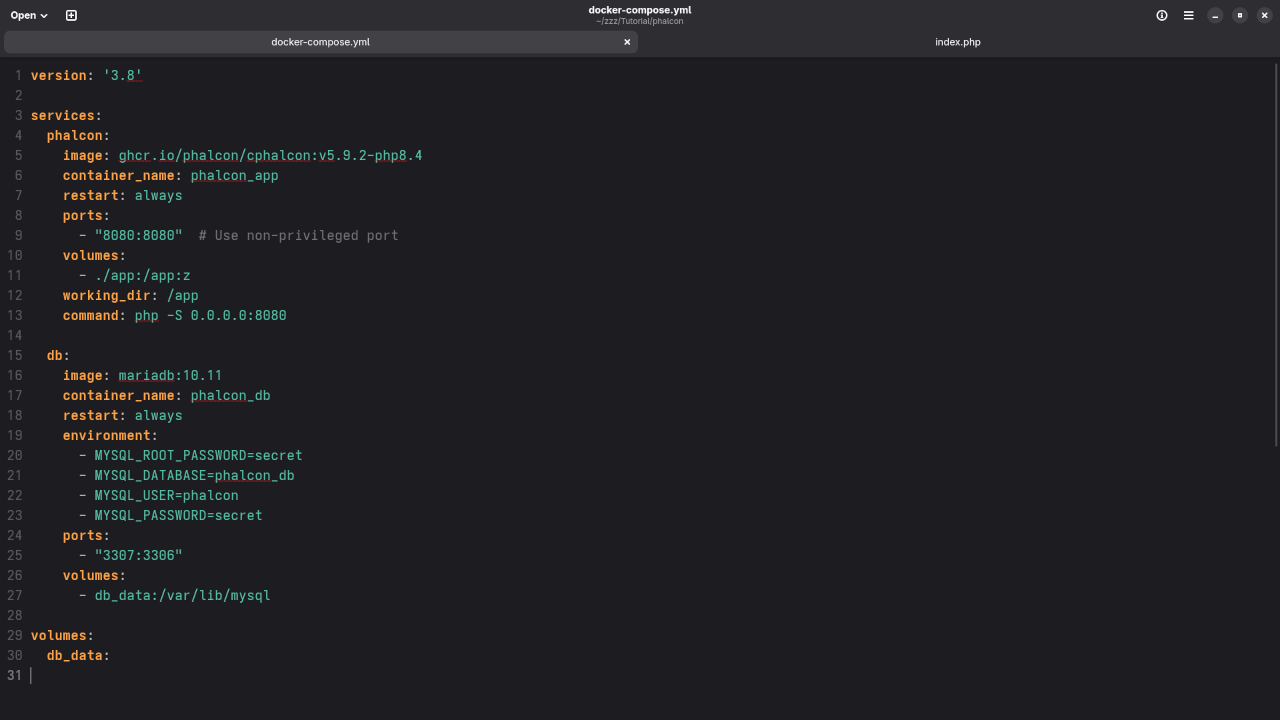
Step 2: Create the docker-compose.yml for Podman
version: '3.8'
services:
phalcon:
image: ghcr.io/phalcon/cphalcon:v5.9.2-php8.4
container_name: phalcon_app
working_dir: /app
command: php -S 0.0.0.0:8080
volumes:
- ./app:/app:z
ports:
- "8080:8080"
db:
image: mariadb:10.11
container_name: phalcon_db
environment:
- MYSQL_ROOT_PASSWORD=secret
- MYSQL_DATABASE=phalcon_db
- MYSQL_USER=phalcon
- MYSQL_PASSWORD=secret
ports:
- "3307:3306"
volumes:
- db_data:/var/lib/mysql
volumes:
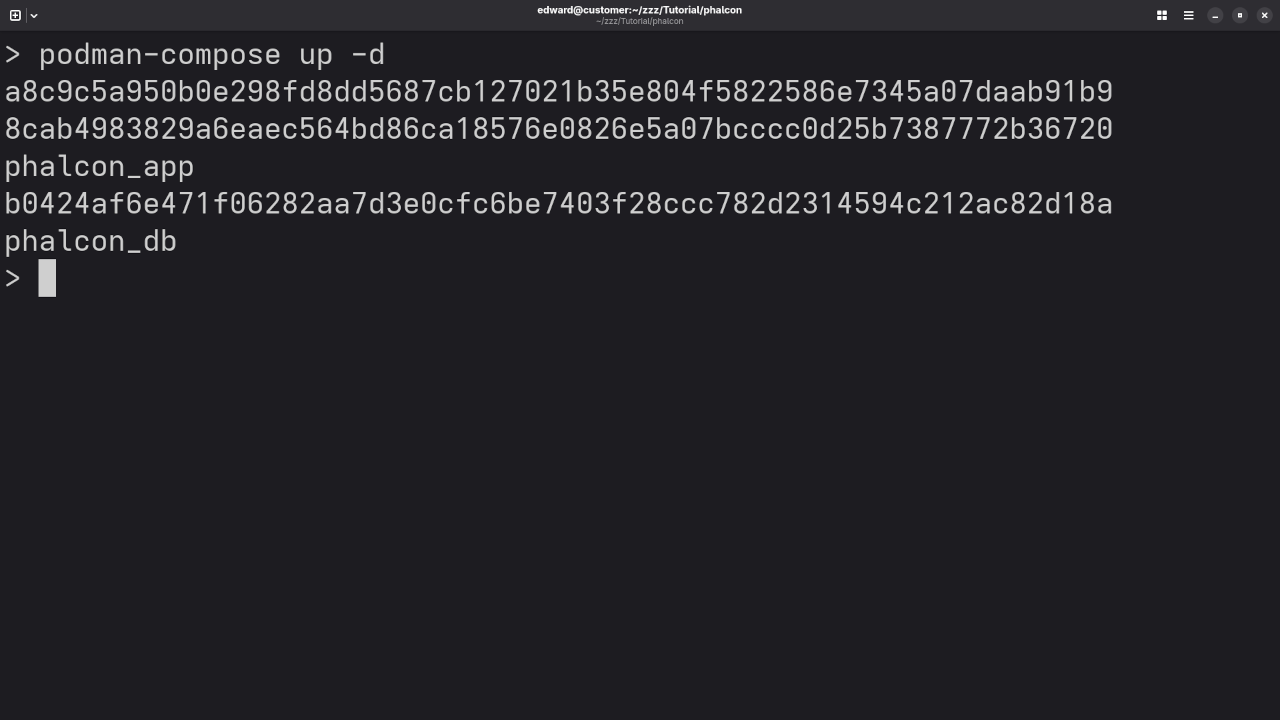
db_data: Step 3: Start the Project
podman-compose up -d Wait a few seconds, then open your browser to:
You should see a message: "Hello from Phalcon + MariaDB!"
Screenshots + Live Screencast
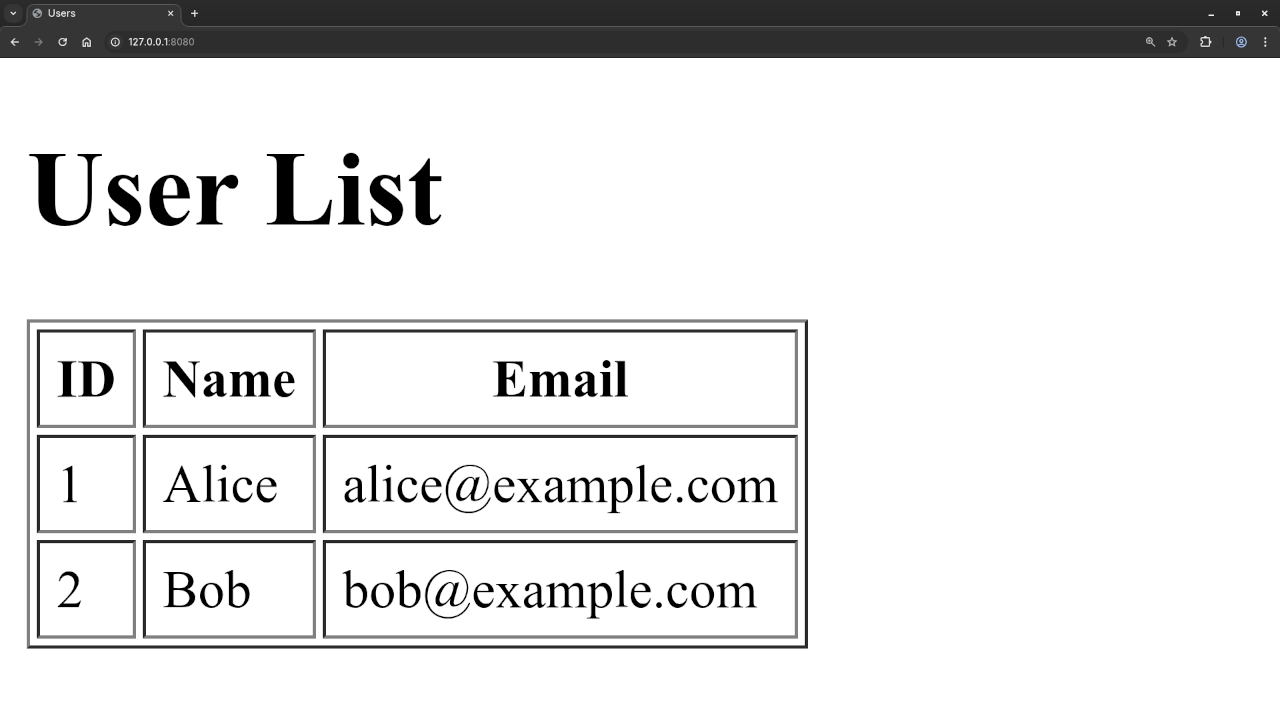
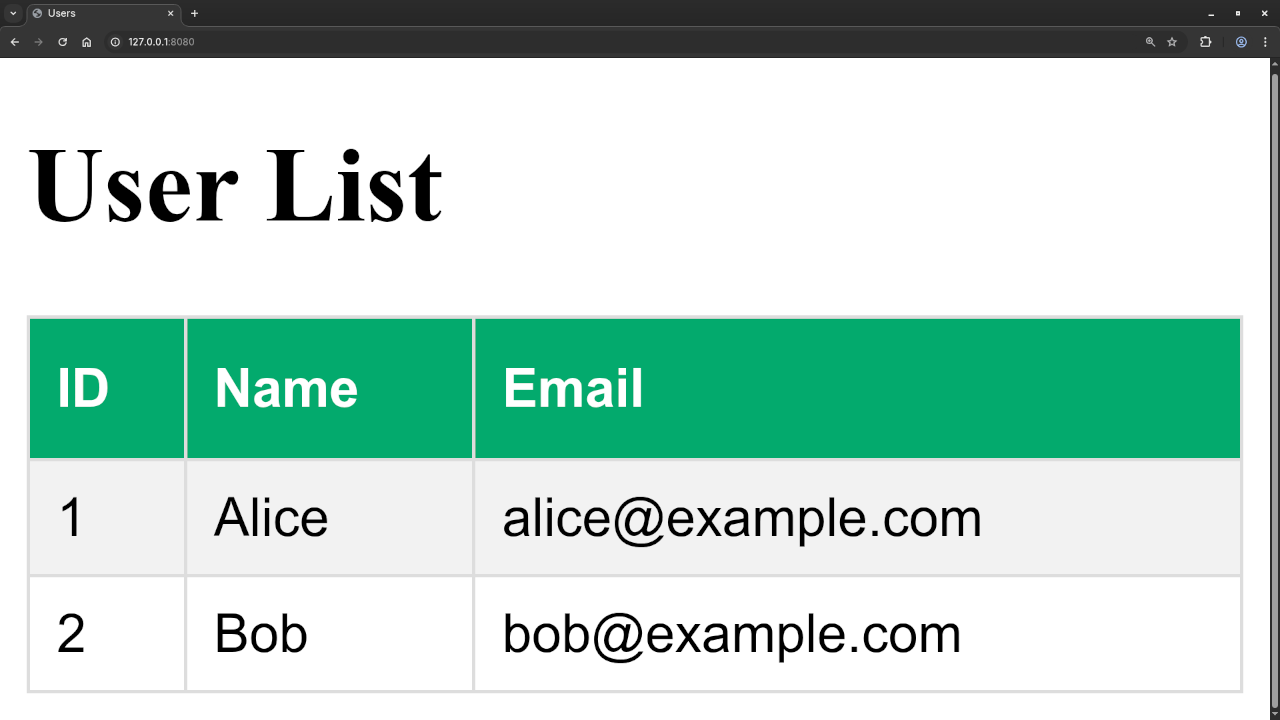
🎥 Screencast here demonstrating setup and execution.
Want to Learn More About PHP?
If you're starting out or looking to boost your PHP skills, I've created several resources tailored to learners at all levels:
Learning PHP (eBook)
An easy-to-follow PHP guide perfect for beginners and self-learners.
Learning PHP (Online Course)
Includes lessons, exercises, and real-world PHP coding examples — ideal for students and career switchers.
One-on-One Programming Tutorials
Need help on a project or want private instruction? Contact me directly for customized PHP coaching.
Wrap-Up
Phalcon is a smart choice if you're building modern, fast PHP applications. Combined with Podman and MariaDB, it creates a lightweight, containerized development workflow that's easy to replicate and scale.
Try the steps above and let me know how it goes! If you need help, drop a comment or reach out — I'm here to help you learn and grow as a developer.
Happy coding!
🚀 Recommended Resources
Disclosure: Some of the links above are referral links. I may earn a commission if you make a purchase at no extra cost to you.