
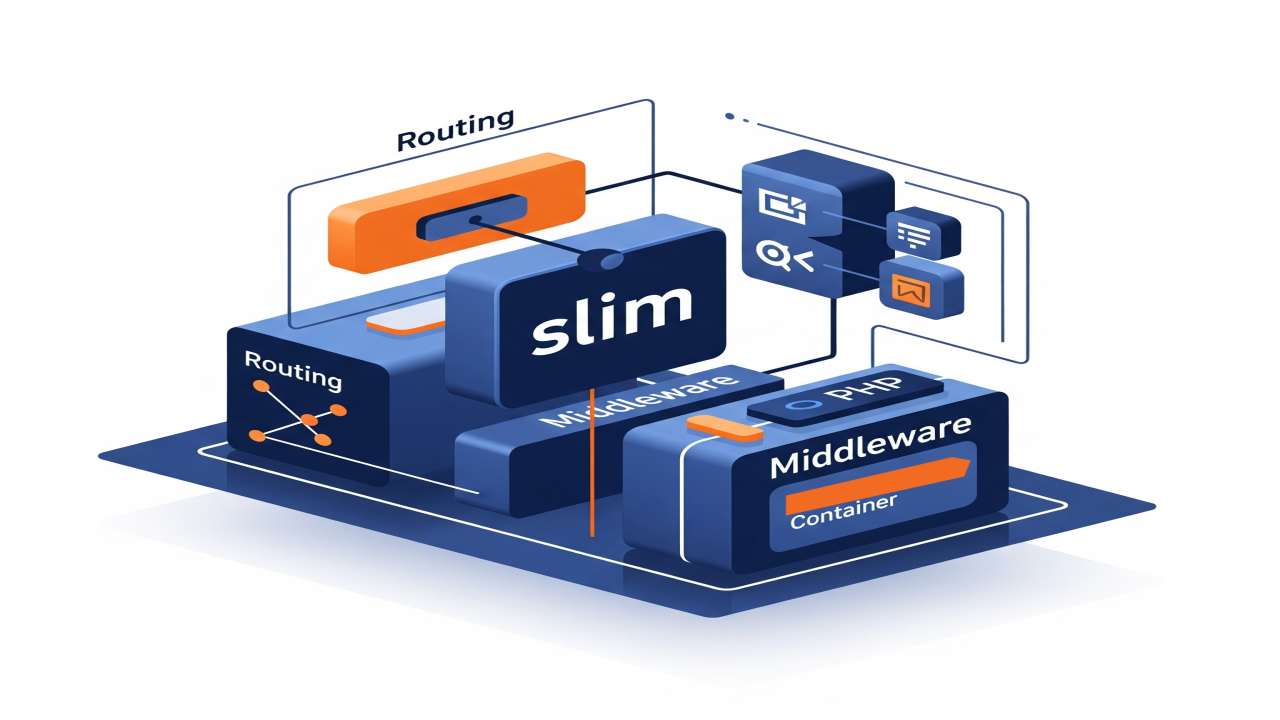
Introduction to Slim Framework with Database Example
Slim Framework is a micro-framework for PHP that follows the Model-View-Controller (MVC) design pattern. It is lightweight and flexible, making it a great choice for building simple web applications. In this tutorial, we’ll build a basic Slim 4 application that connects to a MariaDB database, retrieves records, and displays them in an HTML format.
What is Slim Framework?
Slim is a fast and powerful micro-framework for PHP. It provides the essential tools to build web applications, including routing, middleware, and dependency injection. Slim follows the MVC architecture, which means that it separates the data (Model), user interface (View), and logic (Controller) of your application.
Setting Up Slim Framework
To get started, we need to set up Slim 4 with Composer, the PHP dependency manager. Follow these steps:
- Install Composer: getcomposer.org
- Create a new Slim project using the slim-skeleton template by running:
composer create-project slim/slim-skeleton your-project-name - Navigate to your project folder:
cd your-project-name - Install required dependencies:
composer install
Once the setup is complete, you should have a working Slim application running on your local machine.
Database Configuration
In this example, we will connect Slim 4 to a MariaDB database. Let’s start by configuring the database connection in the settings.php file.
Make sure to define the database credentials like this in app/settings.php:
return [
'settings' => [
'displayErrorDetails' => true, // Show errors in development
'db' => [
'host' => '127.0.0.1', // Database host
'user' => 'root', // Your MariaDB username
'pass' => 'password', // Your MariaDB password
'dbname' => 'your_database', // Your database name
]
],
];
Setting Up Dependencies
Next, let’s register our database service in the Slim container. This will make it available throughout our application.
Open app/dependencies.php and add the following code:
$containerBuilder->addDefinitions([
'db1' => function (ContainerInterface $c) {
$settings = $c->get(SettingsInterface::class);
$dbSettings = $settings->get('db');
$pdo = new PDO("mysql:host=" . $dbSettings['host'] . ";dbname=" . $dbSettings['dbname'], $dbSettings['user'], $dbSettings['pass']);
$pdo->setAttribute(PDO::ATTR_ERRMODE, PDO::ERRMODE_EXCEPTION);
$pdo->setAttribute(PDO::ATTR_DEFAULT_FETCH_MODE, PDO::FETCH_ASSOC);
return $pdo;
},
]);
Database Query Example
Now that we’ve configured our database service, let’s add a route to retrieve data from the database. In app/routes.php, add the following code:
$app->get('/people', function ($request, $response, $args) {
// Get the database connection
$db = $this->get('db1');
// Query the database for users
$stmt = $db->query('SELECT * FROM people');
$people = $stmt->fetchAll(PDO::FETCH_ASSOC);
// Generate HTML output
$html = '<h1>People</h1><ul>';
foreach ($people as $person) {
$html .= "<li>{$person['username']} - {$person['name']} - {$person['age']} - {$person['verified']}</li>";
}
$html .= '</ul>';
// Return the HTML response
$response->getBody()->write($html);
return $response;
});
Testing Your Application
Start your application with the built-in PHP server:
php -S localhost:8080 -t public
Then, navigate to http://localhost:8080/people in your browser to see the list of users from the database displayed as HTML.
Screenshots of Example Application
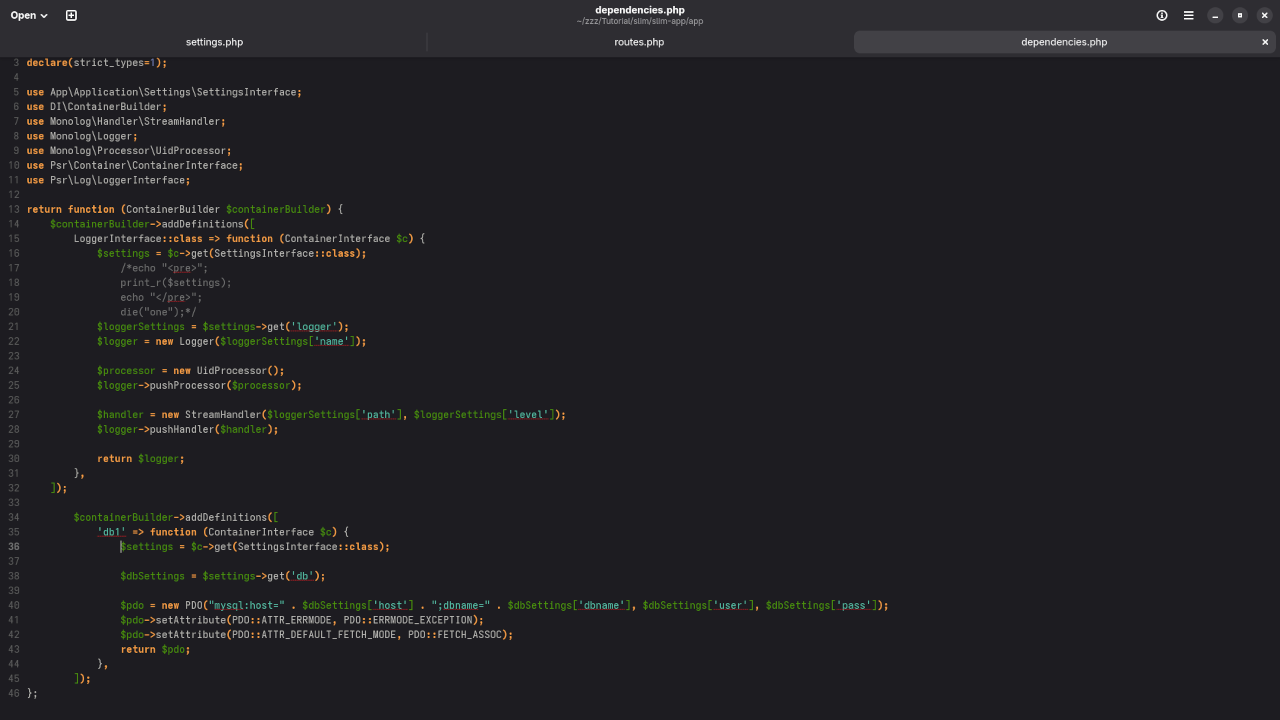
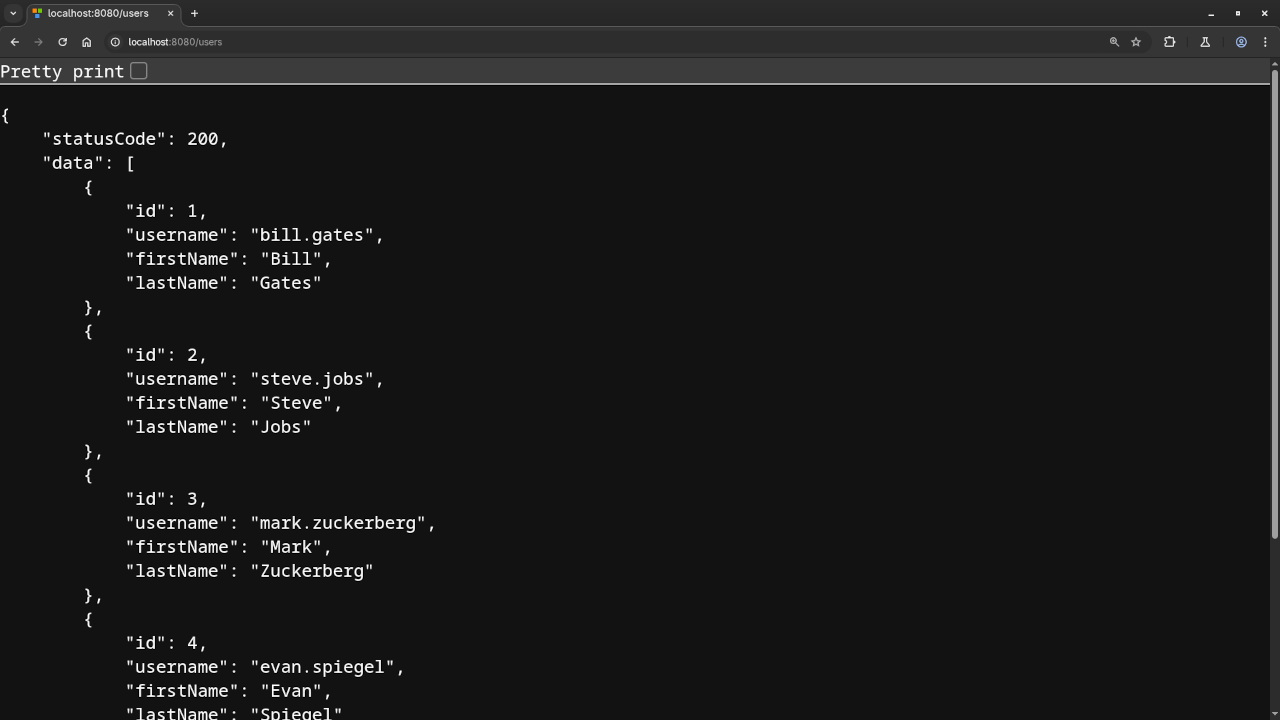
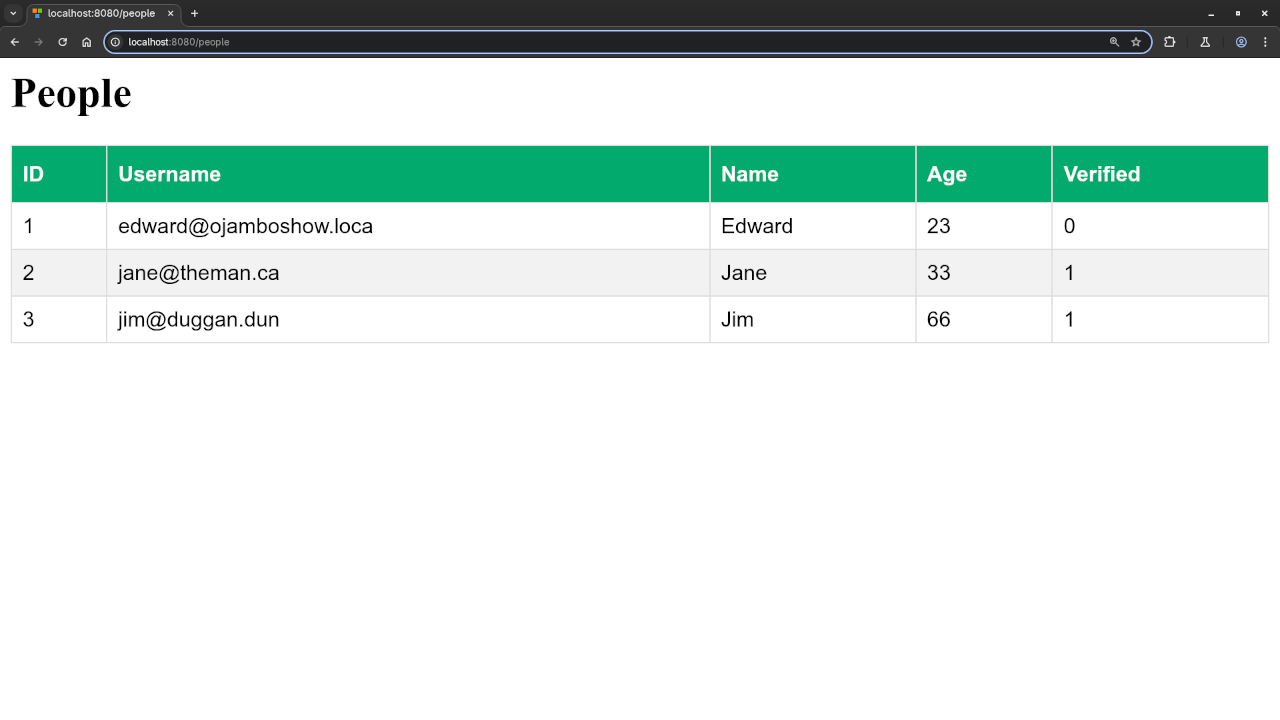
Watch the Full Tutorial
If you’d like a more detailed walkthrough, check out the embedded YouTube video below:
Conclusion
In this tutorial, we demonstrated how to set up a Slim 4 application that connects to a MariaDB database, retrieves data, and displays it as HTML. Slim’s MVC structure helps you organize your application in a maintainable and scalable way.
We also showed how to use addDefinitions() to register dependencies with Slim’s container, making it easier to manage services like database connections.
If you want to learn more, check out my book “Learning PHP” and my course “Learning PHP”. I’m also available for one-on-one tutorials or to help with updating or migrating Slim applications.
🚀 Recommended Resources
Disclosure: Some of the links above are referral links. I may earn a commission if you make a purchase at no extra cost to you.