
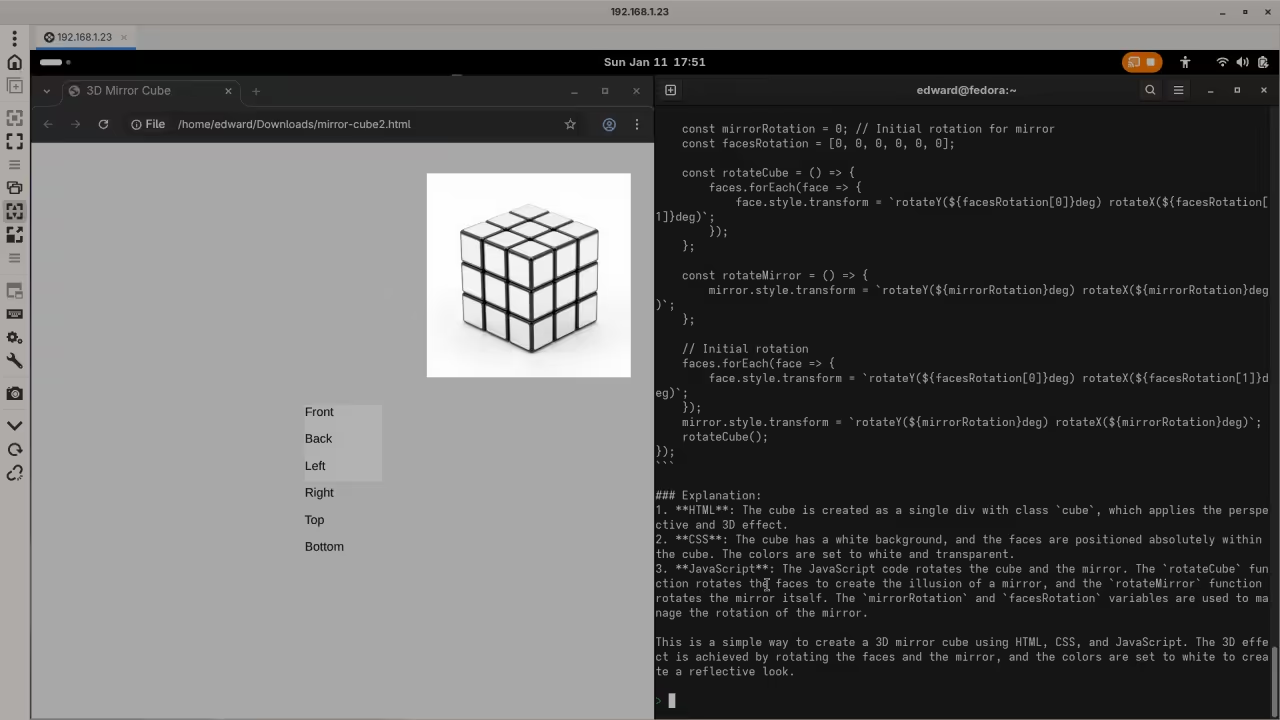
Introduction to Local AI on Fedora
Modern AI runs well on Fedora Linux laptops. You can use your CPU for every task.
Remote Access with Gnome Connections
Connecting via Gnome Connections RDP works very smoothly. This allows remote access to your Fedora laptop.
Installing Ollama on Fedora Linux
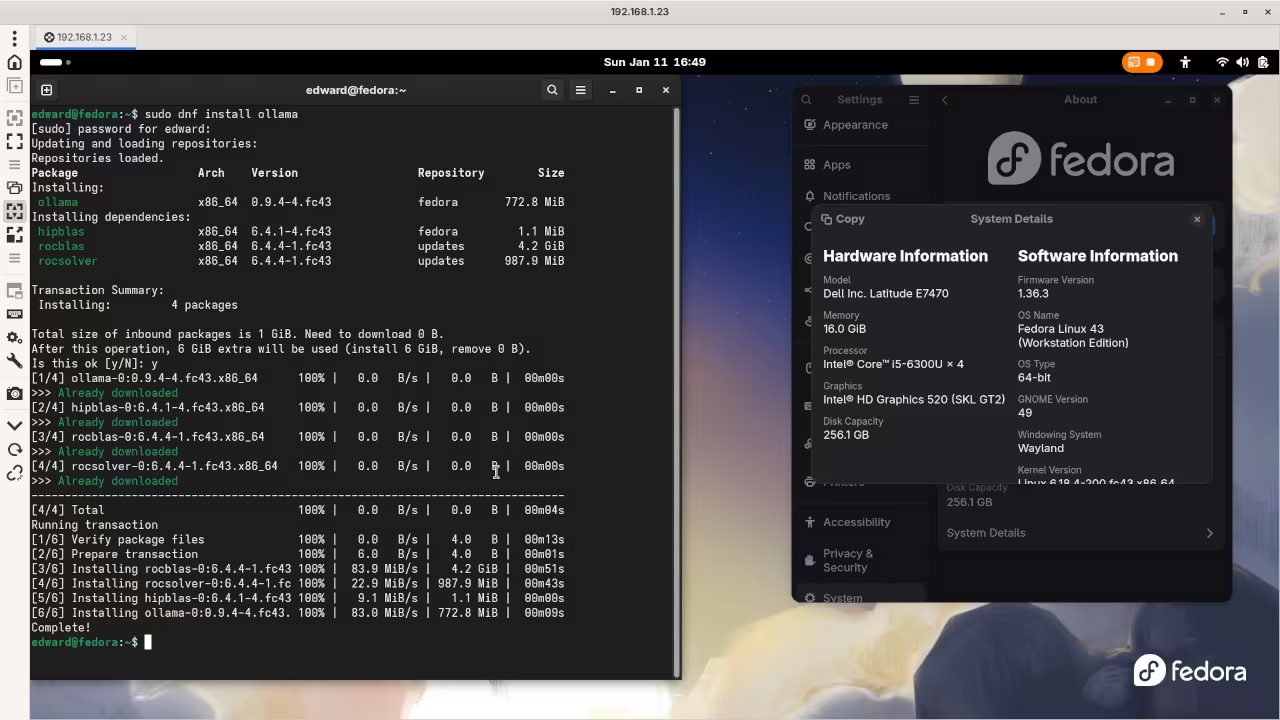
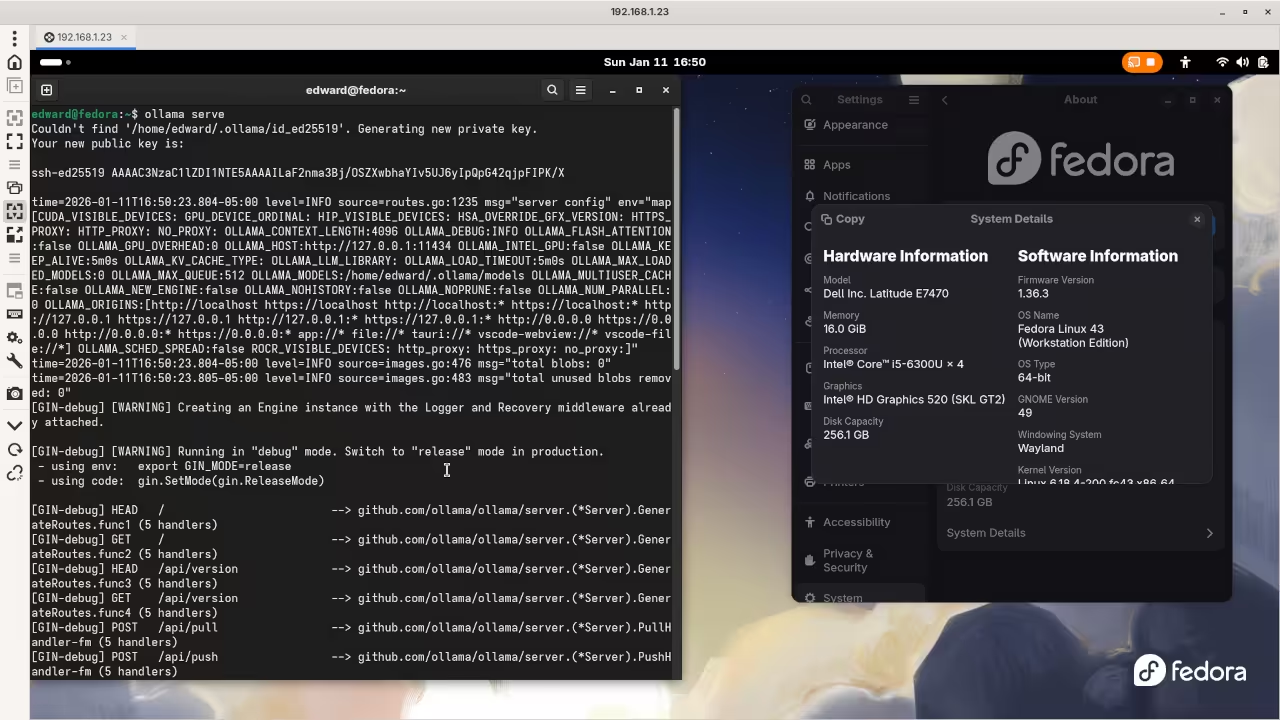
Open the terminal inside your RDP session now. You can install Ollama using one simple command.
Type sudo dnf install ollama in your Fedora terminal. This command downloads the official package from the repositories.
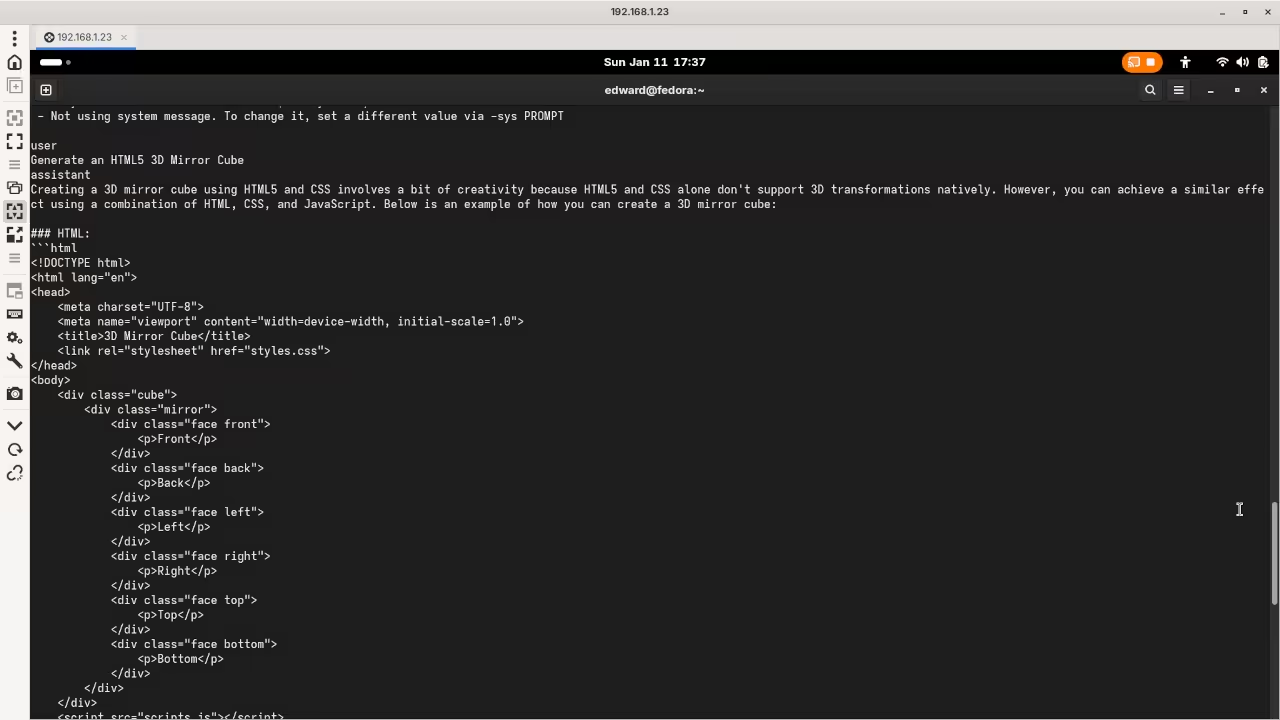
Screenshot
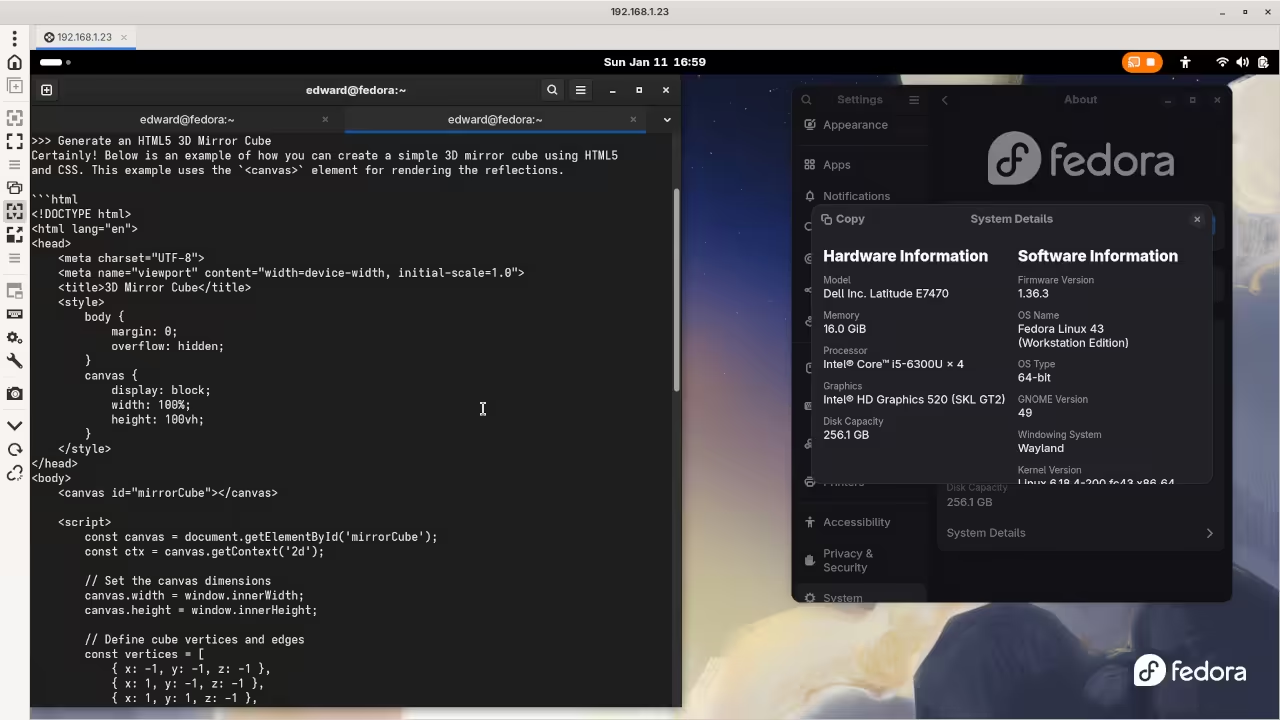
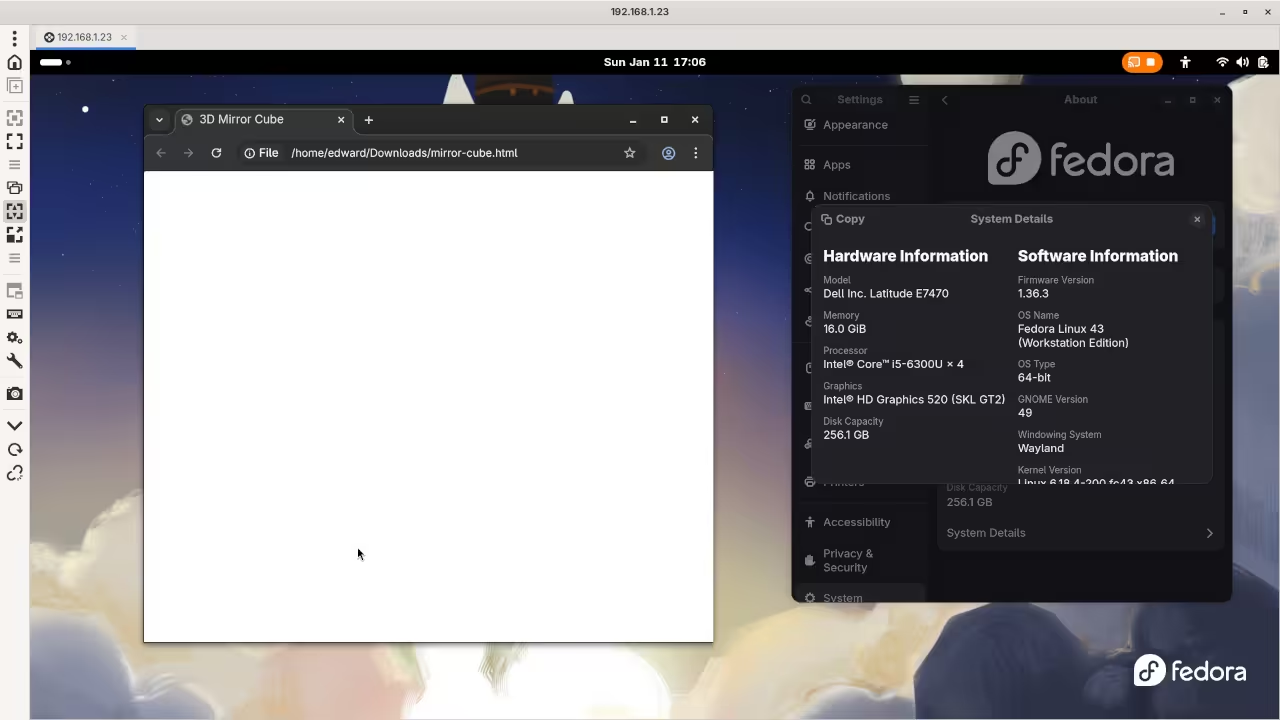
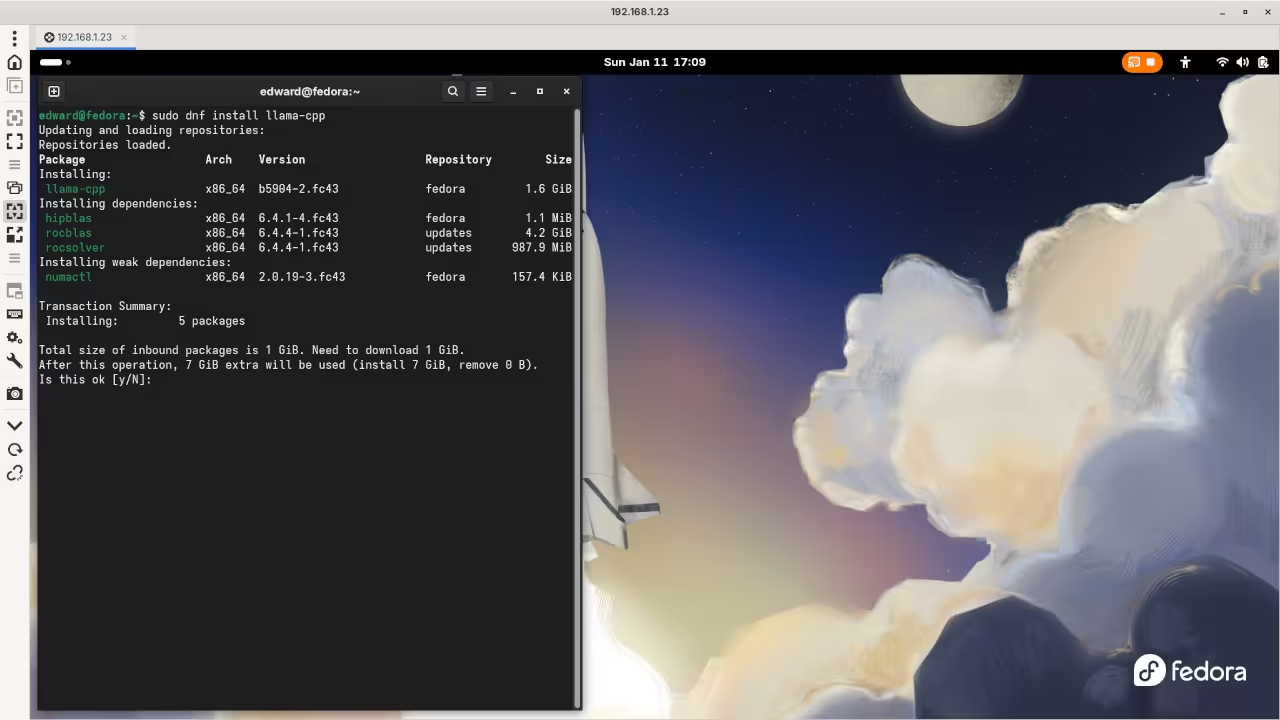
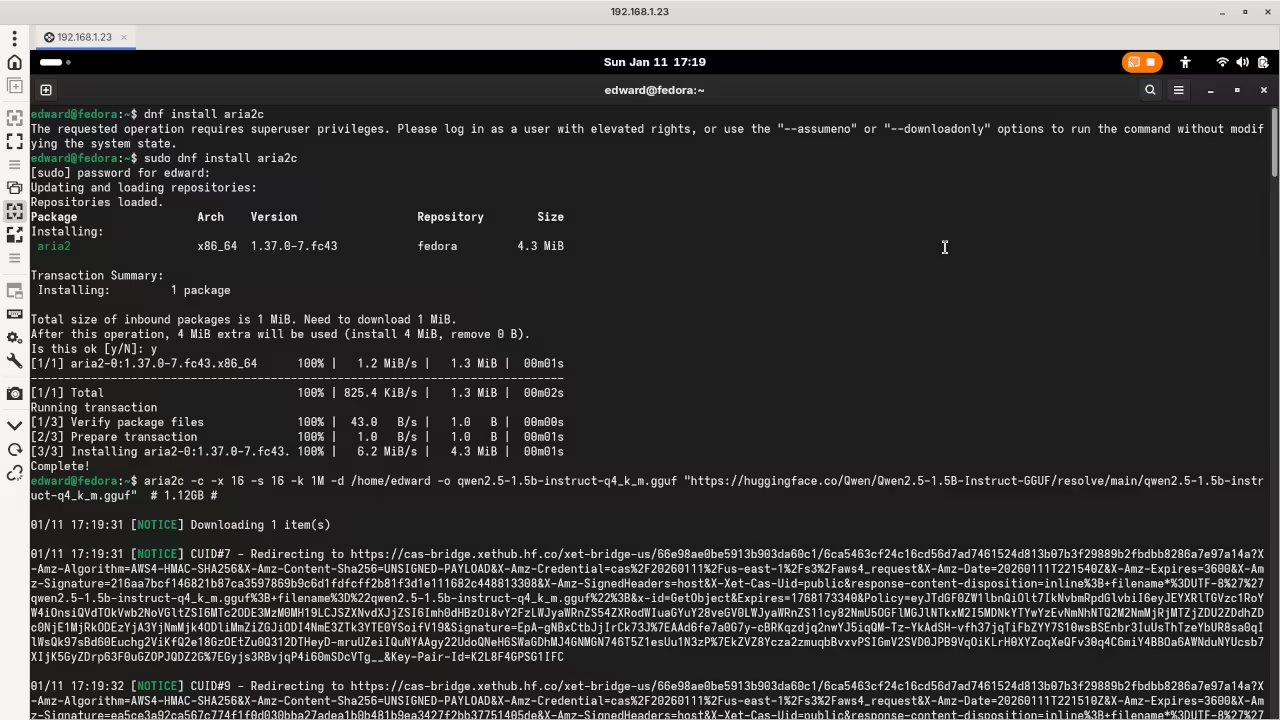
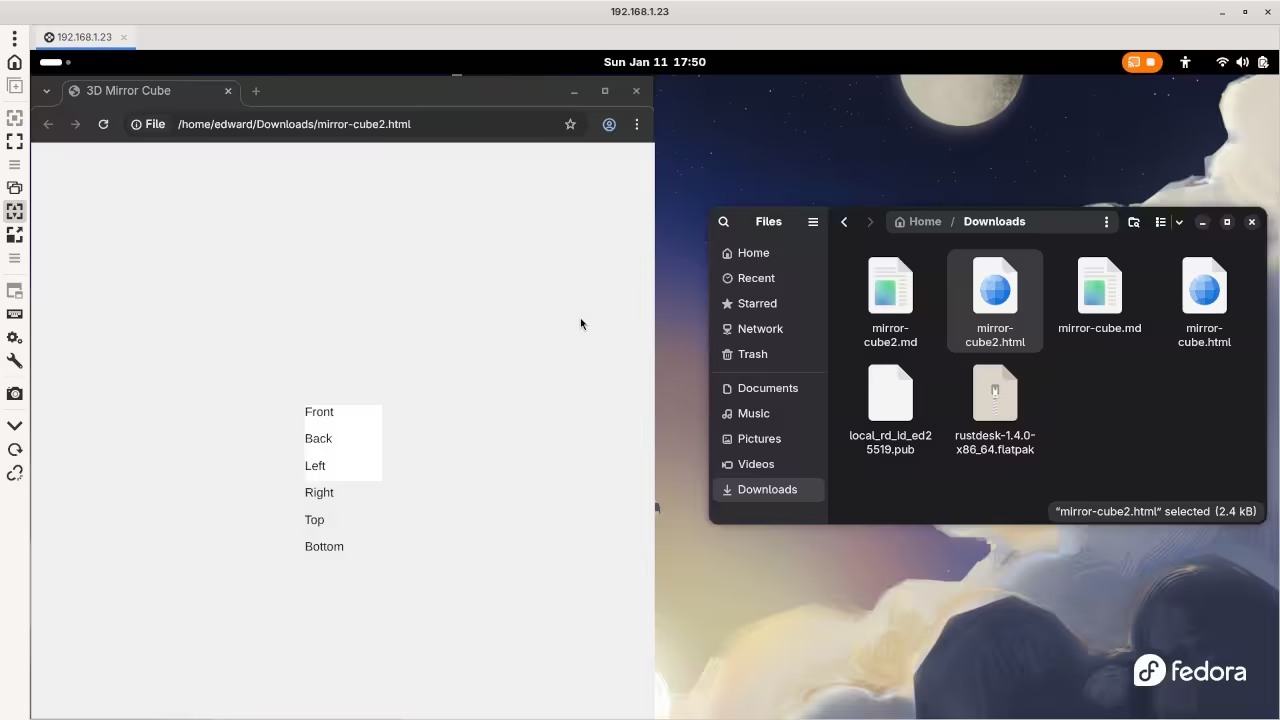
Live Screencast
Cross Platform Support
Users on Windows or Mac can download installers. Visit the official Ollama website to get those files.
Loading Qwen2.5-Coder Model
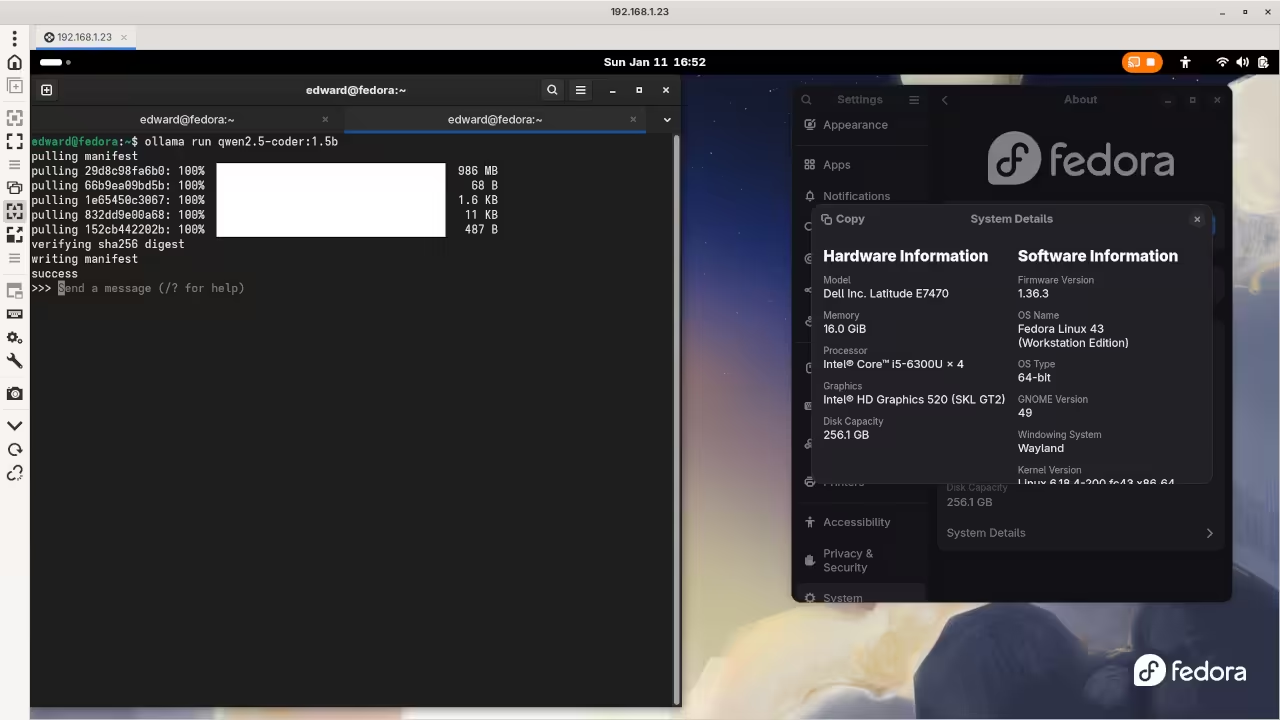
Now you must download the Qwen2.5-Coder model. Type ollama run qwen2.5-coder:1.5b in your terminal window.
The 1.5b version is perfect for basic laptop CPUs. It downloads quickly and starts the chat interface automatically.
Performance and Privacy Benefits
Ollama manages the Qwen2.5-Coder model with high efficiency. Your CPU handles the code generation tasks easily.
The RDP protocol keeps the interface very responsive. You can code remotely from any other device.
Conclusion for Beginners
Qwen2.5-Coder provides excellent logic for beginner programmers. It stays private on your own local hardware.
Take Your Skills Further
- Books: https://www.amazon.com/stores/Edward-Ojambo/author/B0D94QM76N
- Courses: https://ojamboshop.com/product-category/course
- Tutorials: https://ojambo.com/contact
- Consultations: https://ojamboservices.com/contact
🚀 Recommended Resources
Disclosure: Some of the links above are referral links. I may earn a commission if you make a purchase at no extra cost to you.