
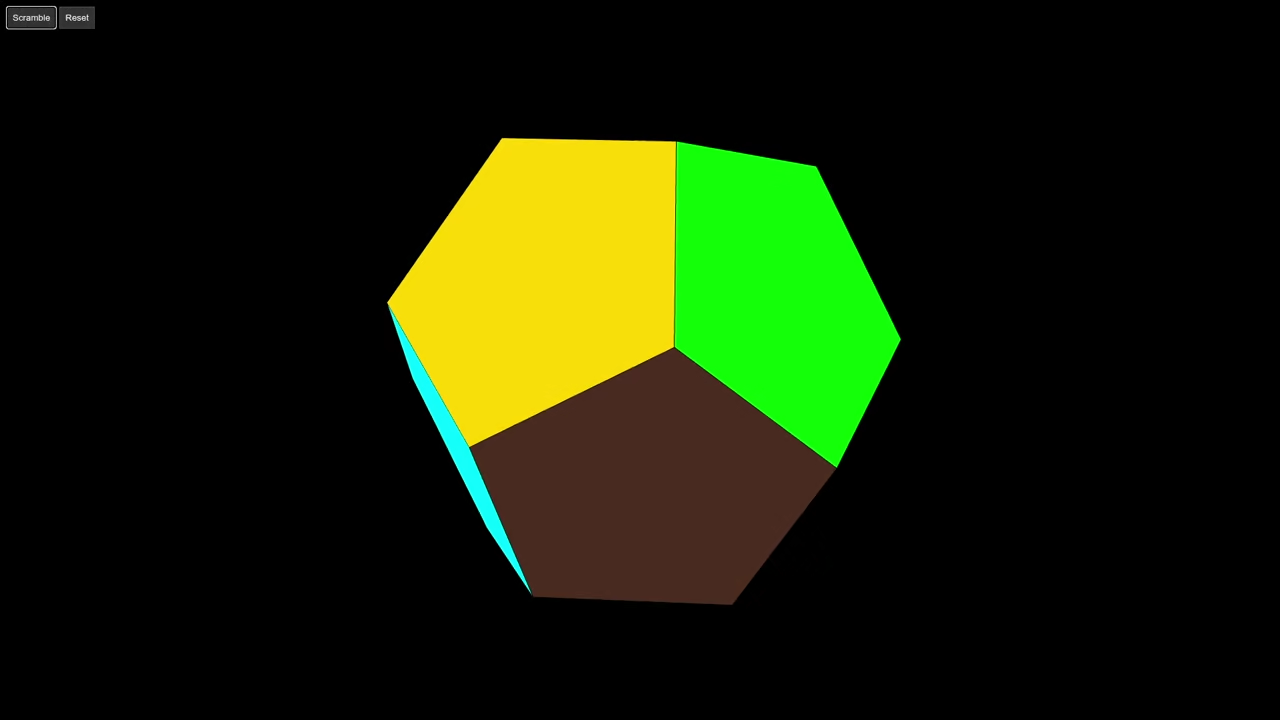
Introduction to 3D Geometry Optimization
Generating a 3D Megaminx requires precise geometric math. Last time the AI model hallucinated some code.
The first output used four sides for pentagons. This caused the 3D model to look broken.
Fixing the Mathematical Foundation
We must fix the vertex logic for accuracy. A dodecahedron uses specific golden ratio coordinates.
The new code uses the Threejs CircleGeometry class. Setting the segments to five creates perfect pentagons.
Using Normal Vectors for Face Placement
We now use face normals for correct placement. Normals are vectors pointing away from the center.
The lookAt function rotates faces toward these vectors. This eliminates hundreds of lines of manual coordinates.
Deep Dive into Mathematical Concepts
A Megaminx has much more complexity than a cube. It features twelve faces instead of the usual six.
Each face is a pentagon with five equal sides. The internal angles are exactly one hundred eight degrees.
The code defines a constant called PHI first. This represents the golden ratio of 1.618 approx.
This number determines the positions of the vertices. It ensures all twelve faces meet at perfect edges.
Looping Through the Dodecahedron Faces
The loop iterates through twelve unique normal vectors. Each vector represents the center of a specific face.
The normalize function sets the vector length to one. This allows us to scale the puzzle size easily.
We use multiplyScalar to move faces from the center. This creates the physical distance needed for the shape.
The lookAt method is the most important part here. It aligns the flat pentagon to the radial vector.
Without lookAt every face would point the same way. The puzzle would look like a stack of pancakes.
Open Source Licensing and AI Tools
The Apache 2.0 license protects your creative work. It allows commercial use and protects against patent claims.
This permissive license is ideal for open source projects. You can share your 3D puzzle code without fear.
Qwen3 provides open weights for your local development. The model helps you debug complex 3D math problems.
Using AI as a partner speeds up your workflow. It suggests efficient ways to handle 3D vector math.
Conclusion and Final Results
The final script is much shorter and faster. It runs smoothly on your local Fedora system.
Optimizing AI code is a vital developer skill.
Always verify the math when using generated scripts.
const scene = new THREE.Scene();
const camera = new THREE.PerspectiveCamera(45, window.innerWidth / window.innerHeight, 0.1, 100);
camera.position.set(8, 8, 8);
const renderer = new THREE.WebGLRenderer({ antialias: true });
renderer.setSize(window.innerWidth, window.innerHeight);
document.body.appendChild(renderer.domElement);
const controls = new THREE.OrbitControls(camera, renderer.domElement);
scene.add(new THREE.AmbientLight(0xffffff, 1));
// Create Geometry & Vertex Colors
const geo = new THREE.DodecahedronGeometry(4, 0);
const colors = [0xffffff, 0x0046ad, 0xb71234, 0x009b48, 0xffd500, 0xff5800, 0x800080, 0x00ff00, 0x00ffff, 0xff00ff, 0x808080, 0x4B2C20];
const colAttr = [];
colors.forEach(color => {
const c = new THREE.Color(color);
for (let j = 0; j < 9; j++) colAttr.push(c.r, c.g, c.b);
});
geo.setAttribute('color', new THREE.Float32BufferAttribute(colAttr, 3));
const mesh = new THREE.Mesh(geo, new THREE.MeshPhongMaterial({ vertexColors: true, flatShading: true }));
const wire = new THREE.LineSegments(new THREE.EdgesGeometry(geo), new THREE.LineBasicMaterial({ color: 0x000000 }));
const puzzle = new THREE.Group();
puzzle.add(mesh, wire);
scene.add(puzzle);
Consolidated Demo
Screenshot
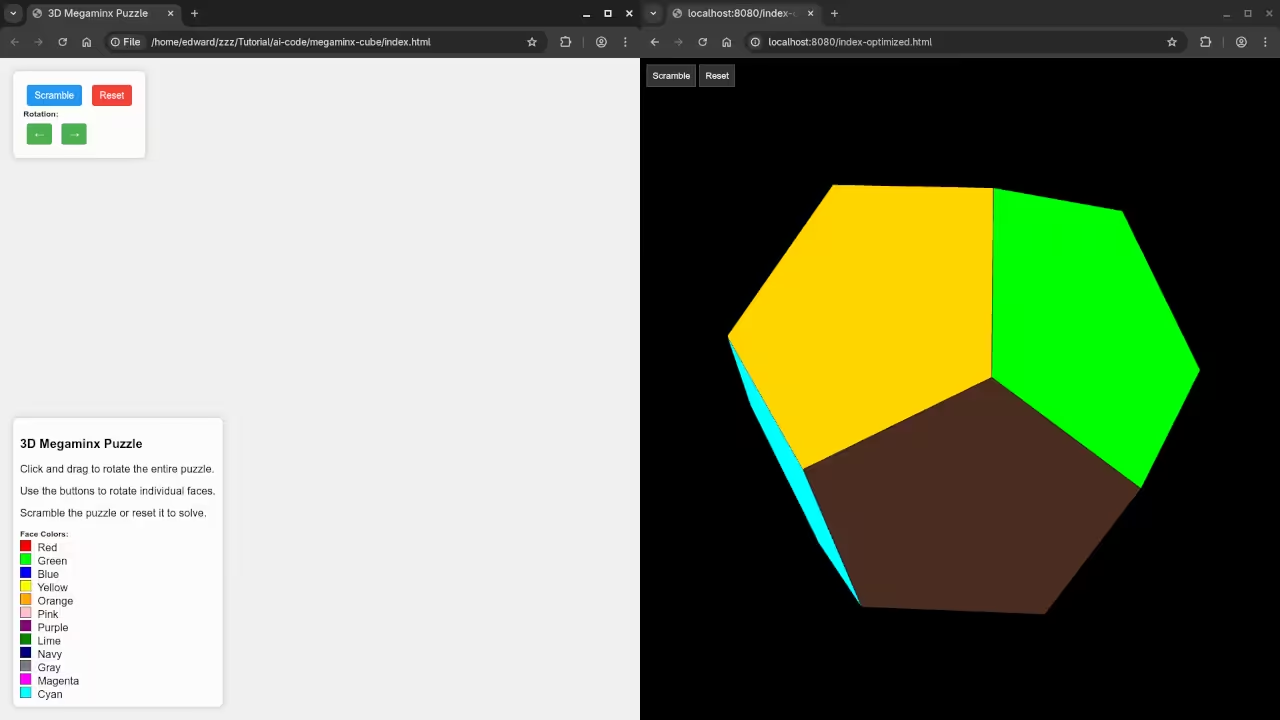
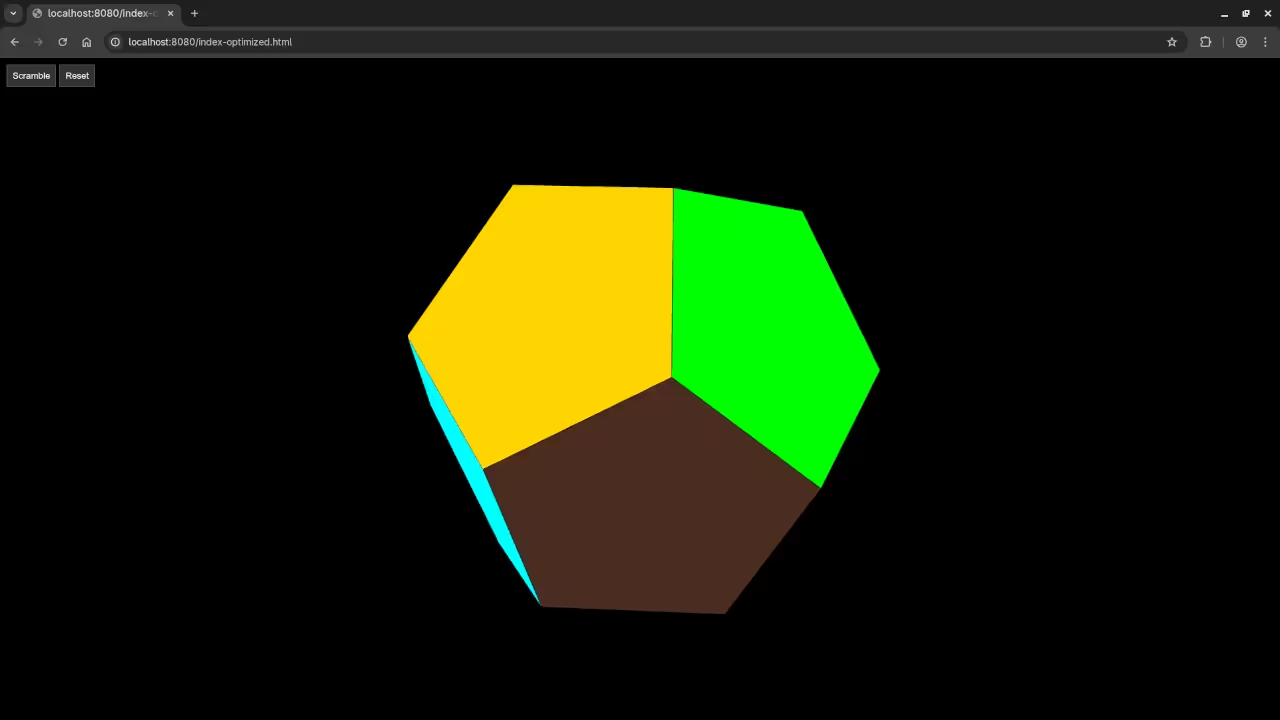
Live Screencast
Take Your Skills Further
- Books: https://www.amazon.com/stores/Edward-Ojambo/author/B0D94QM76N
- Courses: https://ojamboshop.com/product-category/course
- Tutorials: https://ojambo.com/contact
- Consultations: https://ojamboservices.com/contact
🚀 Recommended Resources
Disclosure: Some of the links above are referral links. I may earn a commission if you make a purchase at no extra cost to you.