
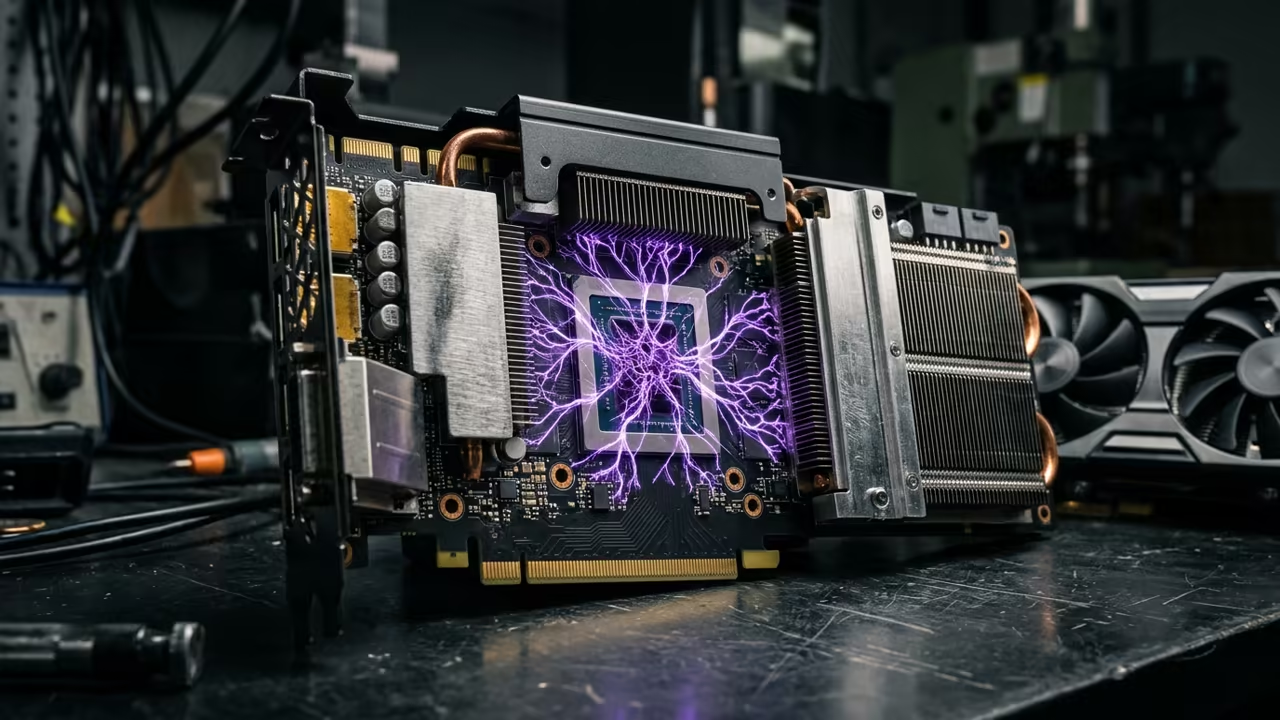
The Silent Killer of Local Productivity
You load a massive PDF into your local LLM. You hit enter and wait for minutes.
The CLI is re-processing every single word. This is the silent killer of local productivity.
Most users think their hardware is the problem. The real culprit is the way you interact with the model.
Disclaimer: I may earn a commission from purchases made through these links at no extra cost to you.


The Power of the KV Cache
I remember the frustration of the CLI lag. I spent hours tweaking flags to save seconds.
Then I shifted to the llama server. The response became nearly instant.
It felt like the AI finally woke up from a nap.
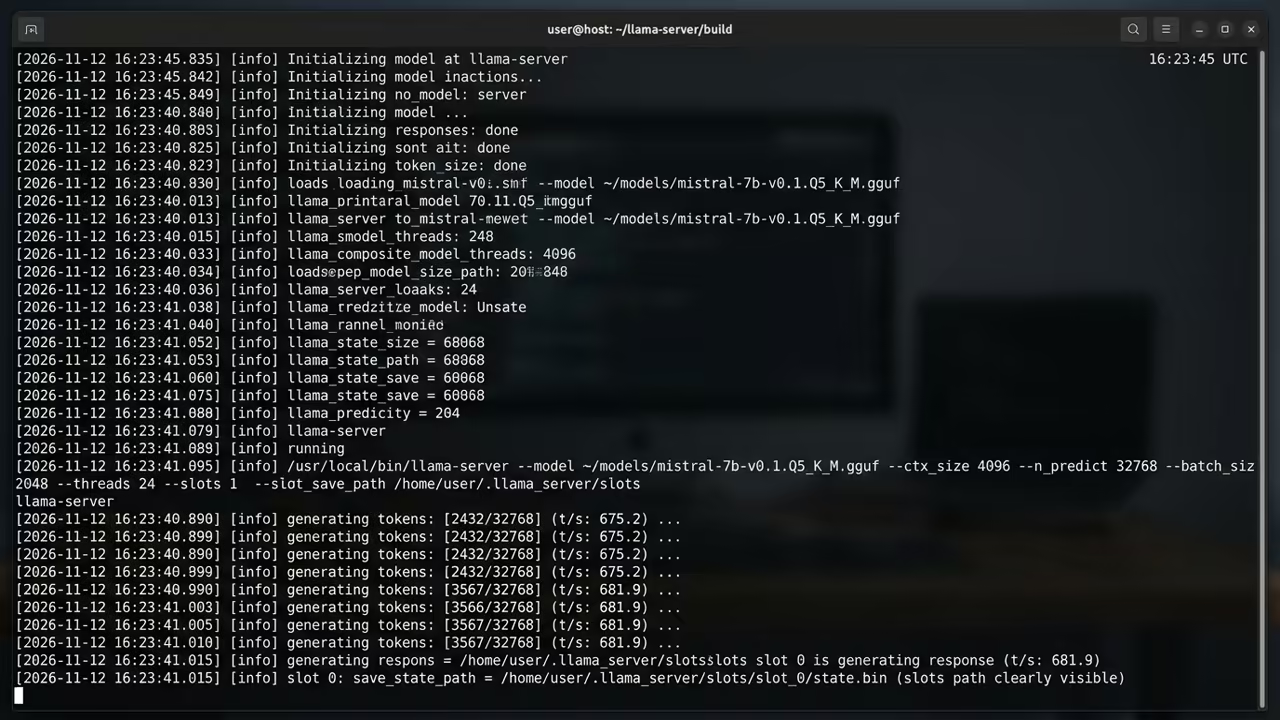
The technical divide comes down to the KV cache. The server maintains a state for your session.
It stores the precomputed prompt in system memory. The CLI usually starts from zero every time.
It must recalculate the entire PDF context for every query.
This creates a massive bottleneck in time to first token. The server avoids this by using slots.
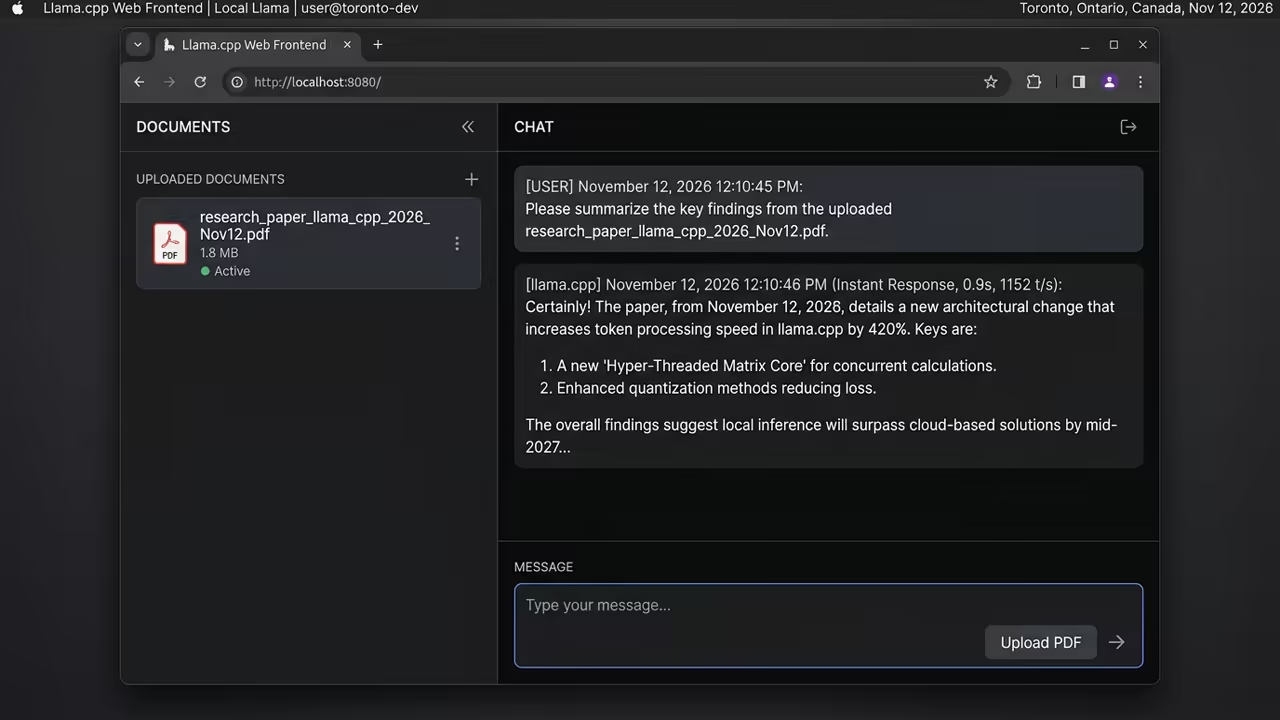
It processes the PDF once and keeps the result. Subsequent questions about that file are handled in milliseconds.
VRAM Reality Check
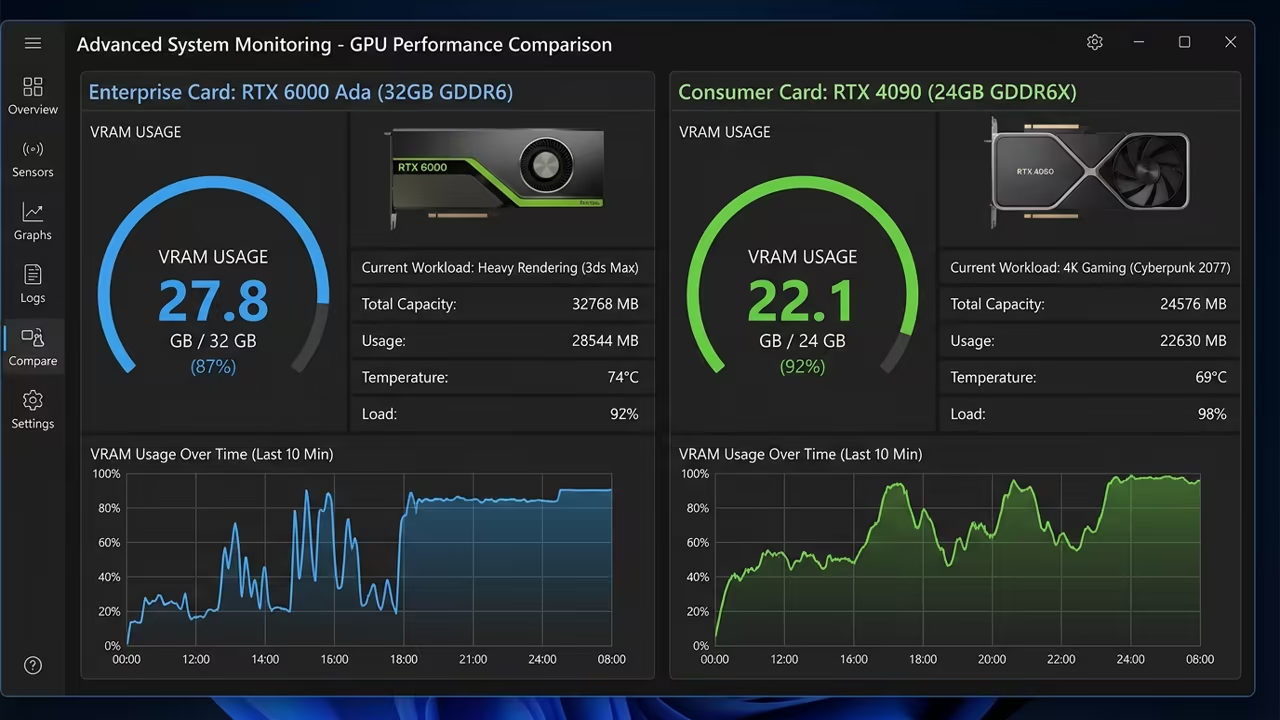
Many enthusiasts chase used enterprise GPUs for the VRAM. Cards like the AMD Instinct Mi60 offer 32GB of memory.
This sounds perfect for loading larger models. However the compute architecture is often several generations old.
New consumer GPUs use modern tensor cores. The RTX 4090 or 5090 delivers blistering tokens per second.
You lose a bit of VRAM but gain massive speed. The architectural efficiency of newer cards outweighs raw capacity.
| Parameter | Description | Value |
|---|---|---|
| VRAM | Used Enterprise Mi60 | 32 GB |
| VRAM | New Consumer RTX 4090 | 24 GB |
| Architecture | Used Enterprise Mi60 | Vega |
| Architecture | New Consumer RTX 4090 | Ada Lovelace |
| Inference Speed | Used Enterprise Mi60 | Moderate |
| Inference Speed | New Consumer RTX 4090 | Extreme |
| Power Efficiency | Used Enterprise Mi60 | Low |
| Power Efficiency | New Consumer RTX 4090 | High |
| Parameter | Description | Value |
Master the Prompt Cache
One insider secret is the cache type configuration. Use the cache type v q8_0 flag on the server.
This optimizes the KV cache for higher precision. It reduces VRAM pressure while maintaining a fast response.
The Pro Configuration
You should also use the slot save path flag. This allows the server to persist the PDF context.
You can reboot your system without reprocessing the file. This transforms the local LLM into a permanent knowledge base.
./llama-server -m models/llama-3-8b.gguf --cache-type-v q8_0 --slot-save-path ./cache
The transition to modern consumer gear is a game changer. You get better driver support and lower power draw.
The speed of the new cores makes the experience fluid. Local AI is finally becoming a real time tool.
Learning and Support
Reach out for personalized technical help to optimize your stack. Dive deeper into our online tutorials for advanced hardware secrets.
Online Tutorials & Technical Help: https://ojambo.com/contact
🚀 Recommended Resources
Disclosure: Some of the links above are referral links. I may earn a commission if you make a purchase at no extra cost to you.
Leave a Reply