
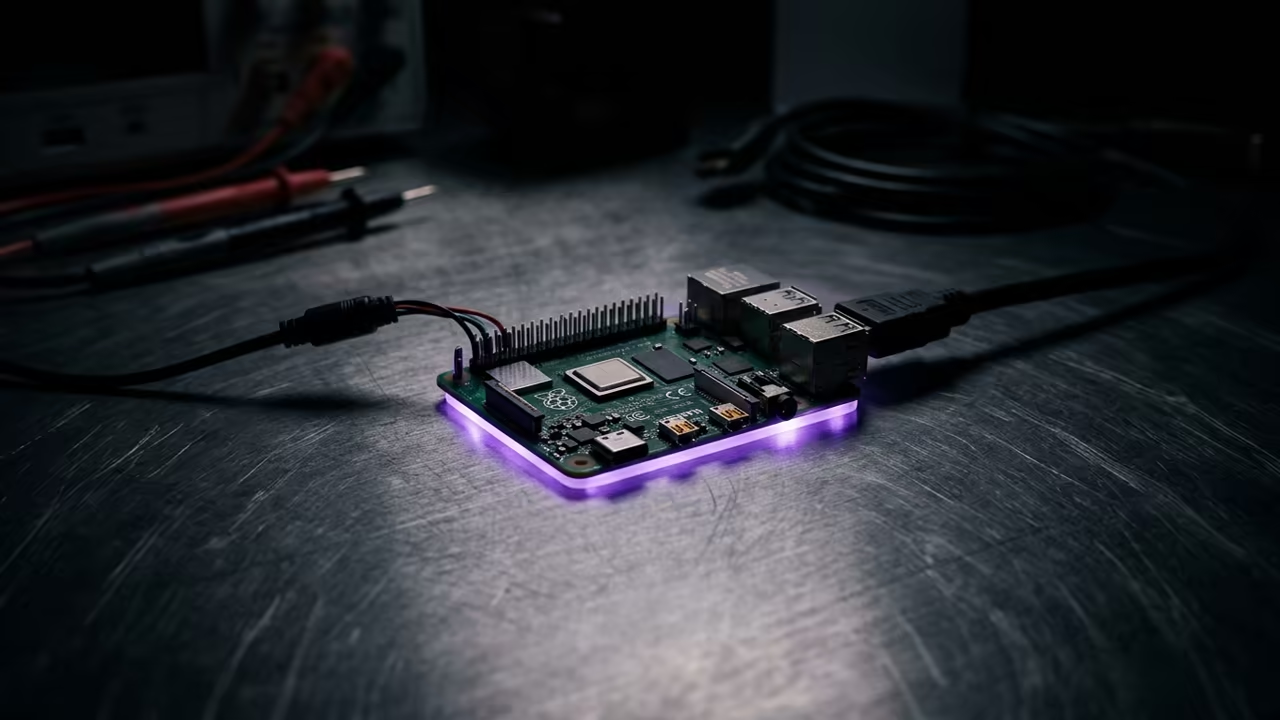
The Resource Crisis of Tiny Hardware
Modern web browsing has become a resource nightmare for small hardware. Heavy scripts and bloated frameworks crush the limited memory of tiny boards.
Most users give up on the Pi Zero W for web tasks. They believe the hardware is simply too weak for today.
This frustration leads many to leave their hardware in drawers. They search for solutions that simply do not exist in mainstream software.
Disclaimer: I may earn a commission from purchases made through these links at no extra cost to you.


The Minimalist Experience
The first time this minimalist setup loads is a total revelation. Pages snap into view instantly without the usual stuttering or lag.
You feel a strange sense of power using such lean software. It turns a tiny chip into a focused information machine.
The lack of visual clutter allows for extreme productivity. You focus on the content rather than the distracting advertisements.
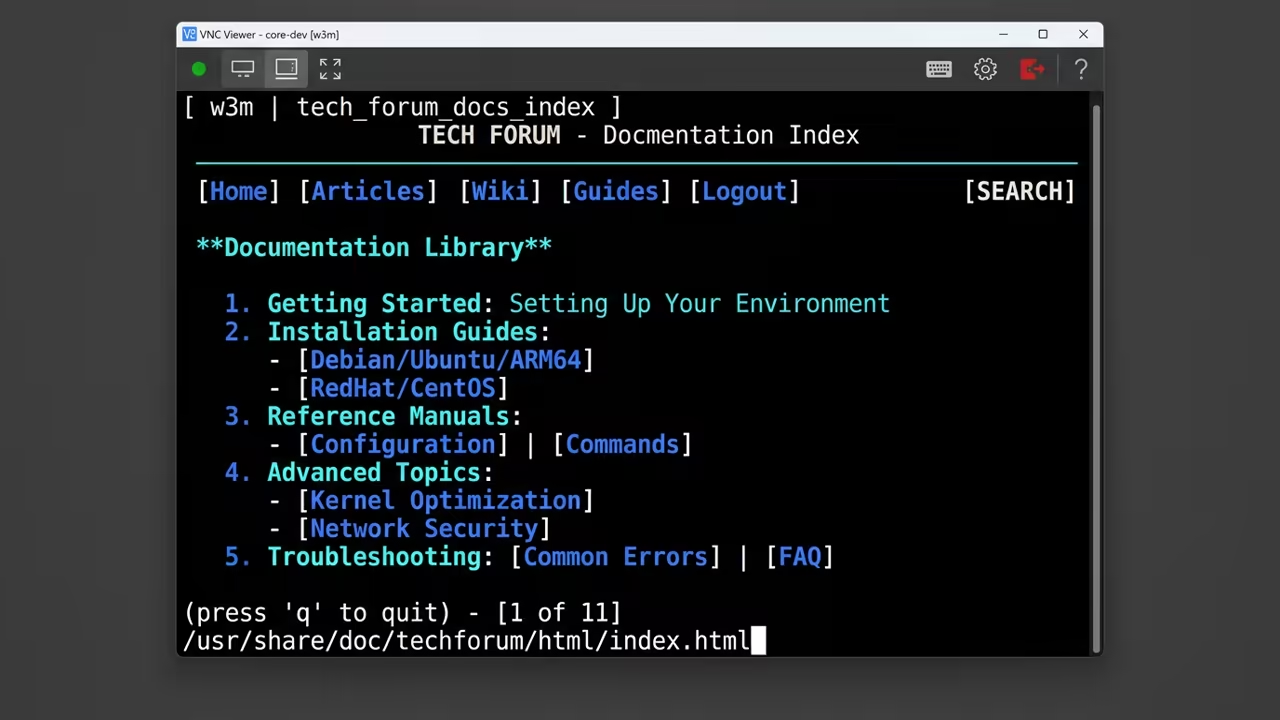
Engineering the Lean Browser
The system relies on a specialized text based browser. This approach removes the overhead of rendering heavy graphical elements.
The engineering properties focus on minimal instruction cycles. This ensures the CPU does not overheat during active sessions.
The hardware stack remains incredibly lean for this deployment.
- Raspberry Pi Zero W
- High speed microSD card
- Reliable 5V power supply
- VNC capable client device
The operational parameters focus on extreme memory efficiency. Core metrics show RAM usage staying below ten megabytes for the browser.
The setup process follows a strict path to maintain stability.
- Flash the lite operating system to the microSD card.
- Enable remote access tools via the system config.
- Install a lightweight window manager for VNC access.
- Clone the w3m fork from the sourcehut repository.
- Compile the browser for the ARMv6 architecture.
- Map the VNC server to a specific resolution.
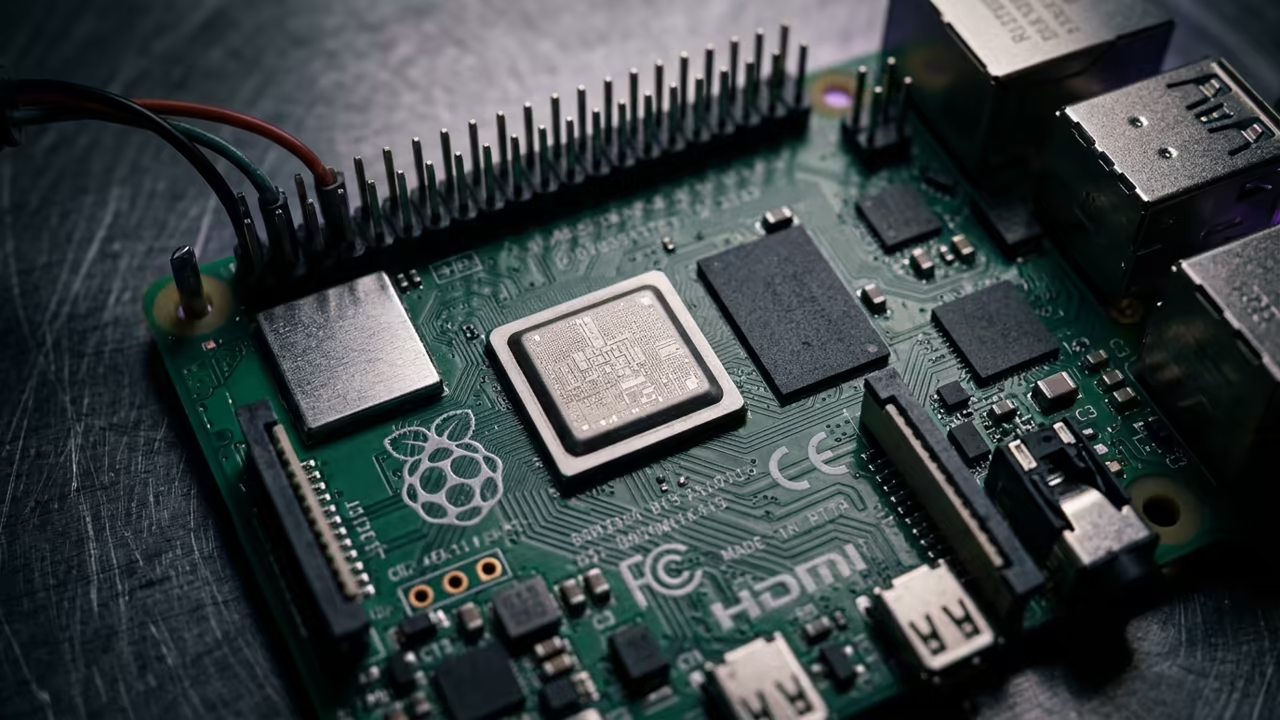
The ZRAM Secret
One insider detail involves the use of zram for memory. This compresses data in RAM to prevent slow disk swapping.
It creates a massive performance boost for single core CPUs. This secret keeps the system responsive during heavy page loads.
Architectural Efficiency
This setup connects deeply to previous architectural breakthroughs in headless computing. It mirrors the efficiency of old school mainframe terminals.
It builds upon the philosophy of reducing software bloat. This ensures the hardware lasts longer by reducing thermal stress.
Technical Performance Analysis
The technical contrast between this and standard browsers is stark. See the breakdown in the table below.
| Parameter | w3m | Chromium |
|---|---|---|
| RAM Usage | 5MB | 350MB |
| Page Speed | Instant | Slow |
| Stability | High | Low |
| Pi Zero Fit | Perfect | Poor |
| Parameter | w3m | Chromium |
Raw Implementation
The narrative now shifts to the raw implementation phase. You must execute the following commands to get started.
sudo apt update
sudo apt install xserver-xorg vnc4server openbox w3m
The VNC server provides a window into this lean world. It allows a graphical interface for a text based tool.
This combination is the ultimate secret for low power hosting. It provides accessibility without sacrificing the speed of the CLI.
By leveraging the sourcehut fork you get a more stable experience. These patches optimize the browser for modern web standards.
The result is a professional grade station on a tiny budget. It proves that efficiency always beats raw power in the end.
Learning and Support
Reach out for personalized technical help with your custom Pi build. Dive deeper with our professional online tutorials.
Online Tutorials & Technical Help: https://ojambo.com/contact
🚀 Recommended Resources
Disclosure: Some of the links above are referral links. I may earn a commission if you make a purchase at no extra cost to you.
Leave a Reply