
The Printing Nightmare
Imagine a world where changing one word in a brochure required a total manual redesign. Printing was a nightmare of expensive typesetting and rigid physical templates for every single page.
This chaotic workflow held creative professionals hostage until two visionaries decided to rewrite the rules of ink.
Disclaimer: I may earn a commission from purchases made through these links at no extra cost to you.


The Creative Feeling
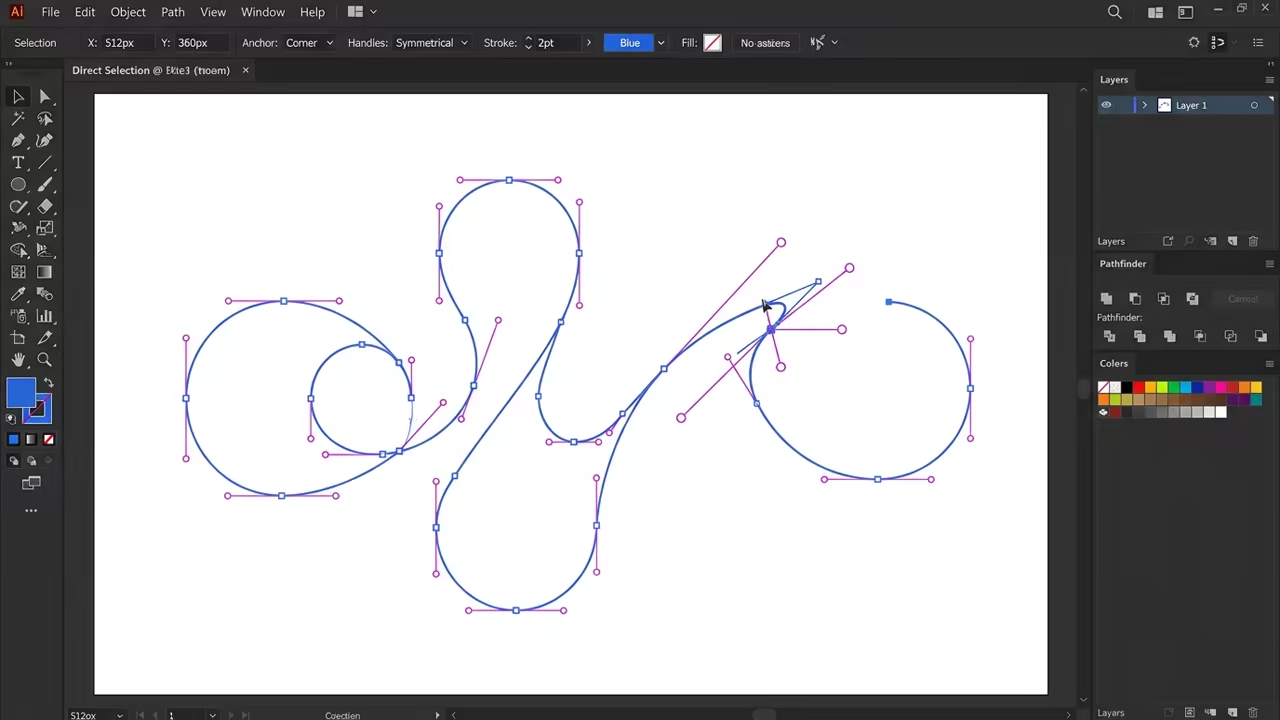
The moment you first run a complex vector file through a high end printer is magic. You see a perfectly smooth curve that does not pixelate regardless of the zoom level.
It feels like you have unlocked a hidden superpower over the physical medium of paper.
The Birth of PostScript
Adobe started when John Warnock and Charles Geschke left Xerox PARC to chase a dream. They realized that computers could describe a page as a series of mathematical instructions.
This breakthrough became PostScript and it effectively birthed the entire desktop publishing industry.
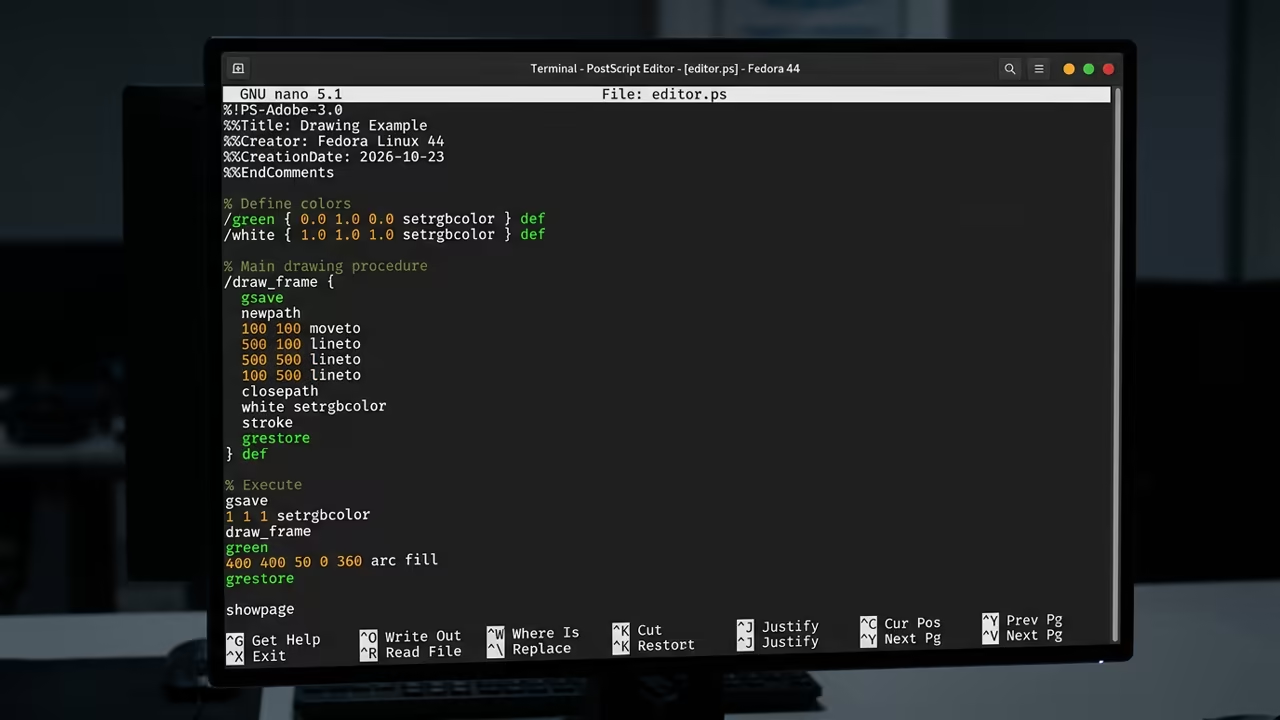
PostScript treats every character and shape as a mathematical Bézier curve rather than a grid of dots. This allows a printer to scale graphics infinitely without any loss of visual quality.
It transformed the printer into a smart device that interprets code in real time.
Technical Core Logic
The technical core of this system relies on a stack based programming language for page description. A simple command can tell the printer to move to a coordinate and draw a line.
This logic ensured that the output remained consistent across different hardware brands.
/font_name /Helvetica findfont 12 scalefont setfont
100 700 moveto
(Hello World) show
stroke
The PDF Revolution
The industry shifted again when Adobe introduced the PDF standard to the general public. They solved the problem of document portability by freezing the layout in a digital container.
This ensured that a file looked identical on a Mac or a Windows machine.
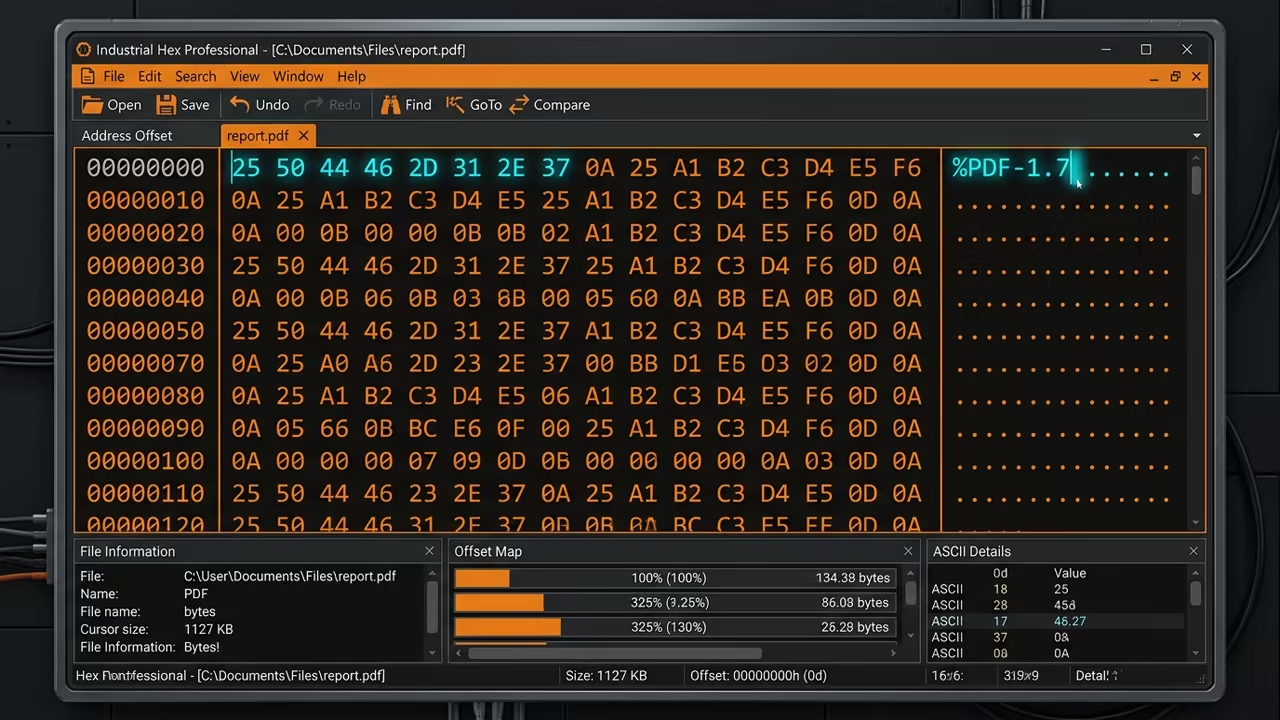
Implementing PDF technology required a deep understanding of coordinate systems and embedded font subsets. Adobe engineered a way to pack essential font data into the file itself.
This eliminated the common issue of missing fonts during the professional printing process.
Cloud Integration and AI
The most daring move occurred during the transition from Creative Suite to the Creative Cloud. Adobe abandoned the one time purchase model for a recurring monthly subscription service.
This shift provided users with constant updates and integrated cloud storage for their assets.
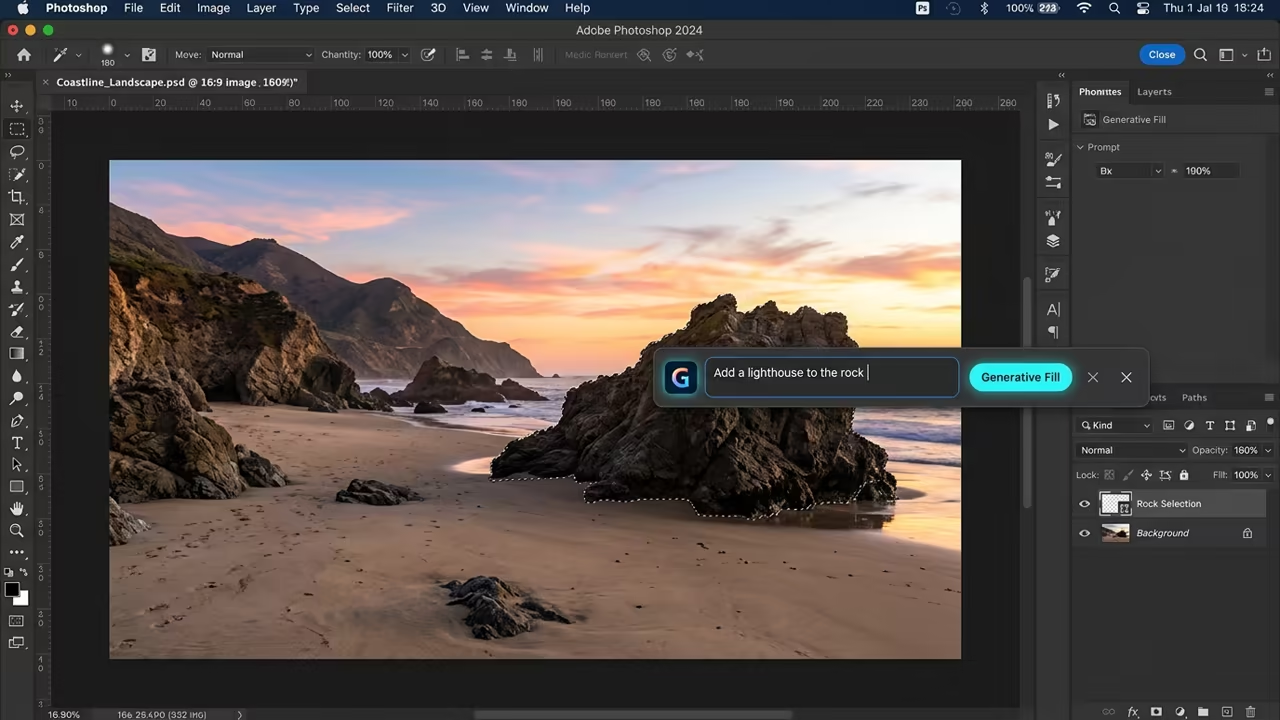
This structural change allowed Adobe to integrate massive AI models like Firefly directly into Photoshop. Now the software can generate entire landscapes from a simple text prompt in seconds.
It is a far cry from the manual pixel pushing of the early nineties.
Hardware Synergy
This evolution connects deeply to previous technical deep dives into GPU acceleration and ROCm stacks. Modern creative tools now leverage VRAM to process billions of pixels in real time.
The synergy between hardware and software remains the secret to Adobe longevity.
| Parameter | Description | Value |
|---|---|---|
| Scaling | Pixelates when enlarged | Bitmap Graphics |
| Scaling | Infinite scaling | Vector Graphics |
| File Size | Large for high resolution | Bitmap Graphics |
| File Size | Small for complex paths | Vector Graphics |
| Best Use | Photographs | Bitmap Graphics |
| Best Use | Logos and Typography | Vector Graphics |
| Technical Base | Raster Grid | Bitmap Graphics |
| Technical Base | Mathematical Curves | Vector Graphics |
| Parameter | Description | Value |
Professional Optimization
Pro tip for modern users involves optimizing the Scratch Disk settings in Photoshop. Point your scratch file to a dedicated NVMe Gen4 SSD to eliminate lag during heavy edits.
This reduces the bottleneck when the system handles massive multi layered project files.
Learning and Support
Reach out for personalized technical help to optimize your creative workstation for maximum throughput. Dive deeper into these architectural breakthroughs with our detailed online tutorials.
Online Tutorials & Technical Help: https://ojambo.com/contact
🚀 Recommended Resources
Disclosure: Some of the links above are referral links. I may earn a commission if you make a purchase at no extra cost to you.
Leave a Reply