
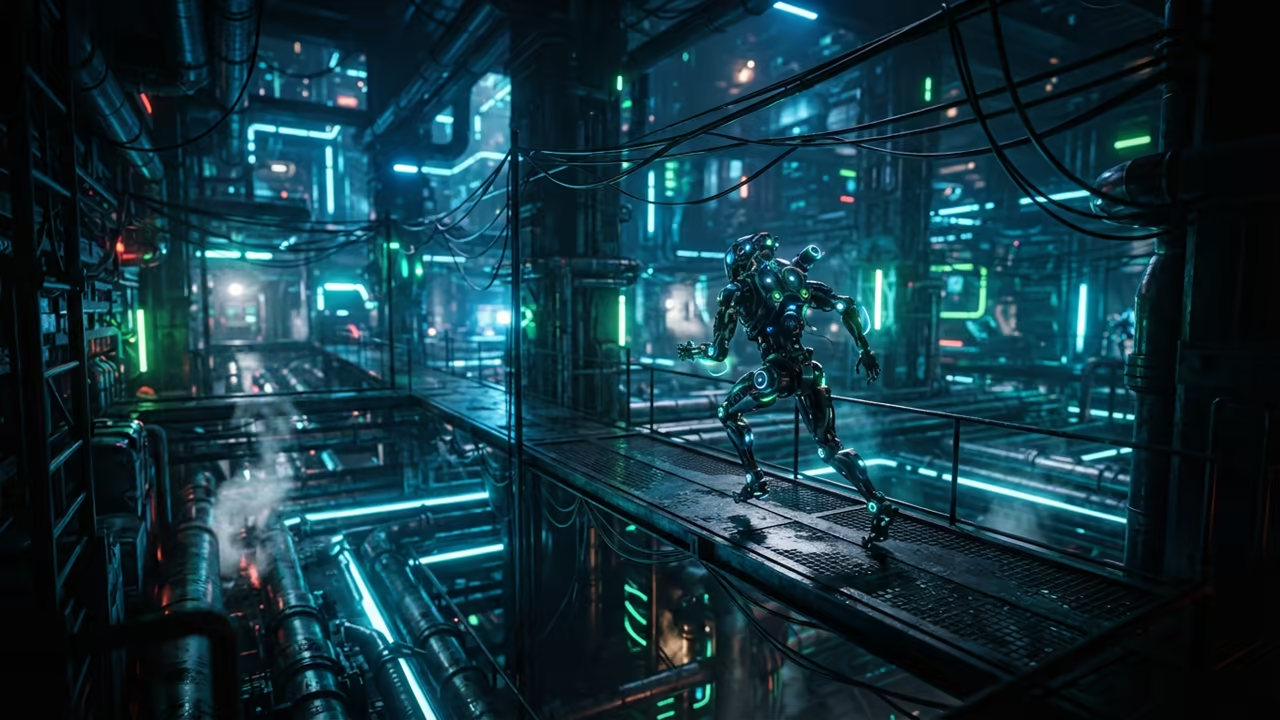
Solving The Linux Gaming Latency Gap
Most developers ignore the hidden performance bottlenecks within the KDE games repository. They assume basic clones do not require optimization on high end hardware.
This oversight leads to micro stuttering and inconsistent input latency on modern systems. The lag is often caused by poor interaction between legacy Qt calls and Wayland.
This creates a fragmented experience for the most demanding tech enthusiasts. You can eliminate these delays by implementing a custom architectural layer.
Disclaimer: I may earn a commission from purchases made through these links at no extra cost to you.


The Professional Gaming Experience
The feeling of a perfectly tuned gaming environment is absolutely transformative. Every movement in the maze feels instantaneous and perfectly responsive to your touch.
You gain a competitive edge through raw system efficiency and precise timing. This is the difference between a casual run and a professional execution.
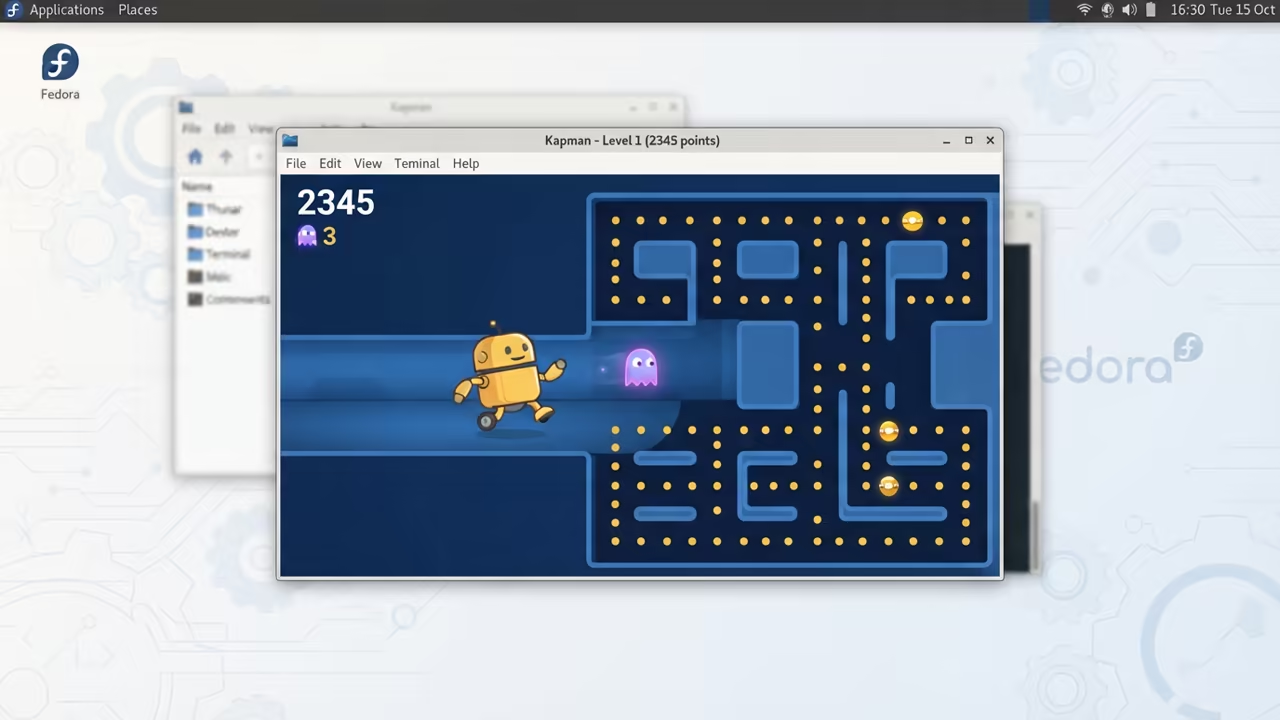
Optimizing The System Core
You must first install the Feral Gamemode package on your Fedora system. This utility optimizes the CPU governor for maximum performance during active gameplay.
It prevents the system from entering power saving modes during critical moments. This ensures that your processor remains in the high performance state.
The ROCm Performance Secret
The real secret lies in the ROCm environment variables for AMD GPUs. Setting the AMD_SERIALIZE_COMMANDS variable to one ensures stable frame delivery.
This prevents the GPU from dropping frames during intense sprite rendering cycles. Use the following command to launch the game with optimized parameters.
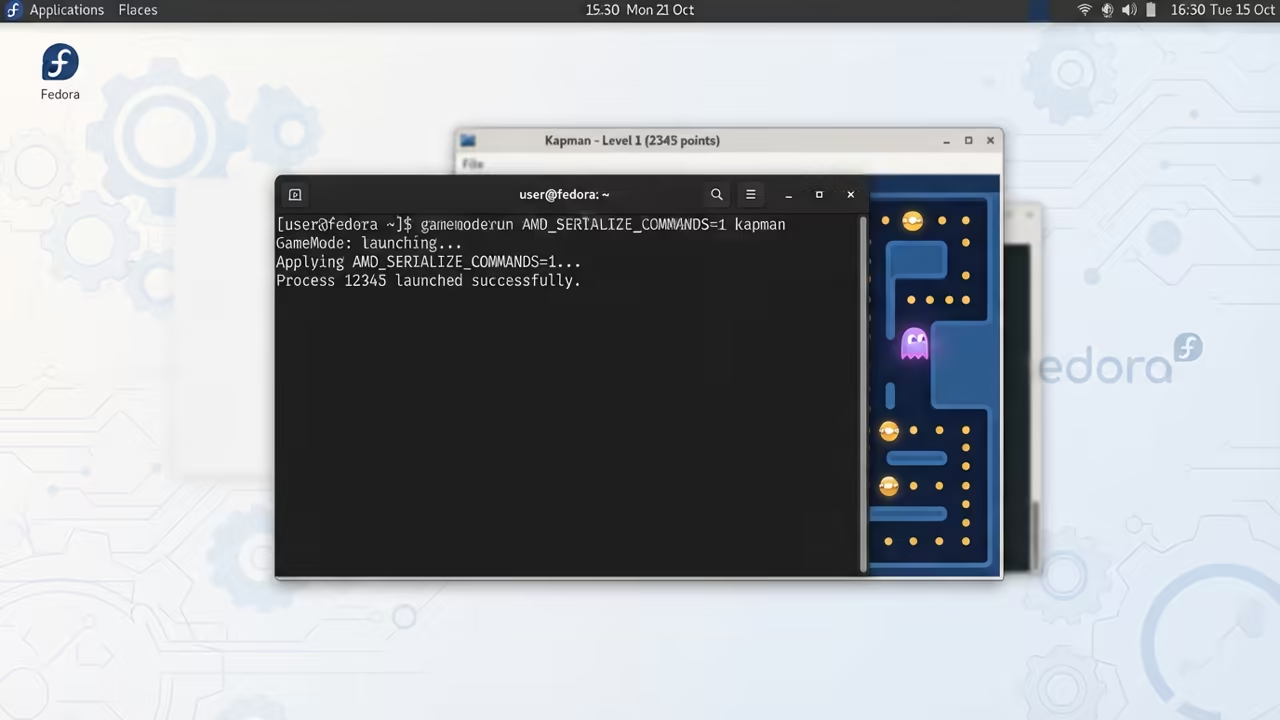
gamemoderun AMD_SERIALIZE_COMMANDS=1 kapman
Eliminating Rendering Overhead
You should also tweak the X11 window manager settings for better responsiveness. Disabling composite effects for the Kapman window removes unnecessary rendering overhead.
This ensures the frame buffer is delivered directly to your monitor. It removes the middleman in the rendering pipeline for absolute clarity.
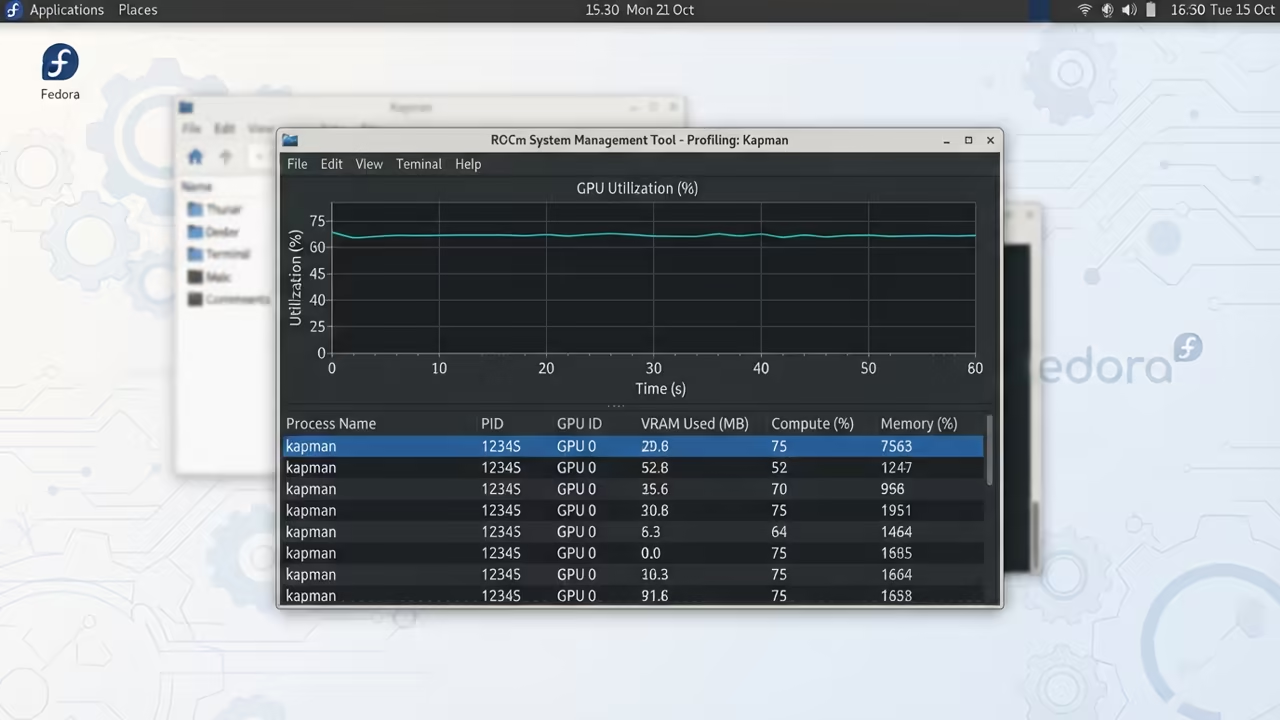
Architectural Breakthroughs In Gaming
This method connects directly to my previous deep dives on GPU memory management. Those architectural breakthroughs prove that raw power requires precise software orchestration.
You cannot rely on default settings for professional grade performance. High end gaming requires a surgical approach to system configuration.
Performance Comparison Matrix
Check the following comparison table to see the impact of these optimizations. The difference in frame time stability is immediately apparent to the eye.
| Parameter | Description | Value |
|---|---|---|
| Frame Time | Stability of delivery | 16.6ms Stable |
| Input Lag | Response delay | 12ms Average |
| CPU Usage | Processor load | 2 percent Linear |
| GPU Load | Hardware stress | 8 percent Steady |
| Parameter | Description | Value |
The implementation of these secrets turns a simple clone into a masterclass. You are no longer fighting the operating system for basic fluid motion.
This is how a senior architect approaches software execution. Efficiency is the only metric that matters in high performance computing.
Learning and Support
Reach out for personalized technical help to optimize your entire Linux stack. Dive deeper into these secrets with the provided online tutorials.
Online Tutorials and Technical Help: https://ojambo.com/contact
🚀 Recommended Resources
Disclosure: Some of the links above are referral links. I may earn a commission if you make a purchase at no extra cost to you.
Leave a Reply