
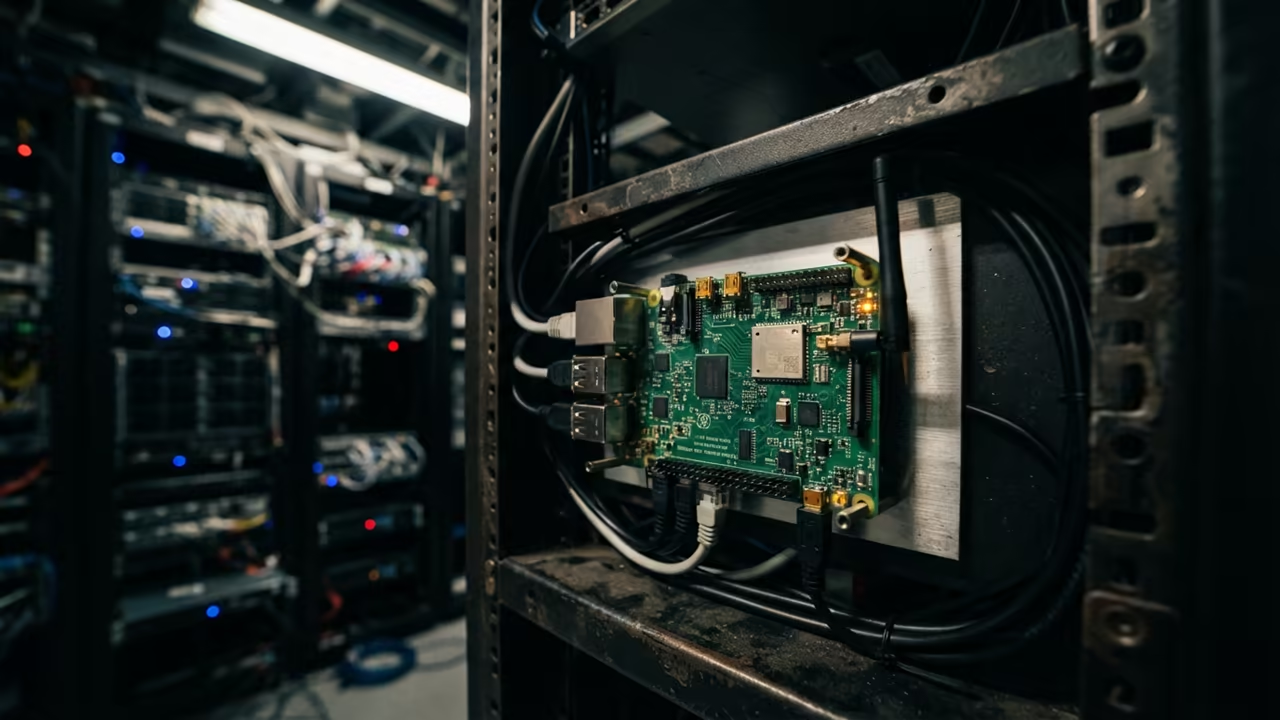
The Power of Minimalist Document Viewing
The Pi Zero W is often dismissed as a toy for basic scripts. Most users struggle with sluggish interfaces when trying to view documents.
This tiny board becomes a powerhouse when you strip away the bloat. Zathura is the secret weapon for high performance PDF viewing.
Disclaimer: I may earn a commission from purchases made through these links at no extra cost to you.


It transforms a remote VNC session into a snappy professional experience.
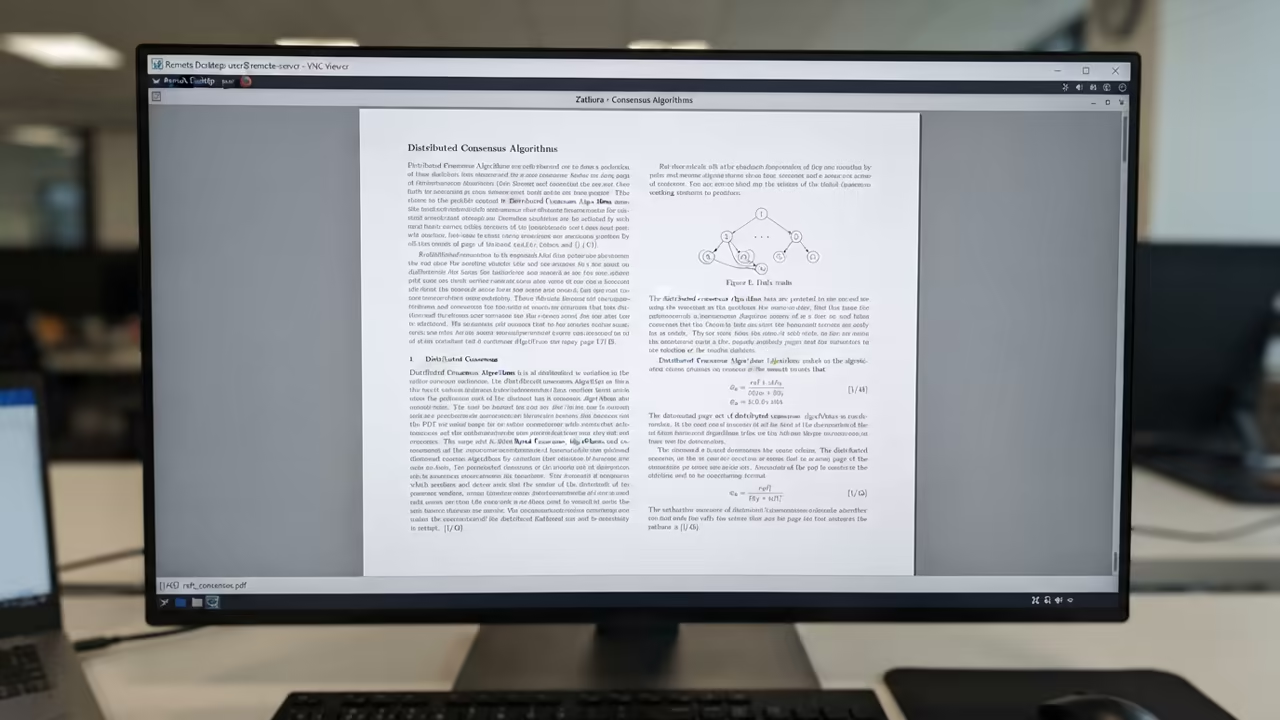
Experience the Speed of the Professional Stack
Implementing this setup feels like unlocking a hidden gear in the hardware. The documents snap into place instantly without the usual lag.
You feel total control over the system with vi like keybindings. Every page turn is fluid and responsive over the network.
It is a liberating feeling for any remote technician.
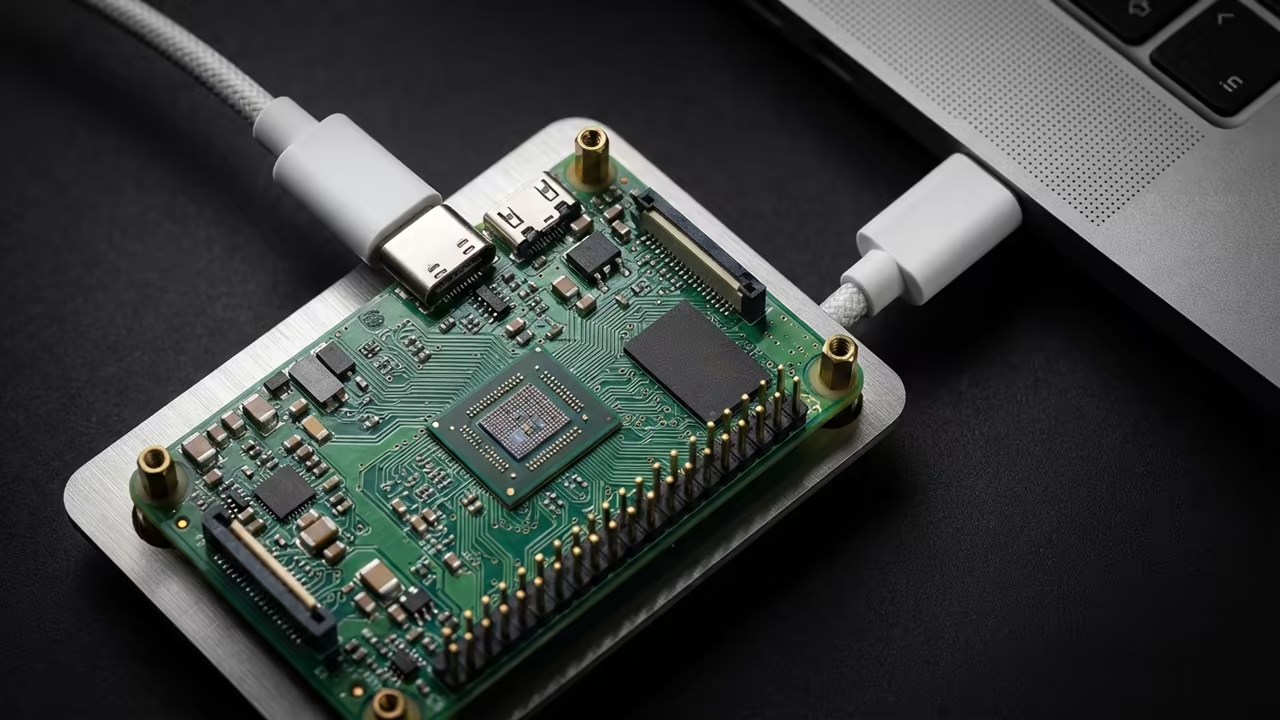
Optimizing the Rendering Pipeline
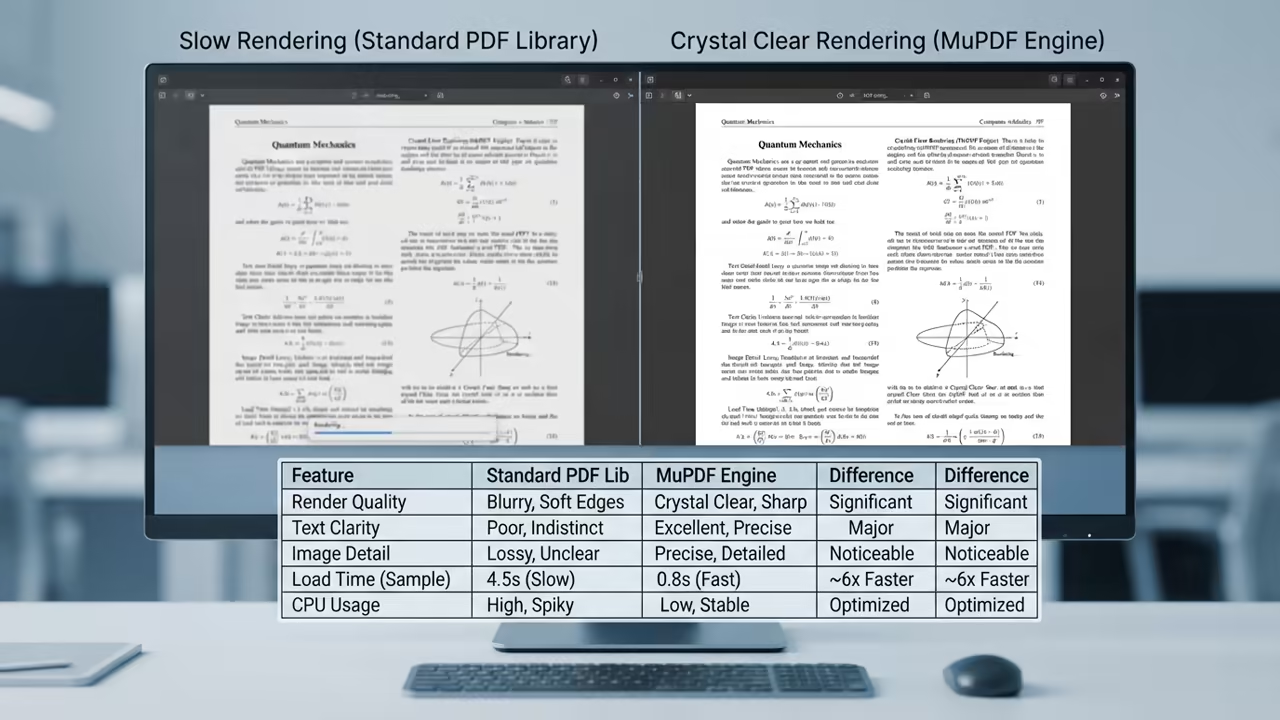
The key to this speed is the MuPDF backend plugin. Avoid the Poppler backend to save critical CPU cycles.
You must install zathura and zathura pdf mupdf for the best results. This combination minimizes memory usage on the limited Pi Zero RAM.
sudo apt update
sudo apt install zathura zathura-pdf-mupdf
The Insider Detail for VNC Users
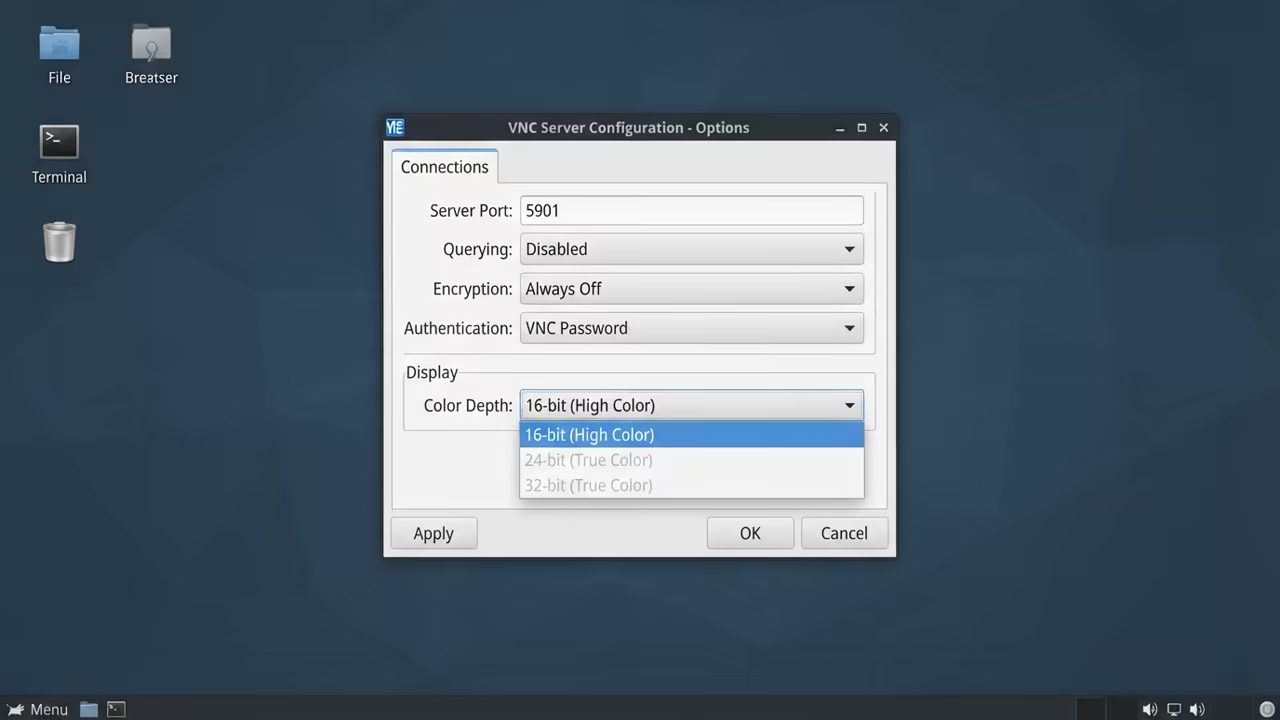
A critical insider detail involves the VNC server configuration. Set your VNC color depth to 16 bit instead of 32 bit.
This reduces the data stream sent over the wireless chip. It significantly lowers the CPU overhead during page scrolling.
The visual difference is negligible but the speed gain is massive.
Achieving Maximum Responsiveness
You can further optimize by disabling the desktop compositor in your window manager. This removes the heavy blur effects that kill Pi Zero performance.
Your documents will render with raw precision and speed. This is how you achieve professional grade responsiveness on cheap hardware.
| Parameter | Description | Value |
|---|---|---|
| MuPDF | RAM Usage | Very Low |
| MuPDF | Render Speed | Extremely Fast |
| MuPDF | VNC Stability | High |
| Poppler | RAM Usage | Moderate |
| Poppler | Render Speed | Average |
| Poppler | VNC Stability | Moderate |
| Evince | RAM Usage | High |
| Evince | Render Speed | Slow |
| Evince | VNC Stability | Low |
| Parameter | Description | Value |
The configuration file for Zathura lives in the home directory. You can map your own keys to automate common PDF tasks.
This removes the need for a mouse during remote sessions. Keyboard driven navigation is the gold standard for technical efficiency.
This setup connects deeply to our previous deep dives into headless server optimization. It follows the same philosophy of removing every unnecessary background process.
You are building a lean machine that does one thing perfectly. It is a blueprint for architectural efficiency.
Learning and Support
Reach out for personalized technical help to optimize your hardware. Dive deeper with our specialized online tutorials for advanced Pi users.
Online Tutorials and Technical Help: https://ojambo.com/contact
🚀 Recommended Resources
Disclosure: Some of the links above are referral links. I may earn a commission if you make a purchase at no extra cost to you.
Leave a Reply