

The Digital Bloat Penalty
The modern web browser has evolved into a resource hungry parasite. Most users accept the constant lag and telemetry as a price for connectivity.
This digital bloat ruins productivity and kills system responsiveness on high end hardware.
Disclaimer: I may earn a commission from purchases made through these links at no extra cost to you.


The Professional Cockpit Experience
Switching to qutebrowser feels like upgrading to a professional cockpit. The interface vanishes to leave only the raw data of the internet.
You no longer fight the browser to reach your destination.
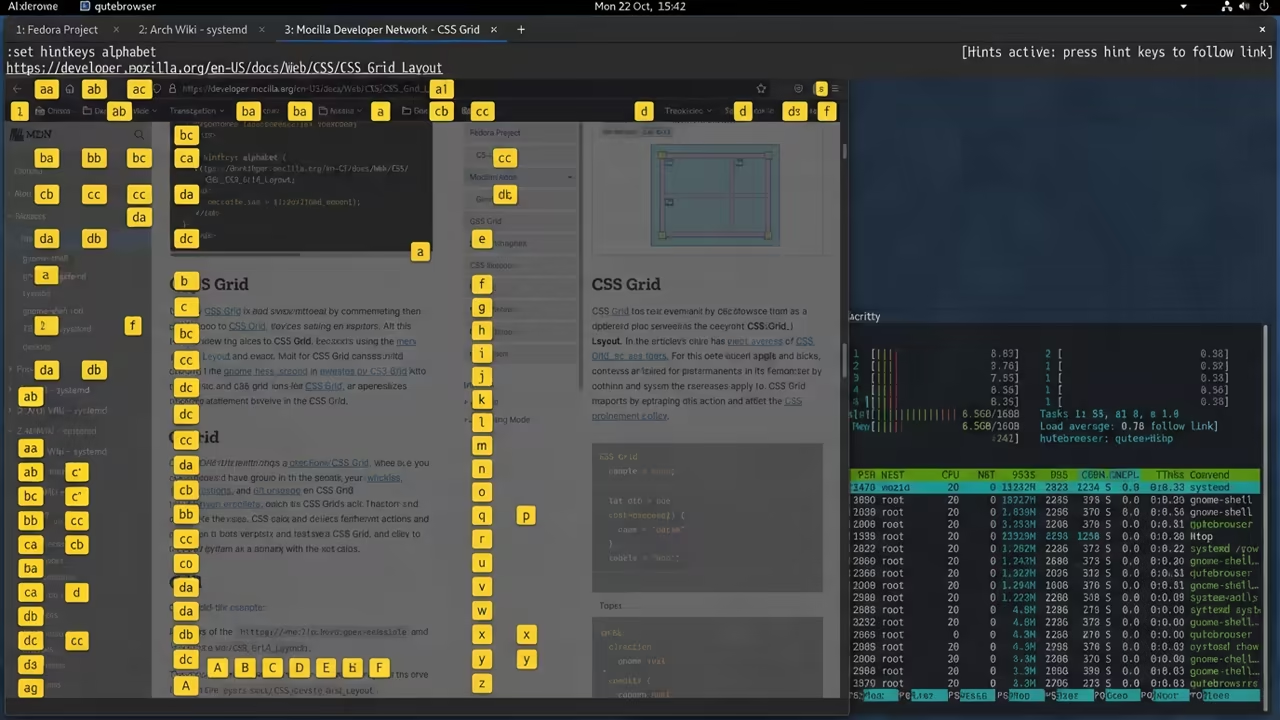
The speed of navigation is truly transformative for any power user. Every movement is a precise keystroke rather than a clumsy mouse drag.
It removes the cognitive friction associated with modern tab chaos.
Unlocking Version 3.7.0 Stability
Implementing the version 3.7.0 update unlocks an entirely new level of stability. The Chromium 140 core handles complex modern scripts with absolute ease.
It transforms the browsing experience into a seamless flow of information.

Fedora 44 Hardware Optimizations
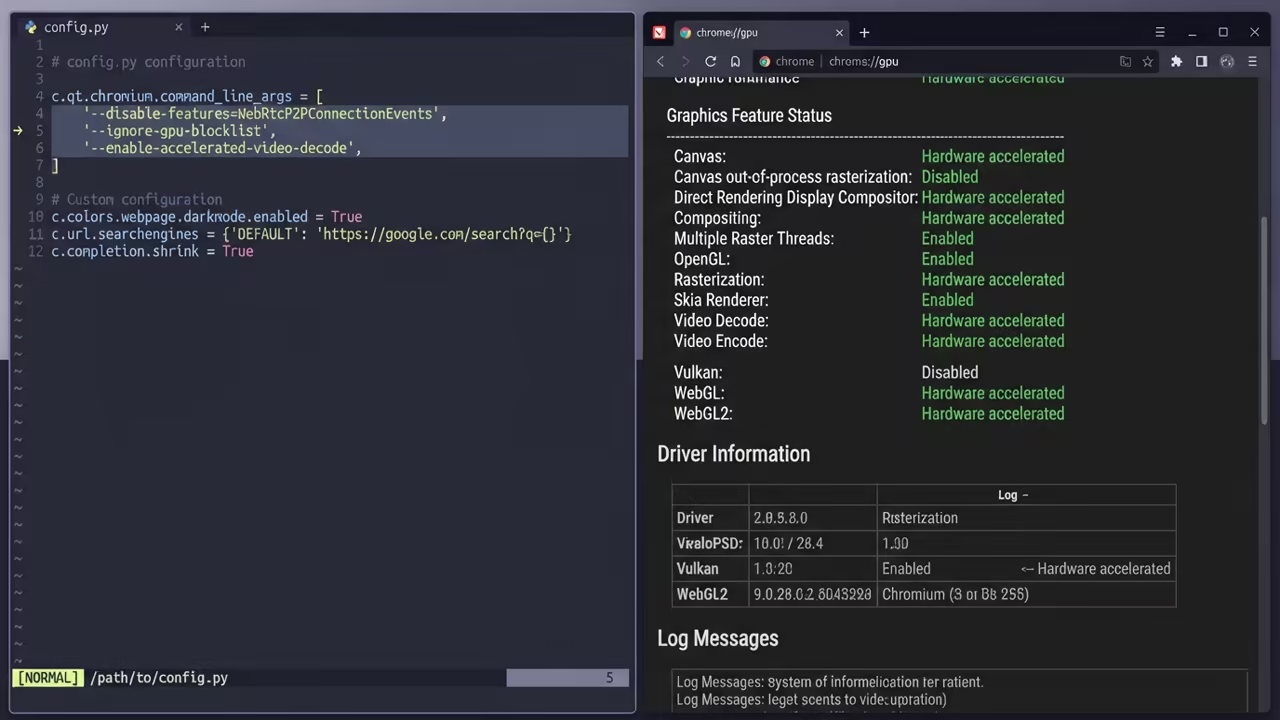
To truly unlock the hardware on Fedora 44 you must bypass default limits. Force enable GPU rasterization by adding ignore-gpu-blocklist to your qt args array.
This offloads the heavy lifting to your GPU cores for instant rendering.
You can also enforce native Wayland rendering to eliminate micro stutters. Set the QT QPA PLATFORM environment variable to wayland inside your config file.
This ensures zero input lag and perfect high DPI font scaling.
| Parameter | qutebrowser | Nyxt | Surf | Chrome Extensions |
|---|---|---|---|---|
| Engine | QtWebEngine | Lisp/WebEngine | WebKit2GTK | Blink/Gecko |
| Memory | Moderate | Very High | Low | High |
| Config | Python | Common Lisp | C Header | JS/CSS |
| Input Lag | Zero | Variable | Zero | Low to High |
| Telemetry | None | None | None | Persistent |
| Parameter | qutebrowser | Nyxt | Surf | Chrome Extensions |
The result is a workstation that respects your time and your hardware. You regain control over your digital environment and your private data.
It is the ultimate tool for the focused technical professional.
Learning and Support
Two high impact sentences inviting the reader to reach out for personalized technical help or to dive deeper with the online tutorials.
Online Tutorials & Technical Help: https://ojambo.com/contact
🚀 Recommended Resources
Disclosure: Some of the links above are referral links. I may earn a commission if you make a purchase at no extra cost to you.