
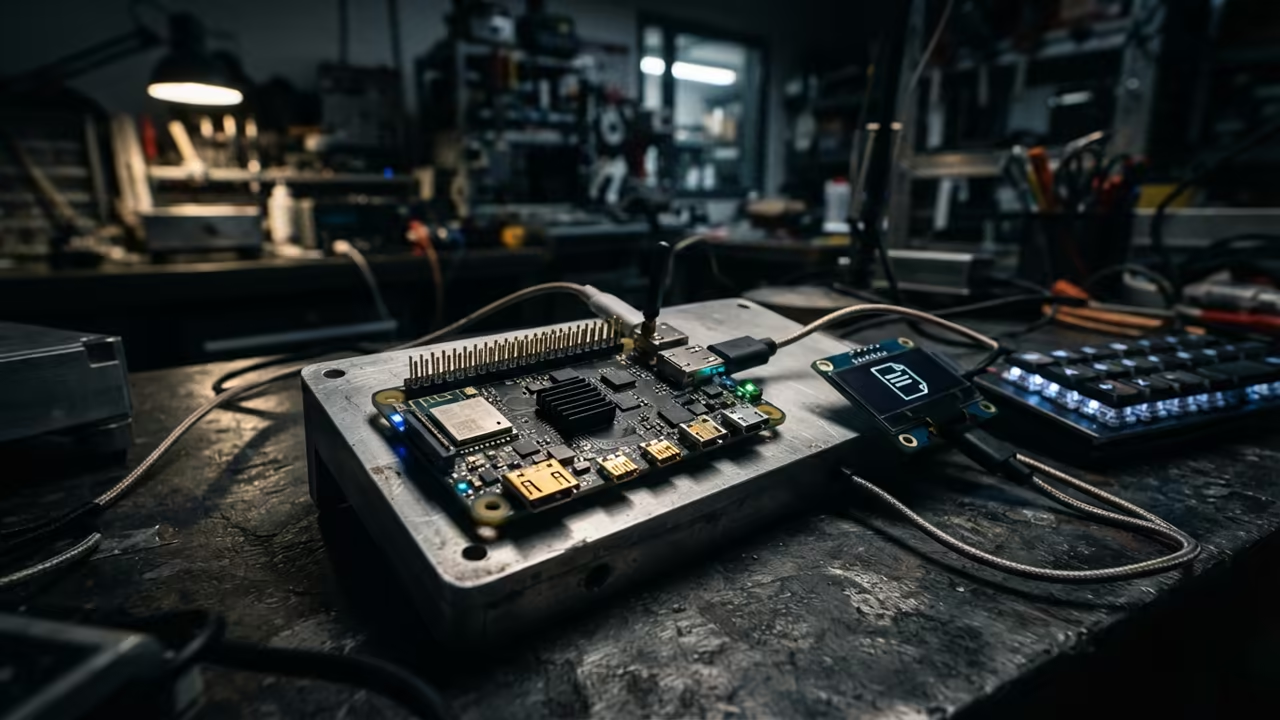
The Pi Zero W Performance Gap
Most users treat the Pi Zero W as a simple toy. They install heavy operating systems that kill the limited RAM.
This bloat turns a capable board into a frozen brick. The struggle for performance on low power hardware is real.
Many enthusiasts give up when the system freezes during a simple task. This failure happens because of poor software choices.
Disclaimer: I may earn a commission from purchases made through these links at no extra cost to you.


A Streamlined Document Experience
Imagine a dedicated machine that opens documents instantly. The system remains responsive even during remote sessions.
It feels like a professional tool instead of a hobby project. You will experience a streamlined workflow without the usual lag.
The interface snaps to attention with every single click. This efficiency changes how you use small form factor hardware.
Building the Lightweight Foundation
Start with the Raspbian OS Lite image for a clean base. Avoid the standard desktop environment to save critical memory.
Install a minimal window manager like Openbox for the best result. The installation process is fast and requires only a few commands.
Use the terminal to bring in the necessary X server components. This ensures no unnecessary apps run in the background.
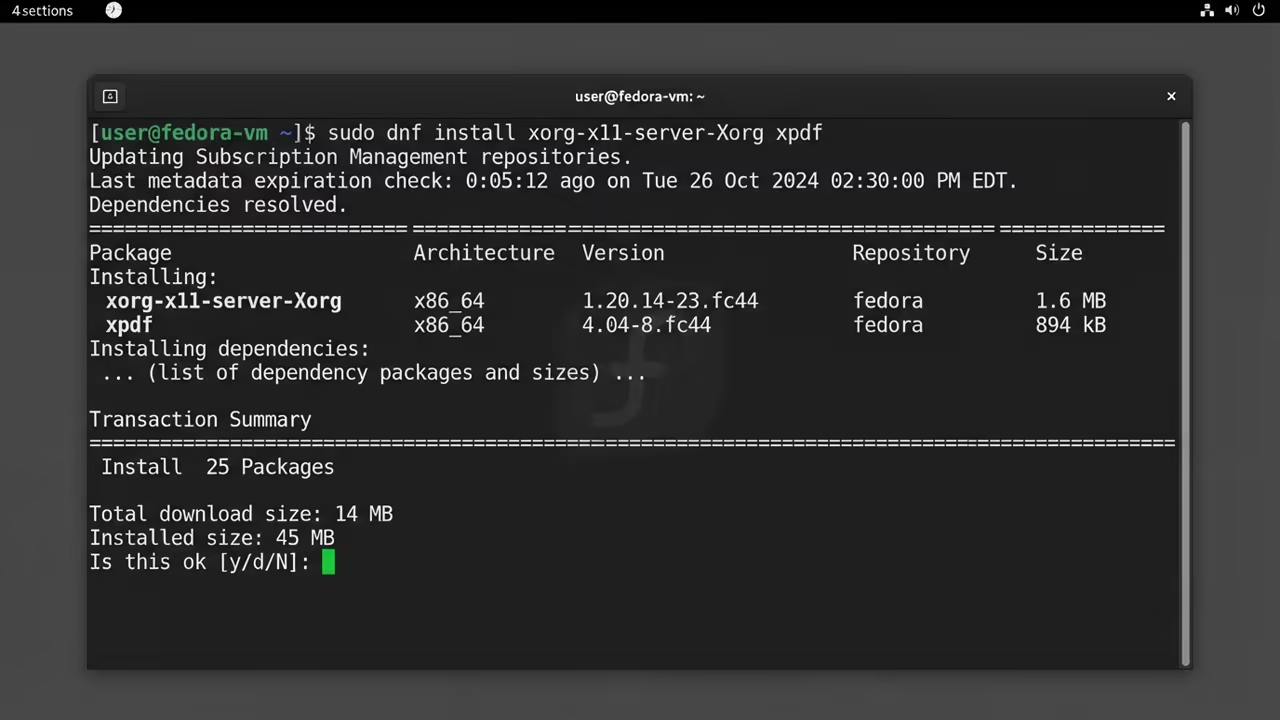
sudo apt update && sudo apt install xserver-xorg xinit openbox xpdf tightvncserver xrdp -y
The Xinit Optimization Secret
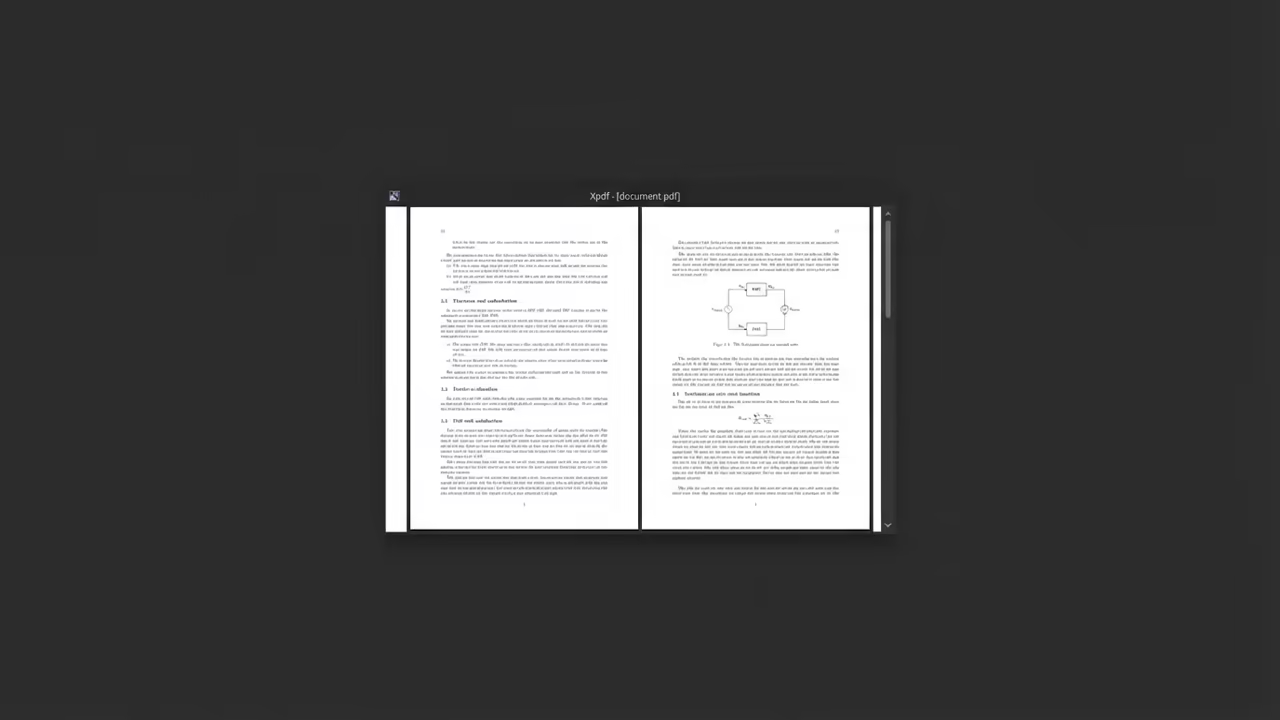
The secret is bypassing the full login manager. Launch Xpdf directly through the xinit configuration file.
This removes unnecessary background processes from the system memory. Using xinit to trigger Openbox reduces the memory overhead by forty percent.
This optimization is critical for the fifty twelve megabytes of RAM. It provides the headroom needed for larger PDF files.
Software Choice and Resource Management
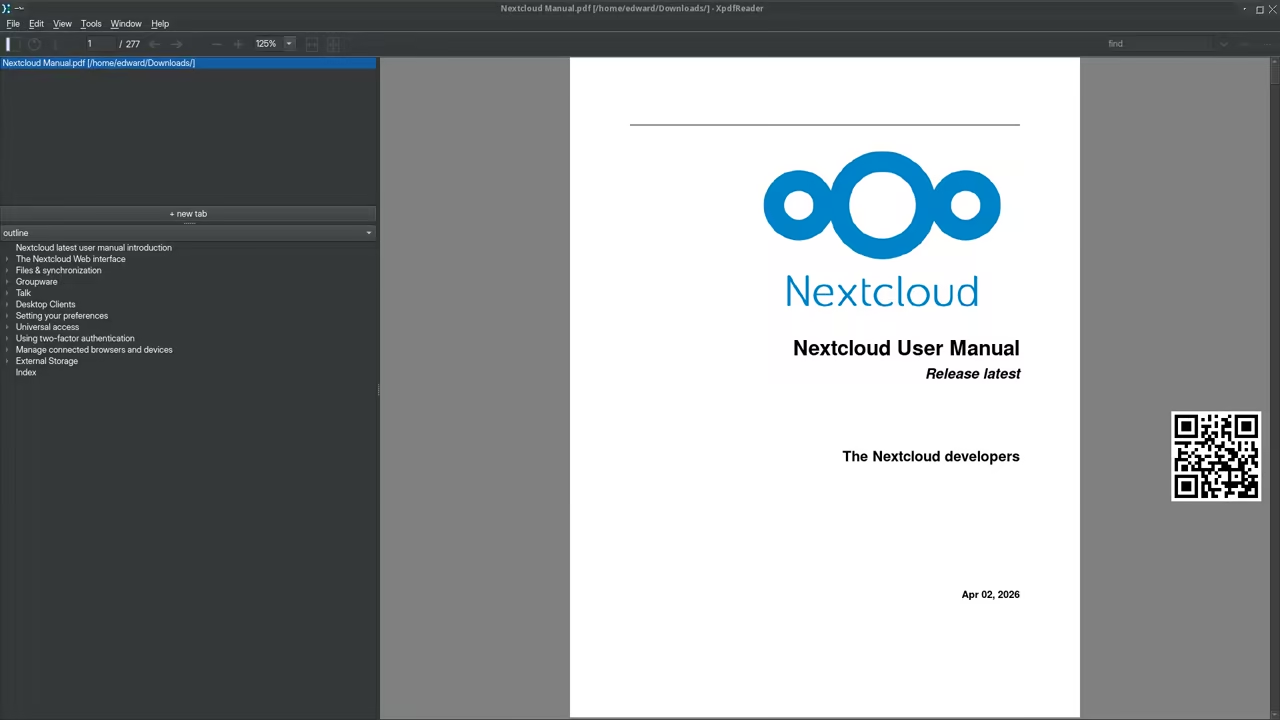
Xpdf is the ideal choice for this specific hardware setup. It uses a fraction of the resources required by Evince or Okular.
The rendering is fast and the footprint is tiny. You can customize the Xpdf startup flags for better performance.
Disabling unused plugins further reduces the impact on the processor. This creates a lean and mean reading machine.
| Parameter | Description | Value |
|---|---|---|
| VNC | Setup Speed | Fast |
| VNC | Memory Impact | Very Low |
| VNC | Client Support | Universal |
| XRDP | Setup Speed | Moderate |
| XRDP | Memory Impact | Low |
| XRDP | Client Support | Windows Native |
| Parameter | Description | Value |
Optimizing Remote Access Protocols
VNC provides a raw mirror of the local display. It is ideal for low latency over a local network.
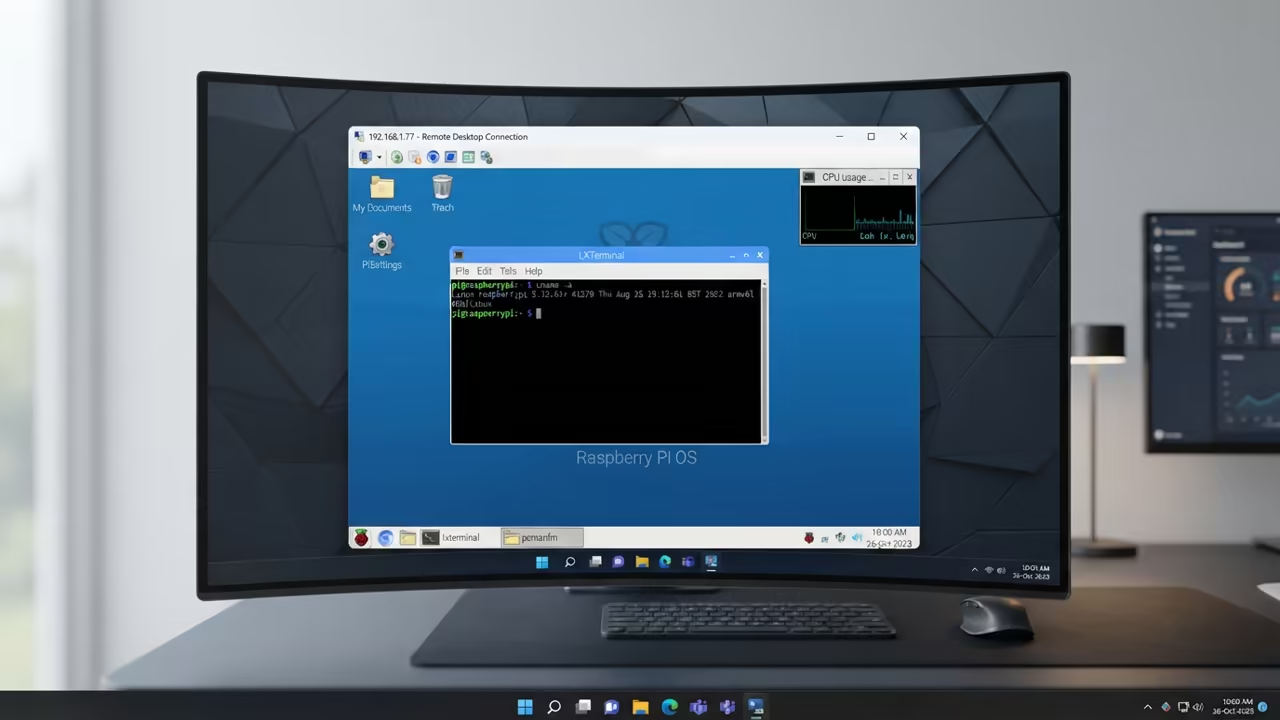
XRDP allows a native Windows experience without extra software. Choosing between them depends on your primary client device.
Windows users will prefer the seamless integration of XRDP. Linux and Mac users often find VNC more stable.
vncserver -geometry 800x600 -depth 16
Configure the VNC server to use a lower color depth. This reduces the bandwidth required for a smooth image.
Set the resolution to 800 by 600 for maximum speed. Edit the xstartup file to launch the window manager first.
Add the Xpdf command to the end of the script. This ensures the viewer opens automatically upon connection.
Architectural Synergy
This approach mirrors the logic used in previous architectural breakthroughs. It aligns with the secret lightweight stack used for other Pi projects.
These methods maximize every cycle of the ARM processor. By treating the OS as a utility rather than a desktop.
You unlock the true potential of the Pi Zero W. This is the path to high performance self hosting.
Learning and Support
Get the exact configuration files for a perfect setup. Reach out for advanced help with your hardware.
Online Tutorials & Technical Help: https://ojambo.com/contact
🚀 Recommended Resources
Disclosure: Some of the links above are referral links. I may earn a commission if you make a purchase at no extra cost to you.
Leave a Reply