

Modern Data Management Solutions
Modern data management feels like a constant struggle against subscription fees and proprietary locks. Most users settle for limited tools that slow down their professional workflow every single day.
You are likely fighting with spreadsheet lag and restrictive file formats that hinder your growth. This friction kills creativity and wastes hours of precious time during critical project deadlines.
LibreOffice Calc breaks these chains by offering a high performance engine that belongs entirely to you. It transforms raw numbers into strategic assets without requiring a monthly payment to a corporation.
Disclaimer: I may earn a commission from purchases made through these links at no extra cost to you.


The Experience of Technical Control
Implementing a fully optimized Calc environment feels like upgrading your brain to a faster processor. The moment your complex arrays calculate instantly the feeling of control is absolutely exhilarating.
You will notice the seamless transition from chaotic data sets to pristine architectural blueprints. This efficiency allows you to focus on high level analysis rather than fighting the software interface.
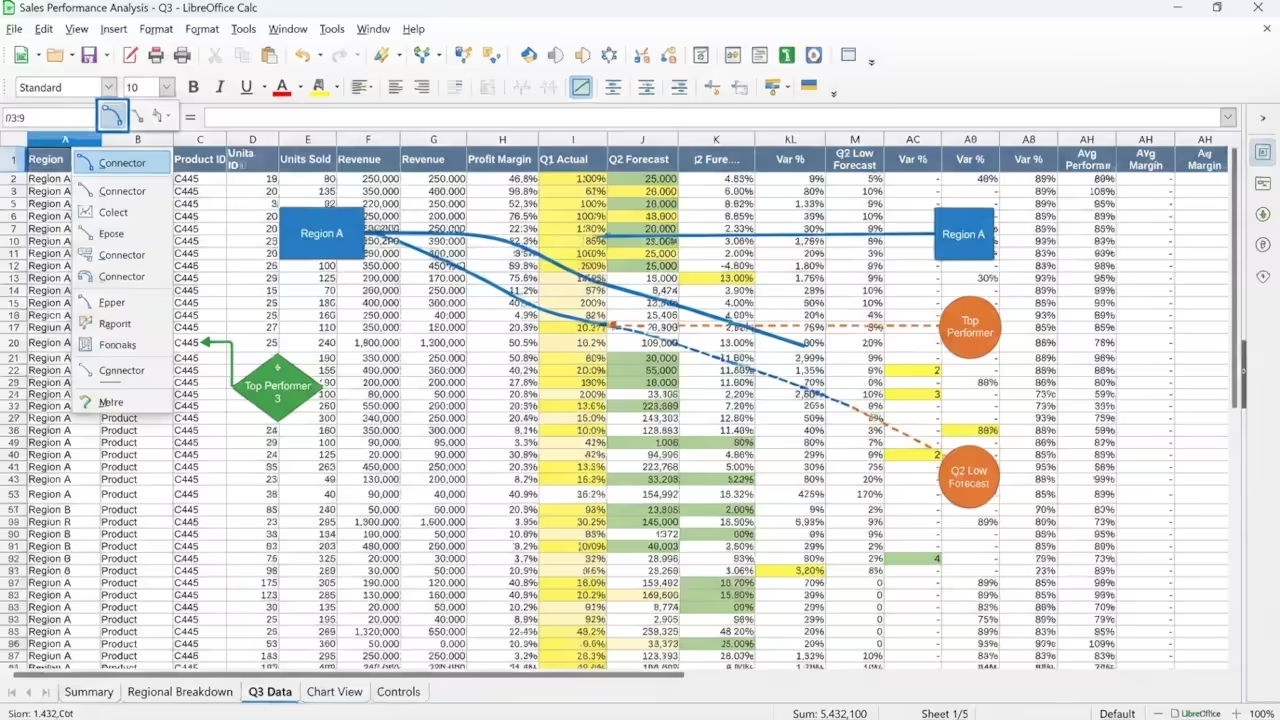
The Insider Secret for Data Mapping
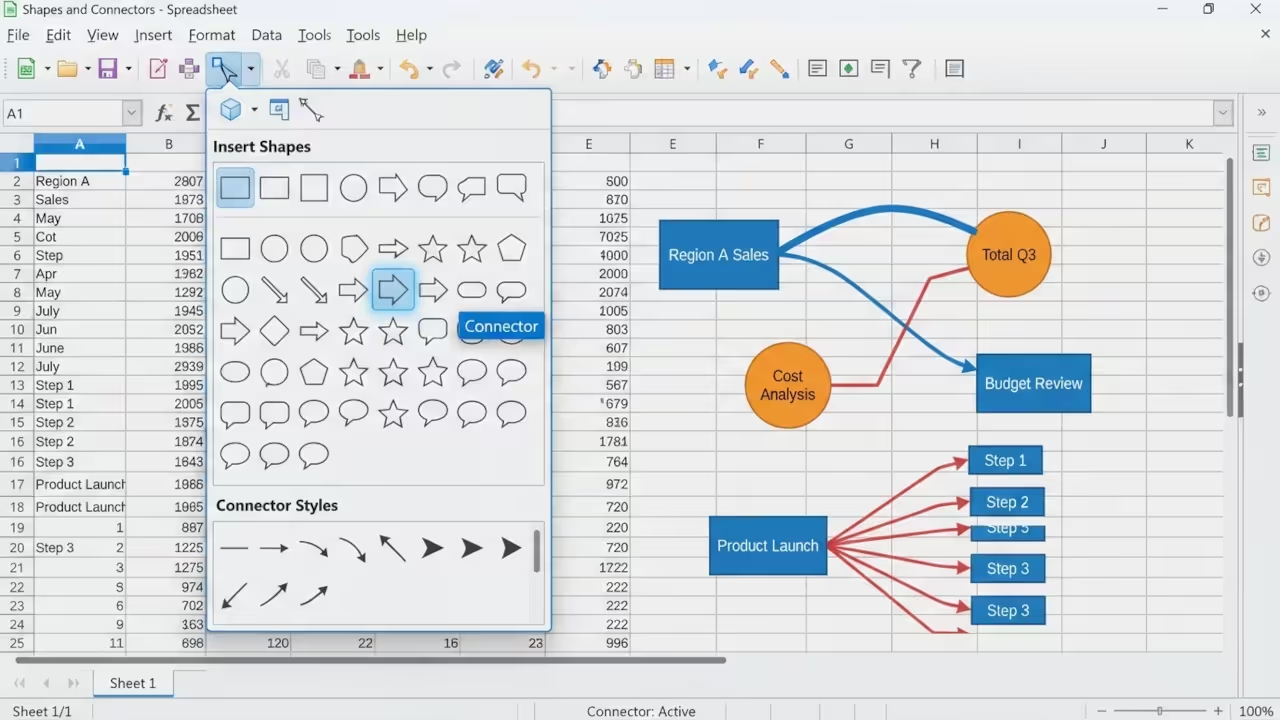
One insider secret involves the new Version 26.2 Connectors for visual data mapping. You can now link shapes to specific cell values to create dynamic system diagrams.
Access the shapes insertion menu to find these powerful connectors for your layout. This feature turns a boring spreadsheet into a living map of your technical architecture.
Backend Optimization and Memory Scaling
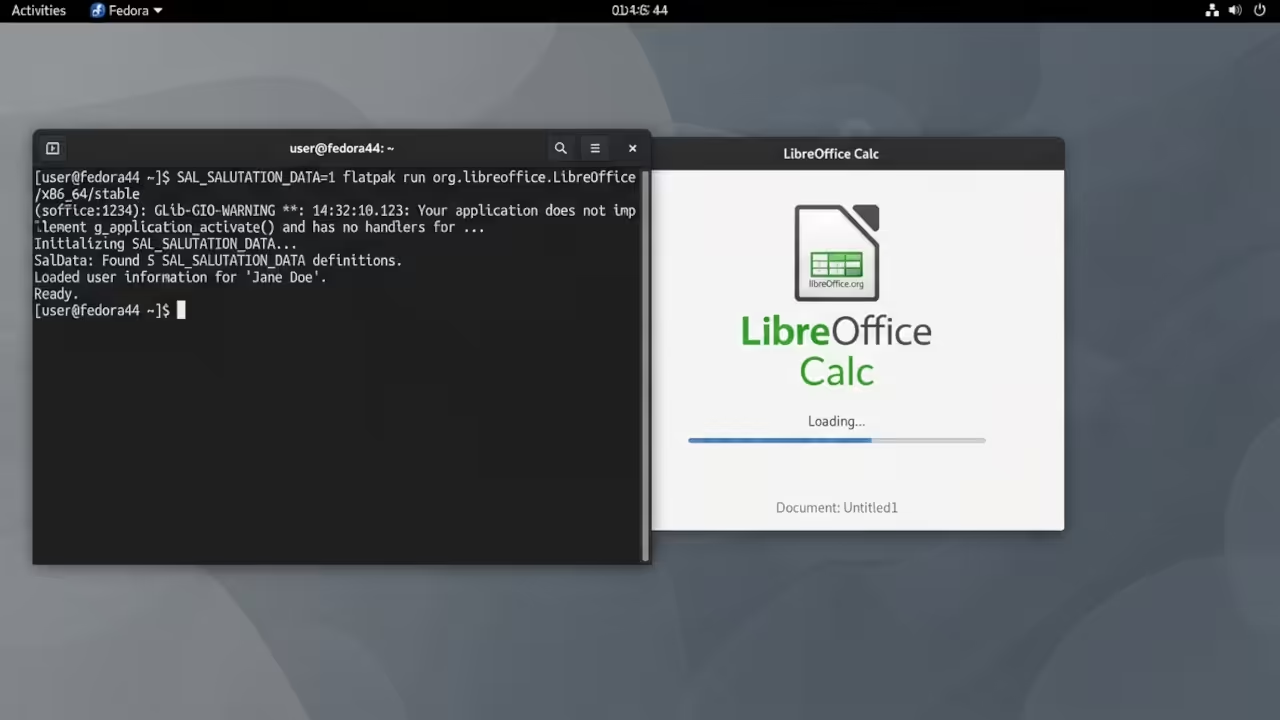
For those managing massive datasets you must optimize your formula calculation settings. Use the following command line flag to increase memory allocation during the initial launch sequence.
SAL_SALUTATION_DATA=1 libreoffice --calc
This small tweak ensures that the engine handles millions of rows without crashing your system. It is a critical step for any senior architect managing enterprise level data flows.
Comparative Technical Analysis
| Parameter | Description | Value |
|---|---|---|
| Cost | Pricing Model | Zero Cost |
| Data Privacy | Storage Control | Local Control |
| Extensibility | API Access | Open Source |
| Connectors | Mapping Type | Dynamic 26.2 |
| Parameter | Description | Value |
Integrating this workflow connects directly to our previous deep dives into open source system architecture. These breakthroughs in local data management define the next era of professional technical autonomy.
You should pair this setup with the ROCm optimizations discussed in our GPU acceleration series. Together they create a powerhouse for local AI and data processing tasks.
Advanced Analytical Workflows
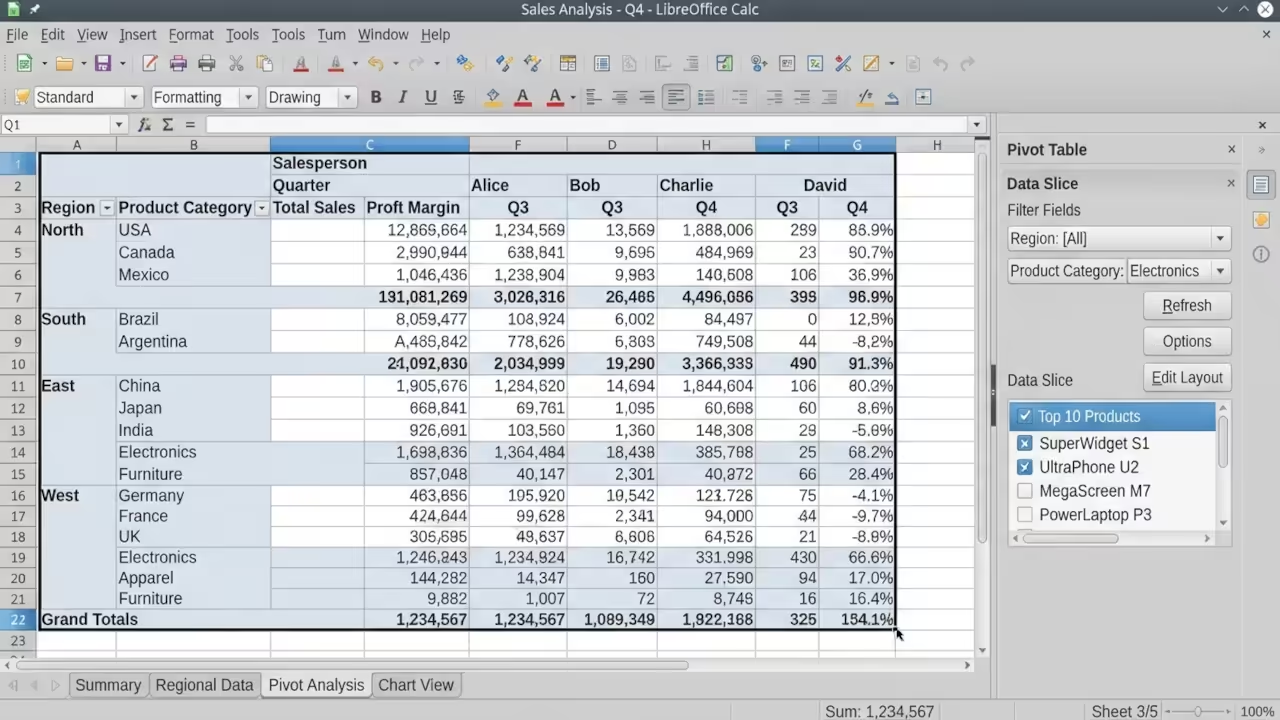
Another power move is using the Pivot Table wizard for multi dimensional analysis. This allows you to slice data from five different angles in mere seconds.
Ensure you enable the advanced filtering options to isolate critical anomalies in your records. This precision is what separates the amateurs from the high impact technical experts.
The ability to export to multiple formats ensures your data remains portable and accessible. You never have to worry about losing access to your own hard work.
Mastering these tools gives you a distinct advantage in an increasingly locked down digital world. Your data should be your strongest asset and not a liability.
Learning and Support
Reach out today for personalized technical help to scale your data architecture. Dive deeper into our online tutorials to master every hidden feature.
Online Tutorials and Technical Help
🚀 Recommended Resources
Disclosure: Some of the links above are referral links. I may earn a commission if you make a purchase at no extra cost to you.