
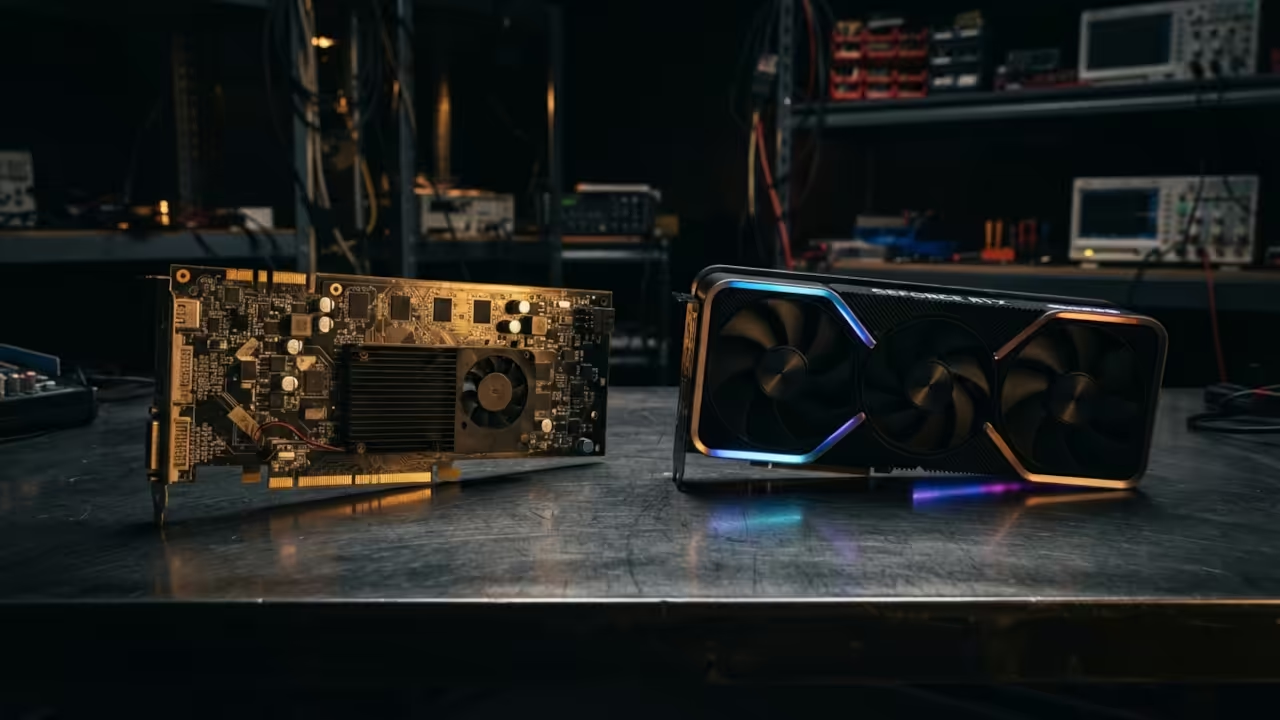
Most people waste thousands of dollars on new graphics cards for AI. This is a massive mistake in the current hardware market. You can access huge memory pools for a fraction of the cost.
Running a large language model requires massive amounts of video memory. Most budget cards only offer eight or twelve gigabytes of space. This creates a hard ceiling for your local AI creativity.
The secret lies in discarded data center hardware from nearly a decade ago. These enterprise cards were built for servers and massive workloads. They offer memory capacities that dwarf modern mid range options.
Disclaimer: I may earn a commission from purchases made through these links at no extra cost to you.


The first time a seventy billion parameter model loaded successfully was magical. The system hummed with the sound of loud industrial fans. Everything suddenly felt possible on a tight budget.
You feel a rush of power when the console shows full utilization. The latency is higher than modern cards but the scale is real. It transforms a basic PC into a professional AI workstation.
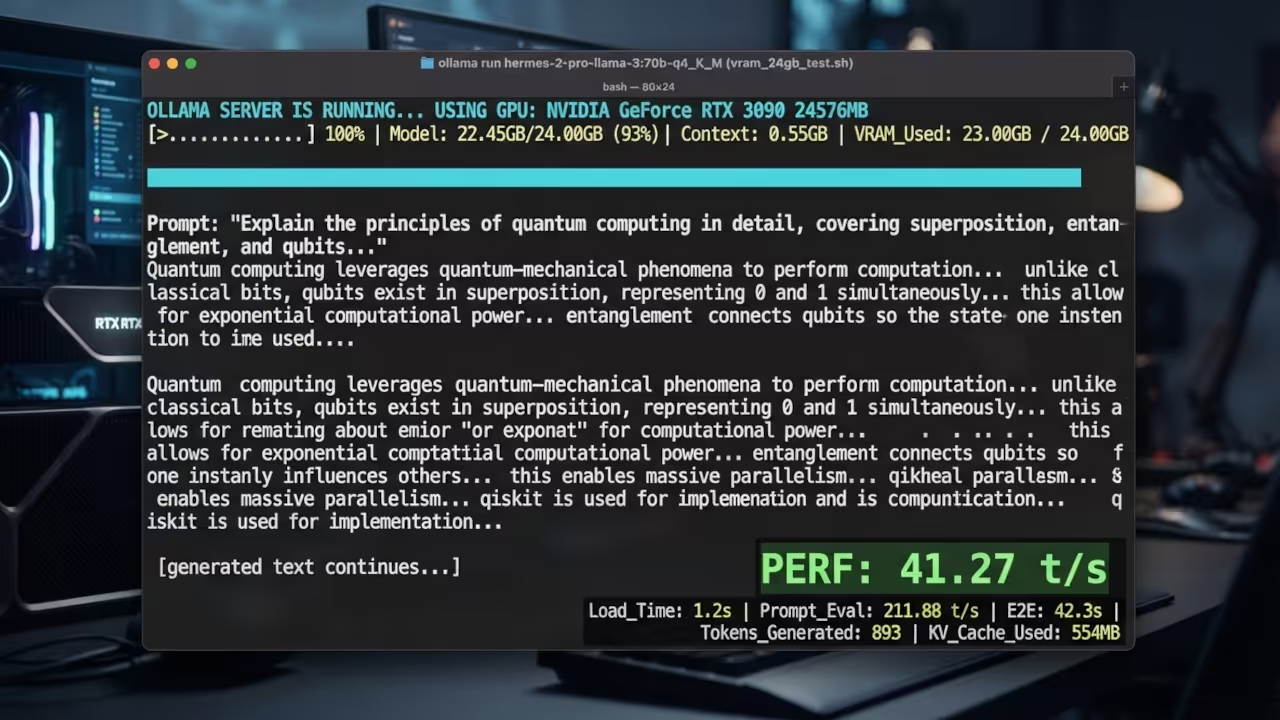
Modern consumer GPUs like the RTX 60 series offer incredible raw speed. They use tensor cores to accelerate math at lightning speeds. However the cost per gigabyte of memory is extremely high.
AMD has countered this with the RX 9000 series value kings. These cards provide great bandwidth and competitive pricing for gamers. They are excellent choices for those using the ROCm stack.
Intel Arc Battlemage cards dominate the entry level budget sector now. They provide surprising performance for media encoding and basic AI tasks. They are the best gateway into the world of acceleration.
The NVIDIA Tesla P40 is the legendary choice for budget enthusiasts. It provides twenty four gigabytes of VRAM for under three hundred dollars. This allows you to run models that would crash any budget card.
The trade off is a total lack of modern features. These Pascal cards have no tensor cores for fast inference. You are trading raw speed for the ability to load larger models.
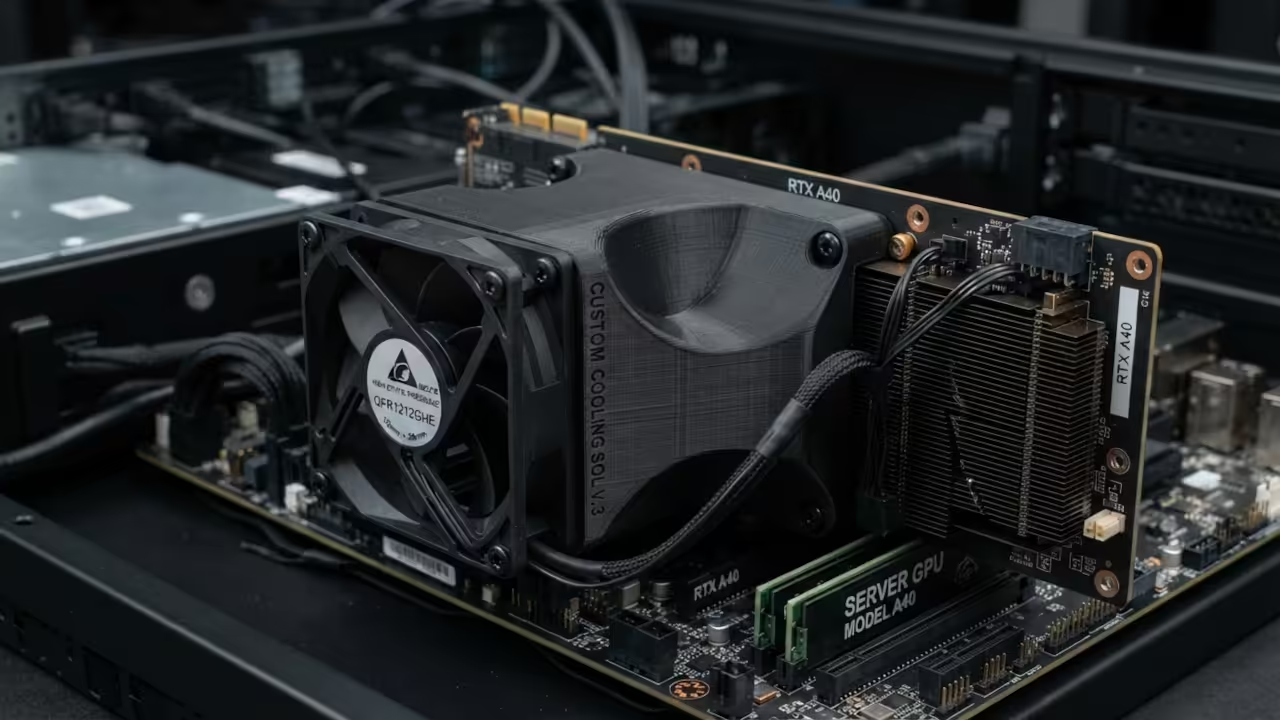
You must solve the cooling problem before installing these legacy cards. Tesla GPUs are designed for server racks with high pressure airflow. They have no onboard fans to move heat away.
One insider detail is using a custom 3D printed fan duct. Pair this with a high static pressure fan for best results. This prevents thermal throttling during long inference sessions.
To verify your VRAM status on these legacy cards you can use the following terminal command.
nvidia-smi --query-gpu=memory.total,memory.used,memory.free --format=csv
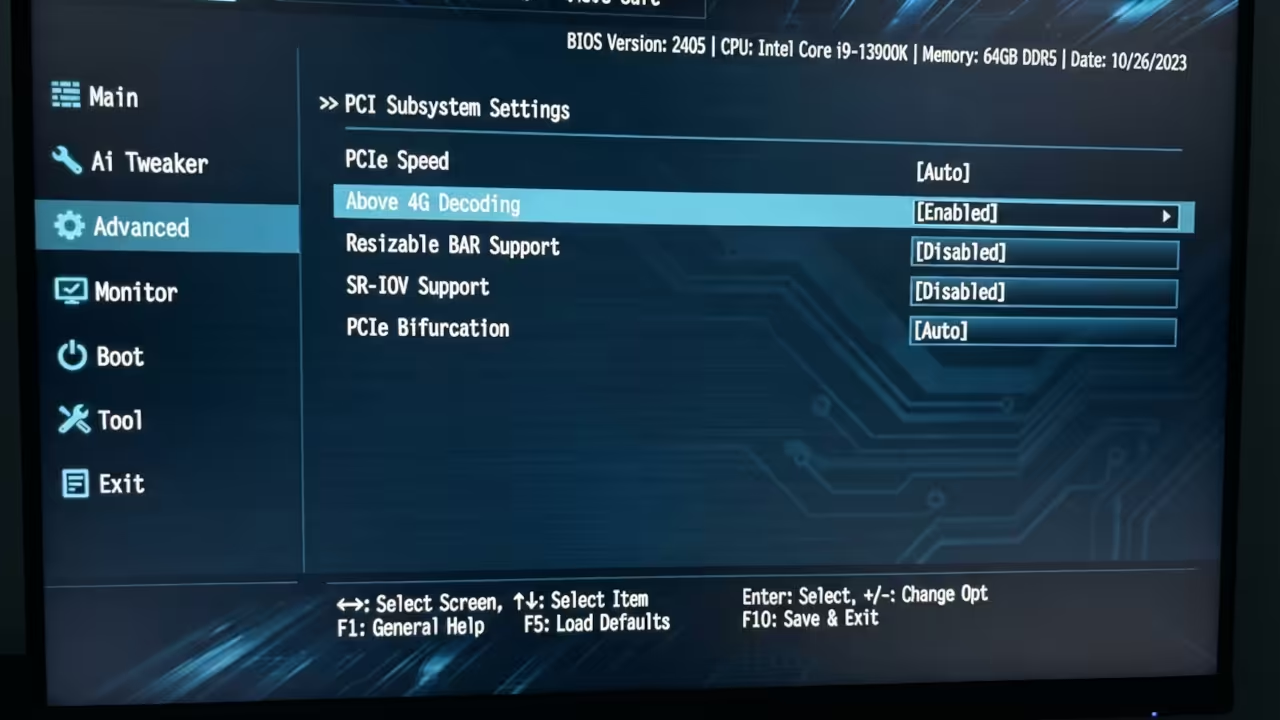
Another critical step involves your motherboard BIOS settings. You must enable Above 4G Decoding to make the card visible. Without this setting the OS will simply ignore the hardware.
| Parameter | Description | Value |
|---|---|---|
| Tesla P40 | Used Enterprise | 24GB VRAM / $200 |
| RX 9070 XT | New Consumer | 16GB VRAM / $600 |
| RTX 6080 | New Consumer | 16GB VRAM / $900 |
| Arc B580 | New Budget | 12GB VRAM / $300 |
| Parameter | Description | Value |
Choosing between these options depends on your specific project goals. Use enterprise cards for massive models and slow batch processing. Buy new consumer cards for gaming and real time AI interaction.
Integrating these legacy pieces requires a bit of technical patience. You will learn more about system architecture in one weekend. This process connects deeply to previous architectural breakthroughs in home servers.
The balance of power has shifted toward high memory capacity. Whether using old Tesla cards or new Arc GPUs is your choice. The goal is always to maximize your tokens per dollar.
Learning and Support
Reach out for personalized technical help to optimize your local AI stack. Dive deeper into our online tutorials to master these hardware secrets.
Online Tutorials and Technical Help
🚀 Recommended Resources
Disclosure: Some of the links above are referral links. I may earn a commission if you make a purchase at no extra cost to you.