
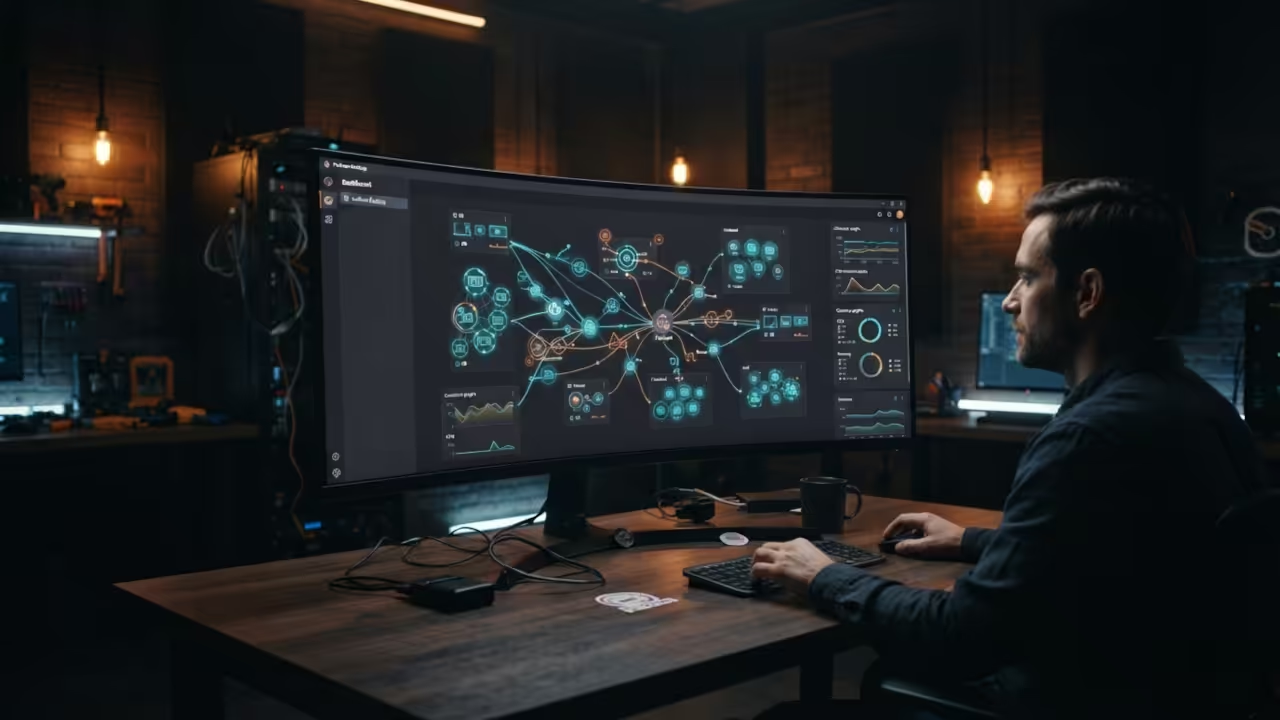
Self-Hosting SuiteCRM with Podman Desktop
Running customer relationship management software on your own hardware gives you complete control over your data. This eliminates costly monthly subscriptions forever. Modern self-hosting tools have never been easier. Podman Desktop brings enterprise-grade container management to your desktop without complex command line knowledge. The ability to spin up an entire SuiteCRM environment with just a few clicks represents a significant shift. Self-hosting provides enhanced security through complete data ownership while enabling customization possibilities that SaaS platforms cannot match. If you have been struggling with database synchronization issues in Magento or facing PCI compliance challenges you will find this containerization approach transformative. This technique mirrors the architectural breakthroughs we discovered when optimizing legacy PHP systems for modern hardware.
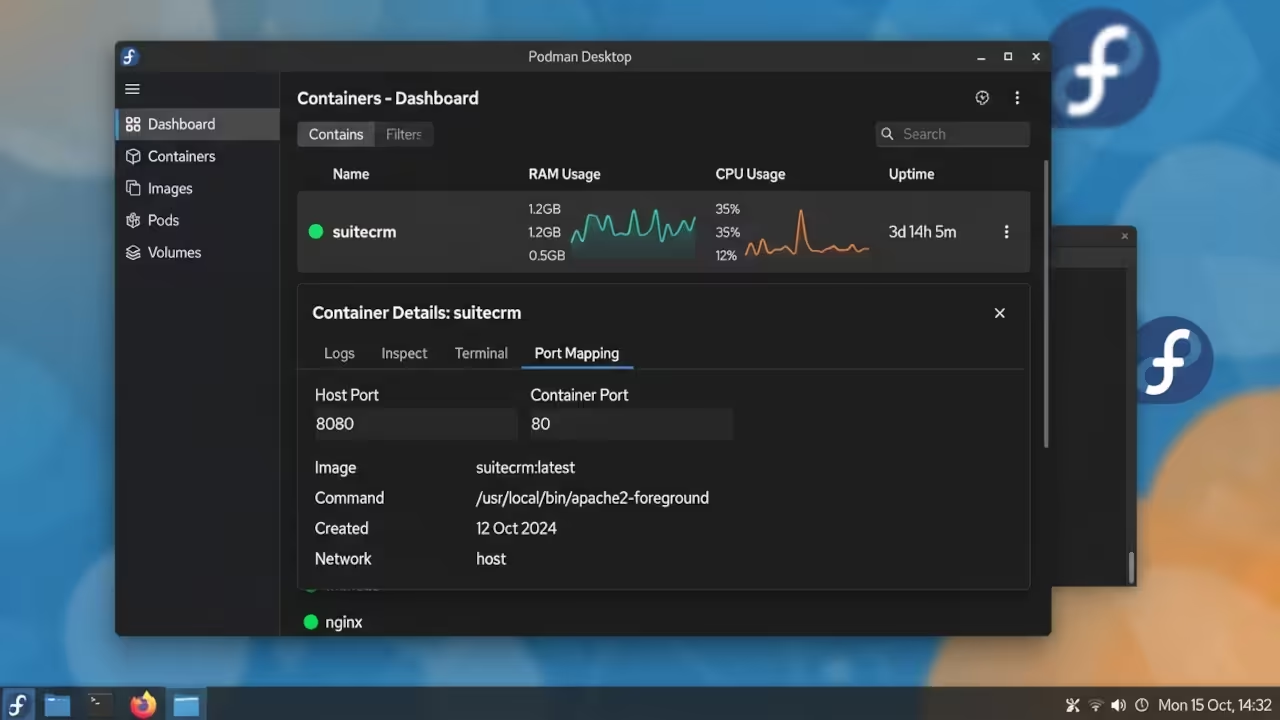
The experience of deploying SuiteCRM locally feels like unlocking a professional-grade system. Watching the Podman Desktop interface display running containers gives immediate confidence. You can monitor resource usage through the intuitive dashboard showing RAM and CPU allocations. The entire process from download to fully functional CRM takes approximately thirty minutes on systems with sufficient memory. Having your data accessible through your local network creates a seamless workflow for teams and users. The visual feedback from Podman Desktop makes troubleshooting much easier compared to traditional server management methods.
System Requirements and Deployment Comparison
Setting up Podman Desktop requires minimal system requirements but provides maximum flexibility for development and production environments alike. Fedora 44 with 8GB of RAM handles SuiteCRM containers efficiently while AMD Instinct hardware acceleration can enhance PHP processing.
| Parameter | Description | Value |
|---|---|---|
| Setup Time | Deployment duration comparison | 30-45 minutes vs 2-4 hours |
| Resource Management | Monitoring capability | Visual dashboard vs Command line only |
| Portability | Configuration portability | Easy copy vs Manual setup |
| Updates | Update mechanism | One-click vs Manual package management |
| Backups | Backup approach | Volume snapshots vs Database dumps |
| Scaling | Scaling capability | Pod-based scaling vs Load balancing |
| Learning Curve | Difficulty level | Moderate GUI vs Steep CLI |
| Cost | Total expenditure | Free vs Hardware and maintenance |
| Parameter | Description | Value |
Installation Process and Configuration
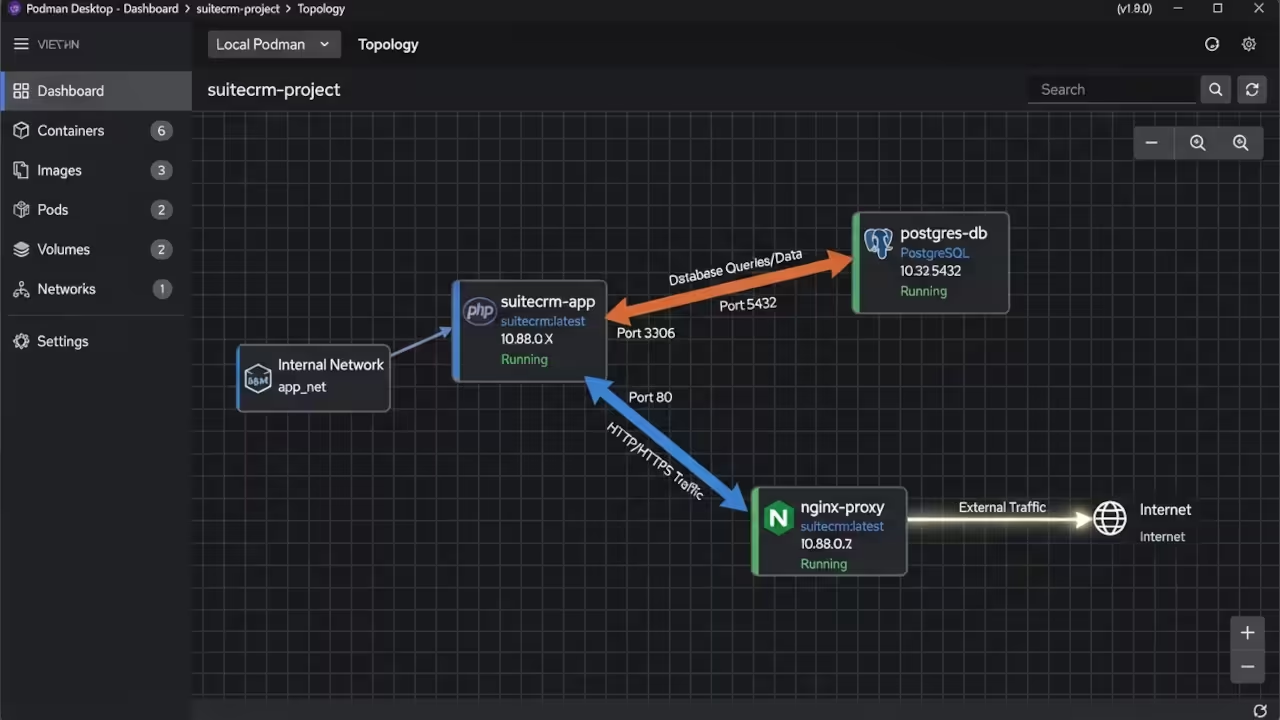
The installation process begins with downloading Podman Desktop which automatically handles the underlying engine setup. After launching the application you navigate to the container registry section where you can pull official SuiteCRM images. The integrated terminal access within Podman Desktop allows for advanced commands when required while maintaining a user-friendly interface. Database containers typically run PostgreSQL or MySQL alongside the main application container which communicate through predefined network configurations. You can easily inspect container logs through the visual interface to identify and resolve configuration issues during the setup phase.
Advanced users should consider mounting specific volumes to persist database data and configuration files outside the container filesystem. This practice ensures that your CRM data remains intact even if containers are stopped or recreated. The AMD Instinct hardware acceleration available through ROCm can significantly improve PHP performance when running SuiteCRM which processes many database queries during normal operations. Fedora 44s native compatibility with Podman makes this combination particularly stable and efficient compared to other operating systems that may require additional compatibility layers. Raspberry Pi Zero W connections can be configured through network bridging allowing mobile access to your self-hosted CRM when away from your main workstation.
Security Considerations and Maintenance
Security hardening requires attention even within containerized environments as privileged access must be carefully managed. Podman Desktops built-in security features including rootless containers and namespace isolation provide multiple layers of protection without requiring extensive configuration knowledge. SSL termination should be implemented at the reverse proxy layer which can itself be containerized alongside your SuiteCRM application. Regular updates to both Podman Desktop and SuiteCRM images ensure that you benefit from the latest security patches and feature improvements released throughout the year. The modular nature of container deployments allows you to upgrade individual components without disrupting your entire CRM environment.
Legacy PHP Application Management
Legacy PHP applications often require specialized knowledge to configure correctly especially when moving from traditional hosting environments to containerized deployments. Magento Zen Cart Joomla Drupal and WordPress share similar installation patterns but each has unique requirements for database connections and cache configurations. Professional assistance becomes valuable when navigating these complex dependencies and ensuring optimal performance across different legacy platforms. Self-hosting these applications on your own hardware provides complete control over updates and security patches while eliminating vendor lock-in concerns that often plague proprietary solutions.
The power of self-hosting extends far beyond SuiteCRM into virtually any PHP application you need to run for your business operations. Professional technical consulting can help you design optimized container architectures that balance performance requirements with resource limitations on your specific hardware. Experienced developers can customize your CRM configuration to match your unique business workflows while implementing security best practices that protect your valuable customer data. OjamboServices.com specializes in legacy PHP application management and containerization strategies that transform outdated systems into modern efficient solutions. The expertise available through professional services can save you countless hours of troubleshooting while ensuring your systems operate reliably under production workloads.
Professional Technical Support
The power of self-hosting extends far beyond SuiteCRM into virtually any PHP application you need to run for your business operations. Professional technical consulting can help you design optimized container architectures that balance performance requirements with resource limitations on your specific hardware. Experienced developers can customize your CRM configuration to match your unique business workflows while implementing security best practices that protect your valuable customer data. OjamboServices.com specializes in legacy PHP application management and containerization strategies that transform outdated systems into modern efficient solutions. The expertise available through professional services can save you countless hours of troubleshooting while ensuring your systems operate reliably under production workloads.
Online Tutorials & Technical Help: https://ojambo.com/contact
🚀 Recommended Resources
Disclosure: Some of the links above are referral links. I may earn a commission if you make a purchase at no extra cost to you.
Leave a Reply