
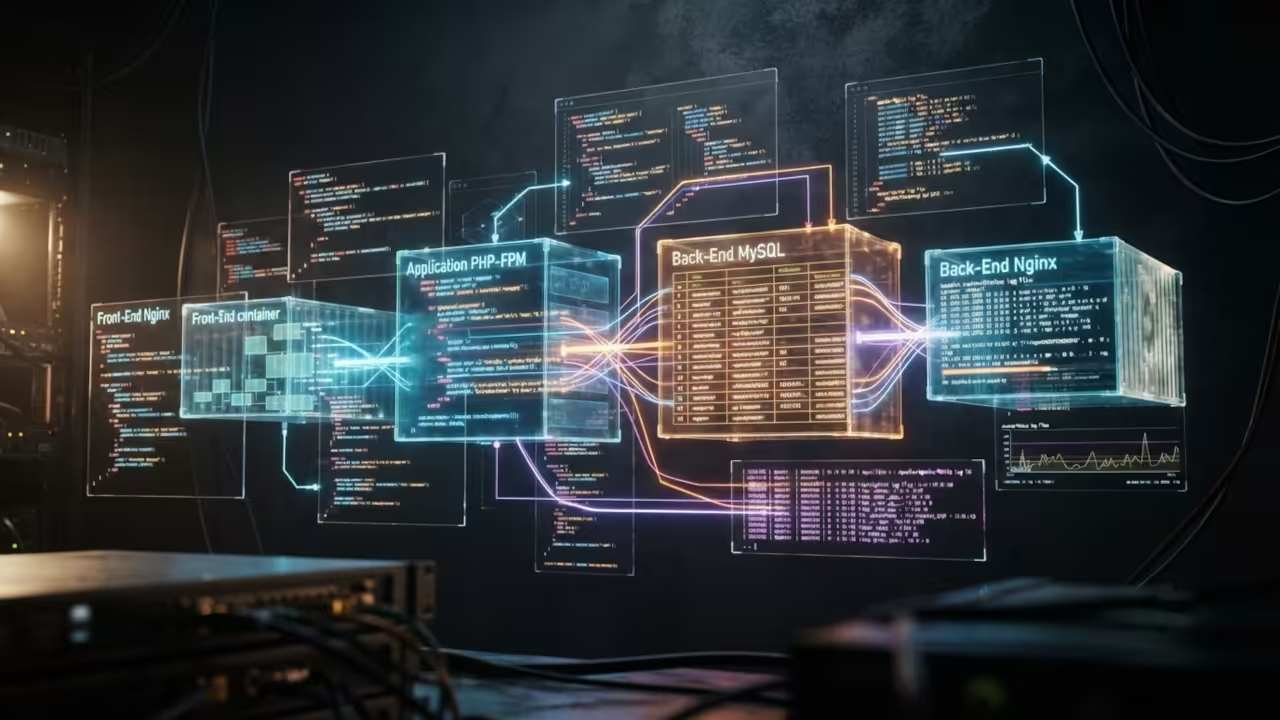
The Legacy Application Infrastructure Crisis
Running legacy PHP applications like Joomla in containers solves a massive infrastructure headache. Many developers struggle with outdated PHP versions and conflicting system dependencies. Podman Desktop delivers a rootless container solution that isolates your legacy stack completely.
This approach keeps your host system clean while giving you full control over every component.
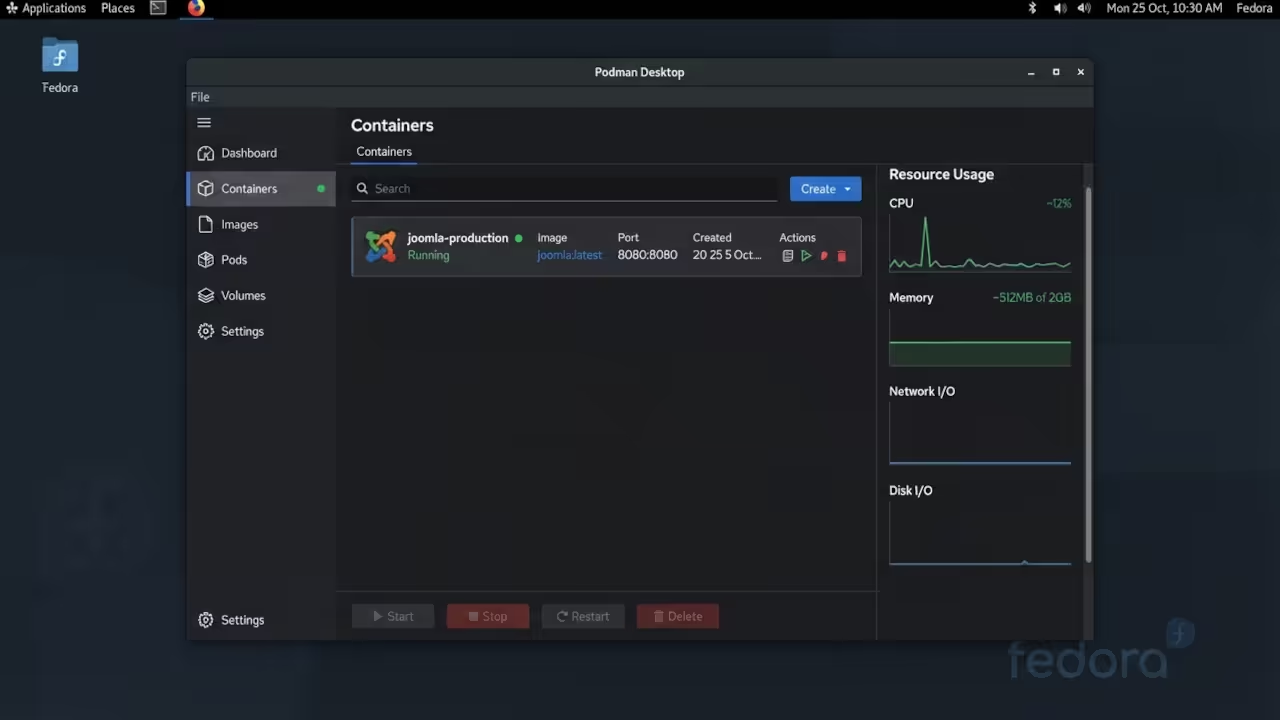
The frustration of managing legacy web applications is real and universal. Your production server demands PHP 7.4 while your development machine runs PHP 8.3. Package conflicts destroy your workflow and waste precious development hours.
Containerization eliminates these problems by creating isolated environments for each project. You can spin up multiple Joomla instances side by side without any interference. Each container carries its own PHP version, database, and web server configuration. If you are struggling with legacy Magento, Zen Cart, Joomla, or Drupal applications, reach out to OjamboServices.com for expert containerization and modernization services. We handle the complexity so you can focus on your business goals.
The Experience Of Successful Containerization
I remember the exact moment everything clicked during my first legacy Joomla migration. The container started cleanly with the correct PHP 7.4 stack running flawlessly. My host system remained untouched while the application performed exactly as expected.
That feeling of complete control over your infrastructure is unmatched in the developer world. You gain the freedom to test, debug, and deploy with absolute confidence. Legacy applications deserve modern tooling and Podman Desktop delivers that promise fully. Need professional help migrating your legacy PHP applications into secure containers? Contact OjamboServices.com today for a custom consultation tailored to your Joomla, Magento, Zen Cart, or Drupal project. Our senior architects have containerized hundreds of legacy codebases successfully.
Technical Configuration And Setup
The technical setup requires careful attention to PHP version compatibility and database configuration. Legacy Joomla versions typically need PHP 7.4 or lower with MySQL 5.7. You must specify the correct image tags when pulling base containers for your stack.
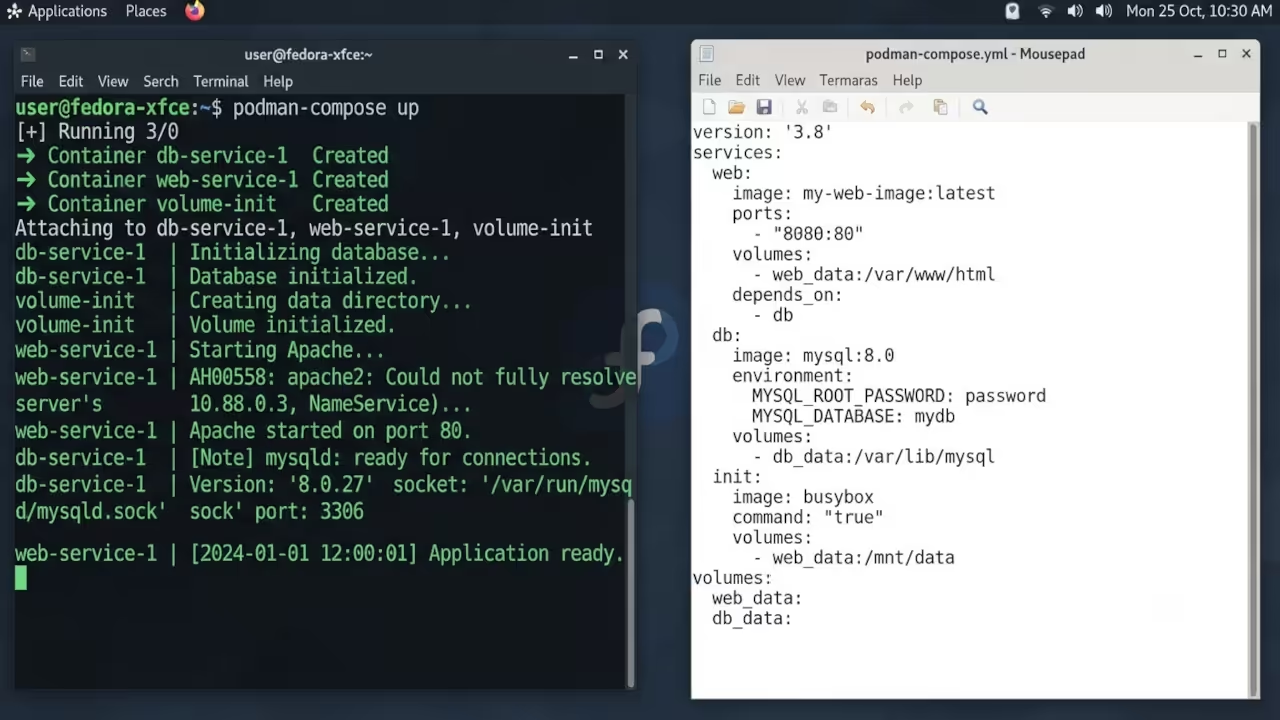
The podman-compose file orchestrates the web server, database, and application containers seamlessly. Here is a raw configuration snippet demonstrating the critical volume mount settings for persistent data.
version: "3.8"
services:
web:
image: bitnami/apache:2.4
ports:
- "8080:8080"
volumes:
- ./html:/app
depends_on:
- db
db:
image: bitnami/mysql:5.7
environment:
MYSQL_ROOT_PASSWORD: changeme
volumes:
- db_data:/var/lib/mysql
volumes:
db_data:
Insider Memory Allocation Detail
The insider detail that most developers miss involves the memory allocation strategy for containerized PHP applications. Legacy applications like Joomla consume significant memory during database queries and template rendering. You must configure the container memory limit to at least 512 megabytes for smooth operation.
Lower memory allocations cause silent failures during content management operations. This configuration tip alone prevents hours of frustrating debugging sessions. Do not waste time troubleshooting legacy application failures on your own. Visit OjamboServices.com and get professional guidance from architects who specialize in PHP legacy systems. We provide end to end solutions for Joomla, Magento, Zen Cart, and Drupal containerization projects.
| Container Platform | Resource Usage | Security Model | Legacy PHP Support |
|---|---|---|---|
| Podman Desktop | Low rootless footprint | No daemon required | Excellent with custom images |
| Docker Desktop | High overhead WSL2 | Daemon dependency | Good with version pinning |
| VM Approach | Very high resource use | Full isolation | Perfect but expensive |
| Native Install | Zero overhead | Host contamination | Direct but risky |
| Container Platform | Resource Usage | Security Model | Legacy PHP Support |
The performance difference becomes apparent when running multiple legacy application stacks simultaneously. Podman Desktop allows you to maintain separate environments for Joomla 3.x, Magento 1.x, and Drupal 7 without resource conflicts. Each application receives dedicated CPU and memory allocations through container limits.
Your AMD Ryzen processor handles the parallel workload efficiently with proper configuration. The ROCm stack on your MI60 GPU can accelerate image processing tasks within these containers. This creates a powerful development and testing environment on your existing hardware. For enterprise scale legacy PHP migrations, trust OjamboServices.com to deliver results. Our team has the expertise to handle your most complex Joomla, Magento, Zen Cart, and Drupal challenges.
Master the Professional Stack
Legacy application containerization requires deep architectural knowledge and hands-on experience. These technical blueprints provide the foundation for mastering complex PHP infrastructure projects.
- Books (Technical and Creative): https://www.amazon.com/stores/Edward-Ojambo/author/B0D94QM76N
- Blueprints (DIY Woodworking Projects): https://ojamboshop.com
- Tutorials (Continuous Learning): https://ojambo.com/contact
- Consultations (Custom Apps and Architecture): https://ojamboservices.com/contact
🚀 Recommended Resources
Disclosure: Some of the links above are referral links. I may earn a commission if you make a purchase at no extra cost to you.