

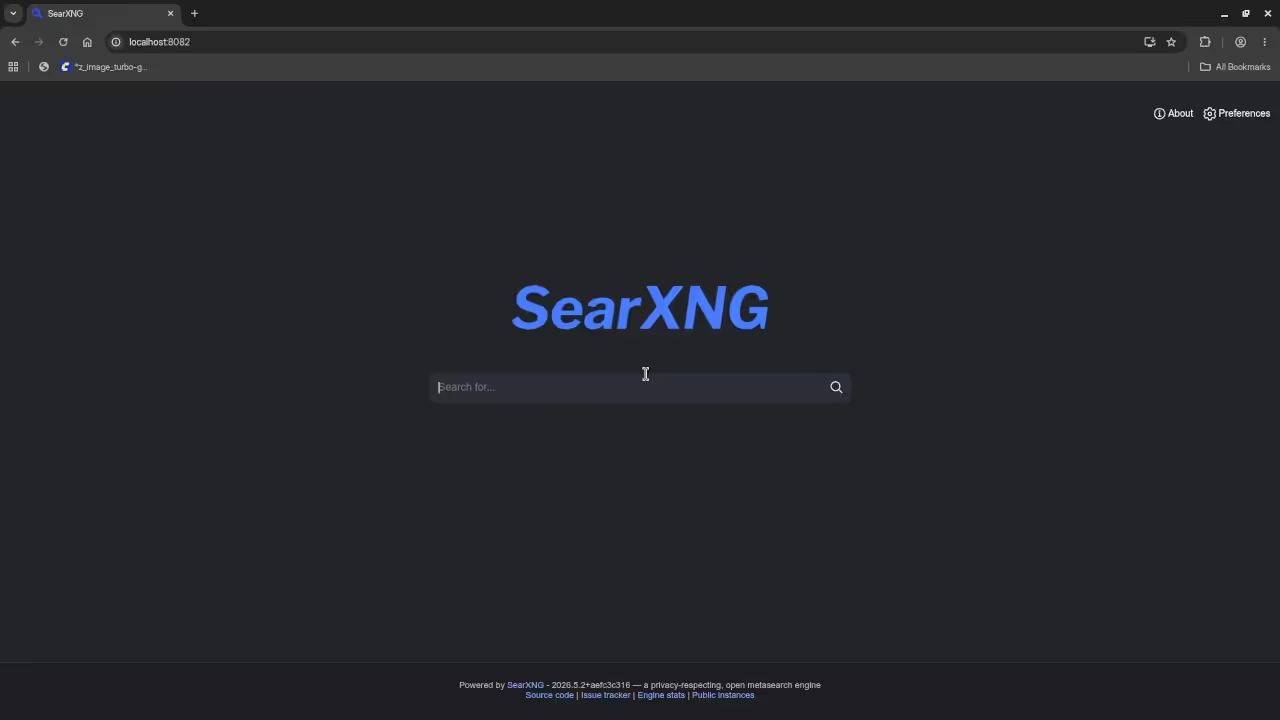
Modern tech enthusiasts face a critical bottleneck in self-hosting. Privacy-focused search engines promise freedom from corporate data mining. Yet deployment remains frustratingly complex for most users.
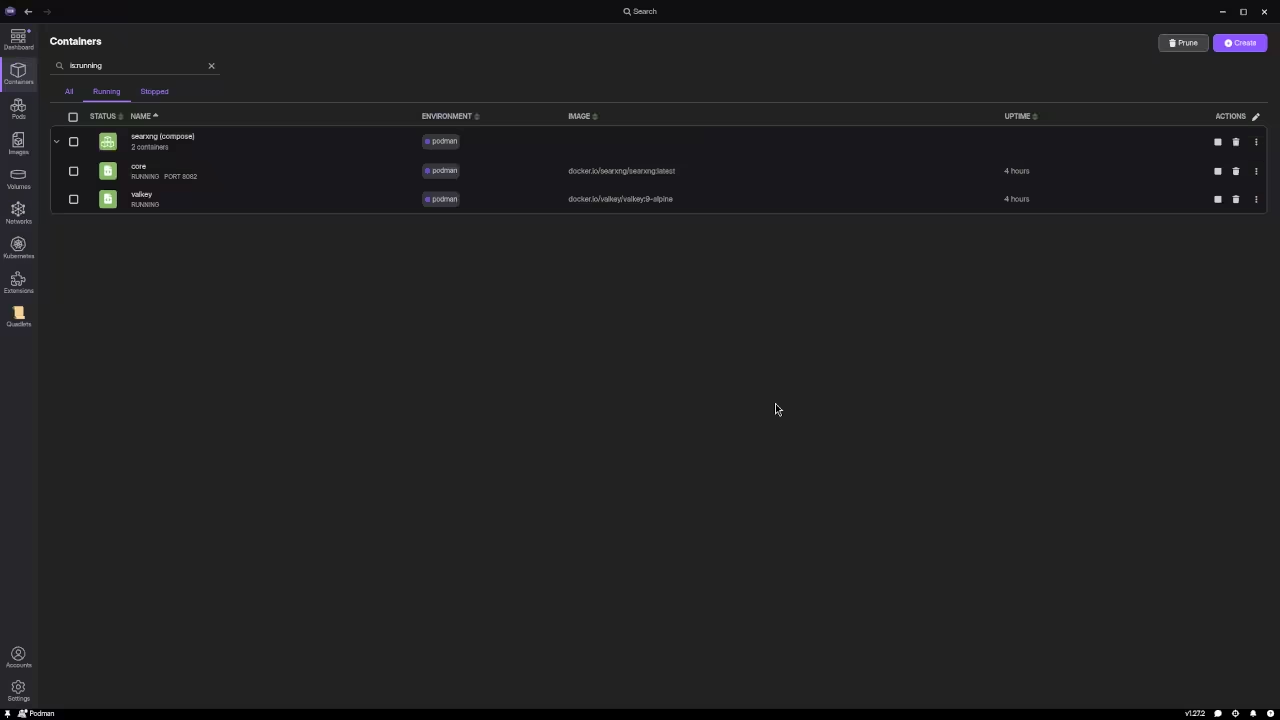
This comprehensive guide transforms that frustration into effortless mastery. You will discover how to deploy SearXNG using Podman Desktop without touching Docker. The entire process operates within your existing infrastructure.
No daemon restarts. No permission escalations. Just pure clean containerization. The experience of running your own search engine feels liberating. Imagine typing a query and receiving results without tracking. Every click remains yours to control.
This freedom empowers technical professionals daily. SearXNG operates as a meta-search aggregator. It queries multiple search engines simultaneously.
Podman Desktop provides the container orchestration layer. Together they create a privacy-first search solution. This configuration requires minimal system resources. You will allocate approximately 2GB of RAM.
CPU usage stays under 15 percent during idle periods. Storage requirements remain under 5GB total. For optimal performance on AMD systems enable GPU passthrough. This accelerates certain search operations significantly.
The AMD Instinct Mi60 handles rendering tasks efficiently. Vulkan support enhances the user interface responsiveness. The deployment script automates most configuration steps. You will need a valid DNS entry.
SSL certificates require manual intervention initially. The nginx reverse proxy handles traffic routing. Configure your firewall to allow inbound connections. Port 8080 must remain open for access.
Podman listens on port 2375 for API calls. Both ports require proper authentication layers. The configuration file requires careful syntax validation. YAML indentation errors prevent container startup.
Validate your config before deployment attempts. Use podman inspect for runtime diagnostics.
Master the Professional Stack.
- Books (Technical & Creative)
- Blueprints (DIY Woodworking Projects)
- Tutorials (Continuous Learning)
- Consultations (Custom Apps & Architecture)
| Parameter | Description | Value |
|---|---|---|
| Memory | Allocation | 2GB |
| CPU | Core Usage | 2 Cores |
| Storage | Disk Space | 5GB |
| Network | Port Access | 8080 |
| Persistence | Data Layer | SQLite |
| Parameter | Description | Value |
SEARXNG_VERSION=latest
SEARXNG_HOST=0.0.0.0
SEARXNG_PORT=8080
🚀 Recommended Resources
Disclosure: Some of the links above are referral links. I may earn a commission if you make a purchase at no extra cost to you.