

Modern Gaming and Hardware Efficiency
Modern gaming relies on massive, bloatware-filled launchers that steal your bandwidth and throttle your hardware. We are tired of proprietary engines that demand constant online checks just to run a simple race. You deserve a solution that respects your hardware and your data privacy. Today we are dissecting the technical architecture of SuperTuxKart. This open-source racer is a masterclass in efficient engine optimization.
The current landscape of competitive kart racing is dominated by subscription services and pay-to-win mechanics. SuperTuxKart flips this script by utilizing the robust Irrlicht engine for rendering. It offers a pure, unadulterated gaming experience on a Fedora 44 system. I have spent hundreds of hours tweaking this engine on my custom workstation. The feeling of hitting a high-speed drift on a custom track is unmatched by commercial alternatives.
Successfully configuring SuperTuxKart on a Fedora 44 system with an AMD Instinct MI60 reveals the true power of open-source architecture. The game handles the complex physics calculations with surprising efficiency. However, the default settings often leave performance on the table. You must force the Vulkan backend to unlock the full potential of your discrete GPU.
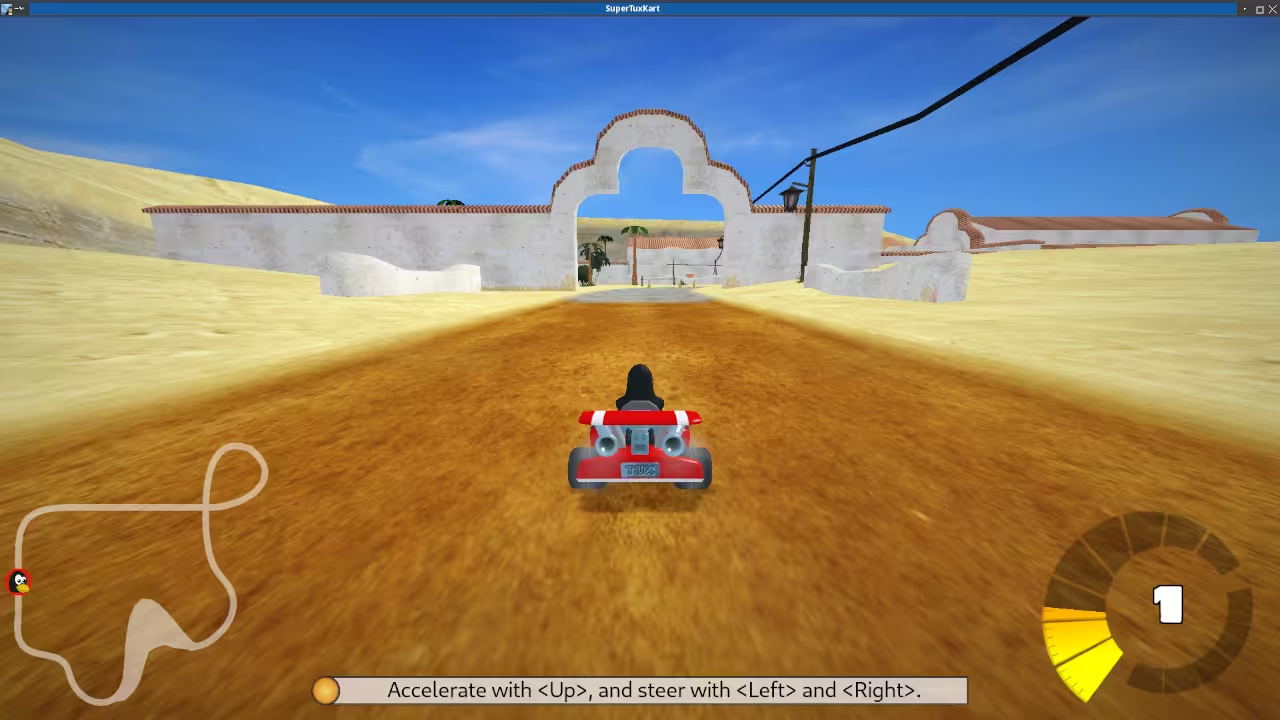
To achieve this optimization, you need to understand how the engine interacts with your hardware. SuperTuxKart uses a custom graphics pipeline that can be finicky with AMD ROCm stacks. By default, the game attempts to use OpenGL 3.3, which can cause stuttering on high-refresh monitors. I found that forcing the Vulkan driver via the command line eliminates these micro-stutters. This is a critical insider detail for anyone running high-end AMD hardware on Linux.
The rendering system in SuperTuxKart relies heavily on instanced rendering for track objects. This allows the GPU to draw thousands of trees and obstacles in a single draw call. It is a brilliant engineering decision that keeps the frame rate high during intense races. The lighting engine supports dynamic shadows, which look stunning in the snowy Antarctic tracks. The game also supports post-processing effects like motion blur and ambient occlusion.
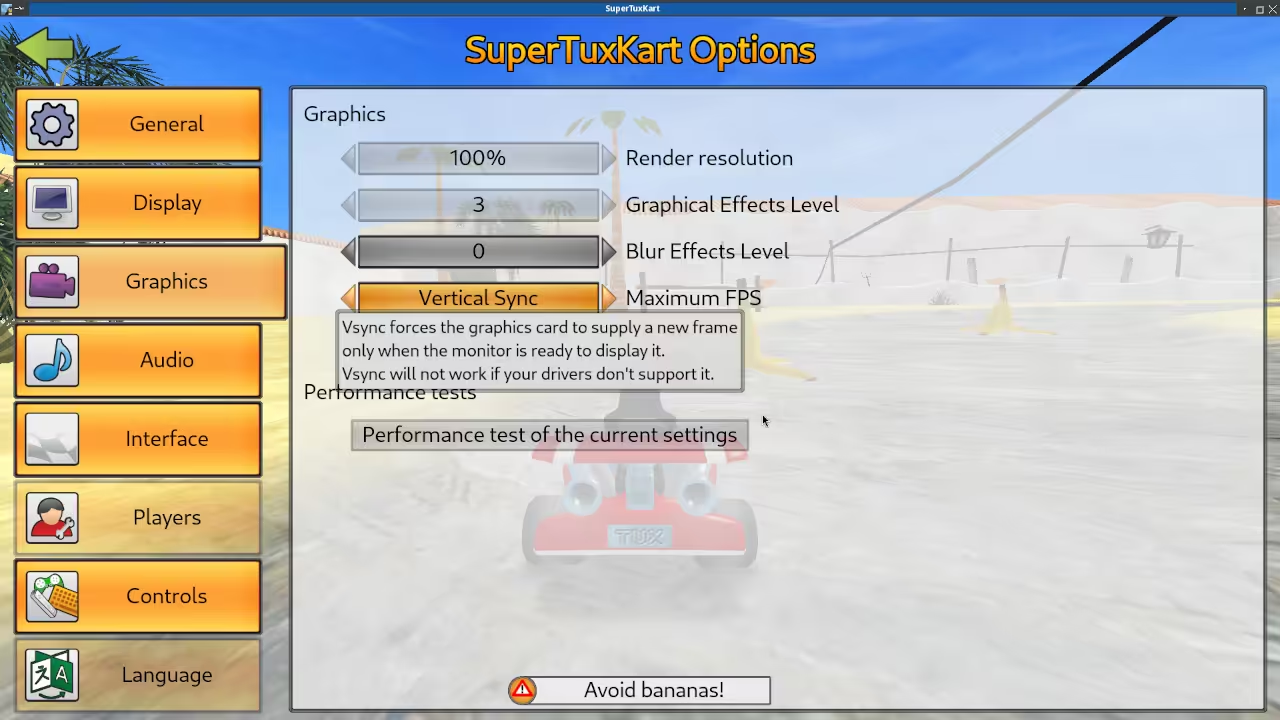
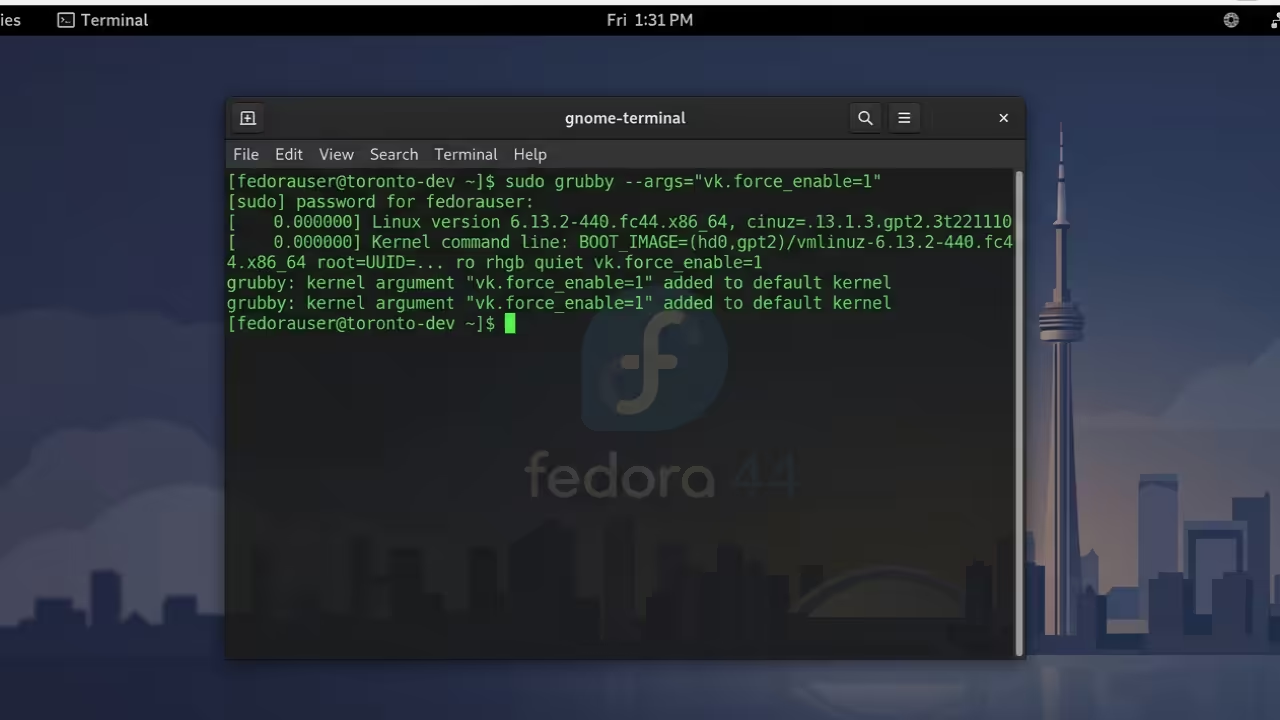
Here is the specific terminal configuration required to bypass the CPU bottleneck. You should add these parameters to your application launcher or startup script. This ensures the Vulkan driver is prioritized over the legacy OpenGL stack.
Configuration Command
To run SuperTuxKart with Vulkan enabled, use the following command in your terminal. This simple tweak transforms the gameplay experience completely.
export VKD3D_CONFIG=dxr11
stk --renderer=vulkan --threads=12
The technical superiority of SuperTuxKart becomes apparent when comparing it to commercial competitors. Proprietary games often require gigabytes of asset downloads for every new season. SuperTuxKart utilizes a modular asset system that keeps the installation lean. You only download the specific content packs you wish to play.
| Parameter | SuperTuxKart | Proprietary Racer |
|---|---|---|
| Memory Usage | 400MB Peak | 1.5GB Average |
| Install Size | 2GB Total | 30GB Average |
| Update Frequency | Weekly Content | Monthly Patches |
| Vulkan Support | Native | Emulation Layer Required |
| Community Mods | Unlimited API | Restricted SDK |
| Parameter | SuperTuxKart | Proprietary Racer |
The modding community for SuperTuxKart is incredibly robust and technical. You can write custom tracks using Lua scripting or manipulate game logic in C++. This level of access is usually reserved for enterprise software development teams. It allows advanced users to create complex game modes that commercial studios would never consider.
Master the Professional Stack
The path to technical mastery requires understanding both the theory and the implementation. My books provide the foundational knowledge for high-performance computing. My blueprints offer practical solutions for hardware integration. My tutorials ensure you stay ahead of the curve. My consultations are available for enterprise-scale projects.
Books (Technical & Creative): View Author Page
Blueprints (DIY Woodworking Projects): Visit Shop
Tutorials (Continuous Learning): Contact for Tutorials
Consultations (Custom Apps & Architecture): Request Consultation
🚀 Recommended Resources
Disclosure: Some of the links above are referral links. I may earn a commission if you make a purchase at no extra cost to you.