
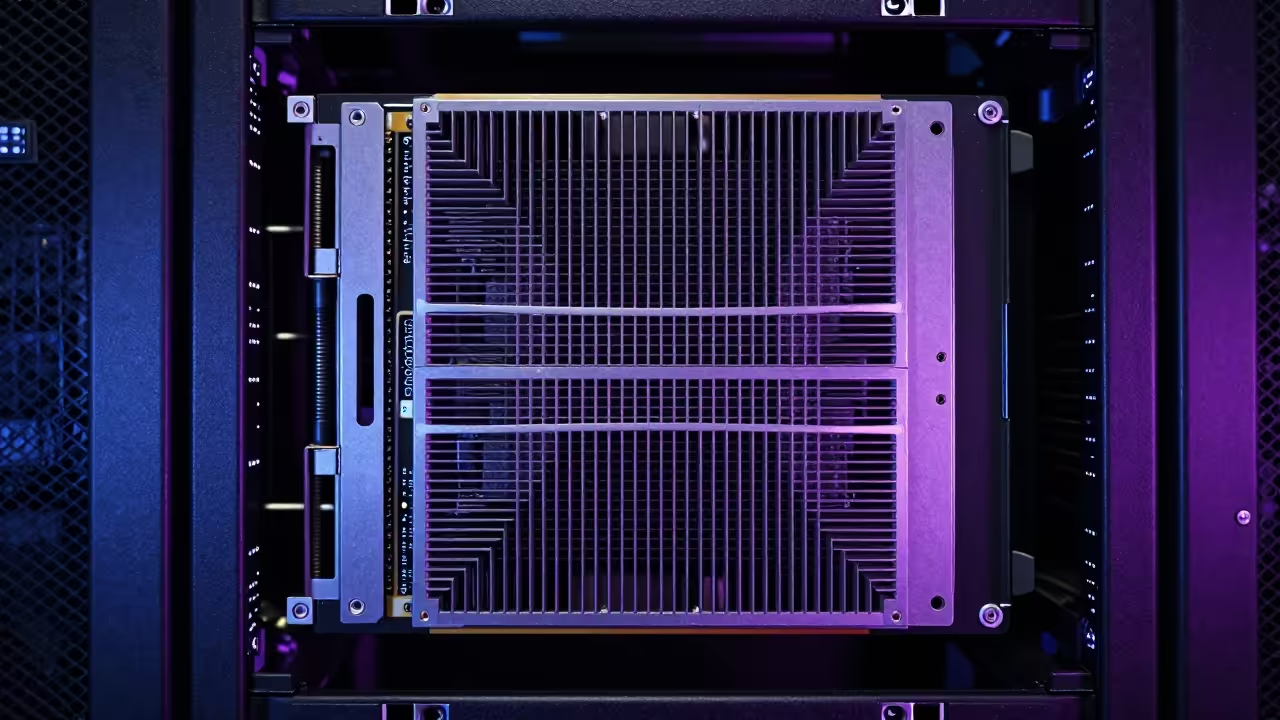
The Golden Vault of Digital Memories Is No Longer Controlled by Big Tech Subscriptions. Your private photos are currently trapped behind monthly paywalls and invasive data harvesting algorithms that treat your life like a product.
It is time to reclaim your sovereignty with Immich and dedicated hardware acceleration. This approach ensures your personal data remains within your physical control while providing professional grade features.
Experience the Power of Self Hosting
Imagine the sheer speed of scrolling through decades of high resolution imagery without a single millisecond of latency or lag. You feel the power of a professional data center running silently in your home office.
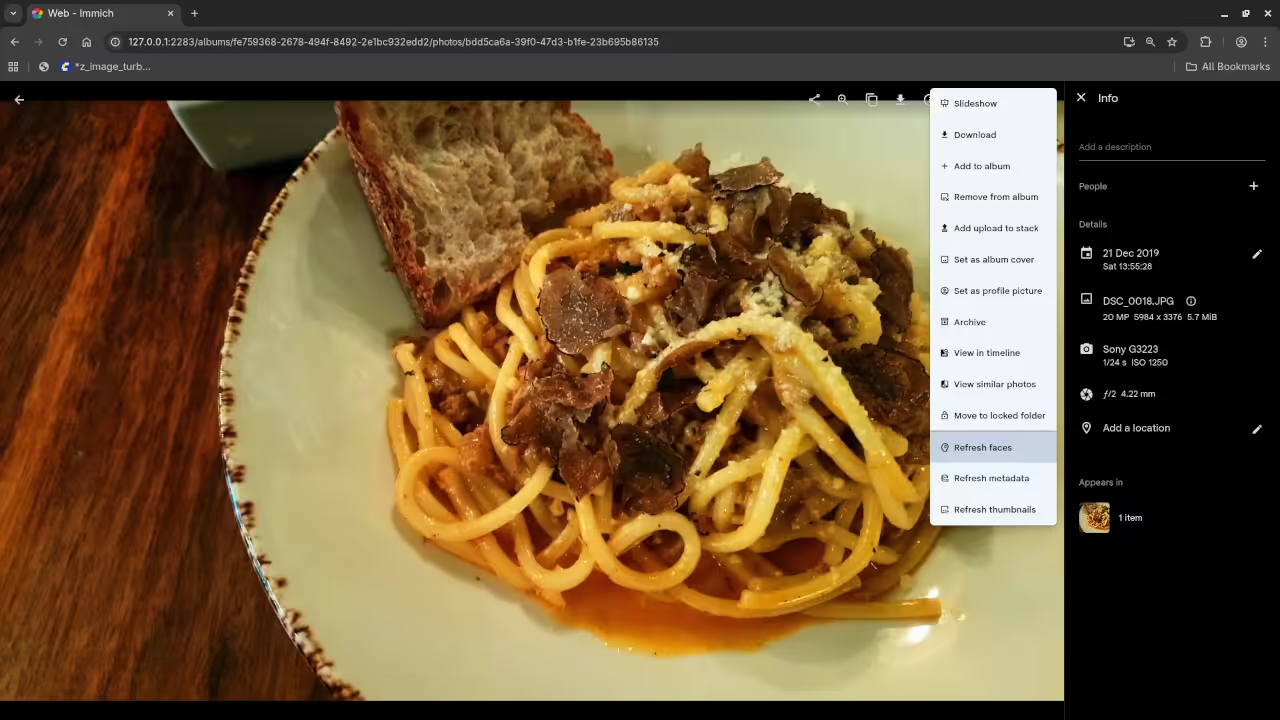
The system identifies faces and locations instantly while your data remains strictly under your own physical control. This seamless integration provides a premium user experience that rivals or exceeds commercial cloud platforms.
Unlocking Hardware Acceleration
To achieve this level of performance you must leverage the massive compute power of the AMD Instinct MI60 through the ROCm stack. This setup allows the machine learning models to run facial recognition tasks up to twenty times faster than standard processors.
We are effectively turning a legacy server into a modern artificial intelligence powerhouse for personal media management. This optimization is the key secret for enthusiasts looking to scale their digital libraries without performance bottlenecks.
Fedora Configuration Insider Details
The secret to a stable deployment on Fedora 44 is ensuring your user belongs to the video and render groups. Without these specific permissions the containerized Immich machine learning microservice will fail to access the Vulkan drivers for hardware acceleration.
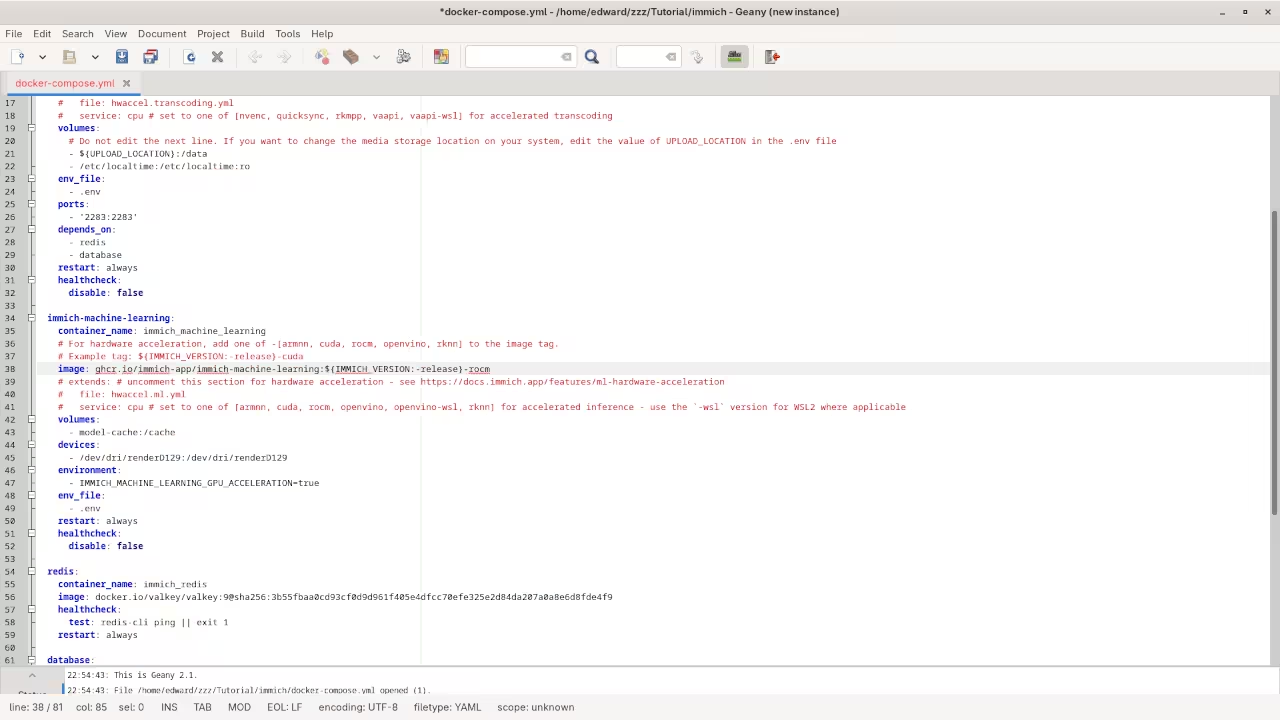
You must also map the specific DRI device paths into your compose file to unlock the full potential of the GPU. This direct hardware access is critical for the ROCm environment to function correctly within a containerized architecture.
Hardware Performance Comparison
| Parameter | Immich with MI60 | Standard Cloud Provider |
|---|---|---|
| AI Indexing Speed | Sub-second Latency | Throttled Background Task |
| Data Privacy | Absolute Sovereignty | Subject to Terms of Service |
| Initial Setup Cost | Moderate Hardware | Zero Monthly Fee |
| Long Term Value | High ROI | Endless Subscription Costs |
| Parameter | Immich with MI60 | Standard Cloud Provider |
Master the Professional Stack
Building a high performance media server requires a deep understanding of how software interacts with specialized hardware instruction sets. Our previous deep dives into distributed storage architectures laid the groundwork for this advanced self hosted photo implementation.
By combining these systems you create a resilient ecosystem that outperforms any commercial service available on the market today. Explore the following resources to expand your technical mastery and architectural blueprints.
- Books Technical and Creative: Amazon Author Page
- Blueprints DIY Woodworking Projects: Ojambo Shop
- Tutorials Continuous Learning: Contact for Tutorials
- Consultations Custom Apps and Architecture: Professional Architecture Services
Implementation Code
To configure the hardware acceleration you must modify your docker-compose.yml file to include the following specific device environment variables. Ensure your paths match the physical hardware addresses identified in your system logs.
services:
immich-machine-learning:
devices:
- /dev/dri/renderD128:/dev/dri/renderD128
environment:
- IMMICH_MACHINE_LEARNING_GPU_ACCELERATION=true
- ROCM_PATH=/opt/rocm
🚀 Recommended Resources
Disclosure: Some of the links above are referral links. I may earn a commission if you make a purchase at no extra cost to you.