

Introduction
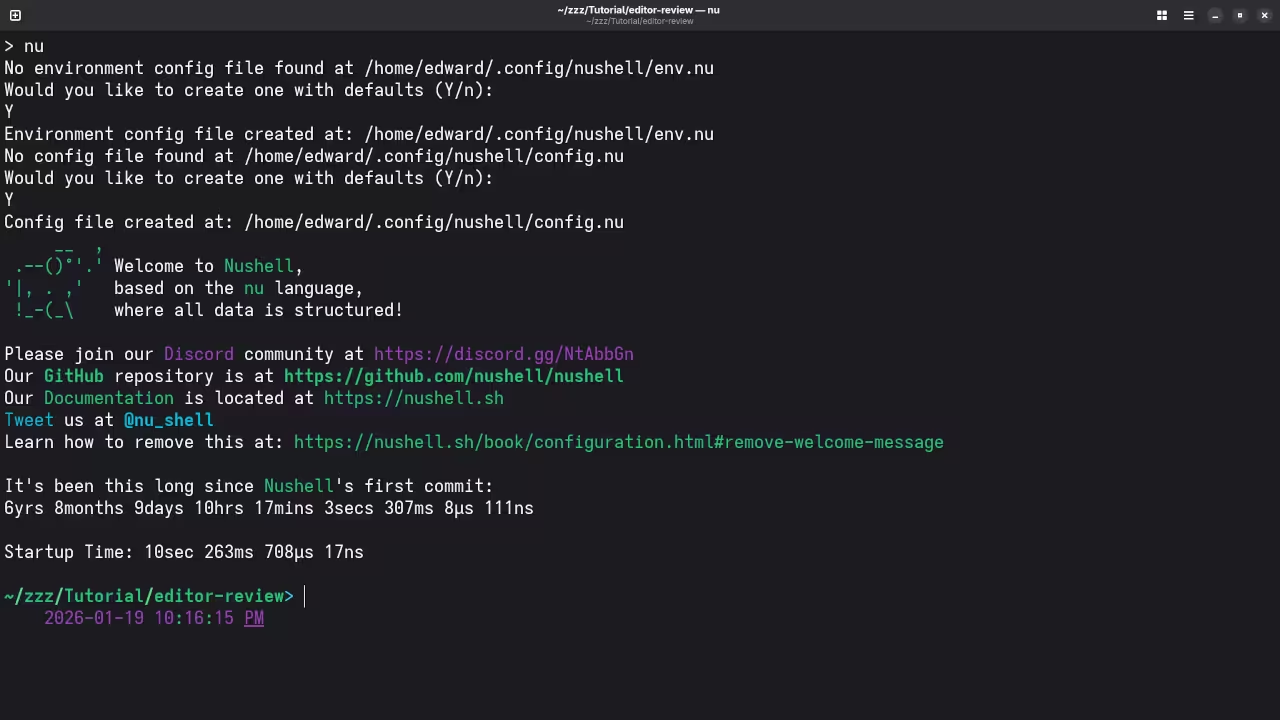
Nushell is a new type of shell for programmers. It treats all your data as structured tables.
Structured Data Versus Plain Text
Most shells like Bash only use plain text strings. Nushell understands columns and rows like a database.
Installing Nushell on Fedora Linux is very simple today. Use the dnf command to grab the latest version.
Cross Platform Compatibility and Installation
The shell works perfectly on Windows and macOS too. This makes it a great cross platform choice.
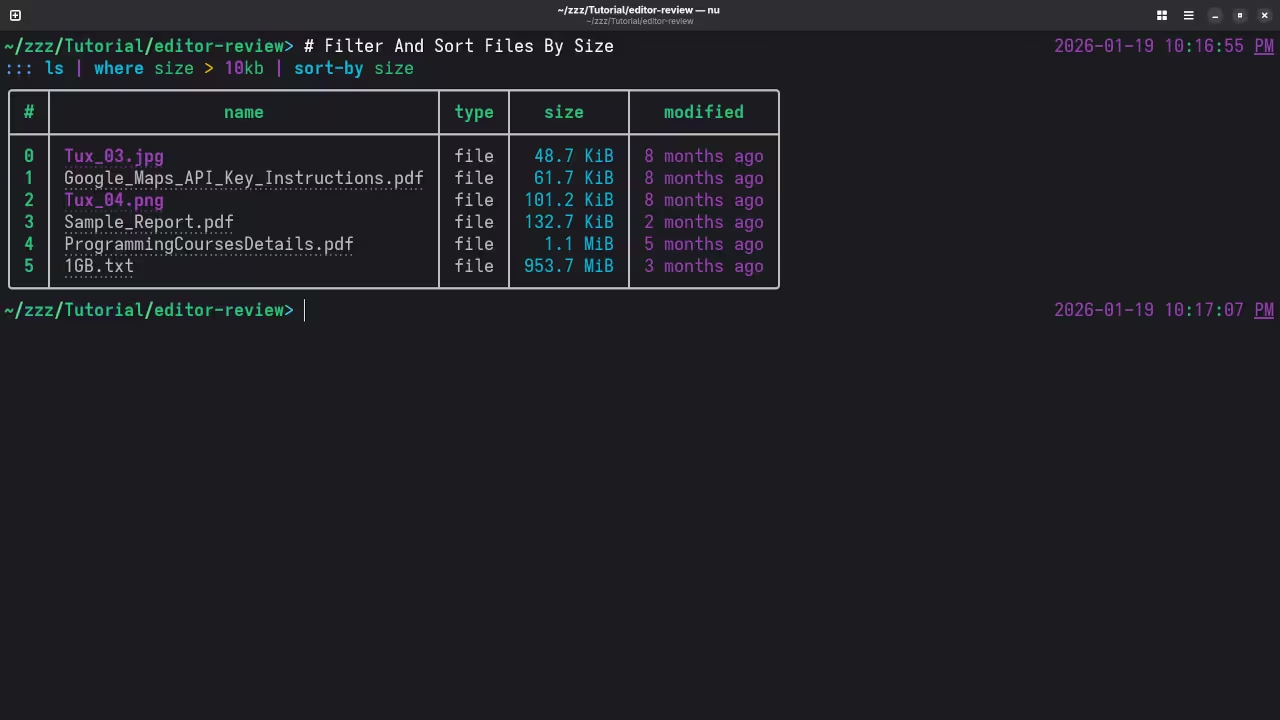
Type ls to see a beautiful colored table. You can filter files easily using the where command.
Powerful Pipelines and Commands
Standard Linux commands feel much more powerful here. Pipelines pass real data objects instead of raw text.
You do not need to use grep or awk. Simply select the columns you want to see.
Beginners will love the helpful error messages provided. The shell points exactly where your syntax failed.
Customizing your prompt is also a fun experience. You can use the built in configuration files.
Bash users are used to manipulating messy strings. Nushell eliminates the need for complex regular expressions.
Data Export and Performance
Every command output is a structured data object. You can export tables directly to JSON or CSV.
The shell is written entirely in the Rust language. This makes it very fast and memory efficient.
Native support for SQLite is built directly into Nushell. You can query databases without leaving your prompt.
Open Source MIT License
The project is fully open source for all users. It uses the permissive MIT License for its code.
This license allows you to use it very freely. Community members can contribute to the GitHub repository easily.
Advanced File Handling and Plugins
Opening a directory feels like opening a spreadsheet. Each file attribute has its own searchable column.
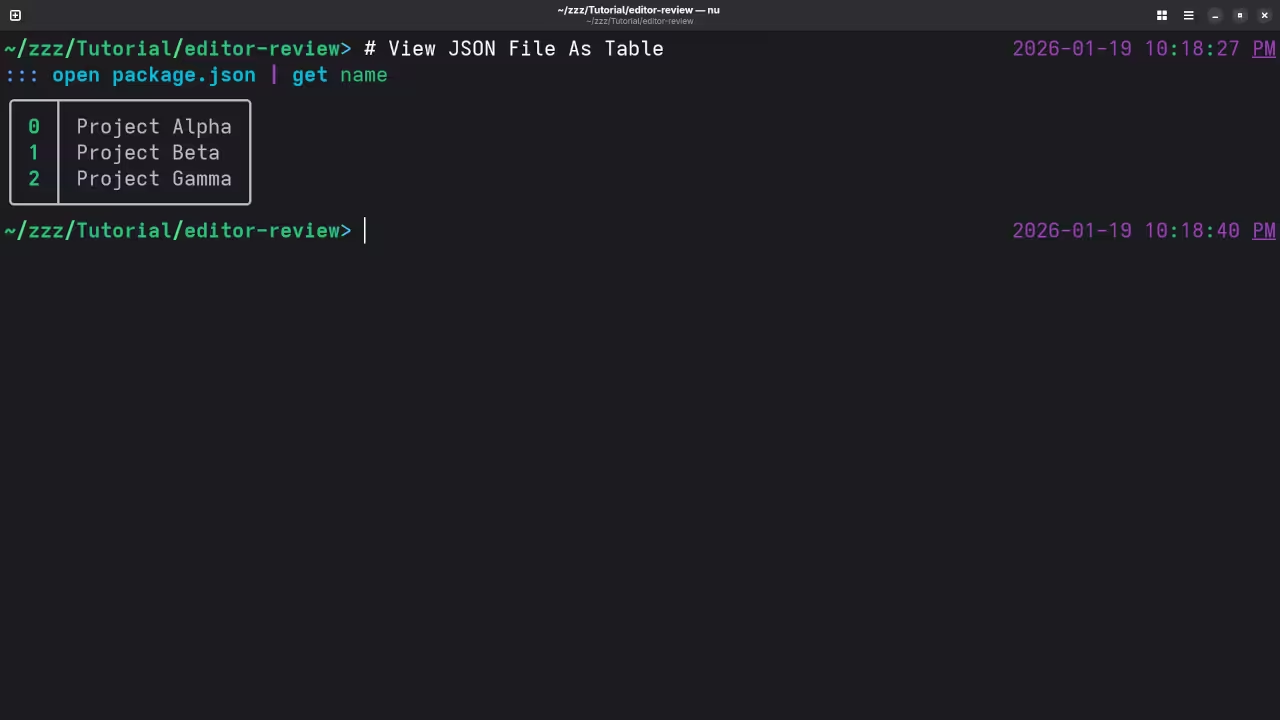
Use the get command to extract specific values. This is much easier than using cut or sed.
Pipelines in Nushell are extremely logical and clean. Data flows from one command to another smoothly.
The plugin system allows for massive community extensions. You can add new capabilities with minimal effort.
Try using the open command on a JSON file. Nushell converts the file into an interactive table instantly.
You can sort lists by size or date easily. Use the sort-by command to organize your file views.
Learning Nushell will change how you view the terminal. It brings modern data science tools to the shell.
This tool is perfect for developers working on Fedora. It bridges the gap between scripting and data.
📷 Screenshots

🎬 Live YouTube Screencast
Take Your Skills Further
- Books: https://www.amazon.com/stores/Edward-Ojambo/author/B0D94QM76N
- Courses: https://ojamboshop.com/product-category/course
- Tutorials: https://ojambo.com/contact
- Consultations: https://ojamboservices.com/contact
🚀 Recommended Resources
Disclosure: Some of the links above are referral links. I may earn a commission if you make a purchase at no extra cost to you.