
Introduction
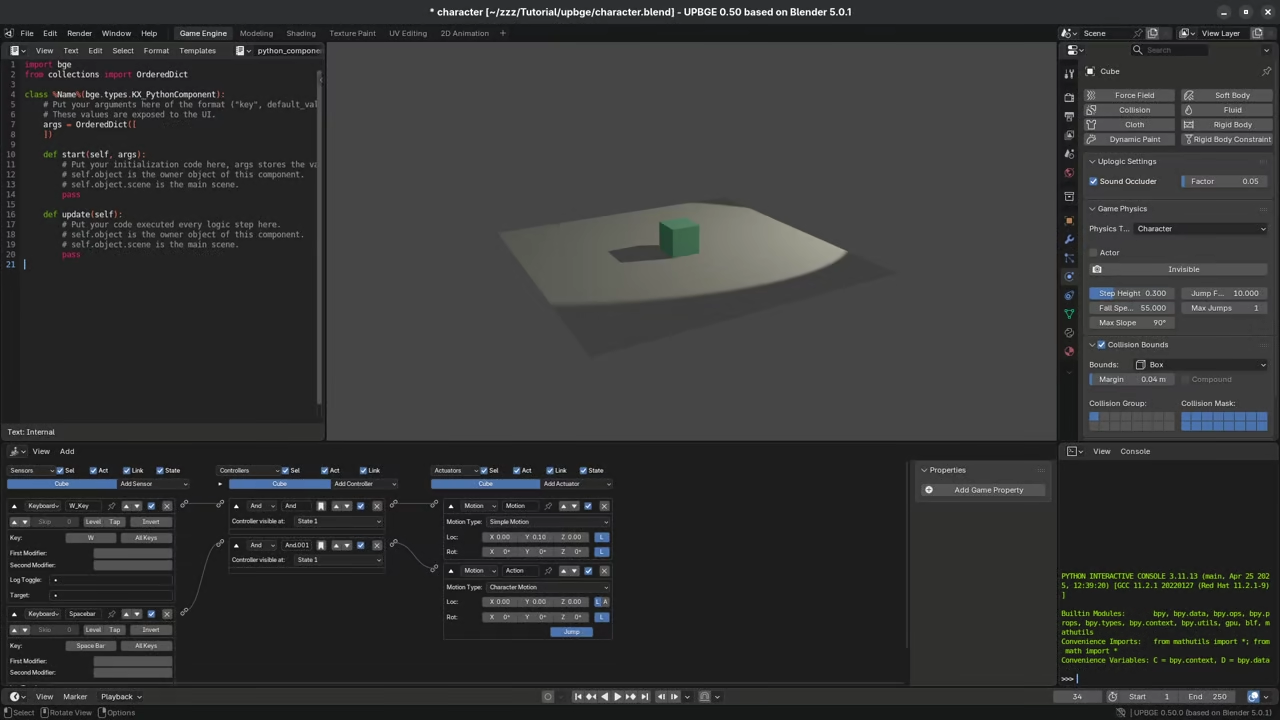
UPBGE is a powerful game engine forked from Blender. It allows you to create games without leaving Blender.
Modern Game Development with Blender 5
The latest version 0.50 is now built on Blender 5. This update brings modern features like the Vulkan renderer.
Installing UPBGE on Fedora Linux is very fast and easy. You can download the official binary directly from their site.
Installation on Fedora Linux
Extract the archive and run the blender executable file. No complex compilation is needed for your Fedora workstation.
One main advantage is the unified 3D creation workflow. You model and animate assets in the same environment.
Visual Programming and Python Scripting
The engine uses logic bricks for visual game programming. Beginners can create interactions without writing any code today.
You can also use Python for more advanced logic. The API is very similar to the standard Blender API.
Physics and Performance Improvements
Real time physics are handled by the Bullet engine. This provides high quality collisions for your indie games.
UPBGE 0.50 supports GPU skinning for much faster animations. This helps maintain high frame rates during complex scenes.
The project is fully open source under the GPL license. This means the engine is free to use forever.
Workflow and Community Support
Many developers use it for rapid prototyping of ideas. You can jump from modeling to playing instantly.
Exporting your final game is a very simple process. You can create standalone binaries for Linux and Windows.
Audio is handled by the Audaspace library for 3D sound. It supports high quality effects for immersive game worlds.
Navigating your 3D scenes feels natural for Blender users. All your existing keyboard shortcuts will work perfectly here.
The community is very active on the Blender Artists forums. You can find many tutorials and sample game files.
Using the Vulkan renderer provides much better hardware performance. Modern GPUs can handle thousands of objects with ease.
This engine is perfect for solo indie game developers. It reduces the need for expensive third party software.
Mastering UPBGE will give you total creative control today. Start building your first 3D game on Fedora Linux.
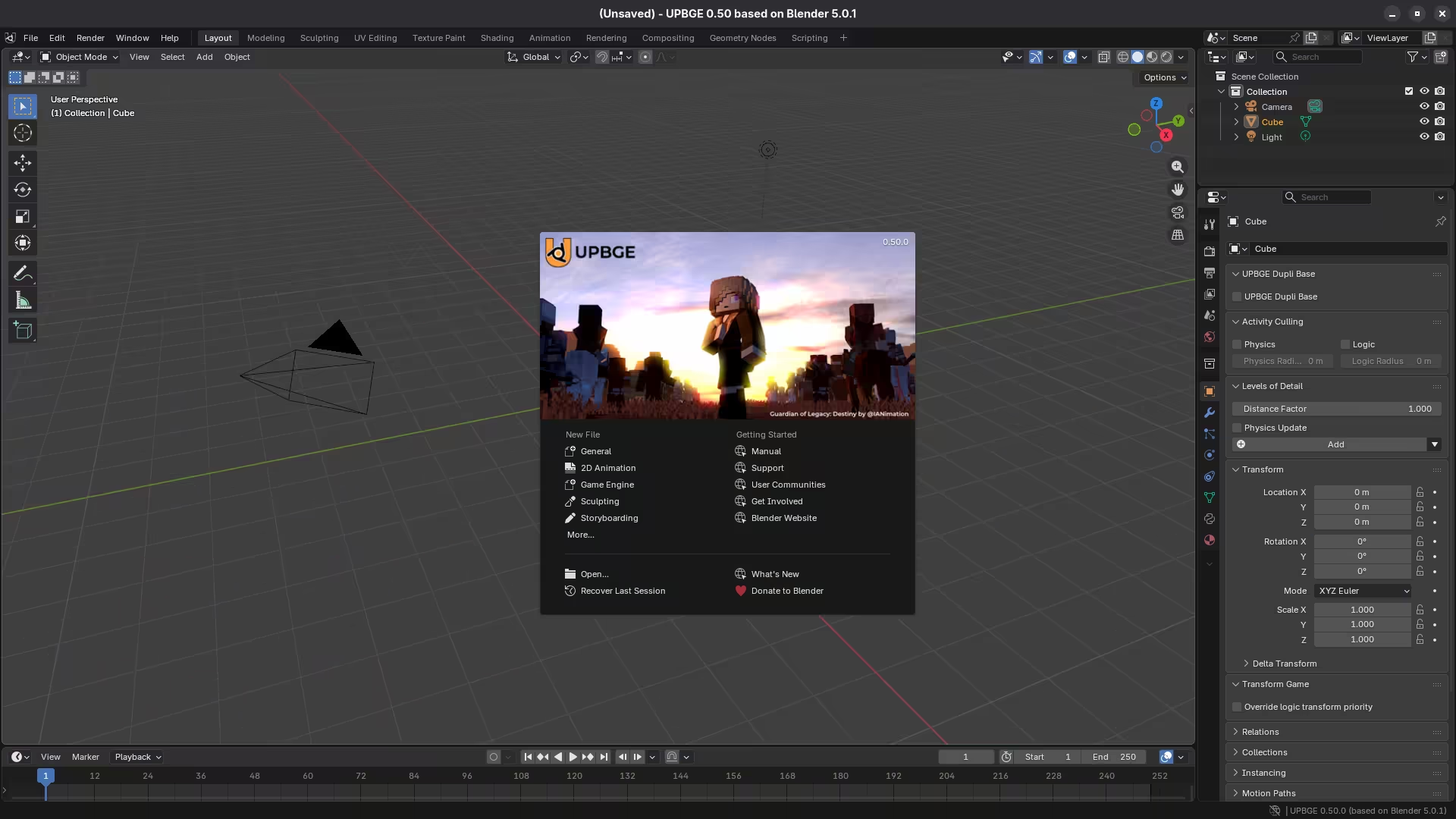
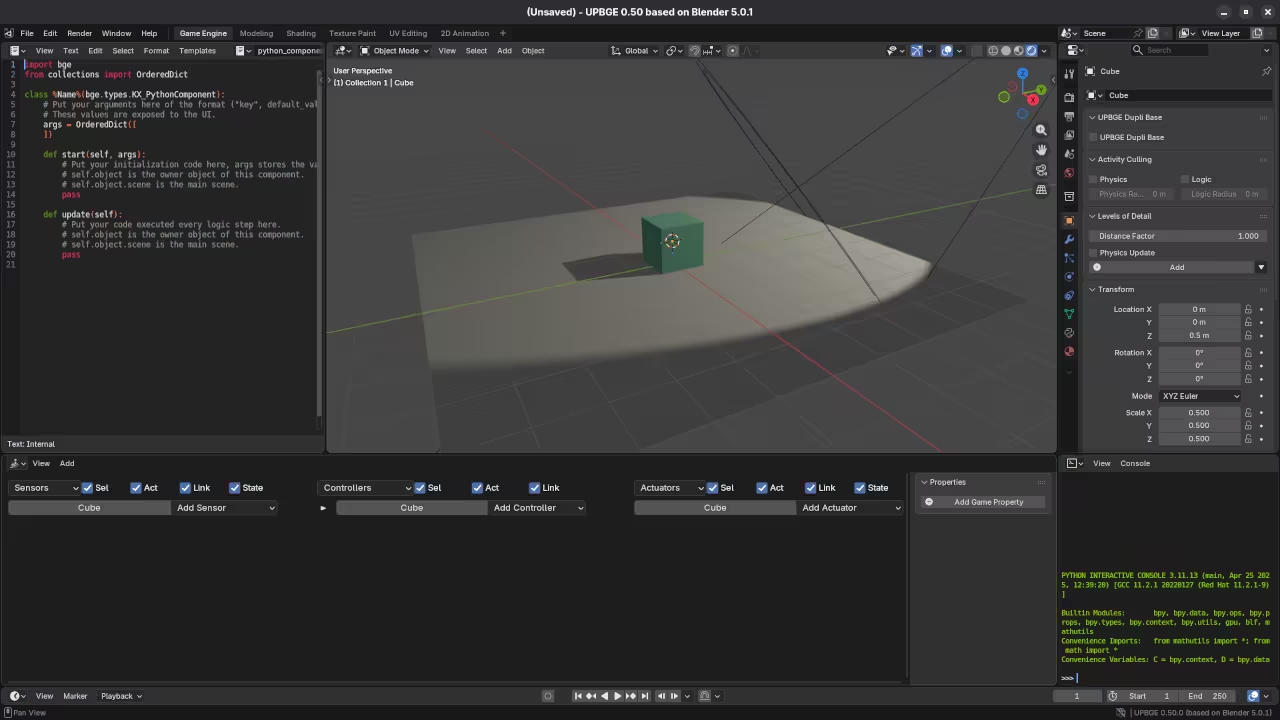
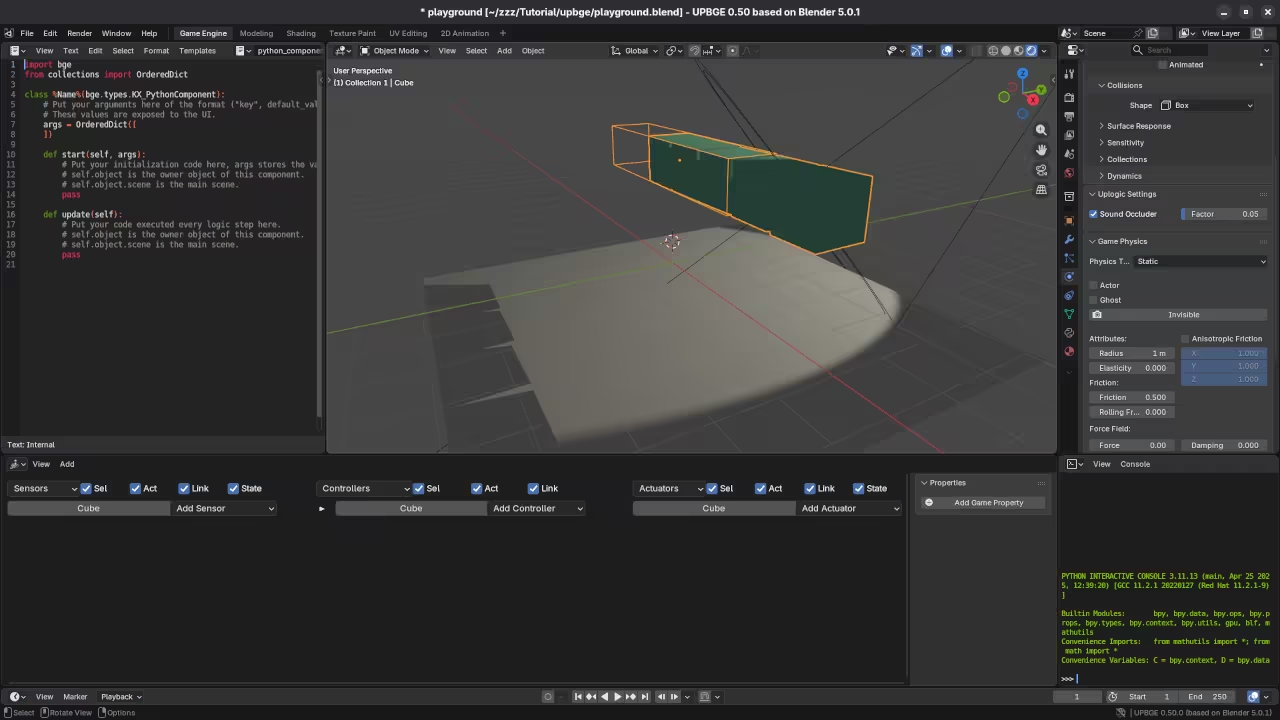
📷 Screenshots
🎬 Live YouTube Screencast
Take Your Skills Further
- Books: https://www.amazon.com/stores/Edward-Ojambo/author/B0D94QM76N
- Courses: https://ojamboshop.com/product-category/course
- Tutorials: https://ojambo.com/contact
- Consultations: https://ojamboservices.com/contact
🚀 Recommended Resources
Disclosure: Some of the links above are referral links. I may earn a commission if you make a purchase at no extra cost to you.