
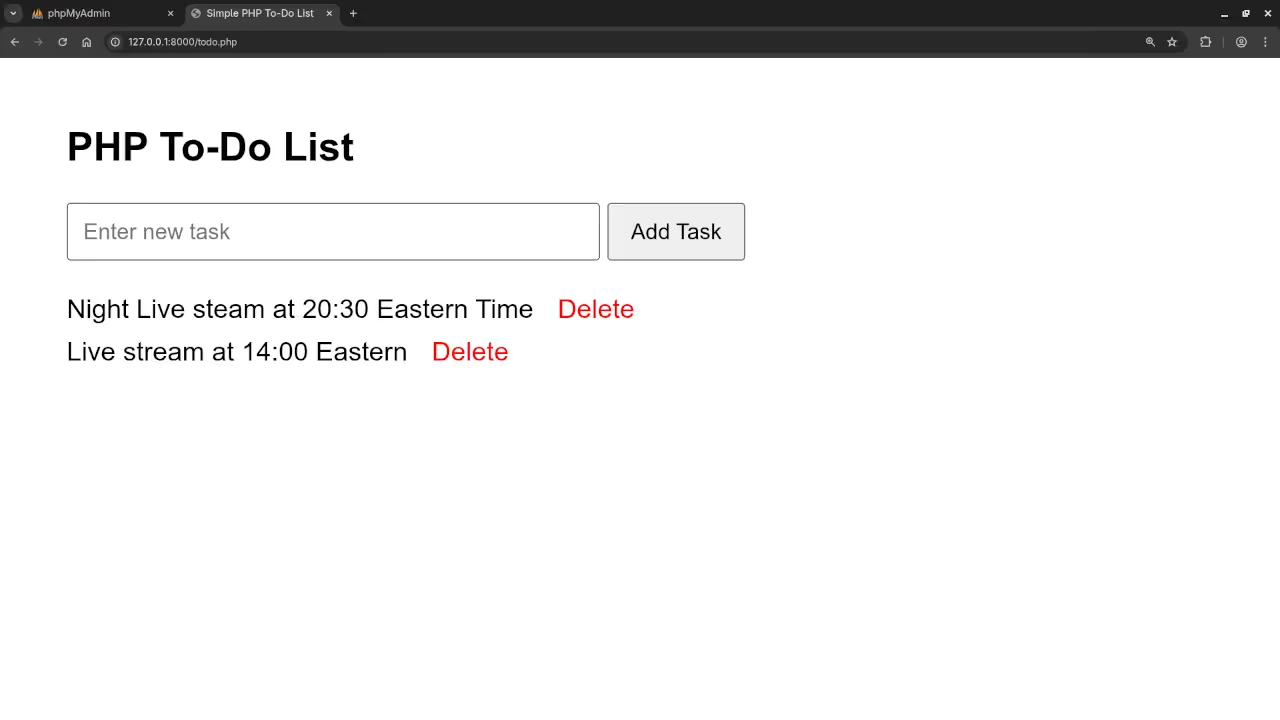
Build a Simple PHP To-Do List App: Learn CRUD with Best Practices
If you are just starting out with PHP and want a simple, hands-on project to learn server-side logic, forms, and basic database operations, this tutorial is for you. In this post, we will walk through creating a PHP To-Do List application that uses a web form to perform CRUD operations – Create, Read, Update, and Delete.
This beginner-friendly project will introduce you to the foundational elements of PHP and MySQL while demonstrating best practices in form handling, database security, and structuring your code.
What You Will Learn
- How to create a simple HTML form in PHP
- Handling form data using
$_POSTand$_GET - Using MySQLi or PDO for database interactions
- Best practices for securing user input (e.g. prepared statements)
- Structuring your app with clean, readable code
- Optional: Using basic CSS to improve UI
Project Setup
You will need the following:
- PHP 8+ installed (XAMPP, MAMP, WAMP, or a live server)
- MySQL or MariaDB
- A code editor
- A browser to test your app
Application Features
Here is what our PHP To-Do List will be able to do:
- Add new tasks
- View all tasks
- Edit existing tasks
- Delete tasks
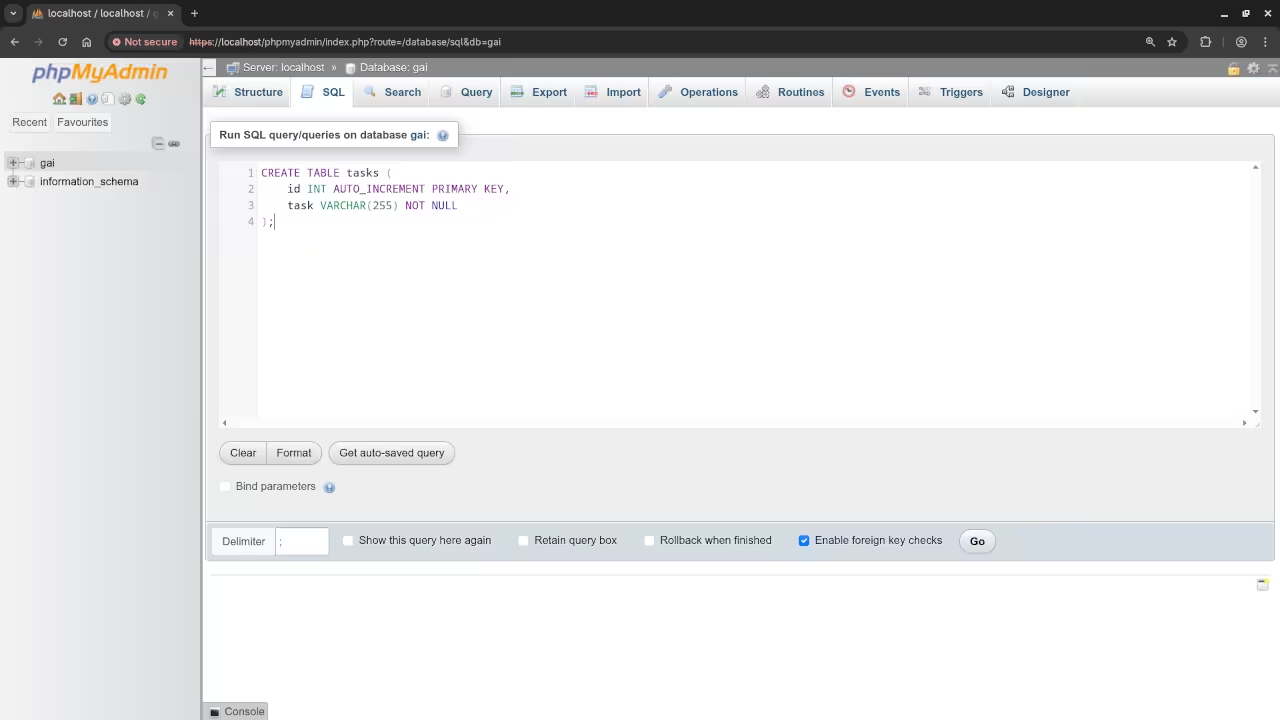
CREATE DATABASE todo_app;
USE todo_app;
CREATE TABLE tasks (
id INT AUTO_INCREMENT PRIMARY KEY,
task VARCHAR(255) NOT NULL
);
We will be using a single HTML/PHP form to create and update tasks, with GET parameters to trigger edit and delete actions.
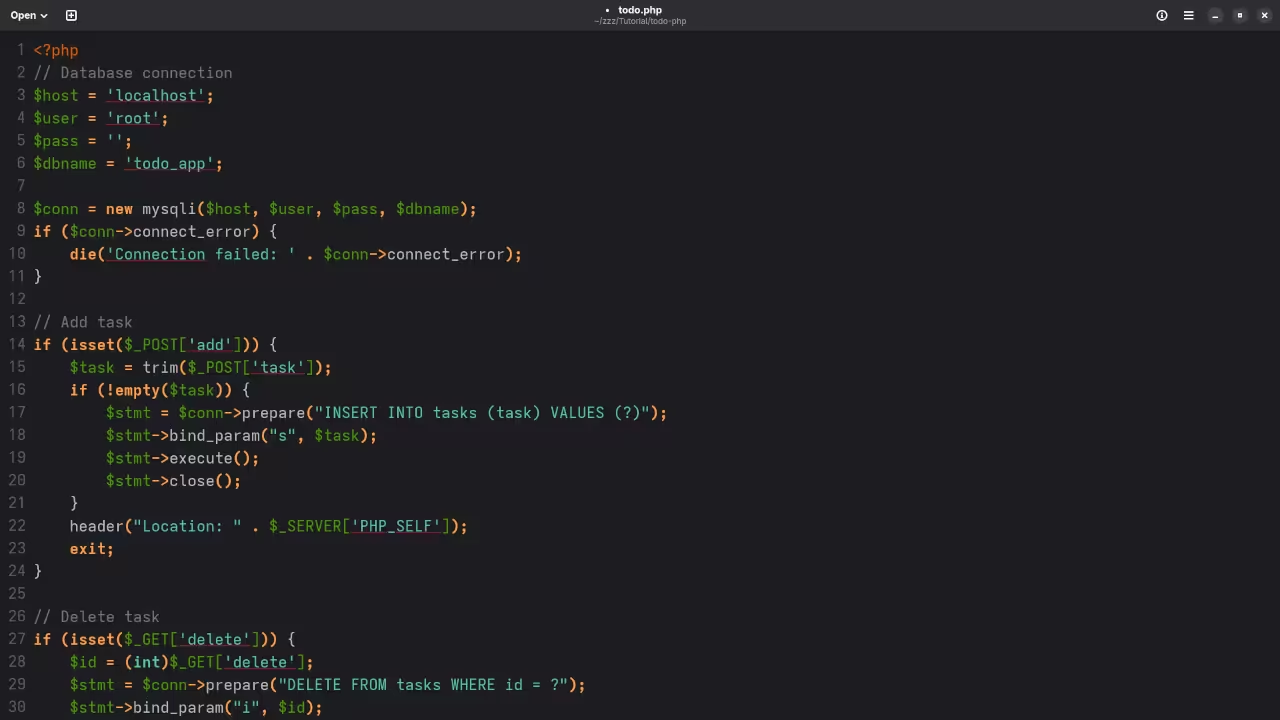
<?php
// Database connection
$host = 'localhost';
$user = 'root';
$pass = '';
$dbname = 'todo_app';
$conn = new mysqli($host, $user, $pass, $dbname);
if ($conn->connect_error) {
die('Connection failed: ' . $conn->connect_error);
}
// Add task
if (isset($_POST['add'])) {
$task = trim($_POST['task']);
if (!empty($task)) {
$stmt = $conn->prepare("INSERT INTO tasks (task) VALUES (?)");
$stmt->bind_param("s", $task);
$stmt->execute();
$stmt->close();
}
header("Location: " . $_SERVER['PHP_SELF']);
exit;
}
// Delete task
if (isset($_GET['delete'])) {
$id = (int)$_GET['delete'];
$stmt = $conn->prepare("DELETE FROM tasks WHERE id = ?");
$stmt->bind_param("i", $id);
$stmt->execute();
$stmt->close();
header("Location: " . $_SERVER['PHP_SELF']);
exit;
}
// Get all tasks
$result = $conn->query("SELECT * FROM tasks ORDER BY id DESC");
?>
<style>
body { font-family: Arial, sans-serif; margin: 40px; }
form { margin-bottom: 20px; }
input[type="text"] { padding: 8px; width: 300px; }
button { padding: 8px 12px; }
ul { list-style-type: none; padding: 0; }
li { margin: 8px 0; }
.delete { color: red; text-decoration: none; margin-left: 10px; }
</style>
<h2>PHP To-Do List</h2>
<form method="POST" action="">
<input type="text" name="task" placeholder="Enter new task" required>
<button type="submit" name="add">Add Task</button>
</form>
<ul>
<?php while ($row = $result->fetch_assoc()): ?>
<li>
<?php echo htmlspecialchars($row['task']); ?>
<a href="?delete=<?php echo $row['id']; ?>" class="delete" onclick="return confirm('Delete this task?');">Delete</a>
</li>
<?php endwhile; ?>
</ul>
Best Practices Used
- Prepared Statements with MySQLi to prevent SQL injection
- Input validation and sanitization
- Separation of logic and presentation
- Reusable functions for database operations
- Single file structure
Screenshots And Screencast
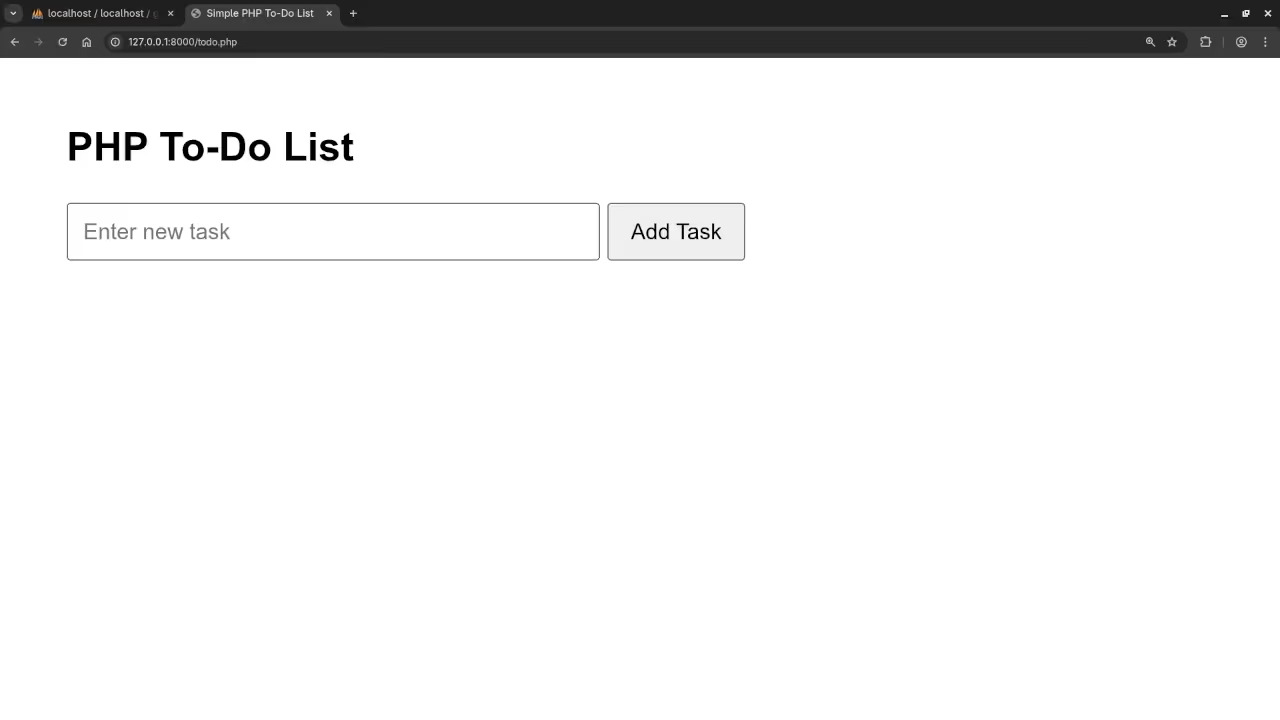
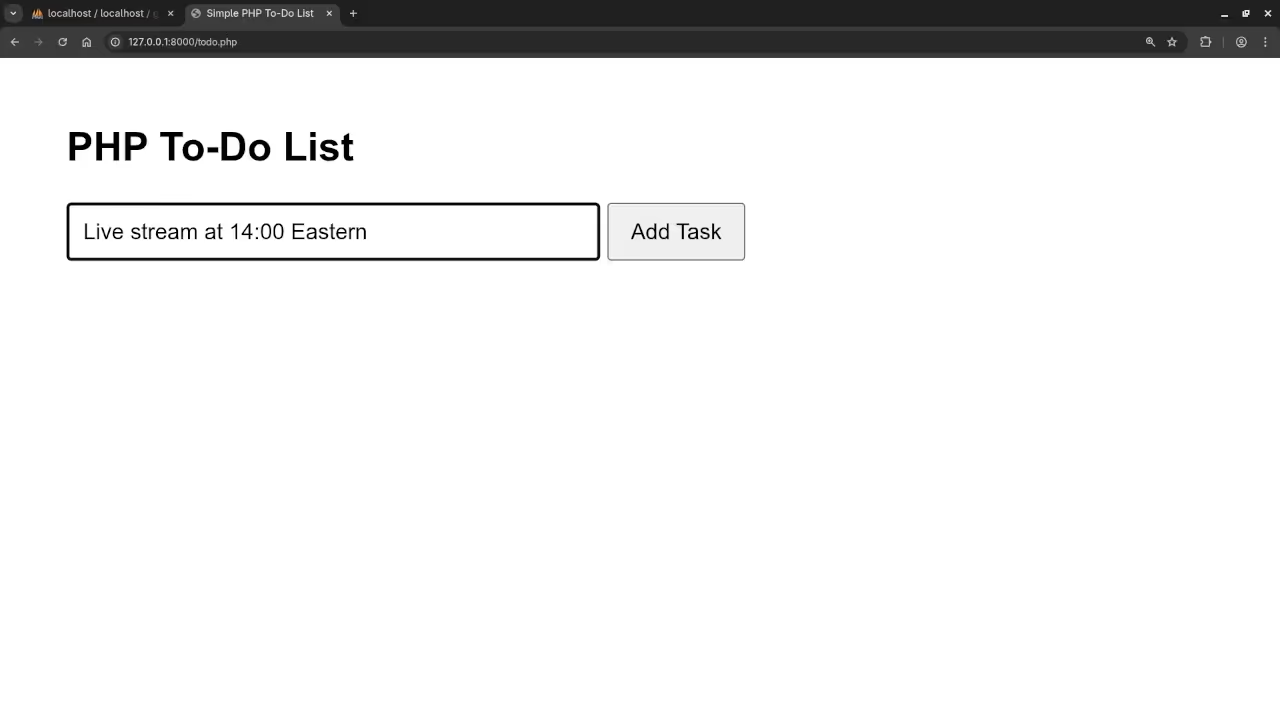
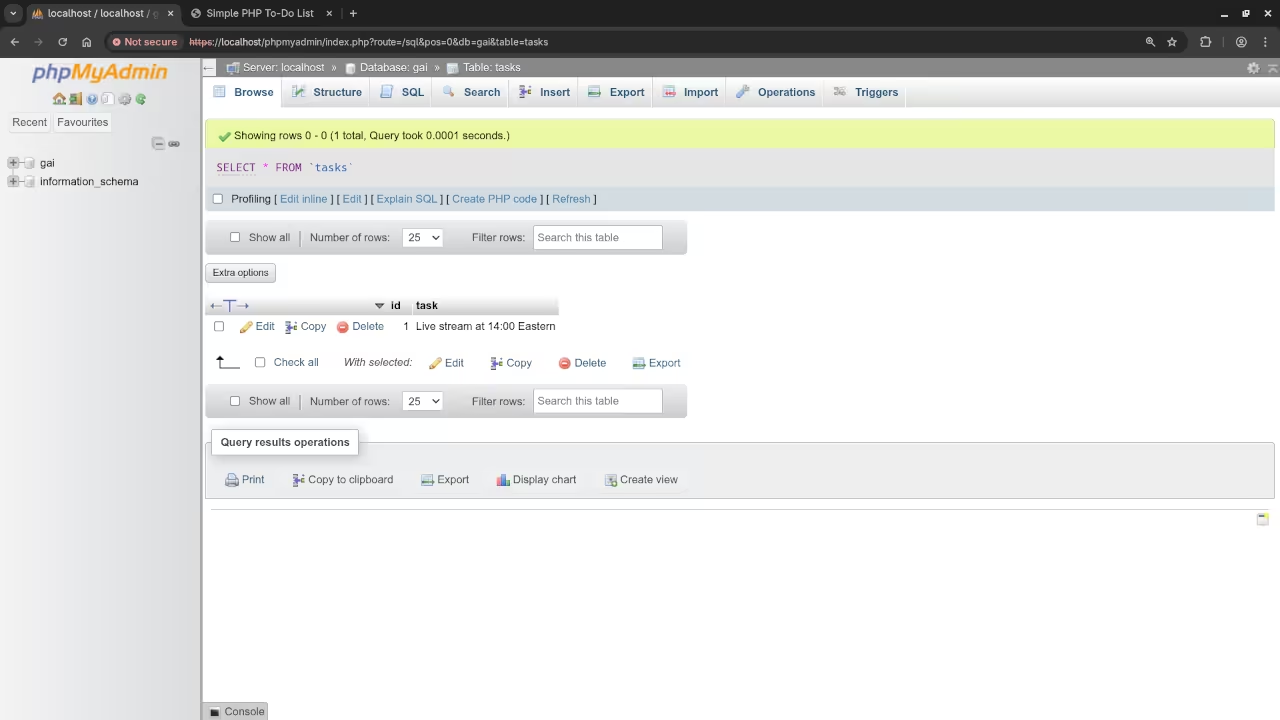
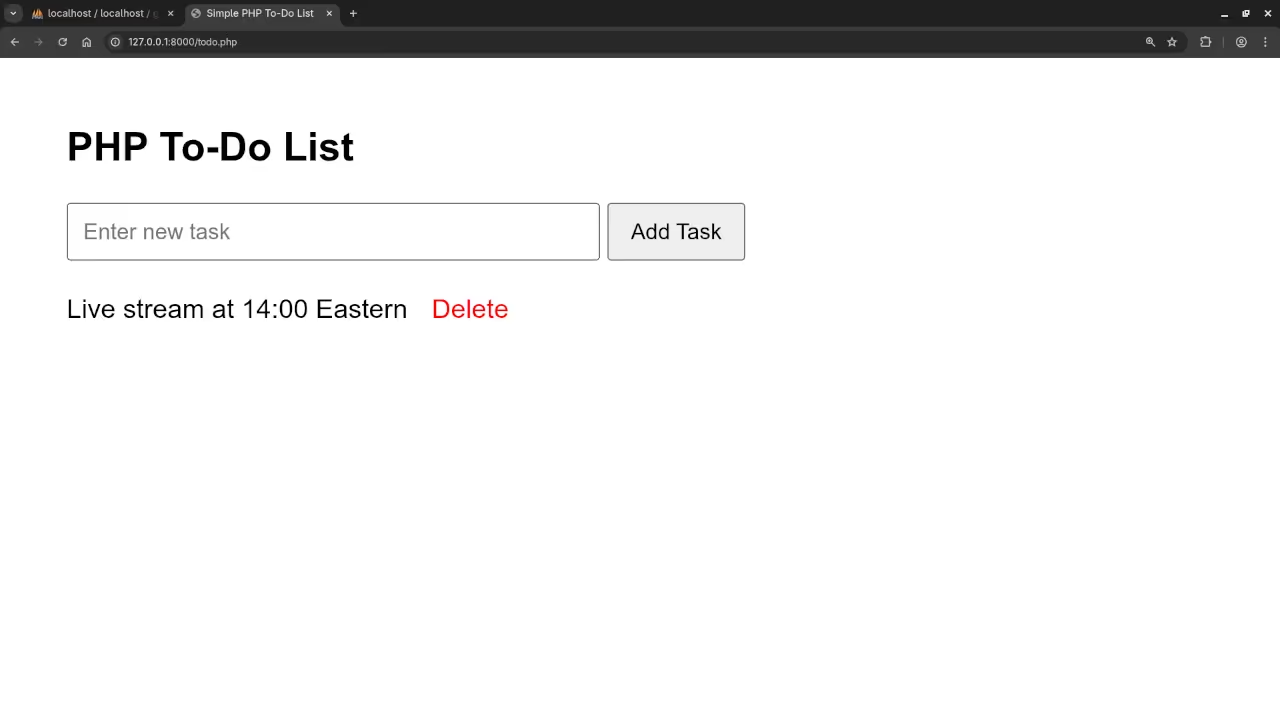
Want to Go Deeper?
If you enjoyed this tutorial and want a more structured, in-depth journey into PHP, check out the following resources:
Learning PHP – The Book
A beginner-friendly PHP book covering foundational programming concepts, real-world examples, and challenges to test your understanding.
Learning PHP – The Online Course
This video course complements the book and includes code walkthroughs, exercises, and bonus resources.
Need Help with Your PHP Project?
I am available for:
- One-on-one programming tutorials
- Updating or migrating PHP applications
- Debugging and optimization sessions
Contact Me to schedule a session or ask about custom services.
Final Thoughts
Creating a simple To-Do List app is a great way to get comfortable with PHP and MySQL. It reinforces the key concepts you will use in every real-world project: form handling, data management, and code organization.
Whether you are a student, a self-taught coder, or someone looking to rebuild their old PHP skills, this project is a great place to start.
Let me know in the comments if you have any questions or run into any issues.
🚀 Recommended Resources
Disclosure: Some of the links above are referral links. I may earn a commission if you make a purchase at no extra cost to you.