
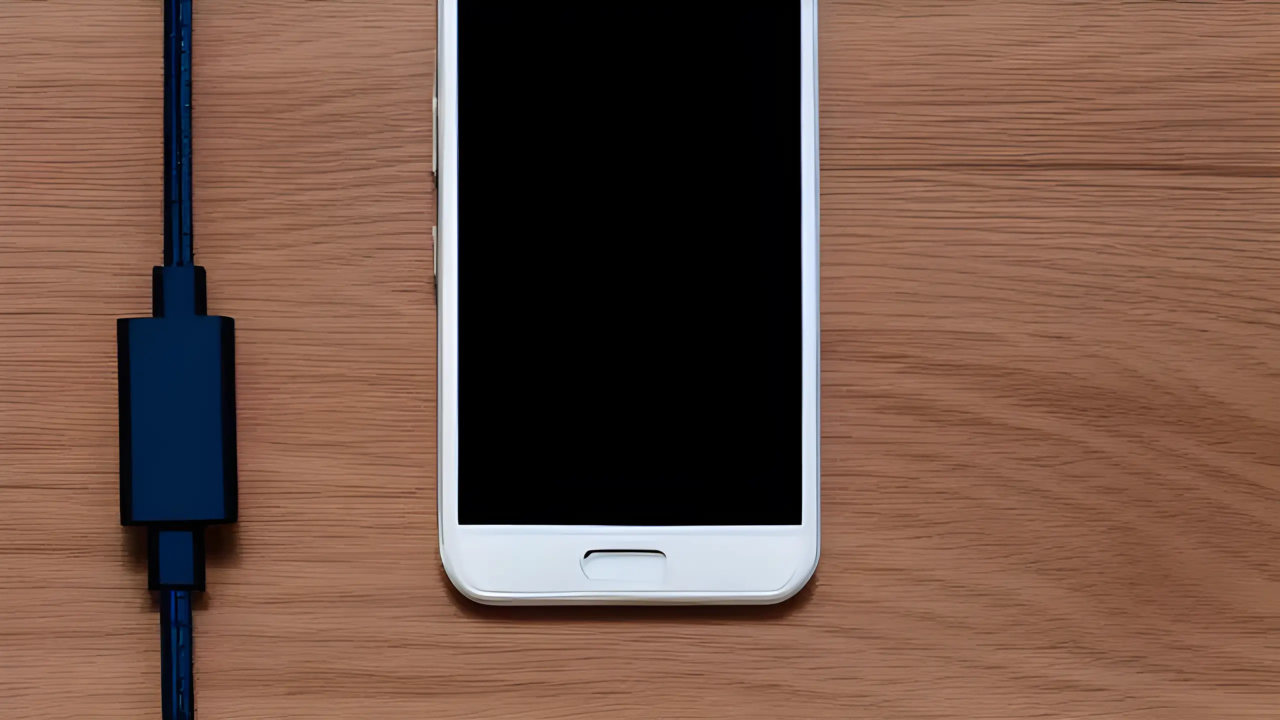
View Android On Desktop Chrome Browser
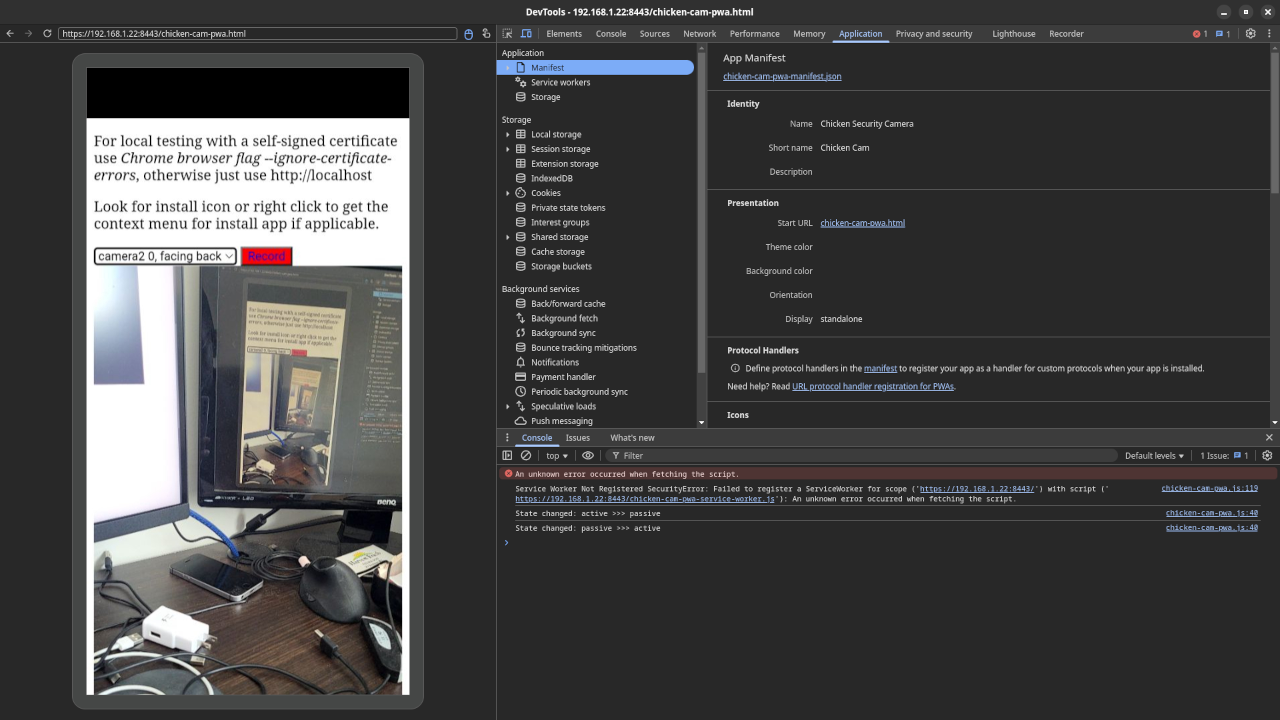
Learn how to screencast and interact with your Android device using your desktop Google Chrome web browser
Remote debug your Android device. You need to select “Enable USB Debugging” in the “Developer Options” of your Android device.
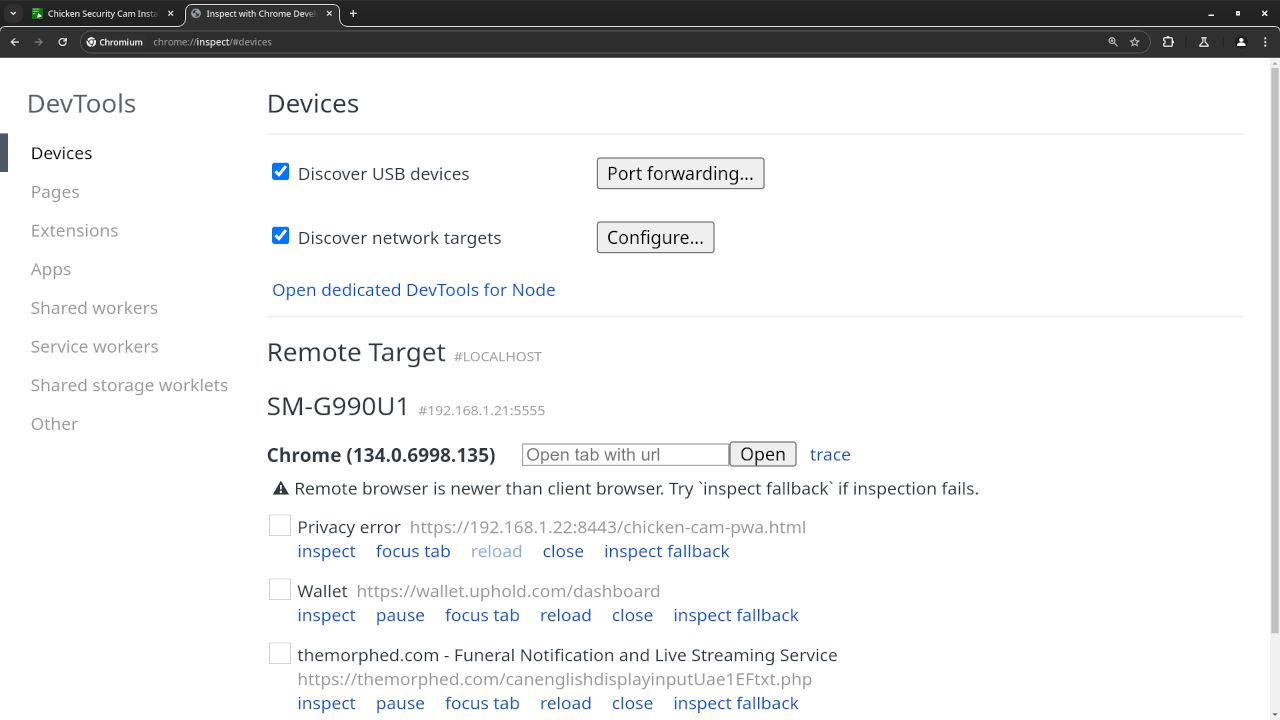
Next, you need to connect a USB cable between the Android device and your workstation. After allowing the access to the Android device, open the Google Chrome web browser and navigate to “chrome://inspect#devices. For the WiFi wireless option, run the adb commands. Both Discover USB devices and Discover network targets should be enabled.
Requirements For Remote Debug
Glossary:
IP
Internet Protocol address is a numerical label that is assigned to a device connected to a computer network.
Wi-Fi
Wireless network protocols based on the IEEE 802.11 standards for local area networks.
WLAN
Wireless LAN is a computer network that links 2 or more devices.
TCP/IP
Transmission Control Protocol/Internet Protocol is a framework for computer networking.
USB
Universal Serial Bus is a standard for digital data transmission and power delivery between electronics.
ADB
Android Debug Bridge.
Android Devices
| Name | Description | Recording | Power |
|---|---|---|---|
| Sony Xperia XA1 Ultra | Updated to Android 8.0 and latest web browser. | Takes photos and videos on front and back cameras. | USB Type-C 2.0 10W charging |
| Samsung Galaxy S21 FE 5G | Updated to Android 14.0 and default camera application. | Takes photos and videos on front and back cameras. | USB Type-C 2.0 <25W charging |
| Name | Description | Example |
Download
The ADB tool can be downloaded as part of the SDK Platform Tools for Download SDK Platform Tools and decompressed into a folder on your workstation.
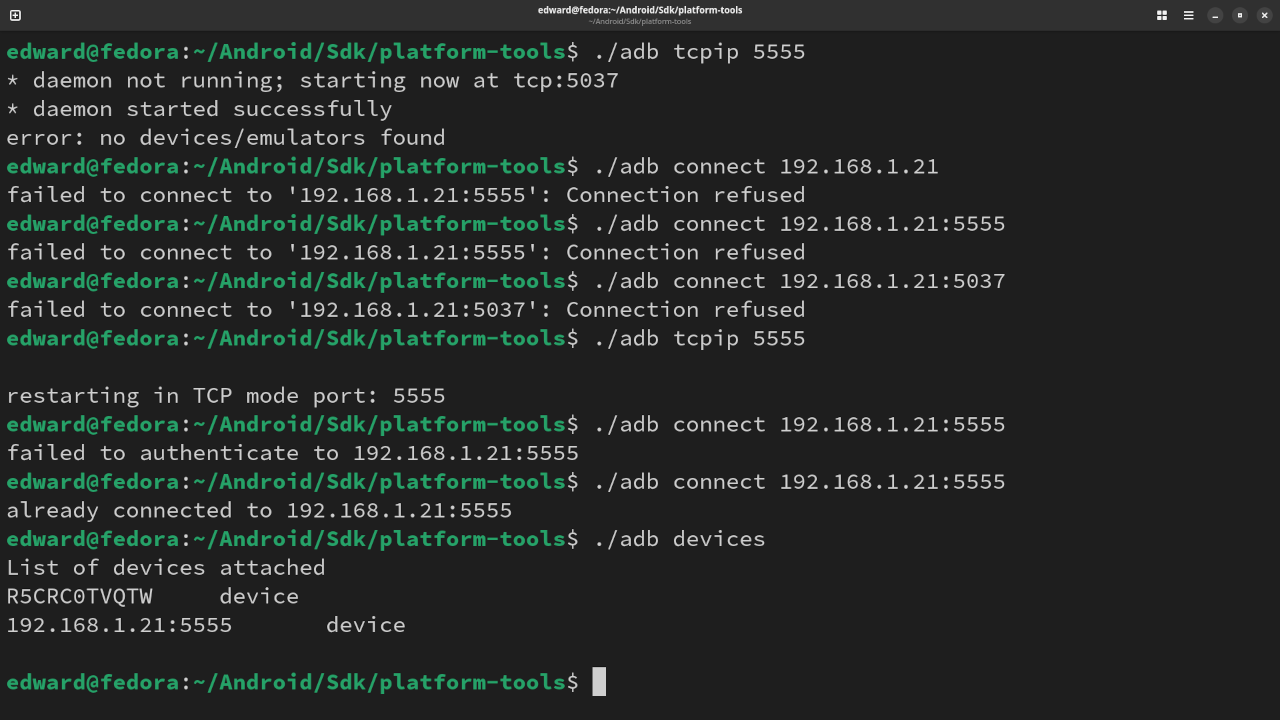
ADB Wireless Connection
# Command Line #
adb tcpip 5555
adb tcpip connect [Android Device IP Address]
adb devices
Conclusion:
Remotely debug Android devices on your desktop in a Google Chrome web browser. For wireless connections, run Android Debug Bridge on the command line.
If you enjoy this article, consider supporting me by purchasing one of my OjamboShop.com Online Programming Courses or publications at Edward Ojambo Programming Books or simply donate here Ojambo.com Donate
References:
- SDK Platform Tools For Android
- Customer Sets Price Plugin for WooCommerce on Ojambo.com
- Learning JavaScript Course on OjamboShop.com
- Learning Python Course on OjamboShop.com
- Learning PHP Course on OjamboShop.com
- Learning JavaScript Paperback on Amazon
- Learning JavaScript Ebook on Amazon
- Learning Python Ebook on Amazon
- Learning PHP Ebook on Amazon
- OjamboServices.com For Custom Websites, Applications & Tutorials
🚀 Recommended Resources
Disclosure: Some of the links above are referral links. I may earn a commission if you make a purchase at no extra cost to you.