
Introduction
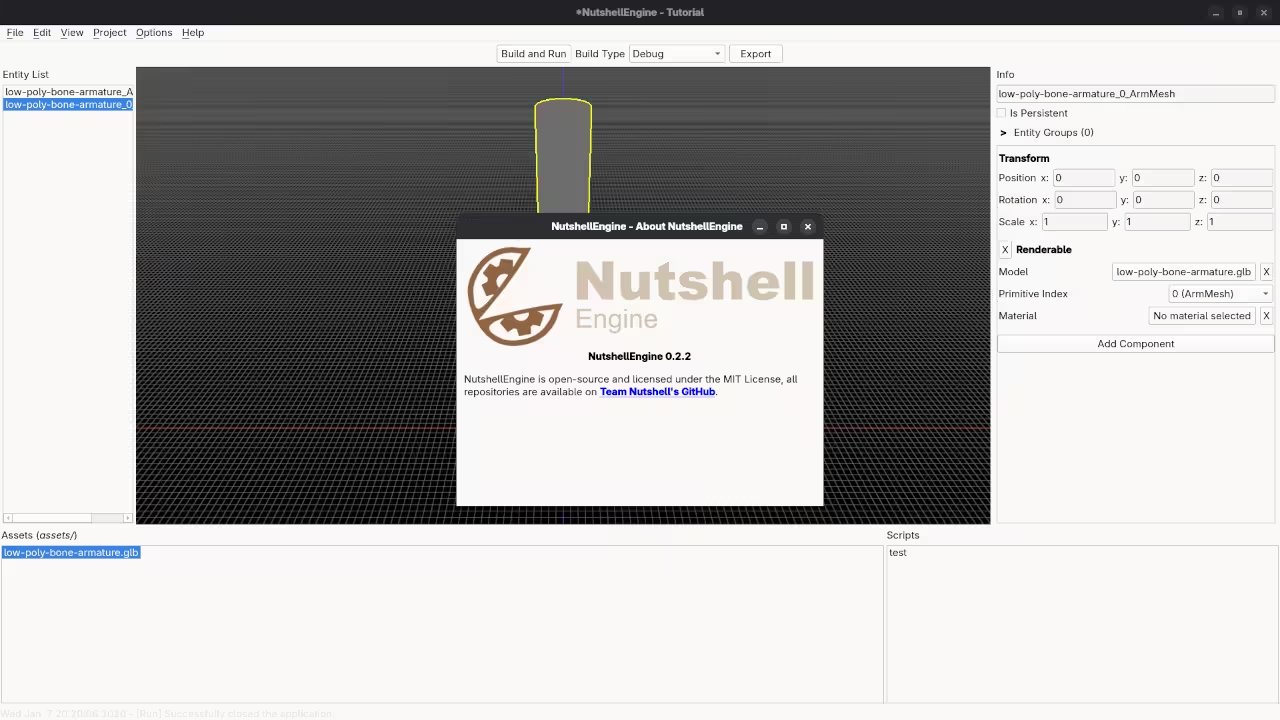
It is an exciting time to be diving into game development especially when you have the chance to peek under the hood of how a modern engine actually functions. Today I want to introduce you to a project that has been a joy to work with the NutshellEngine. There is something uniquely satisfying about seeing 3D objects come to life inside the NutshellEngine Editor and it is the perfect playground for anyone looking to understand the mechanics behind the games we love to play.
The Philosophy of Open Source Game Engines
When we talk about game engines we often get bogged down in technical jargon but the most important thing to understand about NutshellEngine is its MIT license. For you as a developer this is a massive win. It means the engine is truly open source whether you want to build the next indie hit or you are an engine developer who wants to pull the code apart to see how the gears turn you have the freedom to do so without jumping through legal hoops. It is a framework designed to empower the community.
Understanding 3D Concepts and Logic
As you start exploring the editor you will encounter some fundamental concepts that drive almost everything in 3D space. One of the most important is the 3D transform. Think of this as the GPS for every object in your game world it tells the engine exactly where an object sits which way it is facing and how big it should be. Behind the scenes the engine manages these objects using arrays which are essentially organized lists that allow the computer to keep track of hundreds or thousands of items efficiently. Understanding these lists is the secret to keeping your game running smoothly as it grows in complexity.
Installing NutshellEngine on Fedora Linux
If you are running Fedora 43 with the Gnome Desktop on Wayland you are in the perfect environment to get started. To install the engine you will first need to gather your tools via the terminal. You can install the core dependencies like Qt6 for the interface and Vulkan for the graphics by running
sudo dnf install @development-tools cmake qt6-qtbase-devel vulkan-loader-devel mesa-vulkan-drivers
Once your environment is prepped you can download the source code directly from the Team Nutshell GitHub organization. You will want to clone the main repository along with the editor to get the full experience. In your terminal simply run
git clone "https://github.com/Team-Nutshell/NutshellEngine.git"
git clone "https://github.com/Team-Nutshell/NutshellEngine-Editor.git"
After downloading use CMake to build the project
cmake -B build
cmake --build build
Using the NutshellEngine Editor
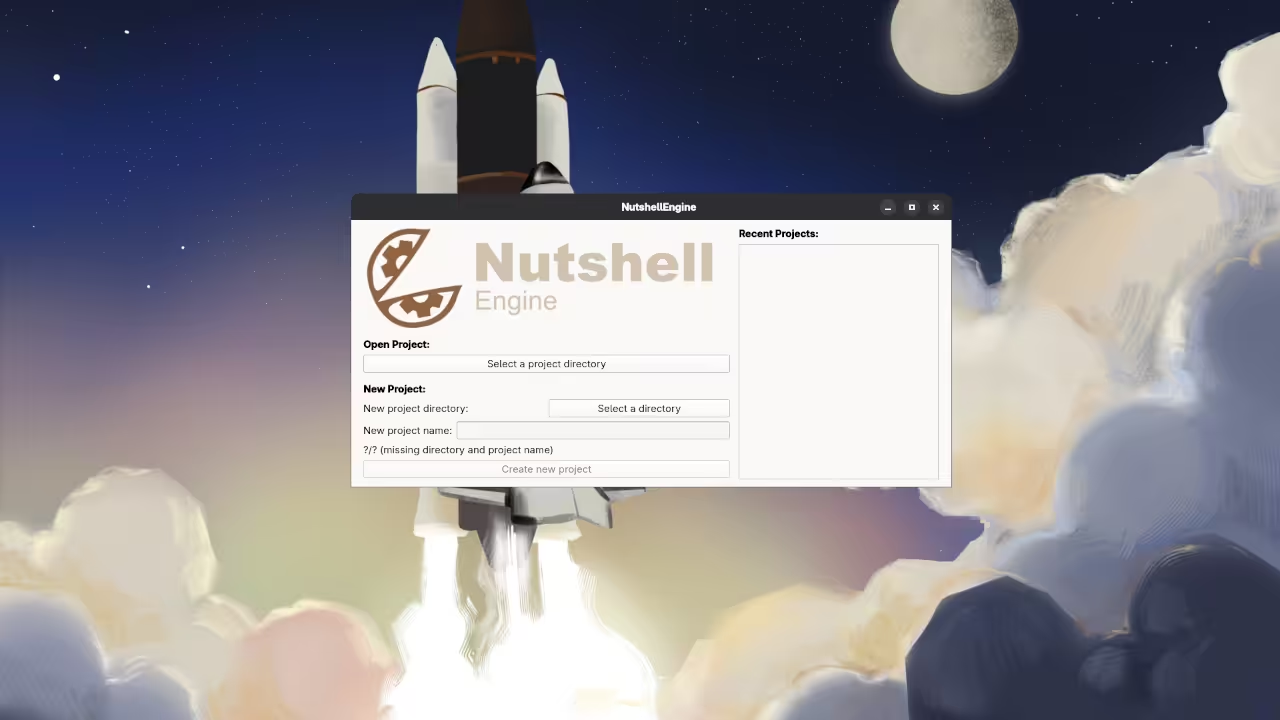
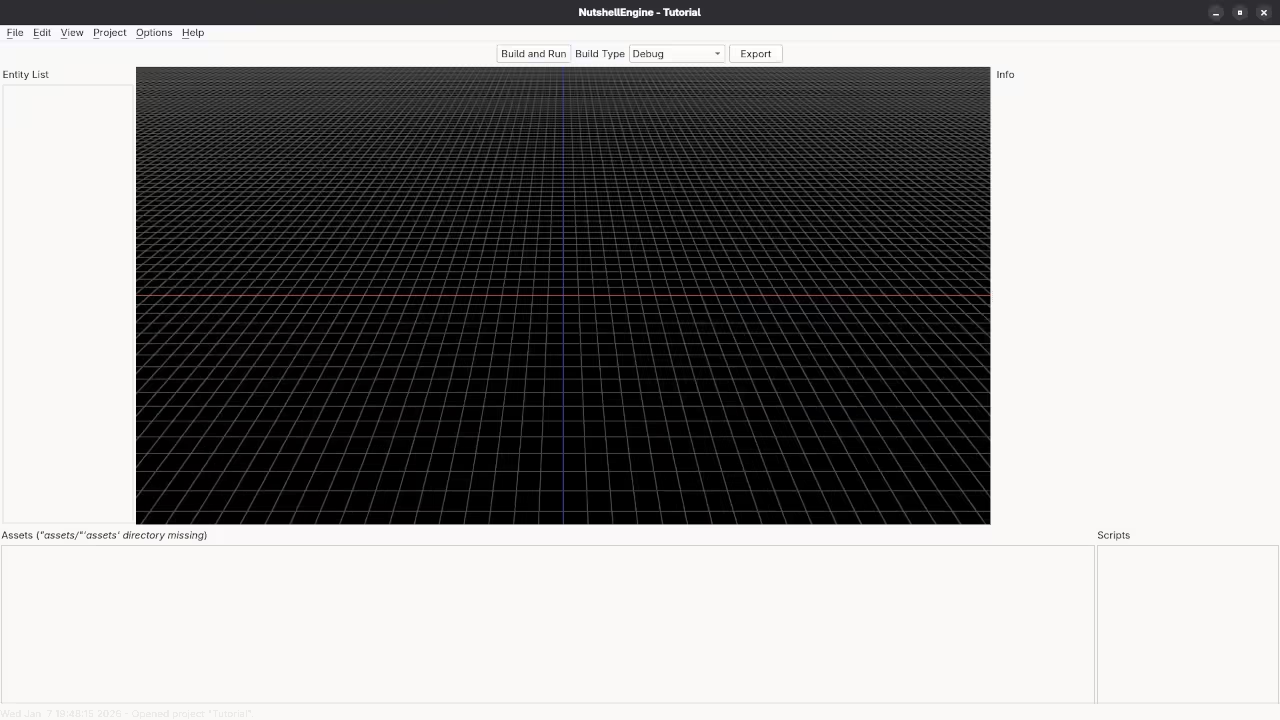
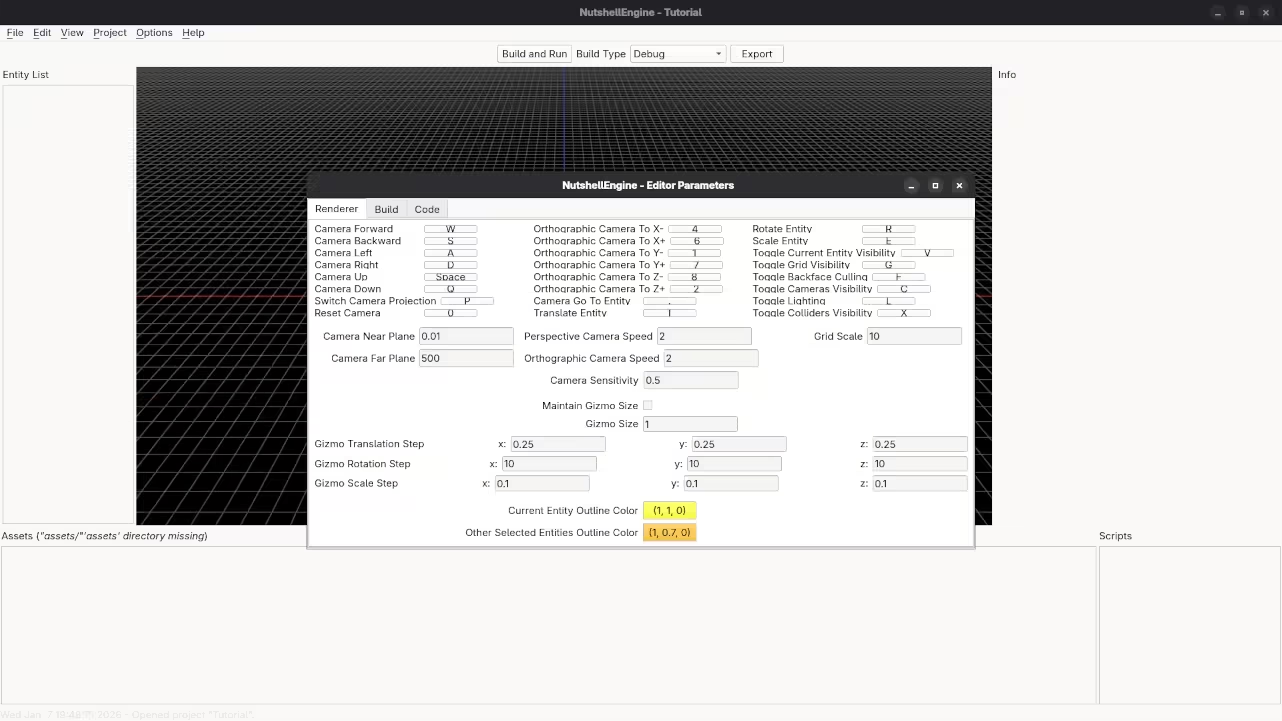
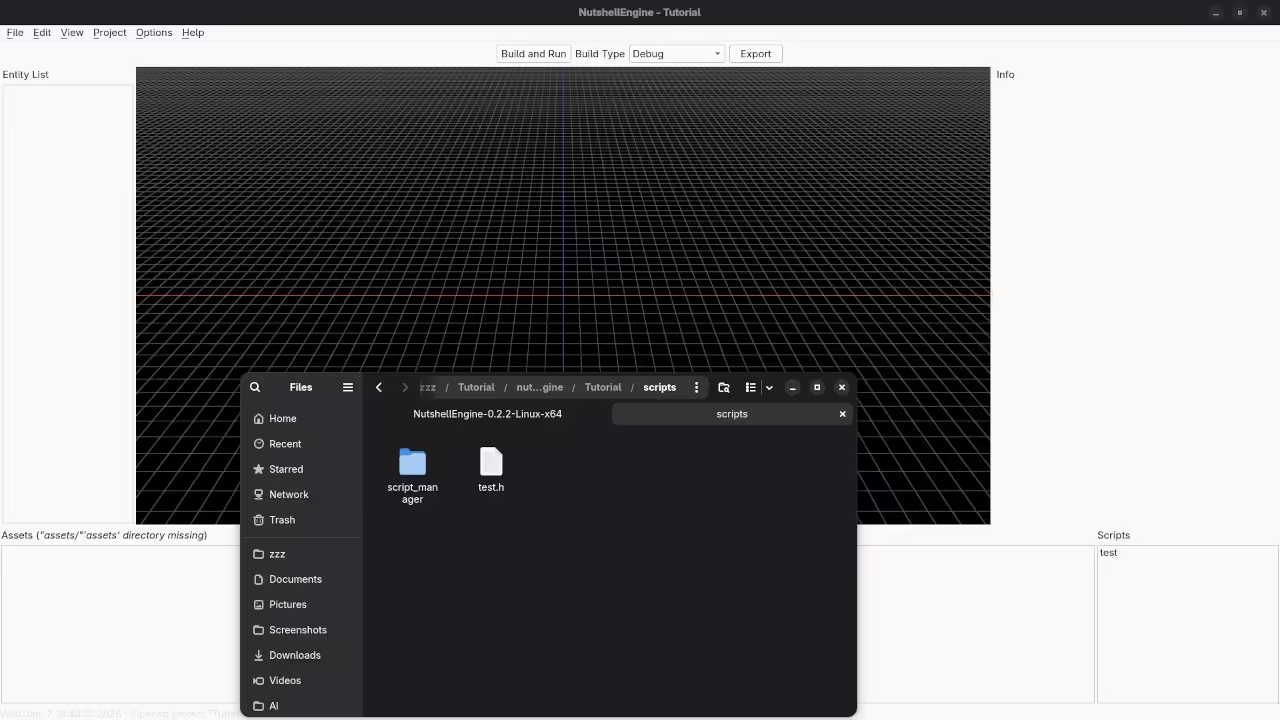
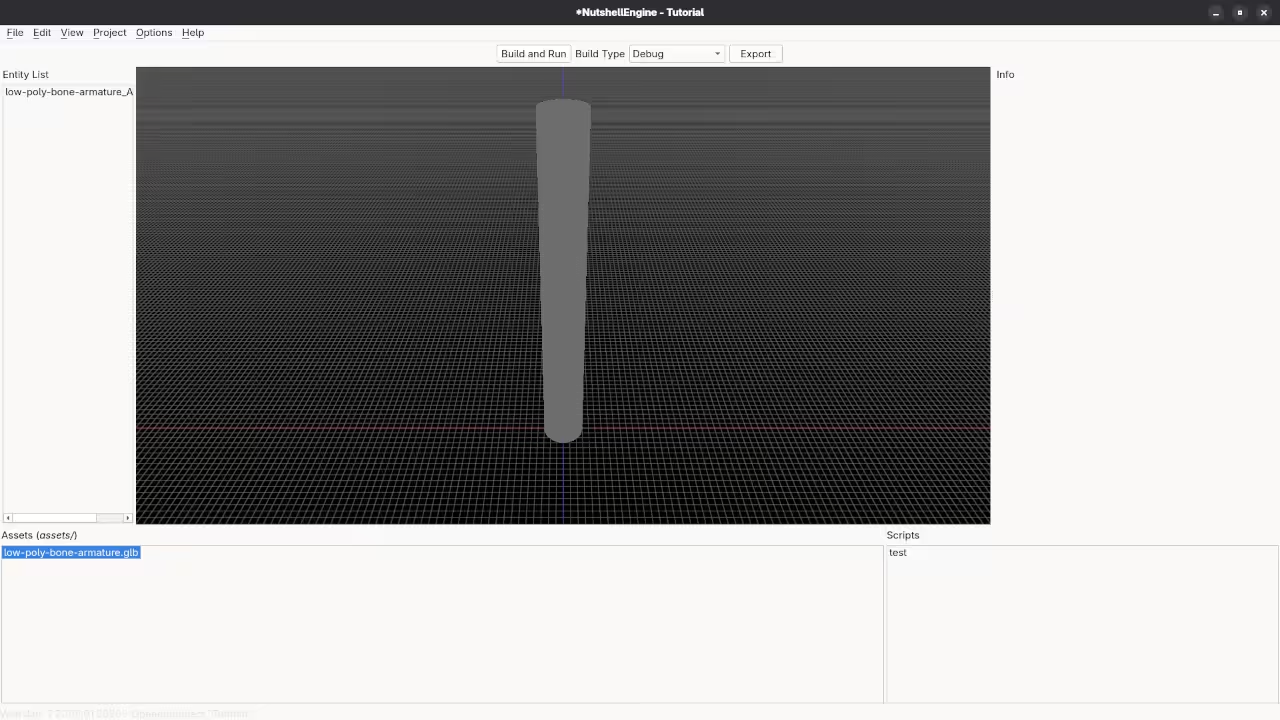
Once the editor launches creating your first 3D object is incredibly intuitive. You simply navigate to the Entity menu select Create and choose a primitive like a Cube. To move it you interact with the Transform gizmo in the viewport which allows you to slide your object along the X Y and Z axes in real time. I have put together a detailed walkthrough to help you see exactly how this looks in practice.
📷 Screenshots
🎬 Live YouTube Screencast
In the video above I walk through the setup on Fedora and demonstrate the code being generated and reviewed in real time. It is one thing to read about C plus plus and Vulkan but seeing the logic flow from a blank script to a functioning 3D scene helps bridge the gap between theory and practice.
Experimenting with Your Code
Once you have the engine running I highly encourage you to experiment. Try a few remixes change the scale of an object in the transform settings or try to populate an array with different types of entities to see how the engine handles the load. This kind of break and fix learning is exactly how the best developers hone their craft.
Continue Learning Programming
Building projects like this is the first step but becoming a truly proficient programmer requires a rock solid foundation. If you find yourself wanting to go deeper into the logic and architecture of software I have written a series of books that break down complex programming topics into manageable lessons. I also offer comprehensive online courses designed to take you from a beginner to a confident developer. For those looking for a more personalized roadmap I am available for one on one tutorials and professional consultations to help you solve specific technical challenges or plan your next big project.
🚀 Recommended Resources
Disclosure: Some of the links above are referral links. I may earn a commission if you make a purchase at no extra cost to you.