
Escape the Cloud Subscription Trap
Cloud storage services are effectively renting your own memories back to you. These platforms often harvest your private biometrics to fuel corporate AI models.
There is a better way to own your digital legacy entirely. This setup ensures your data stays on your metal.
The Experience of Digital Autonomy
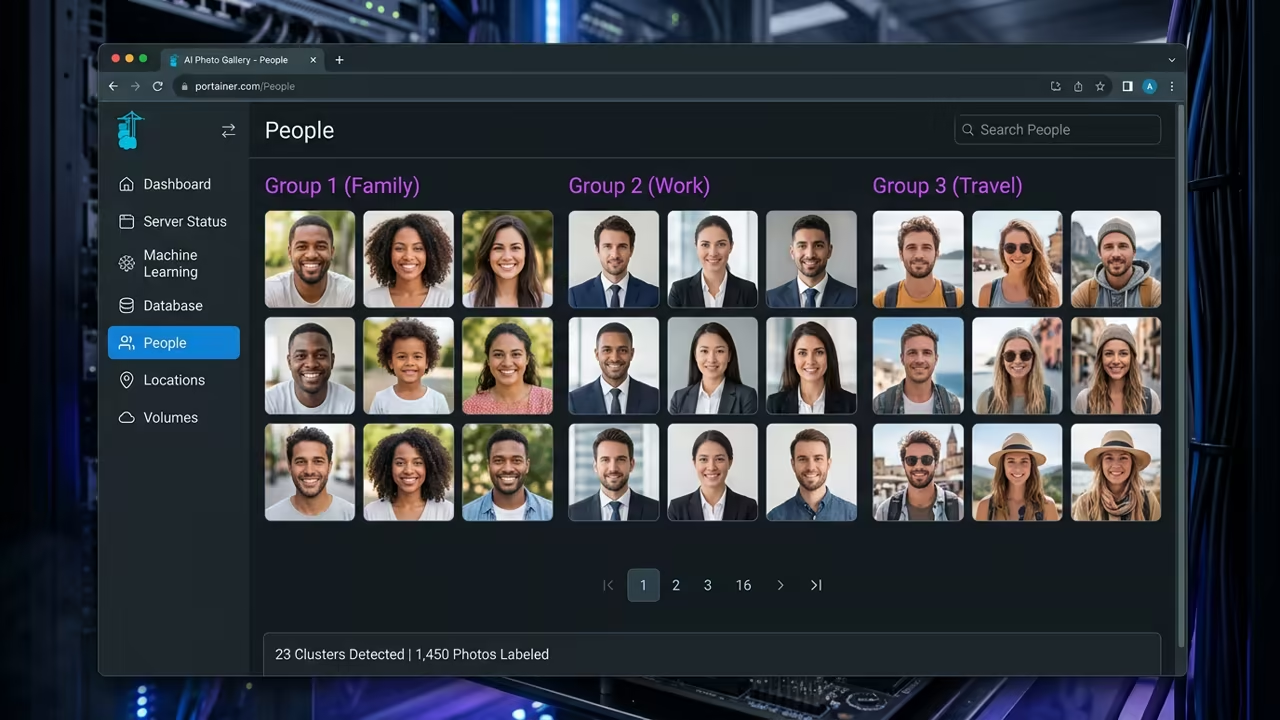
The moment the first facial recognition scan completes in milliseconds is pure magic. You realize that your hardware is finally working for you instead of a cloud provider.
The interface is snappy and the privacy is absolute. This is the pinnacle of self hosted media management.
Disclaimer: I may earn a commission from purchases made through these links at no extra cost to you.


Mastering Rootless Podman on Fedora 44
Setting up Immich on Fedora 44 requires a shift in how you view container permissions. Standard Docker setups often fail because they rely on root privileges for volume access.
Rootless Podman solves this by utilizing user namespaces for better host security. It isolates the container from the core system while maintaining full functionality.
Solving Volume Permission Conflicts
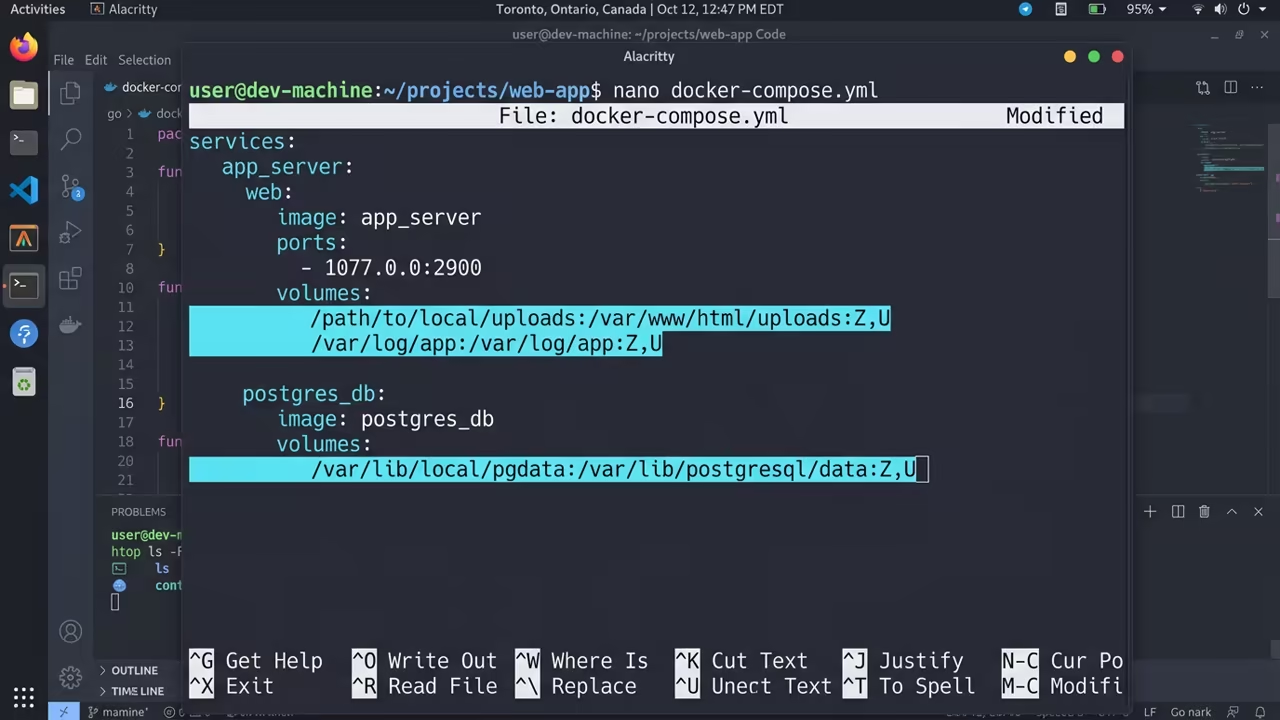
You must use the specific :U and :Z flags on all your volume mappings. The :U flag tells Podman to automatically handle ownership within the user namespace.
The :Z flag ensures SELinux does not block your photo assets. This eliminates the common permission denied errors found in basic guides.
Hardware Acceleration with AMD ROCm
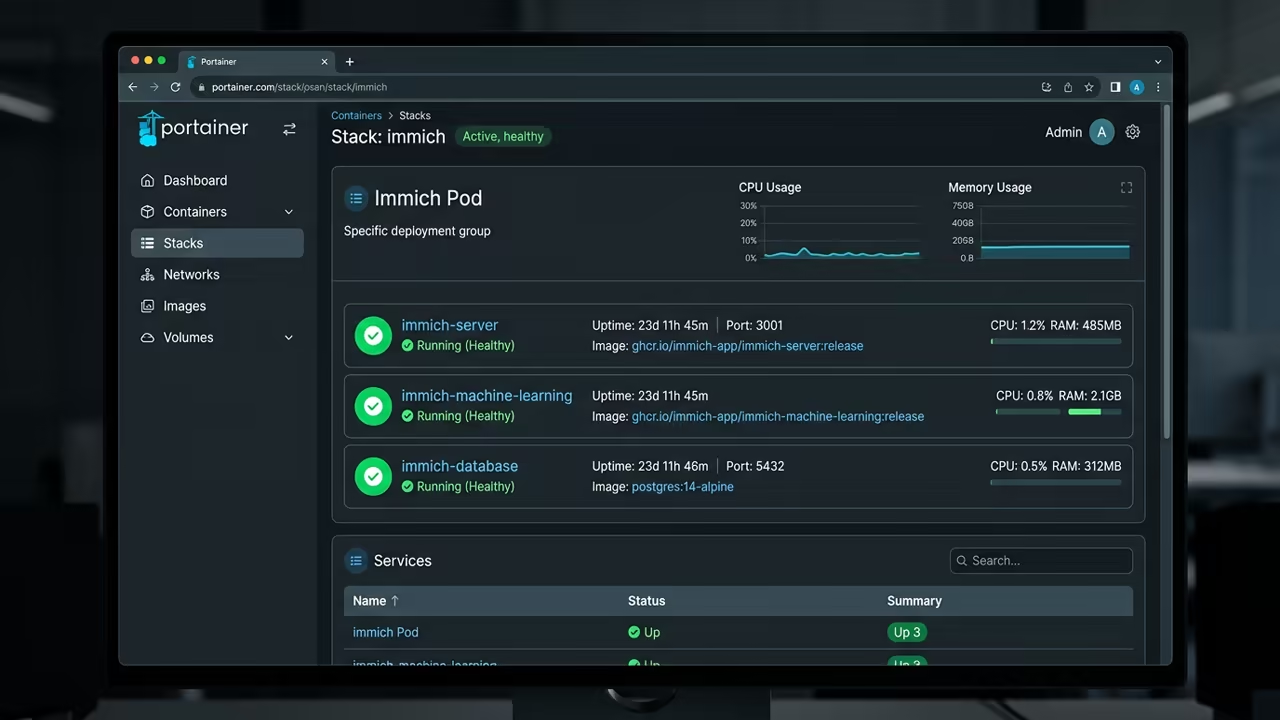
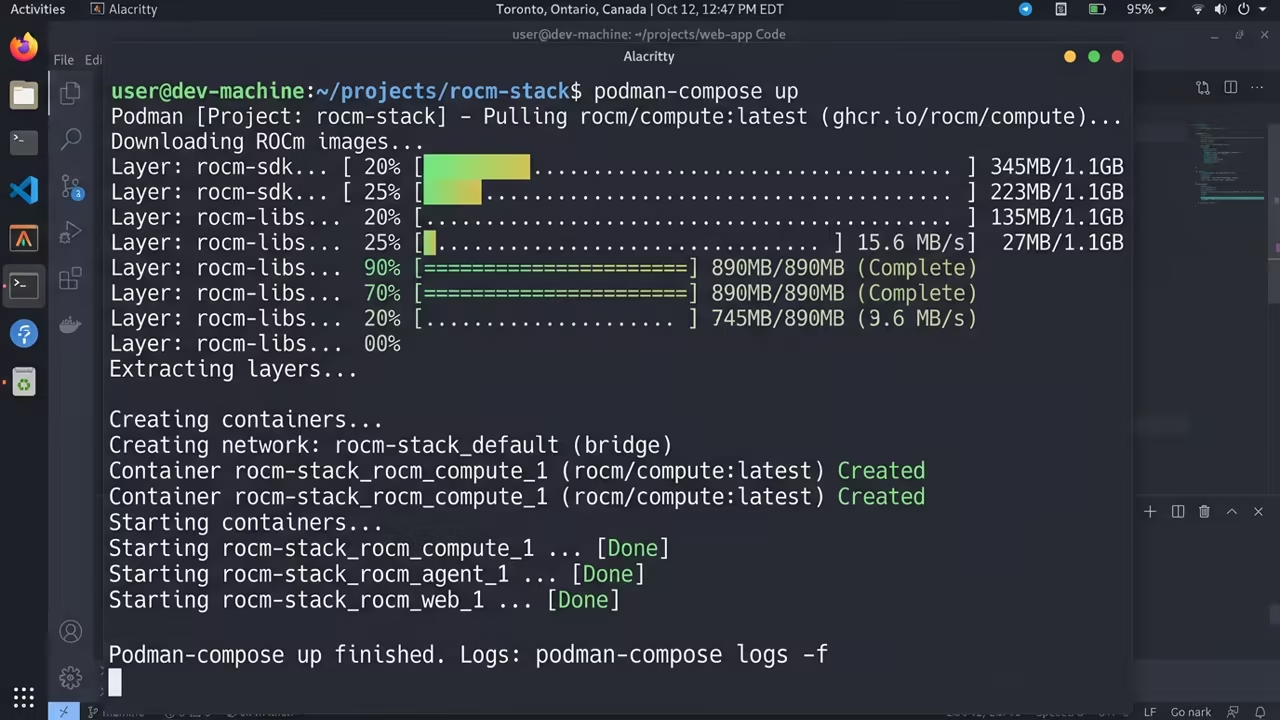
The secret to high performance on AMD hardware lies in the ROCm stack. The AMD Instinct MI60 is a beast but requires specific environment variables to wake up.
You must force the compute units to recognize the Vega 20 architecture. This unlocks the true power of the GPU for machine learning.
The ROCm Configuration Secret
Add HSA_OVERRIDE_GFX_VERSION=9.0.6 to your environment configuration immediately. This ensures the machine learning container targets the gfx906 architecture correctly.
Without this the AI features will simply fail to initialize. It is the single most important line in your config.
Passing GPU Nodes to Containers
Pass the GPU hardware nodes directly into the machine learning service. You need to mount /dev/kfd and /dev/dri for raw hardware access.
Also disable the SELinux label for this specific container to prevent hardware blocks. This allows the container to talk directly to the MI60 silicon.
Use the following environment settings in your .env file for the ROCm stack.
MACHINE_LEARNING_ENABLE_ROCM=true
MACHINE_LEARNING_DEVICE_IDS=0
HSA_OVERRIDE_GFX_VERSION=9.0.6
Now look at the service definition for the machine learning block.
immich-machine-learning:
image: ghcr.io/immich-app/immich-machine-learning:release-rocm
devices:
- /dev/kfd:/dev/kfd
- /dev/dri:/dev/dri
security_opt:
- label=disable
userns_mode: keep-id
Fedora 44 System Tuning
Fedora 44 users must enable lingering for their user account to keep containers active. Run the command sudo loginctl enable-linger $USER in your terminal.
This prevents the system from killing your gallery when you log out. It ensures your AI background tasks run 24/7.
Optimizing for Ryzen 5 5600GT
You should also optimize your worker counts to match the Ryzen 5 5600GT. Limit the web workers to three and the ML workers to two.
This prevents thread contention and keeps the system responsive. It balances the load across the 12 available threads.
| Parameter | Description | Value |
|---|---|---|
| Privileges | Access Level | User level |
| Network | Communication Style | Pod based |
| Volumes | Permission Method | Auto chown :U |
| Security | Kernel Integration | SELinux Native |
| Parameter | Description | Value |
Storage Management and Scaling
Manage your storage carefully since ROCm images are massive. Run a system prune regularly to clear out old image layers.
Use external SSD mirrors for your heavy photo assets to save NVMe space. This keeps your boot drive lean and fast.
This architecture connects perfectly to previous deep dives into ROCm optimization and Linux kernel tuning. Achieving this level of autonomy is a major architectural breakthrough for home users.
Learning and Support
Reach out for personalized technical help to scale your home server. Dive deeper with our professional online tutorials for advanced automation.
Online Tutorials and Technical Help: https://ojambo.com/contact
🚀 Recommended Resources
Disclosure: Some of the links above are referral links. I may earn a commission if you make a purchase at no extra cost to you.
Leave a Reply