
The Death of Arcane Terminal Setup
Most terminal games are clunky relics of the eighties. They require arcane compilation steps and ancient C libraries to function.
tFrogger flips the script by using TypeScript and React. It transforms the terminal into a dynamic canvas using the Ink engine.
Stop fighting with makefiles and linker errors in your shell. This project eliminates the friction of traditional software installation entirely.
Disclaimer: I may earn a commission from purchases made through these links at no extra cost to you.


Instant Deployment Workflow
The deployment process is nearly instantaneous for the modern developer. You can launch the entire game environment with a single command.
Running npx tfrogger for the first time feels like genuine magic. The interface snaps into place without a single configuration file.
You will feel a rush of efficiency as the game starts. The smooth transitions prove that modern web tech belongs in the terminal.
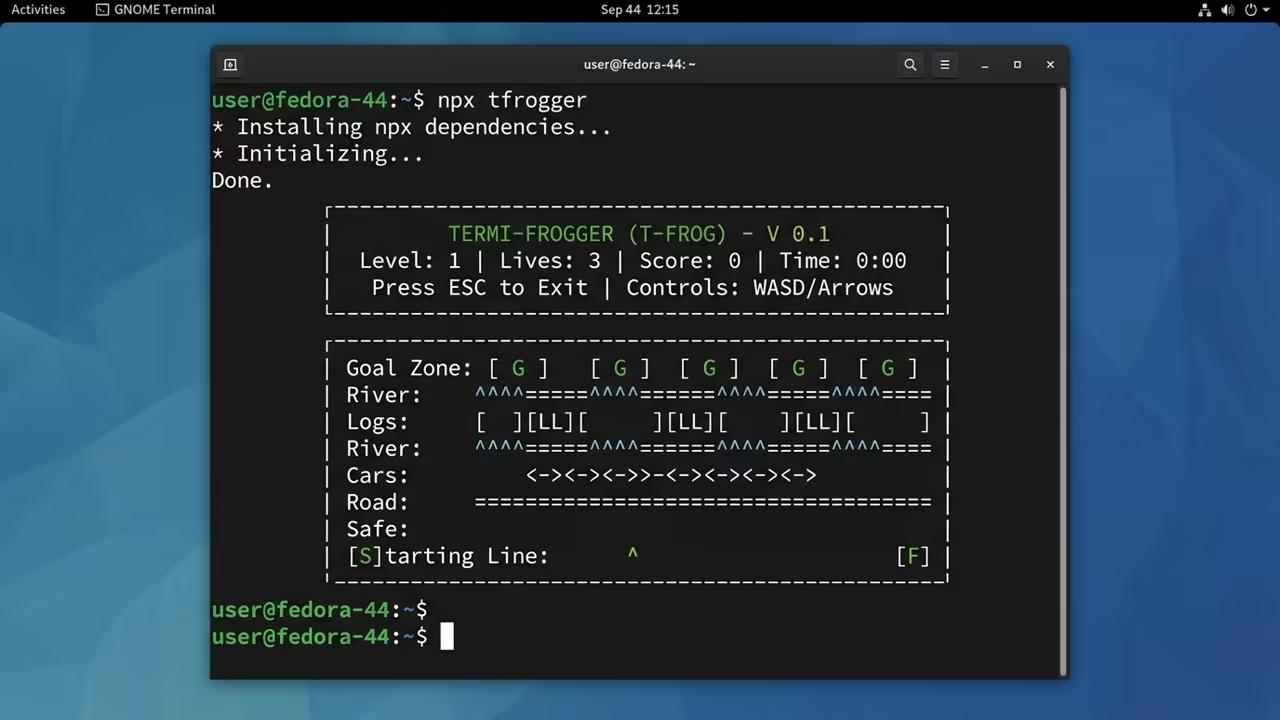
The Engineering Behind React TUI
The core architecture leverages a React based layout paradigm for TUI. It transforms complex components directly into terminal friendly string blocks.
This approach mirrors the high throughput syncing breakthroughs in my previous architectural deep dives. It proves that component based logic scales beautifully across different interfaces.
Performance and Resource Tradeoffs
While the experience is fluid the resource footprint is significant. It wraps the V8 engine and a Virtual DOM within a runner.
This creates a higher memory demand than a lean Rust equivalent. However the development speed and portability far outweigh the RAM cost.
| Parameter | tFrogger (Node/Ink) | Traditional (C++/ncurses) |
|---|---|---|
| Language | TypeScript | C++ or Rust |
| Deployment | npx Instant | Binary Compilation |
| Rendering | Virtual DOM Diffing | Manual ANSI Sequences |
| RAM Usage | Moderate to High | Extremely Low |
The Secret to Flicker Free Terminals
The real secret is the string diffing process handled by Ink. It avoids the dreaded terminal flicker common in legacy TUI games.
Instead of manually handling double buffering tFrogger relies on React re rendering. It strictly rewrites only the grid parts that actually changed.
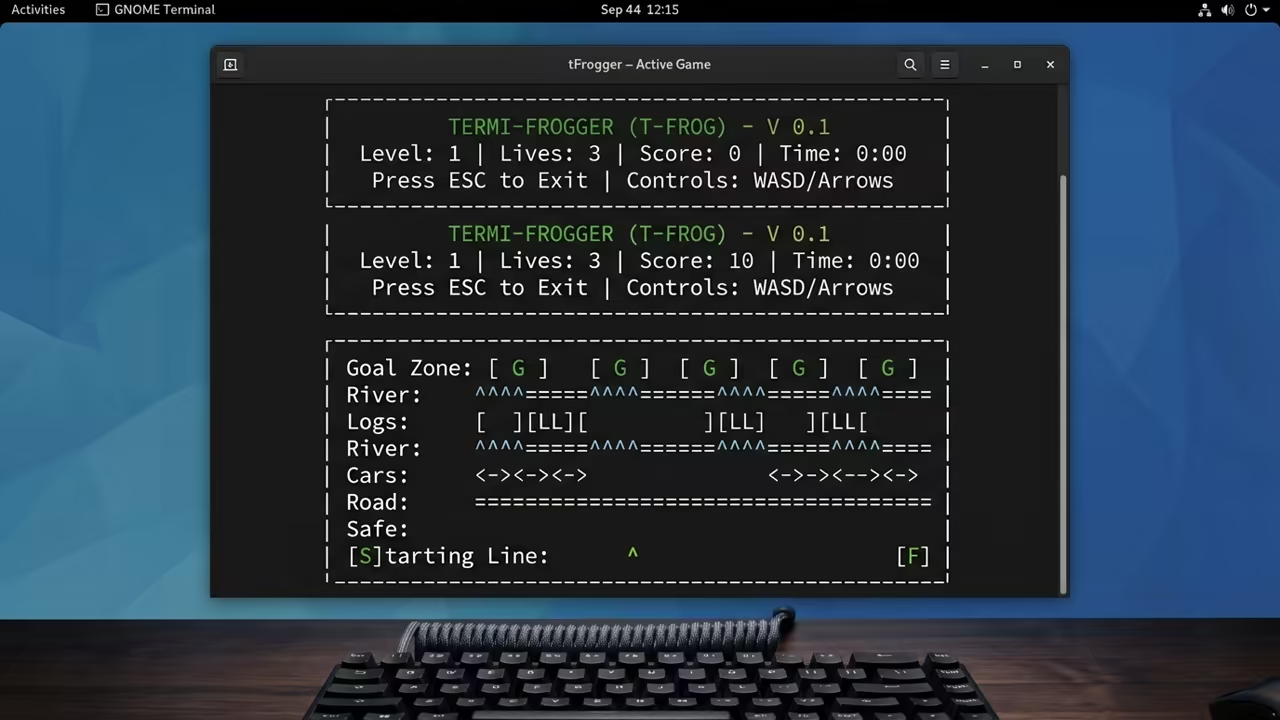
Deploying on Fedora Linux
Implementing this on Fedora is a straightforward process for tech enthusiasts. You only need the Node.js runtime to begin the experience.
Execute the following commands to prepare your environment for deployment.
sudo dnf install nodejs npm
npx tfrogger
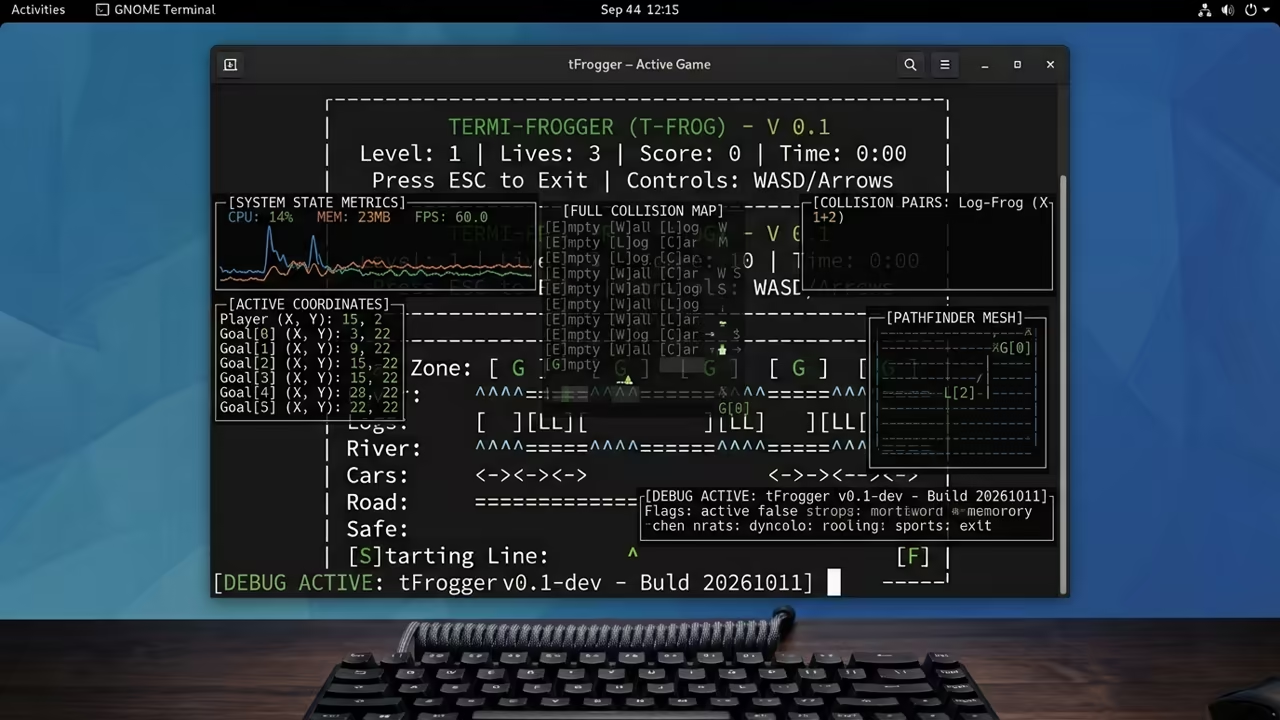
For advanced users the debug mode reveals the underlying collision maps. Use the debug flag to monitor real time object positioning coordinates.
This level of transparency is essential for anyone studying TUI architecture. It bridges the gap between game logic and terminal rendering.
Architectural Integration
This project connects deeply to modern API middleware development and automation. It showcases how JavaScript can escape the browser to control the system.
Dive deeper into these architectural breakthroughs to master your professional stack. These tools are essential for the next generation of software.
Learning and Support
Reach out for personalized technical help to optimize your terminal environment. Explore our online tutorials to master these high impact frameworks.
Online Tutorials and Technical Help: https://ojambo.com/contact
🚀 Recommended Resources
Disclosure: Some of the links above are referral links. I may earn a commission if you make a purchase at no extra cost to you.
Leave a Reply