
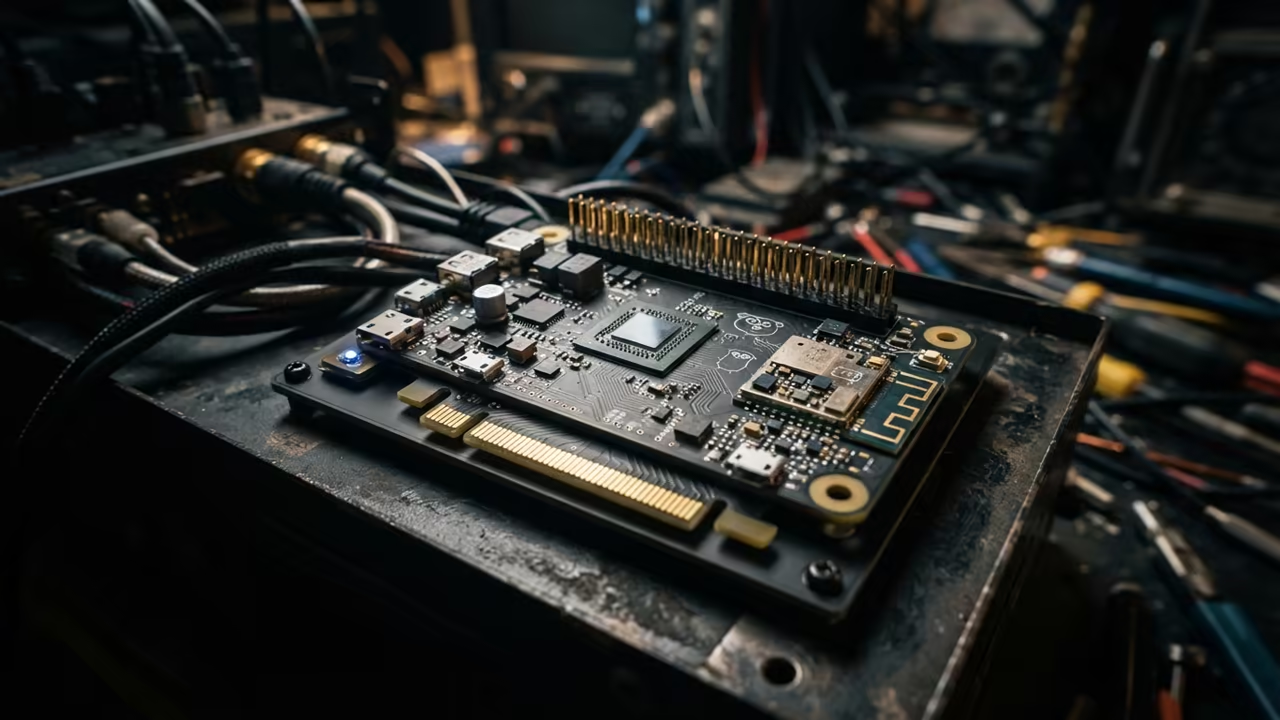
The Micro Computing Barrier
Most developers think the Raspberry Pi Zero W is too weak for modern coding. They assume that low RAM and a single core make Go development impossible.
This creates a massive barrier for those wanting a portable micro dev server. Turning a tiny board into a Go powerhouse is a total game changer.
Disclaimer: I may earn a commission from purchases made through these links at no extra cost to you.


You get a dedicated environment that does not clutter your main workstation. It transforms a cheap piece of silicon into a professional grade coding tool.
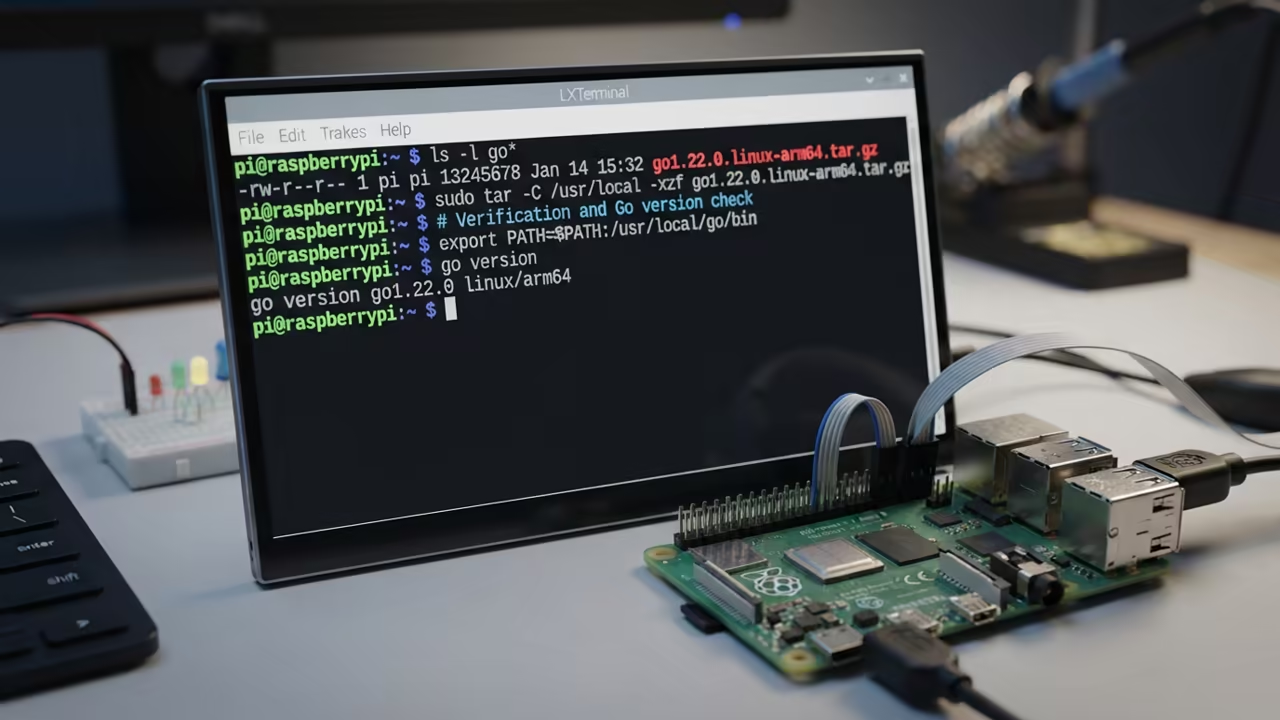
The Experience of Micro Development
The first time the Go compiler finishes a build on this hardware is pure magic. You feel a sense of victory as the binary executes in milliseconds.
It proves that efficiency beats raw power when you optimize the right tools. This setup allows for rapid prototyping on the edge.
Installing the Go Compiler
To start this journey you must install the specific ARMv6 build of the Go compiler. Standard package managers often provide outdated versions that lack modern language features.
Use the official Go binaries for linux armv6l to ensure full compatibility. This ensures the toolchain is optimized for the limited CPU.
wget https://dl.google.com/go/go1.22.linux-armv6l.tar.gz
tar -C /usr/local -xzf go1.22.linux-armv6l.tar.gz
export PATH=$PATH:/usr/local/go/bin
Optimizing the Editor
Geany is the perfect companion because it consumes almost no system memory. You can configure the build command to call the Go compiler directly.
This creates a seamless loop between writing code and seeing results. It removes the need to jump back and forth to the terminal.
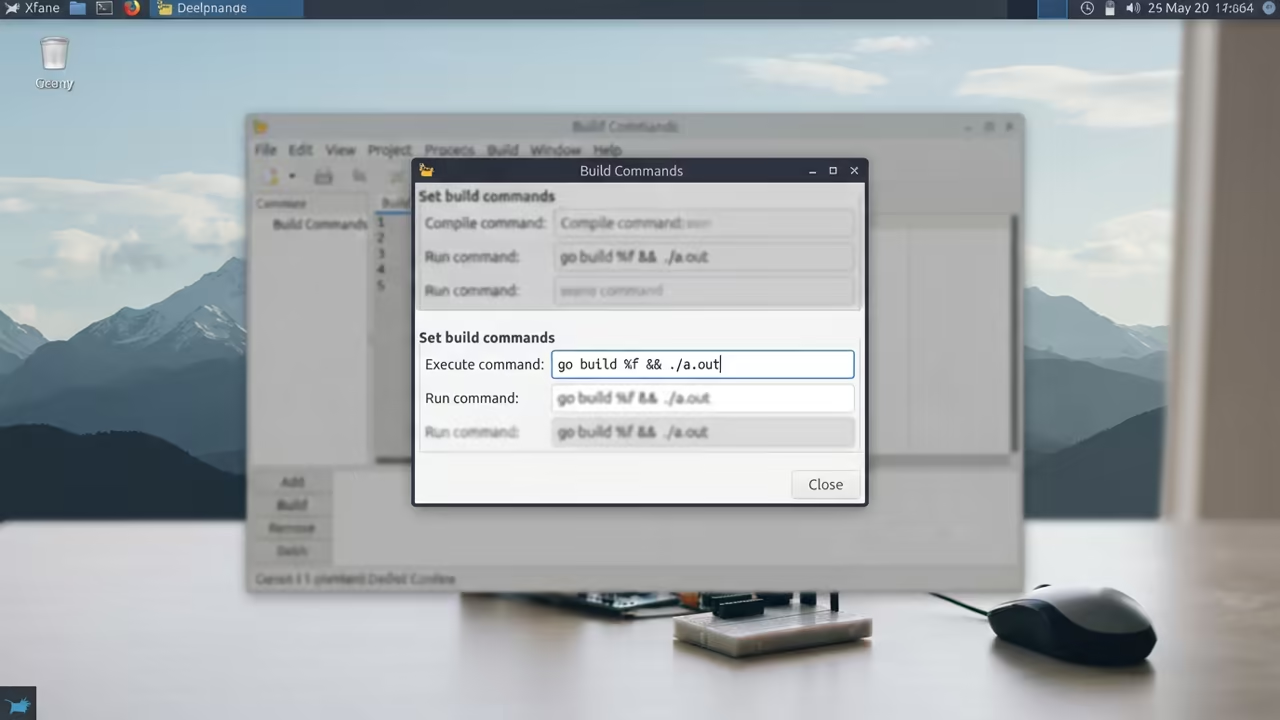
Configure the Geany build command as follows to automate your workflow. This makes the development experience feel native and fast.
go build %f && ./a.out
Remote Management via VNC
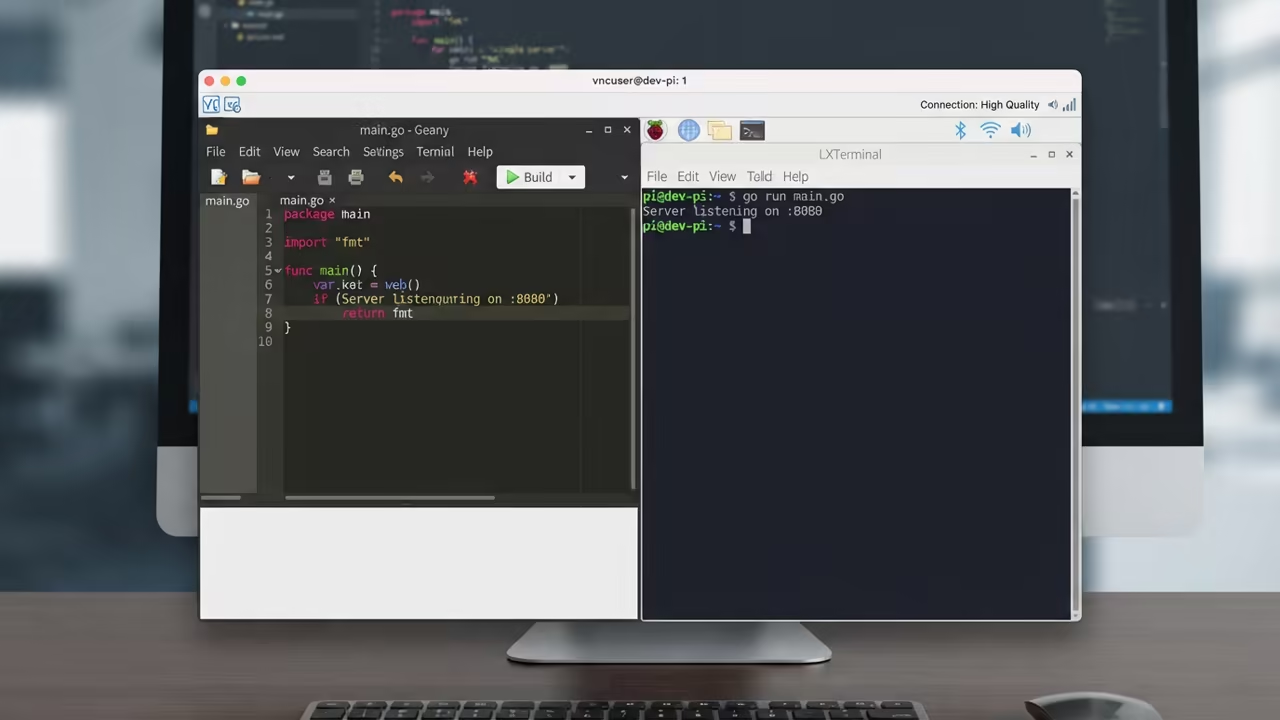
VNC allows you to manage this setup from any device on your network. Use RealVNC for the best balance of performance and reliability on ARM devices.
Reducing the color depth to 16 bit significantly reduces lag during remote sessions. This optimization is critical for a fluid user interface.
The Insider Memory Secret
An insider secret for this setup is managing the virtual memory carefully. The Pi Zero W often crashes during Go compilation due to memory exhaustion.
You must increase your swap file to 1024MB to prevent these kernel panics. This small change ensures the compiler has enough headroom.
sudo nano /etc/dphys-swapfile
# Change CONF_SWAPSIZE to 1024
sudo /etc/init.d/dphys-swapfile restart
This ensures the system does not freeze when linking larger binaries. It is the difference between a frozen system and a productive workspace.
| Parameter | Pi Zero W | Pi Zero 2 W |
|---|---|---|
| Compile Speed | Moderate | Fast |
| CPU Cores | 1 | 4 |
| RAM | 512MB | 512MB |
| Power Draw | Ultra Low | Low |
| Parameter | Pi Zero W | Pi Zero 2 W |
Architectural Breakthroughs
This architectural breakthrough connects perfectly to previous deep dives on headless server optimization. It mirrors the same efficiency logic used in high impact cloud deployments.
You are essentially building a miniature version of a professional build server. This teaches the core principles of resource constrained computing.
Learning and Support
Reach out today for personalized technical help to optimize your hardware. Dive deeper into these secrets with our comprehensive online tutorials.
Online Tutorials & Technical Help: https://ojambo.com/contact
🚀 Recommended Resources
Disclosure: Some of the links above are referral links. I may earn a commission if you make a purchase at no extra cost to you.
Leave a Reply