
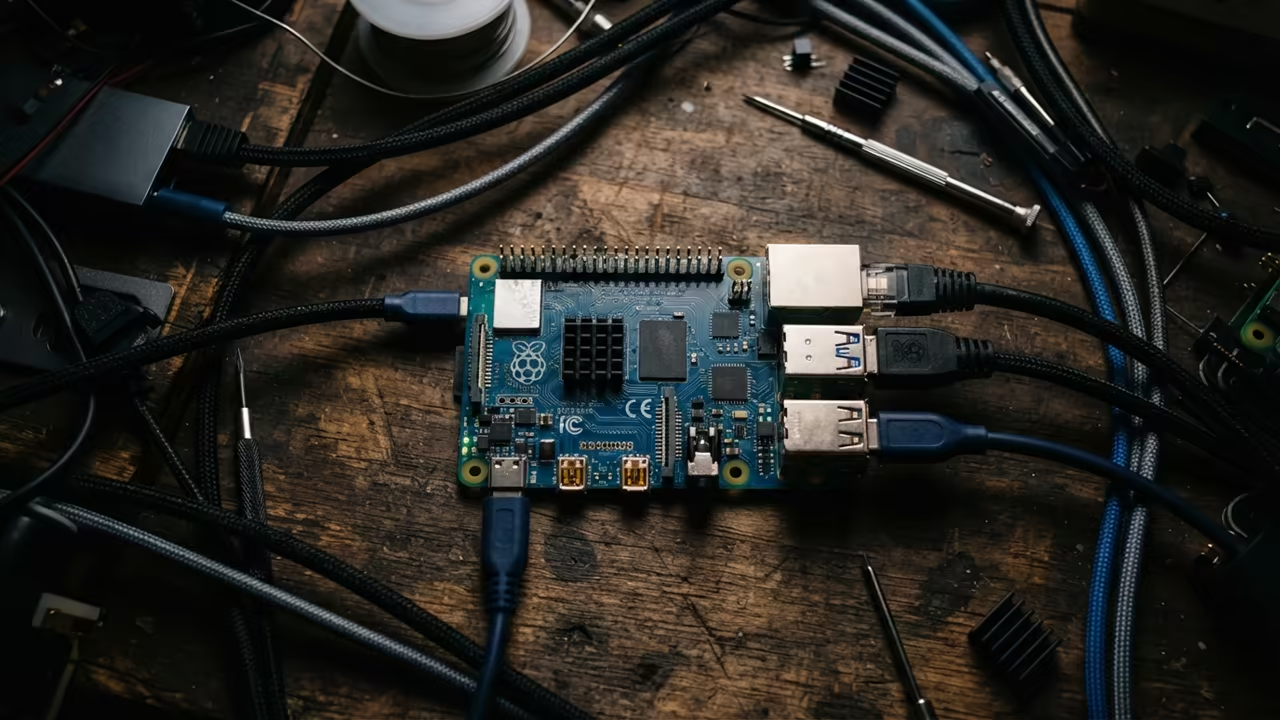
The Tiny Server Efficiency Gap
The tiny Raspberry Pi Zero W often feels like a toy in modern setups. Most users struggle with complex terminal commands for basic file management tasks.
This frustration kills productivity when managing remote self hosted servers. You spend more time typing paths than actually managing your data.
Enter the Midnight Commander secret for headless Raspberry Pi deployments. This tool transforms your terminal into a powerhouse of visual efficiency.
Disclaimer: I may earn a commission from purchases made through these links at no extra cost to you.


The Headless Experience
Imagine the speed of dual pane browsing on a tiny ARM board. You can move files between directories with a single keystroke now.
The interface feels snappy even on the limited five hundred megabyte RAM. It removes the guesswork from navigating deep Linux directory structures.
Rapid Deployment Protocol
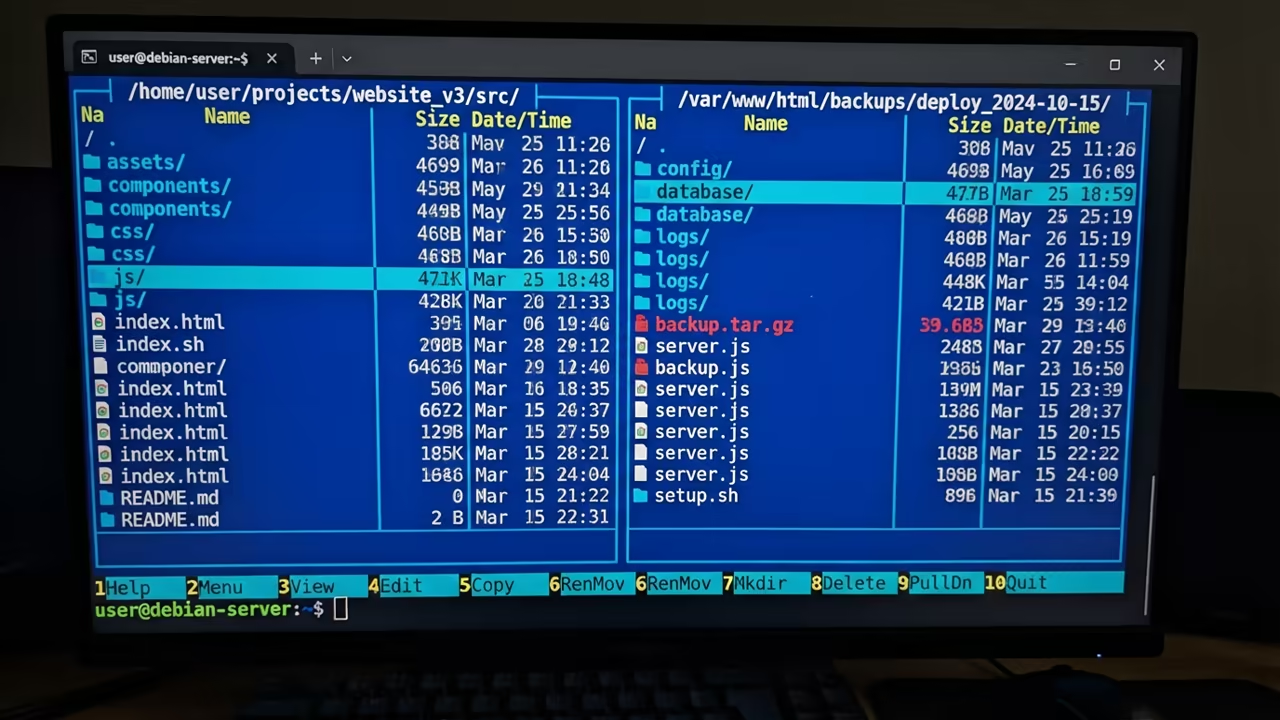
Start by updating your package list to ensure you have the latest builds. Run the update command followed by the installation of the mc package.
sudo apt update && sudo apt install mc -y
This installation process takes only a few seconds on the Zero W. You now have a full visual file manager in your shell.
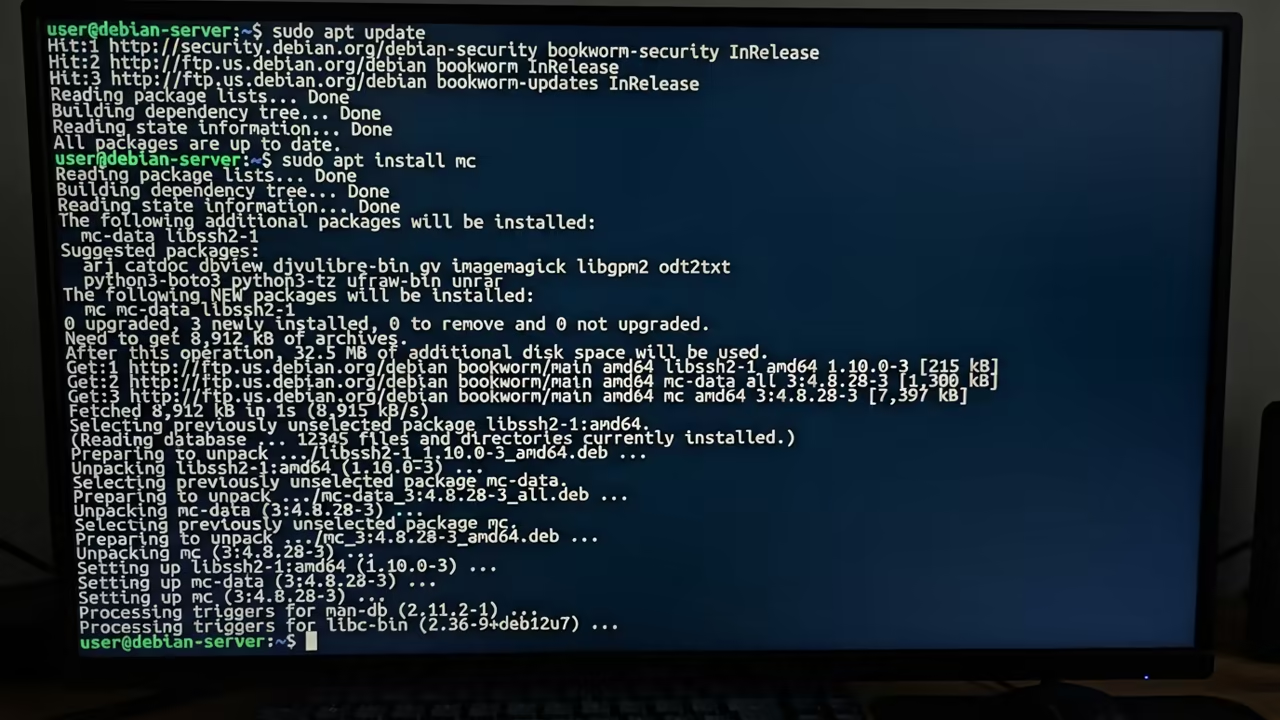
The Insider Configuration Secret
The real secret lies in optimizing the terminal for low resource hardware. Disable all unnecessary plugins in the mc configuration file for maximum speed.
Edit the configuration using the internal mcedit tool for a seamless experience. This removes the overhead of external editors during the setup phase.
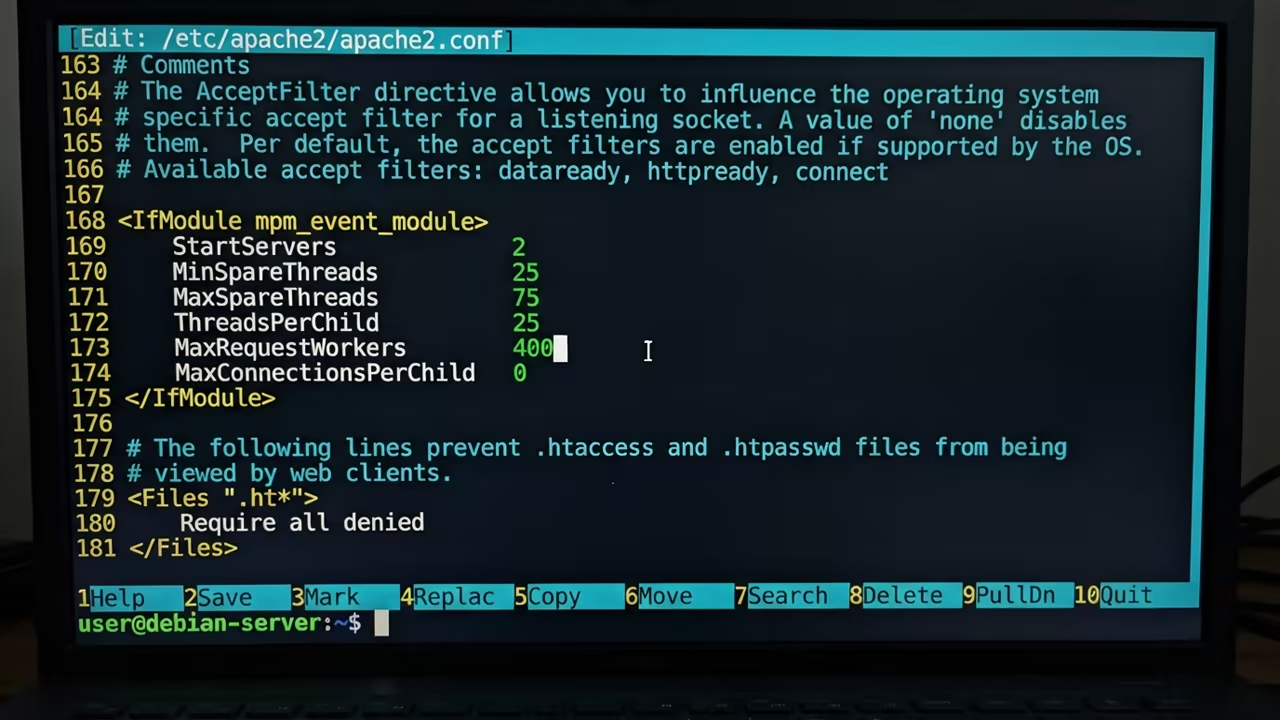
Using the built-in editor prevents system hangs during critical configuration changes. It is a lightweight way to handle text files on the fly.
This workflow mirrors the architectural breakthroughs we explored in our previous server audits. It optimizes every clock cycle of the Broadcom processor.
Mastering the Internal Editor
Many users ignore the power of the internal mcedit editor entirely. This tool provides syntax highlighting without consuming significant system resources.
It allows you to tweak config files without leaving the file manager. You can jump between directories and files in a split second.
The efficiency gain is massive when you are managing complex configuration files. No more switching between multiple terminal windows or lagging sessions.
Advanced Virtual File Systems
Another insider tip involves the use of virtual file systems in mc. You can browse archives like tar or zip files as directories.
This feature eliminates the need to extract files just to read them. It saves precious disk space on your limited microSD card.
You can copy single files from an archive directly to your home folder. This streamlines the deployment of small scripts and configuration templates.
Data Orchestration on ARM
Managing external USB storage on the Pi Zero W is usually tedious. Midnight Commander makes mounting and browsing external drives an absolute breeze.
You can visually verify your mount points without typing long df commands. This ensures your data migrations are accurate and efficient.
The dual pane view allows for easy comparison of local and remote files. It turns your tiny board into a professional data orchestration hub.
| Parameter | Description | Value |
|---|---|---|
| Resource Use | System Overhead | Low |
| Visual Flow | Navigation Style | Dual Pane |
| Speed | Execution Rate | Very Fast |
| Ease of Use | Learning Curve | Medium |
| Parameter | Description | Value |
Final Hardware Optimization
Setting up this environment changes how you view small form factor hardware. Your Pi Zero becomes a professional grade file hub in minutes.
This setup allows you to manage backups and logs with zero friction. It is the ultimate bridge between the command line and visual tools.
Learning and Support
Reach out for personalized technical help to scale your self hosted empire. Dive deeper with the online tutorials to master your hardware.
Online Tutorials & Technical Help: https://ojambo.com/contact
🚀 Recommended Resources
Disclosure: Some of the links above are referral links. I may earn a commission if you make a purchase at no extra cost to you.
Leave a Reply