

Most modern gamers chase photorealistic textures and complex microtransactions in every single title. They completely overlook the raw mathematical purity found in open source puzzle architecture. Pingus transforms simple penguin movements into a complex exercise in logical flow.
This software proves that minimalist design can create a profound mental challenge for users. It strips away the noise to focus on pure strategic execution and timing. The result is a gaming experience that feels more like engineering than leisure.
Disclaimer: I may earn a commission from purchases made through these links at no extra cost to you.


The Strategic Experience
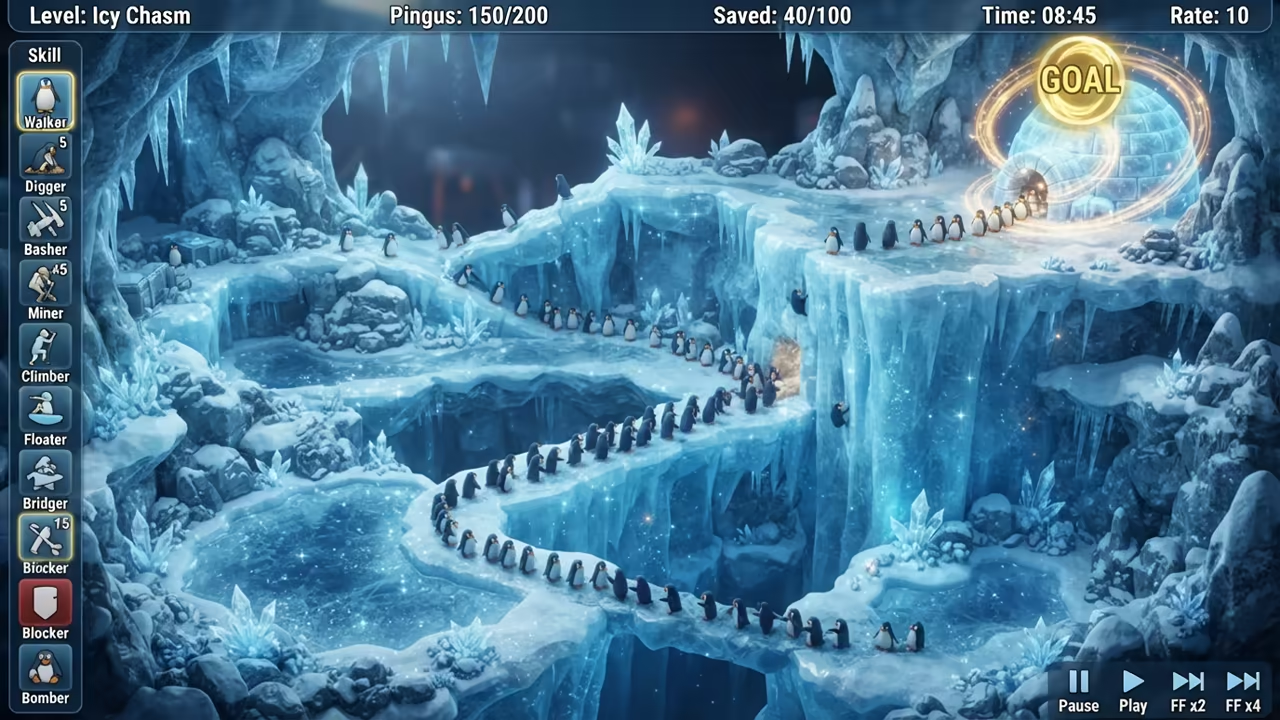
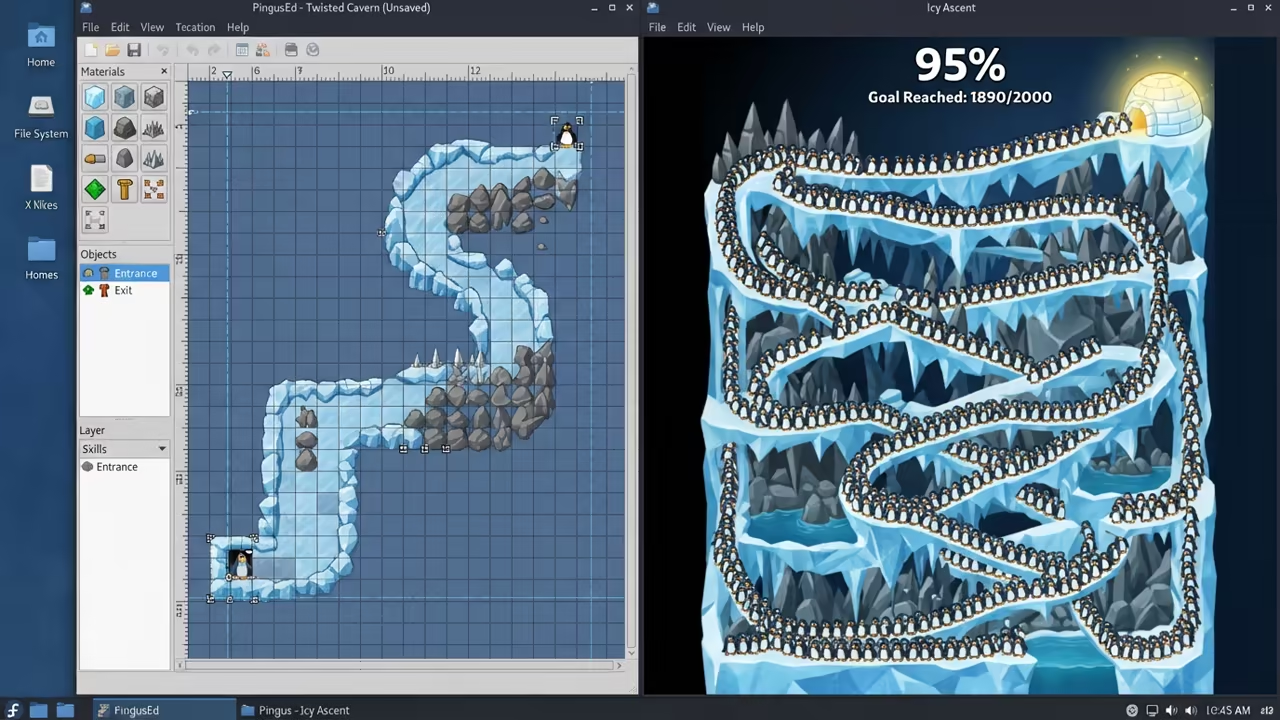
The first time you solve a high level the feeling is electric. You realize that minimal graphics do not limit the depth of the challenge. The precision required for each penguin action feels like coding a perfect script.
Technical Optimization and Deployment
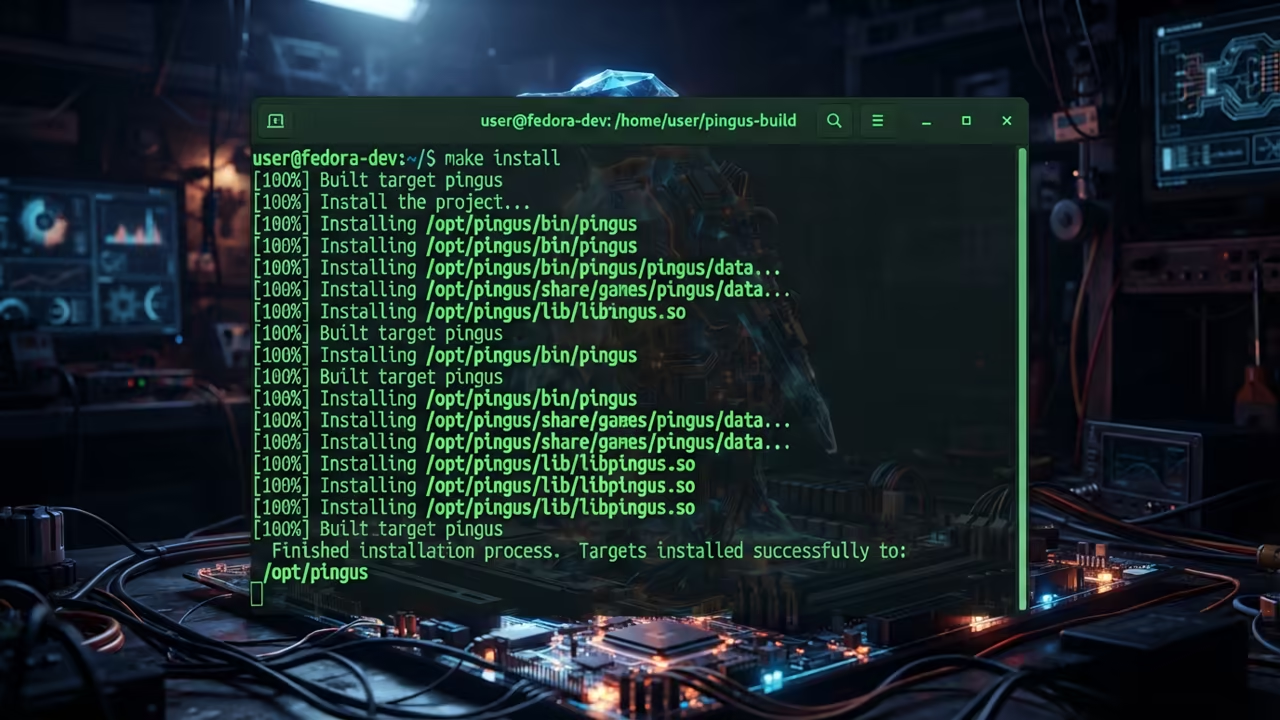
Modern users often struggle with legacy open source software on the latest kernels. Installing via snaps often introduces unnecessary overhead and potential dependency conflicts on Fedora. The secret to peak performance is a manual build with specific optimization flags.
You should utilize a custom prefix to keep your root filesystem clean and organized. This method ensures that the binary is optimized for your specific processor architecture. Execute the following commands in your terminal to deploy the game correctly.
./configure --prefix=/opt/pingus
make -j$(nproc)
sudo make install
sudo ln -s /opt/pingus/bin/pingus /usr/local/bin/pingus
This approach mirrors the efficiency seen in my previous deep dives on kernel optimization. It echoes the architectural breakthroughs discussed in my Raspberry Pi performance guides. The goal is always to remove the middleman between the hardware and the software.
| Parameter | Description | Value |
|---|---|---|
| License | Software Licensing Model | GNU GPL |
| Cost | Financial Barrier to Entry | Free |
| Depth | Core Gameplay Focus | Logic |
| Footprint | System Resource Usage | Tiny |
| Parameter | Description | Value |
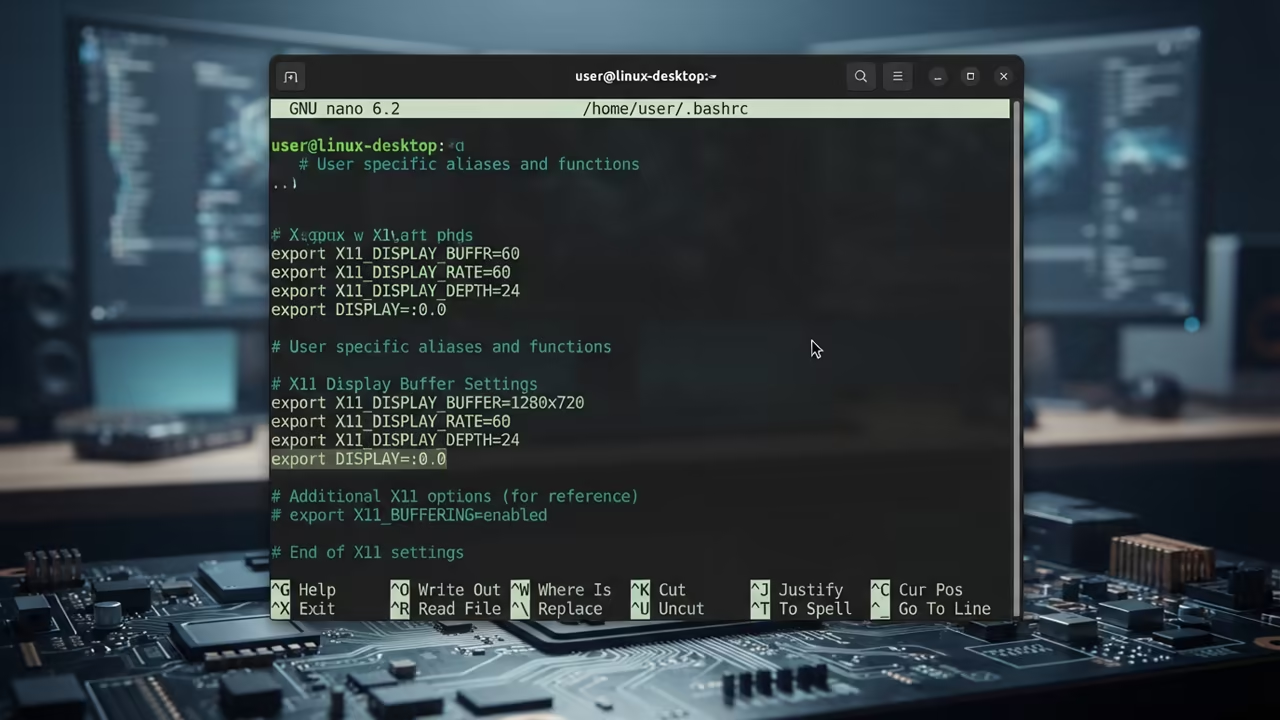
To further optimize the experience you can tweak the environment variables for the X11 stack. Setting the proper display buffer prevents micro stuttering on high refresh rate monitors. This ensures that your penguin movements are frame perfect during critical level transitions.
The logical complexity of the later stages requires a high level of concentration. Each move must be calculated with the same precision as a systems architecture diagram. It is a masterclass in how to design a challenging user experience without bloat.
Learning and Support
Reach out for personalized technical help to optimize your open source gaming stack. Dive deeper into these architectural secrets with my comprehensive online technical tutorials.
Online Tutorials and Technical Help
🚀 Recommended Resources
Disclosure: Some of the links above are referral links. I may earn a commission if you make a purchase at no extra cost to you.