
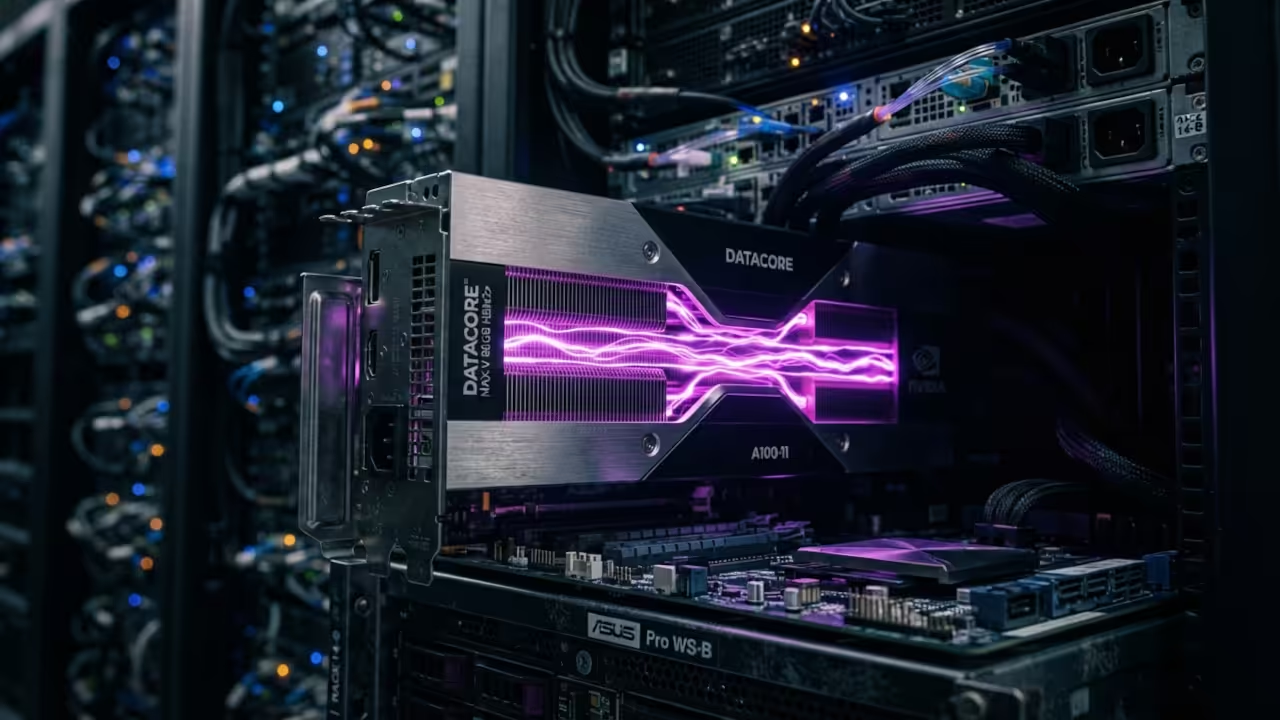
The High Stakes of AI Video Generation
Most AI video tools feel like a gamble with your system memory. You spend hours configuring complex nodes only to watch your GPU crash.
This instability stops now with a streamlined LTX 2.3 implementation. The barrier between static images and fluid cinema has finally collapsed.
The Professional Motion Experience
Imagine clicking generate and watching a high fidelity sequence emerge instantly. The transition to professional motion feels like a genuine technical miracle.
You finally stop fighting with VRAM spikes and fragmented model weights. The system remains responsive while the hardware handles the heavy lifting.
Disclosure: article includes affiliate links.


Technical Foundation for LTX 2.3
Setting up this pipeline requires the LTX 2.3 checkpoint and a compatible encoder. The native ComfyUI nodes manage these models with absolute precision.
Load the checkpoint node first to establish your core model. Connect the CLIP text encode nodes to define your visual parameters.
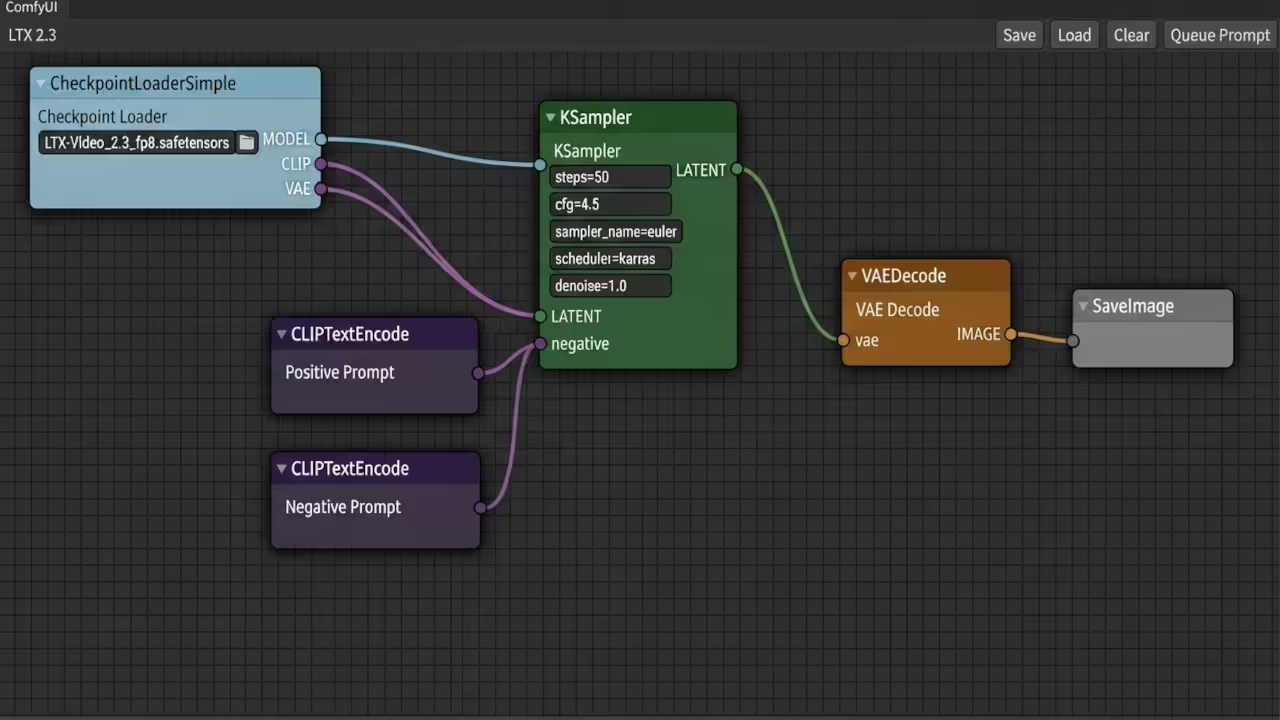
Route the latent image through a KSampler with optimized sampling settings. Use the VAE decode node to transform data into video.
A critical insider detail involves using first last frame interpolation. This technique locks the start and end of your scene perfectly.
It prevents the common drift found in basic text to video setups. This is the secret to consistent professional storytelling in AI.
Integrating the Gemma 3 text encoder drastically improves prompt adherence. The model understands spatial relationships and lighting commands with surgical accuracy.
Ensure your folder structure follows the official ComfyUI directory standards. Place the checkpoints in the models folder for seamless loading.
Advanced Control and Scaling
For absolute control you must implement the IC LoRA structural extensions. These allow for motion tracking and lip syncing with extreme precision.
The union control nodes bridge the gap between guidance and motion. This is where the amateur setups separate from the professional pipelines.
Compare the available model formats to choose your optimal hardware path.
| Parameter | Description | Value |
|---|---|---|
| BF16 | Maximum Visual Fidelity | High VRAM |
| FP8 | High Visual Fidelity | Medium VRAM |
| GGUF | Medium High Fidelity | Low VRAM |
| Parameter | Description | Value |
Selecting the right format depends on your specific GPU architecture. The MI60 handles BF16 well but GGUF is ideal for speed.
This workflow connects perfectly with previous deep dives into ROCm optimizations. Mastering the backend allows the frontend to perform at peak levels.
The architectural breakthrough here is the native integration of LTX 2.3. It removes the need for brittle third party wrappers and scripts.
You can now scale your video production without upgrading your hardware. This efficiency is the cornerstone of a modern AI creative studio.
Learning and Support
Reach out for personalized technical help to optimize your GPU stack. Dive deeper into the architectural secrets with our online tutorials.
Online Tutorials and Technical Help
🚀 Recommended Resources
Disclosure: Some of the links above are referral links. I may earn a commission if you make a purchase at no extra cost to you.