

The Digital Ink Crisis
Digital ink is often a disaster of lag and jitter. Most users settle for mediocre apps that feel like writing on wet soap. This failure destroys the creative flow and makes technical sketching a chore.
The industry has ignored the need for true low latency input. High end tablets are wasted on software that cannot track a fast stroke. This gap creates a massive bottleneck for architects and engineers.
Enter the world of Xournal Plus Plus as the ultimate solution. This tool transforms your screen into a high precision digital canvas. It removes the friction between thought and execution instantly.
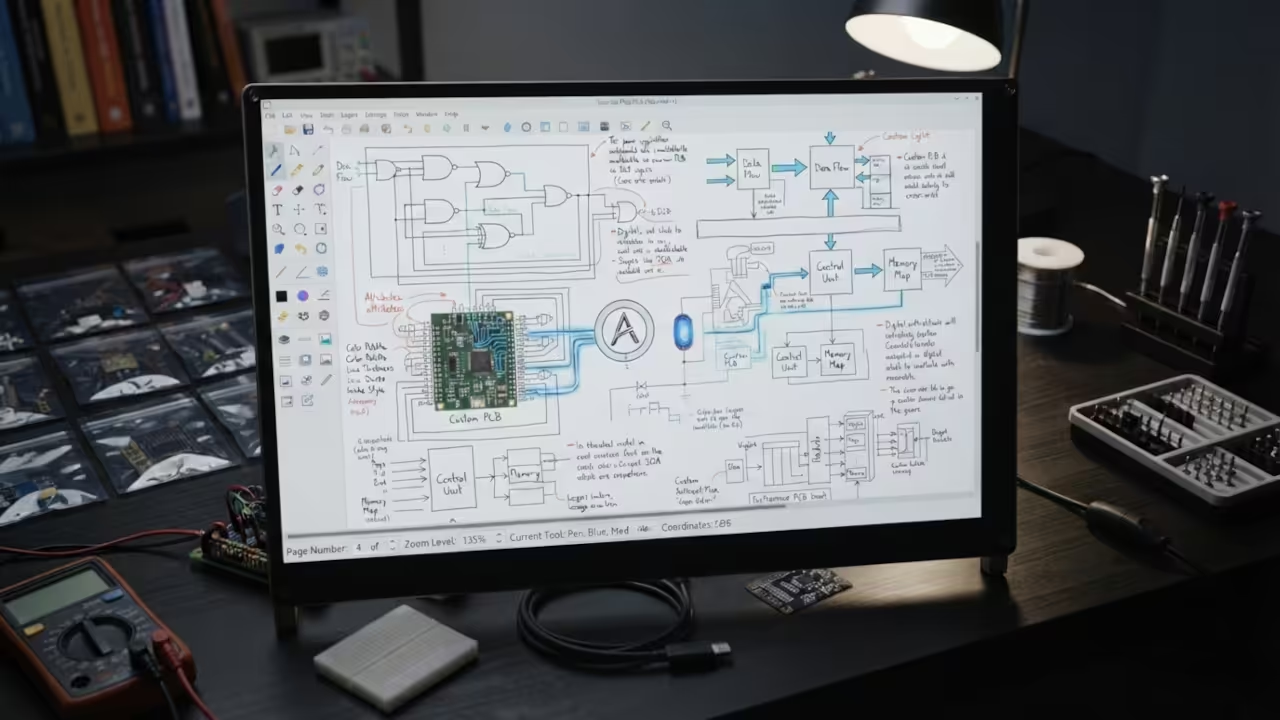
The Fluidity Experience
Implementing this setup feels like upgrading to a professional grade instrument. Suddenly the pen glides across the screen with zero perceptible lag. Every stroke is crisp and follows the hand with surgical precision.
It feels like a physical notebook but with supercomputer power. The fluidity of the ink makes brainstorming feel natural and effortless. You stop fighting the software and start creating real art.
This experience mirrors the optimization logic from our previous deep dive into X11 input latency. Achieving this level of responsiveness requires a deep understanding of event loops. Xournal Plus Plus handles this with incredible efficiency and grace.
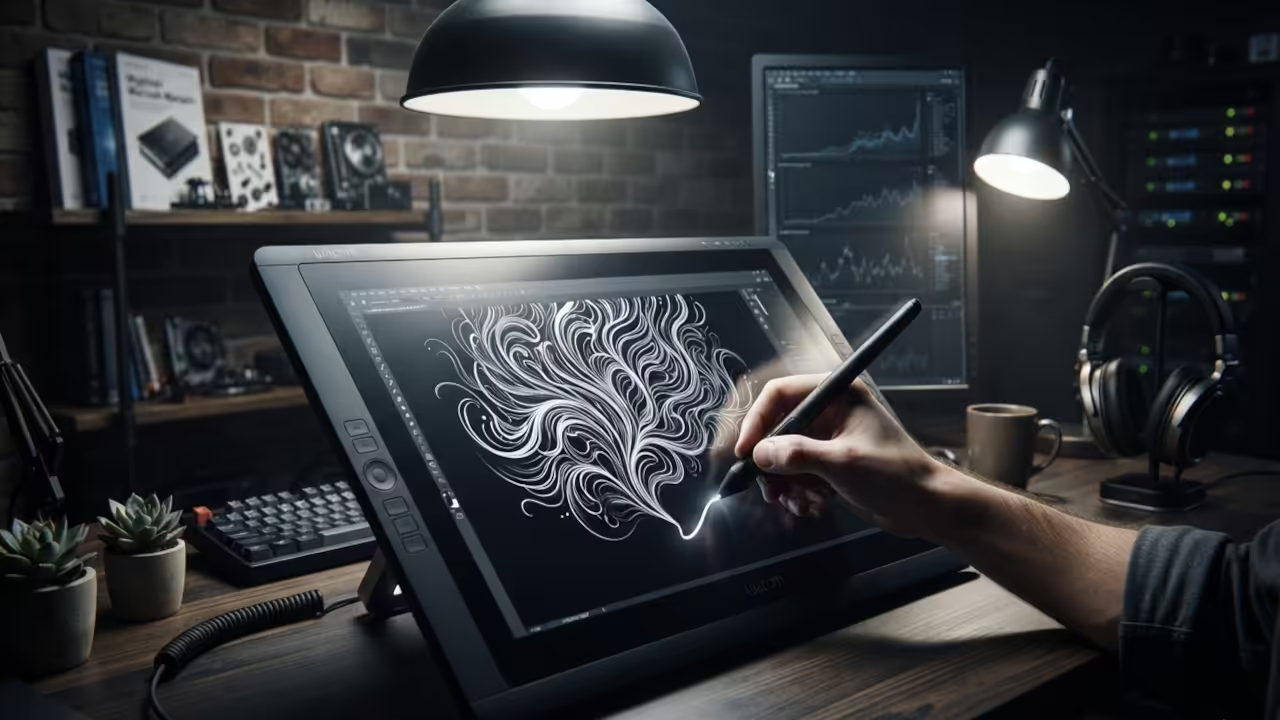
The software leverages the same efficiency principles found in our ROCm architectural breakthrough. By minimizing the overhead between the hardware and the screen, it wins. This creates a seamless bridge between the stylus and the pixels.
The Power User Configuration
To unlock pro level results, navigate to the Input System tab. Set the Input Stabilization value to exactly seven for optimal results. This filters out microscopic hand tremors and creates perfectly smooth professional lines.
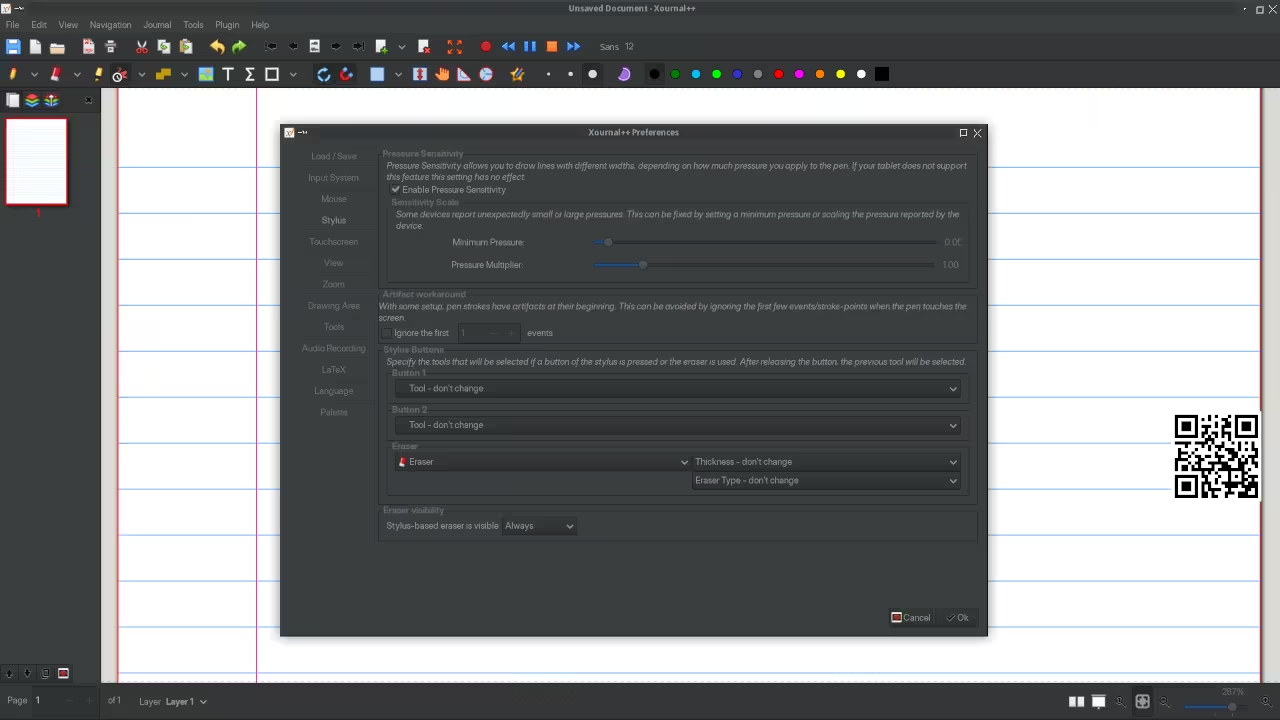
Another secret lies in the pressure curve customization menu. Adjusting the curve allows the ink to flow based on your grip. This creates a dynamic line weight that mimics real ink pens.
For Fedora users, installing the tool is a simple process. You can execute the following command in your terminal to start.
sudo dnf install xournalpp
Data Ownership and Architecture
The power of this tool extends to its open XML format. This allows power users to script their note extraction processes easily. You can automate the conversion of handwritten notes into structured data.
This flexibility is a game changer for long term project archives. No more locking your data into a proprietary cloud ecosystem. You own every single pixel and every single vector created.
| Parameter | Description | Value |
|---|---|---|
| Input Lag | Time between pen movement and screen update | Near Zero |
| Stylus Support | Pressure and tilt sensitivity integration | Full Pressure |
| Open Format | File accessibility and data ownership | XML Based |
| Plugin System | Ability to extend core functionality | Extensible |
| Parameter | Description | Value |
Hardware Synergy and Integration
Even the hardware synergy is impressive on a Raspberry Pi Zero W. When configured correctly, the lightweight nature of the app shines through. It proves that high performance note taking does not require a workstation.
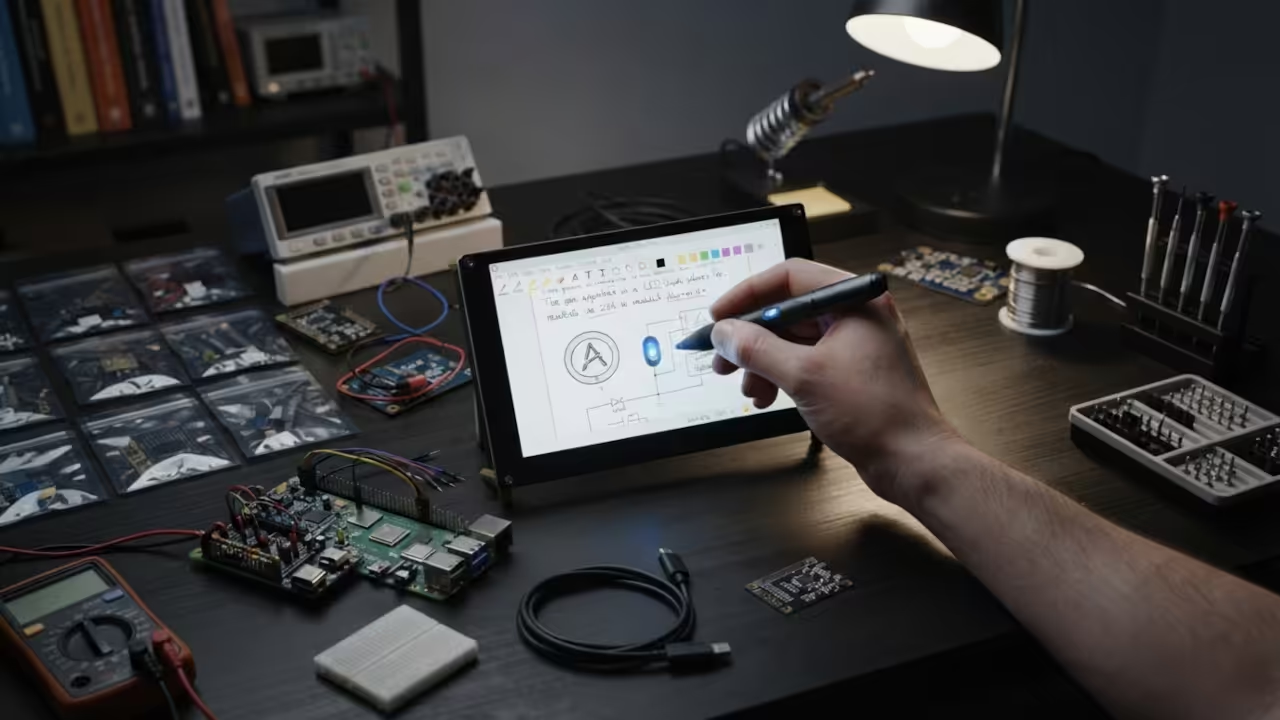
This aligns with our ongoing research into edge computing and local data. By keeping the processing local, you eliminate cloud based synchronization delays. The result is a snappy and reliable user experience.
The integration of custom plugins allows for advanced geometry and math tools. You can snap lines to grids or create perfect circles instantly. This turns a simple note app into a drafting powerhouse.
Many professionals use this for real time collaboration during remote sessions. Sharing a high precision canvas makes technical explanations much clearer and faster. It removes the ambiguity of using a mouse for diagrams.
Learning and Support
Reach out for personalized technical help to optimize your digital workflow. Dive deeper with our online tutorials to master your creative stack.
Online Tutorials and Technical Help: https://ojambo.com/contact
🚀 Recommended Resources
Disclosure: Some of the links above are referral links. I may earn a commission if you make a purchase at no extra cost to you.
Leave a Reply