

The Visual Merge Revolution
The nightmare of merge conflicts often turns a productive afternoon into a stressful disaster. Most developers struggle with the cryptic markers left behind by standard version control tools.
Manual diffing in a terminal is slow and prone to catastrophic human errors. You risk deleting critical logic while trying to resolve a simple line conflict.
The Power of Visual Clarity
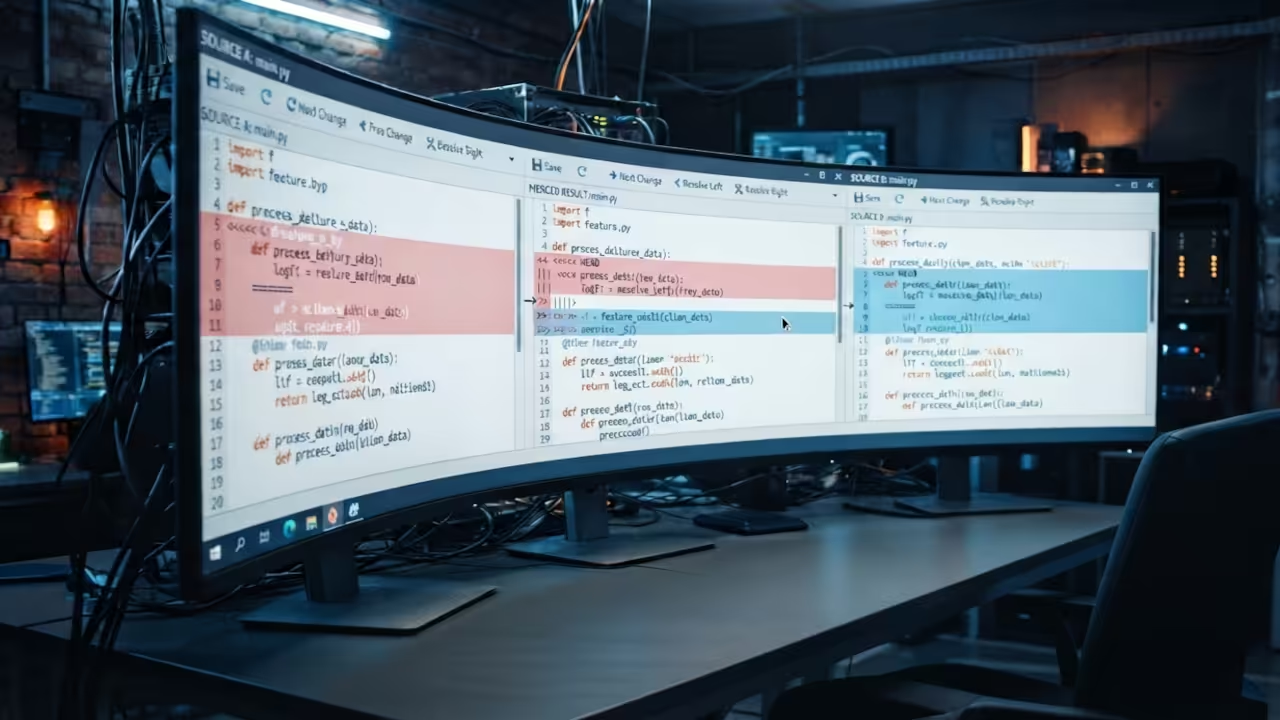
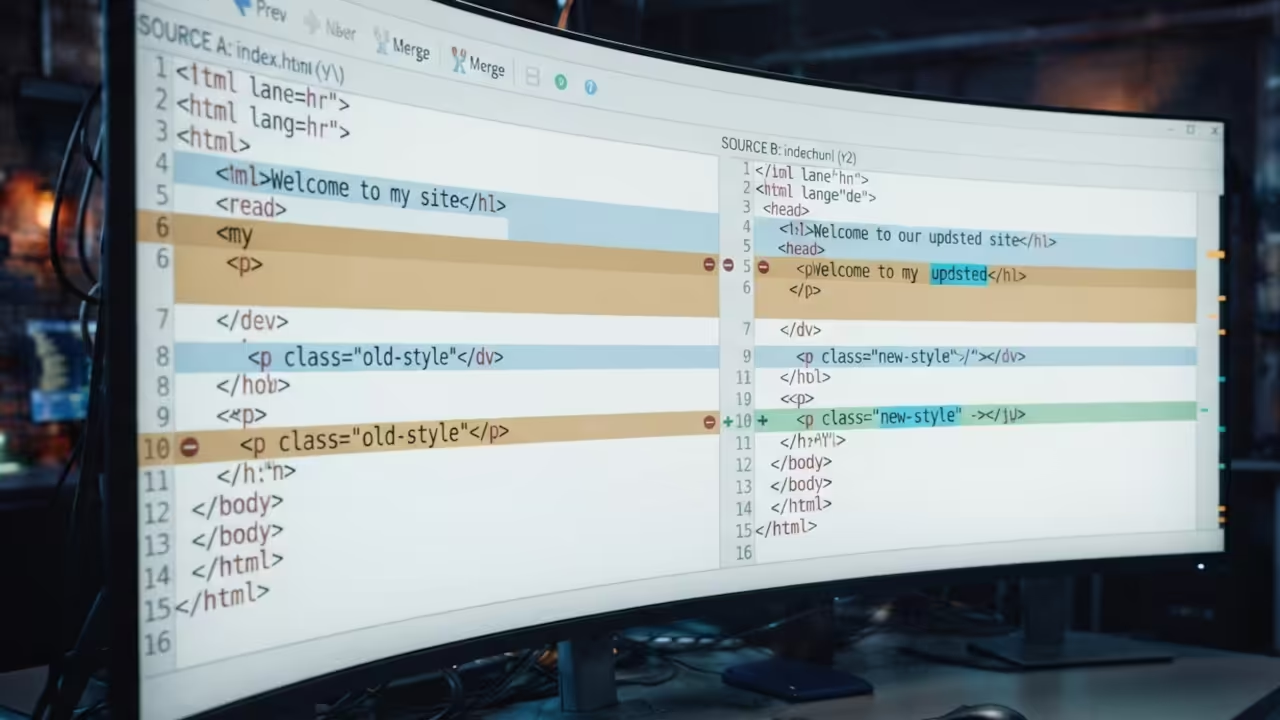
The moment you activate a professional visual merge tool the chaos vanishes instantly. You see three distinct panes of code aligning perfectly in a synchronized dance.
It feels like gaining a superpower that allows you to peer through the noise. The anxiety of breaking the build disappears as every change becomes visually obvious.
Architectural Precision in Version Control
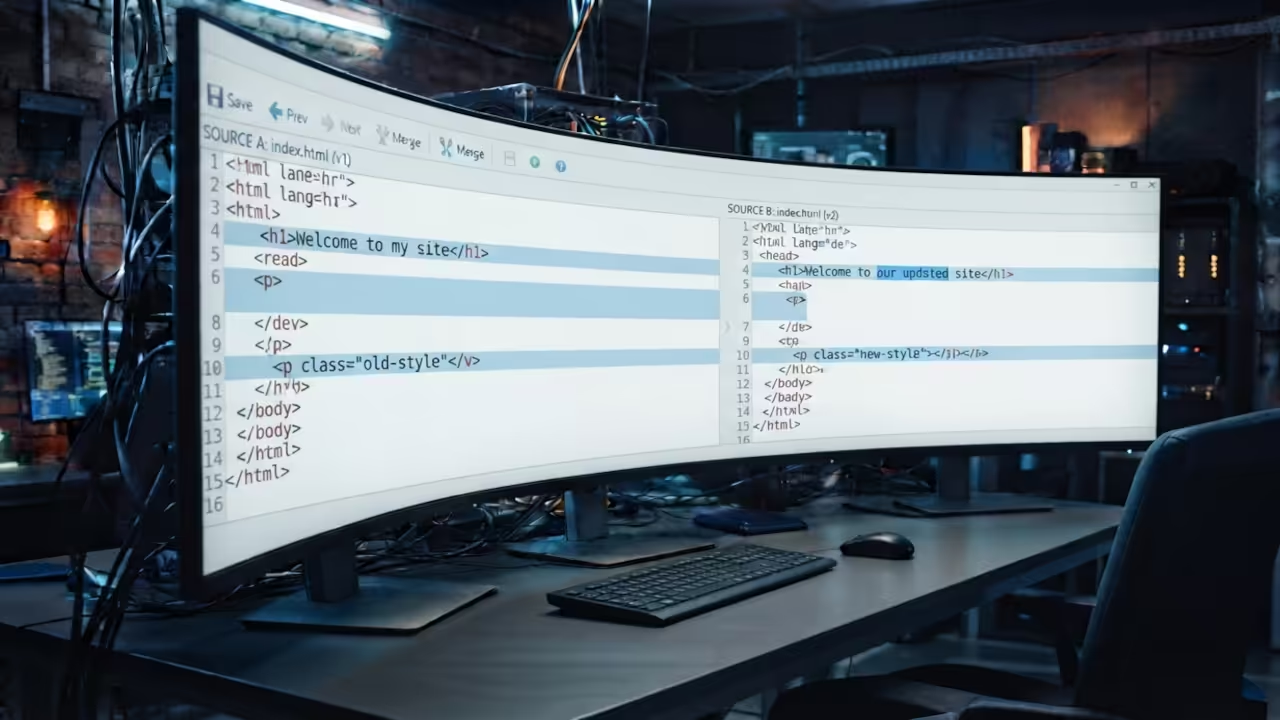
Meld provides a high fidelity environment for comparing files and entire directory structures. It handles two way and three way merges with a level of precision that is unmatched.
This tool integrates deeply with version control systems to simplify the review process. You can track changes across branches without losing your mental map of the project.
This approach mirrors the architectural breakthroughs we explored in previous deep dives on system optimization. It is the same philosophy of reducing cognitive load to increase raw output.
Integrating the Professional Stack
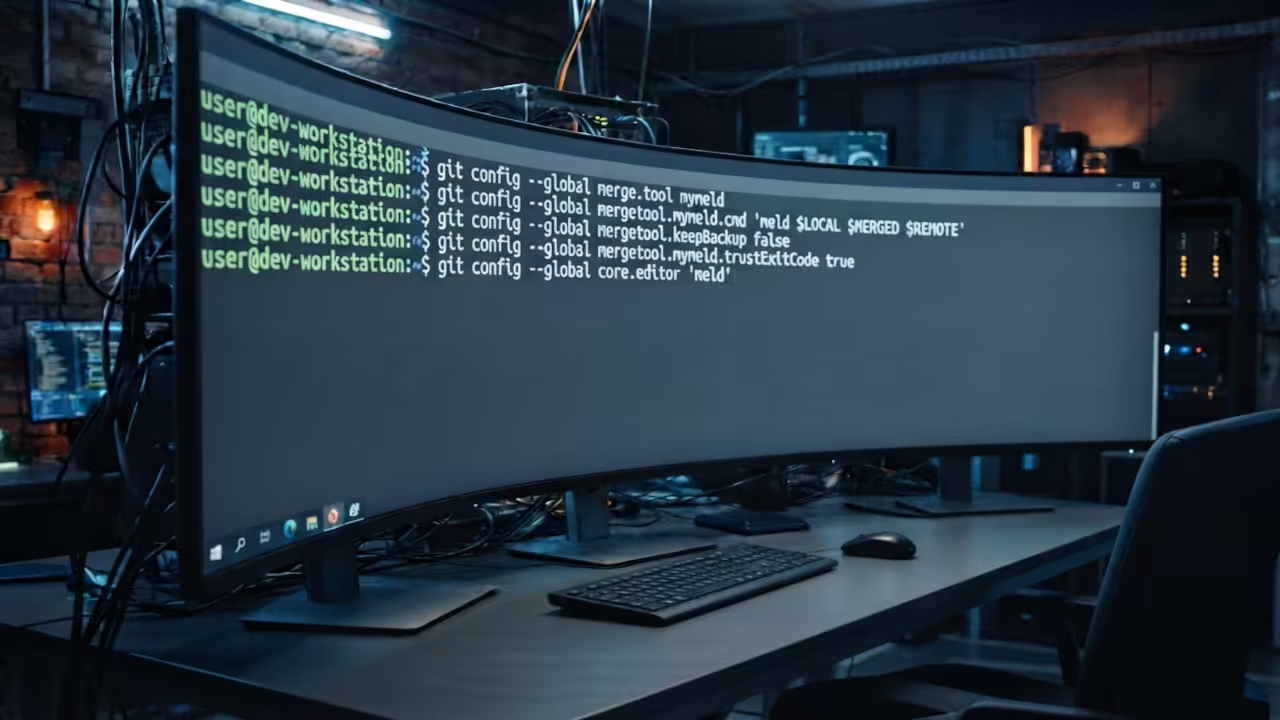
To unlock the full potential you must configure your environment for automatic integration. This ensures that the tool launches the moment a conflict is detected by Git.
Run these specific commands in your terminal to bind the tool to your workflow.
git config --global merge.tool meld
git config --global differ.tool meld
This insider configuration removes the need to launch the app manually every time. It transforms your version control experience into a seamless visual operation.
Efficiency Analysis
When comparing tools the difference in efficiency becomes apparent through a direct feature analysis. Professional workflows require a balance of speed and visual clarity.
| Parameter | Terminal Diff | IDE Built-in | Meld Visual |
|---|---|---|---|
| Visual Clarity | Low | Medium | High |
| Merge Speed | Slow | Medium | Fast |
| Dir Comparison | Basic | Limited | Advanced |
| Conflict Logic | Textual | Semi-Visual | Full-Visual |
| Parameter | Terminal Diff | IDE Built-in | Meld Visual |
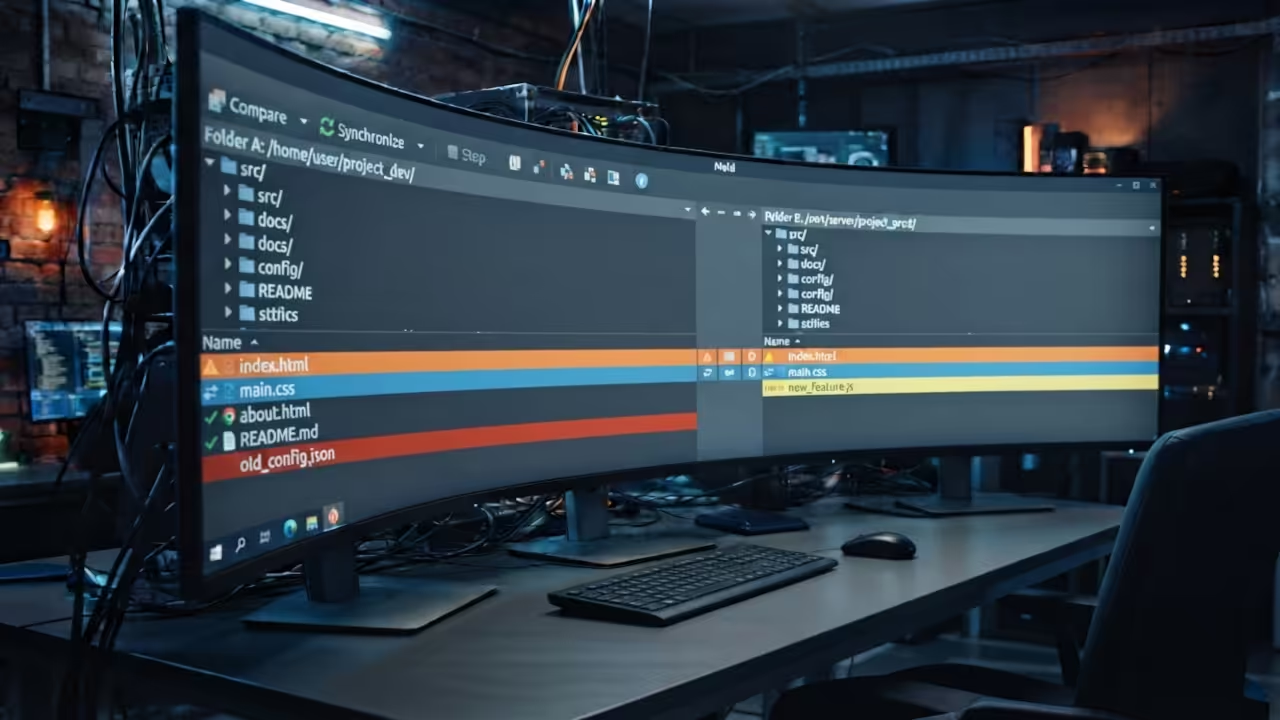
The ability to compare entire folders allows you to spot missing files instantly. This is a critical advantage when syncing local environments with remote production servers.
Integrating this into your stack is a logical step for anyone scaling their projects. It aligns perfectly with the high impact strategies used in professional software architecture.
You will find that your code reviews become faster and far more accurate. The visual cues guide your eyes to the exact line that needs attention.
This eliminates the guesswork and allows you to focus on the actual logic of the code. It is a fundamental shift from fighting the tool to mastering the craft.
Learning and Support
Reach out today for personalized technical help to optimize your development environment. Dive deeper into these secrets with our comprehensive online tutorials.
Online Tutorials and Technical Help: https://ojambo.com/contact
🚀 Recommended Resources
Disclosure: Some of the links above are referral links. I may earn a commission if you make a purchase at no extra cost to you.
Leave a Reply